Facebook-owned messenger app Whatsapp, allows up to eight people to participate in a group video call.
This feature tells you everything you need to know about making group WhatsApp video calls, which are available on both iOS and Android, as well as the WhatsApp desktop.
WhatsApp has long supported voice and video calls and introduced group video chats in 2018. As we mentioned, you can make a group call with up to eight people simultaneously. Competitors like Google Duo offer up to 32.
Formerly, you needed to start a one-on-one voice or video call like normal on WhatsApp and then add multiple other participants to make it a group call. However, it's much easier nowadays.
It's worth noting that during any video call, you always have the option to turn off your video to revert to a voice call and/or mute your microphone.
To call a group, they need to be an existing WhatsApp group. To make a group, go to the Chats tab and tap 'New Group' at the top your chats. The group participants need to be in your contacts.
You can also tap the New Chat icon and then select New Group.
After you've created your group, or opened the group of people you want to video call, you'll need to tap the video icon in the top right corner. This will appear if you there are eight people or less in the group. Once you tap that, the group video call will begin.
If the group has more than eight people in it, you'll need to creat a room where you select up to seven other participants for the video call. In the group, tap on the call icon with the "+" in the top right corner and select your participants. If people in the group aren't in your contacts, they won't appear in this list.
Once you have selected your participants, tap the blue video icon - you can also tap the phone icon if you just want voice.
When participants receive a group video call, the incoming call screen shows the participants currently on the call.
If you want to start by placing a one-on-one call, this bit is for you. Just open the chat with the contact you want to voice call, then tap Voice call (phone icon) or Video call (camera icon).
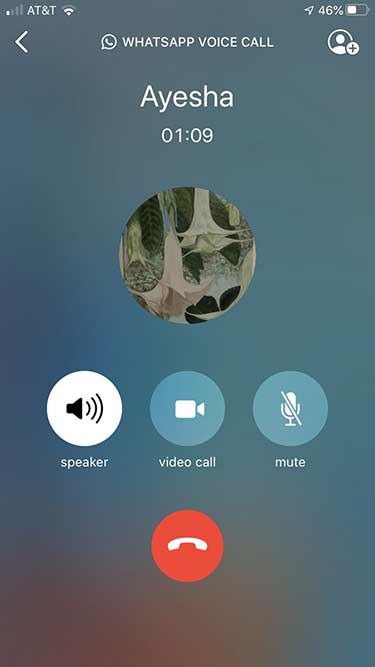
After placing a one-on-one voice or video call, you will see an add participant button in the top right corner in the form of a person icon in a circle with a "+". Tap it to add more contacts to the call.
We have a separate feature that tells you how to make a group video call on WhatsApp desktop. The feature currently isn't available for WhatsApp web. You can find all the information on making a group video call on WhatsApp desktop by clicking here.
As a summary, you'll need the below for it to work though:
 You phone needs to be online to establish the call, but the call won't go through your phone.
 In July 2021, WhatsApp finally introduced the ability to join a group call, even after it’s started. "Joinable calls reduce the burden of answering a group call as it starts, and brings the spontaneity and ease of in-person conversations to group calling on WhatsApp," the company explained in a blog post.
Now, if you miss a group call when the phone rings, you can still join whenever you want. You can also drop-off and re-join so long as the call is still ongoing. WhatsApp has also created a call info screen so you can see who is already on the call, and who has been invited but not yet joined. If you simply don't feel like joining a group call, you can always hit "Ignore". But you can still join later, if you change your mind, from the calls tab in WhatsApp.
For further details and step-by-step instructions, check out WhatsApp's FAQ page.
Group calls are "always end-to-end encrypted," according to WhatsApp. They're also designed to "work reliably" in various network conditions, although we'd ensure you have a strong data signal when you're making group video calls.
/
By Aliya Chaudhry
|
Photo Illustration by Mateusz Slodkowski/SOPA Images/LightRocket via Getty Images
Part of /
The Verge Guide to staying connected
Being able to stay in touch while social distancing is really important, which is why we’ve come to rely on apps that help you make group calls. WhatsApp, which sends messages over the internet rather than SMS, has become a popular alternative to texting, but it also lets you make calls. On WhatsApp, you can do an audio-only or video group call with up to eight people. WhatsApp is a good alternative to Zoom for smaller groups as it uses end-to-end encryption (unlike Zoom).
WhatsApp is available for both iOS and Android, so you can easily chat with or call people even if you don’t all have the same kind of phone. While you can access WhatsApp from your browser or download the desktop version of the app, you can only make and answer calls on mobile. You will need to set up an account on the app (and if you’re smart, secure it properly) in order to use it.
One of the drawbacks of group calls on WhatsApp is that you can’t switch a group call between audio-only and video once you start the call. To switch, you’ll have to hang up and start the call again.
While the interface looks a little different on Android than it does on iOS, the basic steps for making group calls are the same. Here’s a step-by-step guide on how to make group calls on WhatsApp:
From the “Calls” section:

From a group chat:
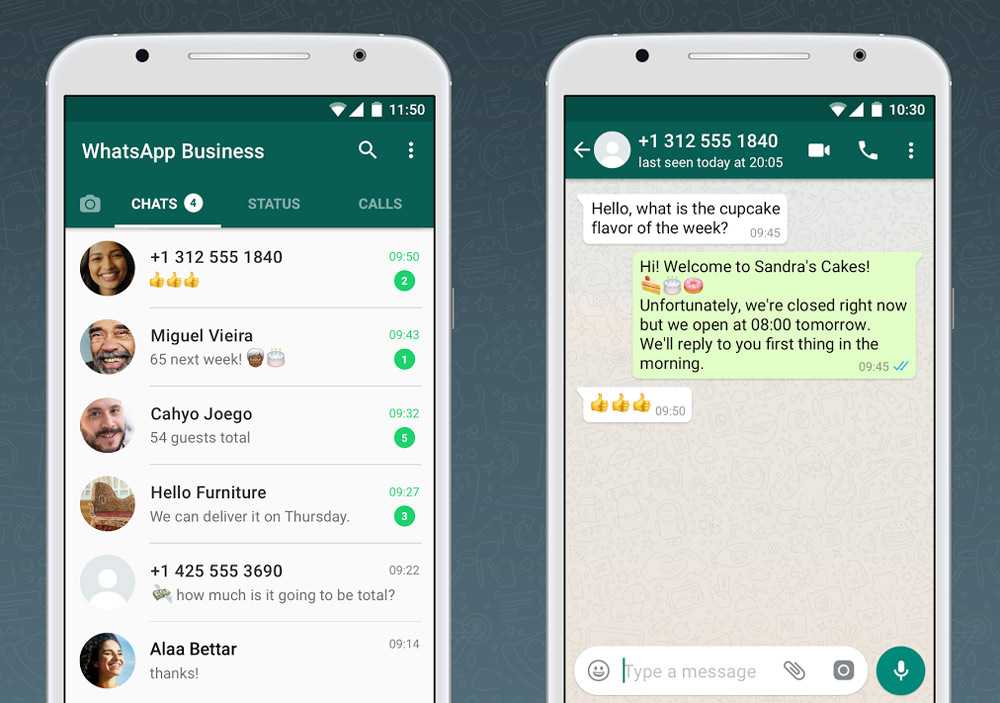 The names of the members of the group chat will pop up. Select who to add to the call by tapping the circles next to their names.
You can also add more people to a one-on-one call. Here’s how:
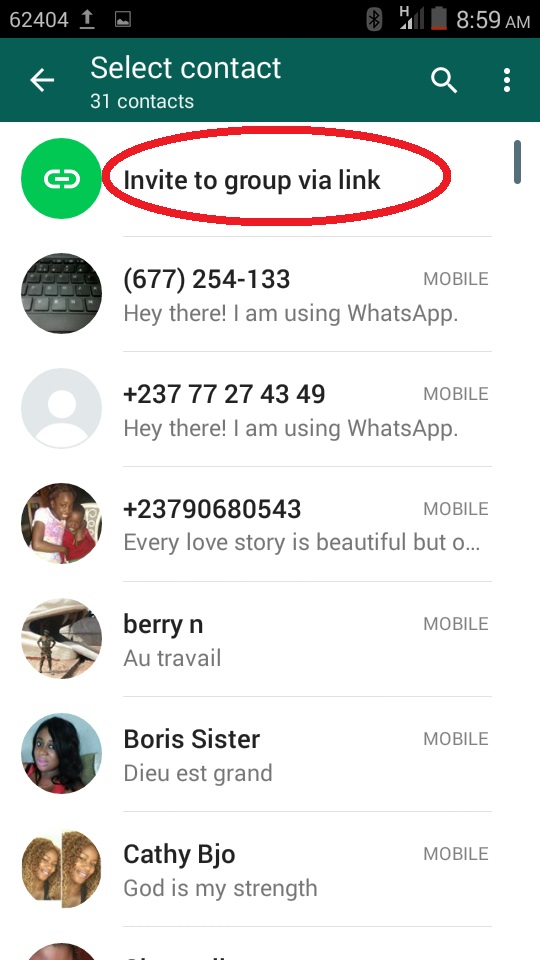 Tap “Add” to let them join the call.
Update April 13th, 9:57AM ET: This article has been updated to include that WhatsApp is rolling out a feature that will let users place calls directly from group conversations.
Update April 29th, 5:17PM ET: This article has been updated to reflect WhatsApp has increased the limit on group calls from four to eight, and the instructions have been edited to incorporate WhatsApp’s previous update that lets users place calls directly from group conversations.
Vox Media has affiliate partnerships. These do not influence editorial content, though Vox Media may earn commissions for products purchased via affiliate links. For more information, see our ethics policy.
Most Popular
Continuation of the story from
Stories
Stories
Anna Polyakova
Editor (RB)
Anna Polyakova
WhatsApp allows you to hold small video conferences for up to four people.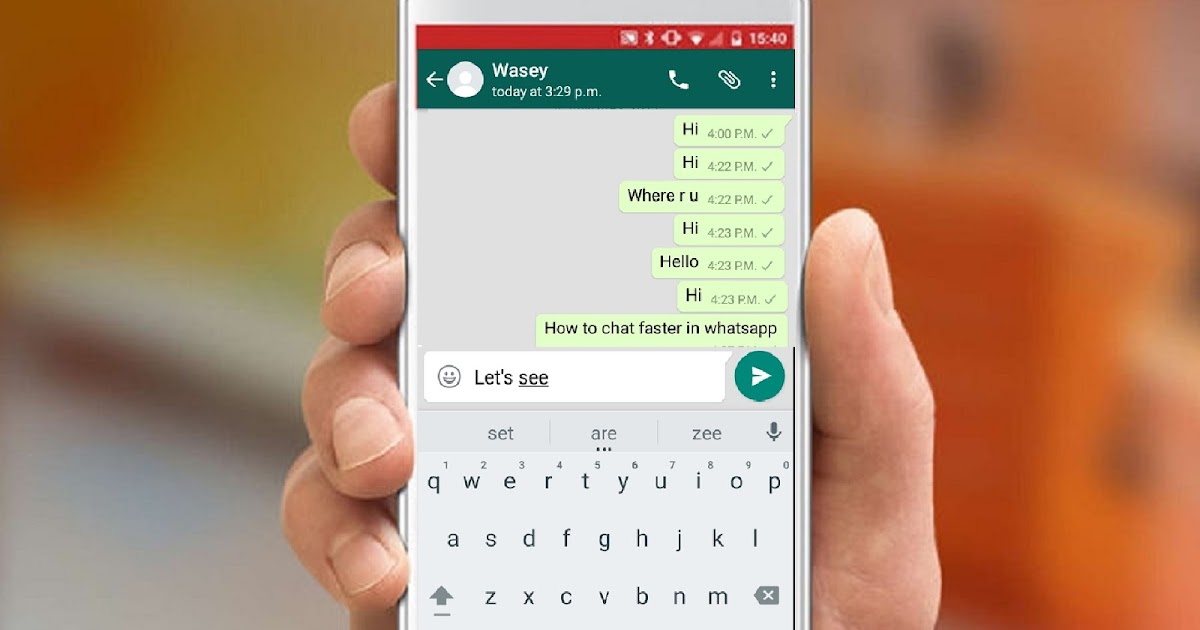 This service compares favorably with FaceTime by its availability on both iOS and Android, and from Zoom by the presence of end-to-end encryption. How to set up a group call on WhatsApp.
Anna Polyakova
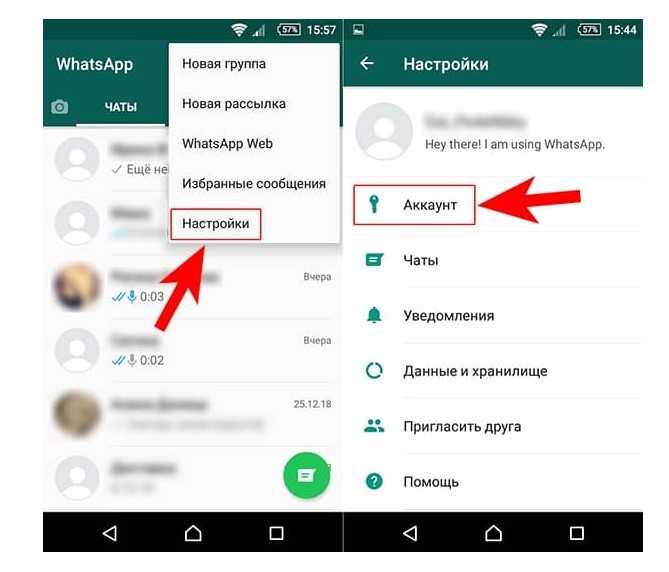
WhatsApp is now releasing an update that will allow you to initiate calls directly from group chats of up to four people. Right in the conversation, buttons will appear to start a video or audio call without intermediate steps. WhatsApp says that this feature is not yet available to all users.
Source.
Photo: The Verge
Found a typo? Select the text and press Ctrl + Enter
09 April 2023
FOSS Kruzhok
April 10, 2023
Internship program at Kaspersky Lab
April 10, 2023
Free franchise business package
All possibilities
Analytics
Lists and ratings
News
News
Stories
Top
04/29/2020
Author: Olga Dmitrieva
1 star 2 stars 3 stars 4 stars 5 stars
WhatsApp's latest update brings a long-awaited feature: the ability to create group audio and video chats. About how to start a video conference in WhatsApp or call several people at once, we tell in our article.
While this feature is not available to all users, it is being rolled out gradually for different regions. Group calls can only be made by those who have installed the current version of WhatsApp.
If you need to have more than four people in a conference, use other programs. We talked in detail about free video chat services in a separate article.
Programs and applications
5 free video communication services: work and study remotely
First, download WhatsApp on your smartphone or update the app.