As far as history goes, we’re living in charmed times — but Shakespeare never had to write an Instagram bio (and let’s face it, the man wasn’t known for being concise). Typing those fateful words into your profile is stressful, and for good reason: your Instagram bio is often the first place other users will look when they’re deciding whether or not to follow you.
Here’s everything you need to know about Instagram bios, and how to write one worthy of a three-act play. Wherefore art thou bio?
What is an Instagram bio?
What makes a good bio for Instagram?
10 Instagram bio ideas
13 Instagram bio tricks you may not know about
Instagram bio templates
Bonus: Unlock 28 inspiring social media bio templates to create your own in seconds and stand out from the crowd.
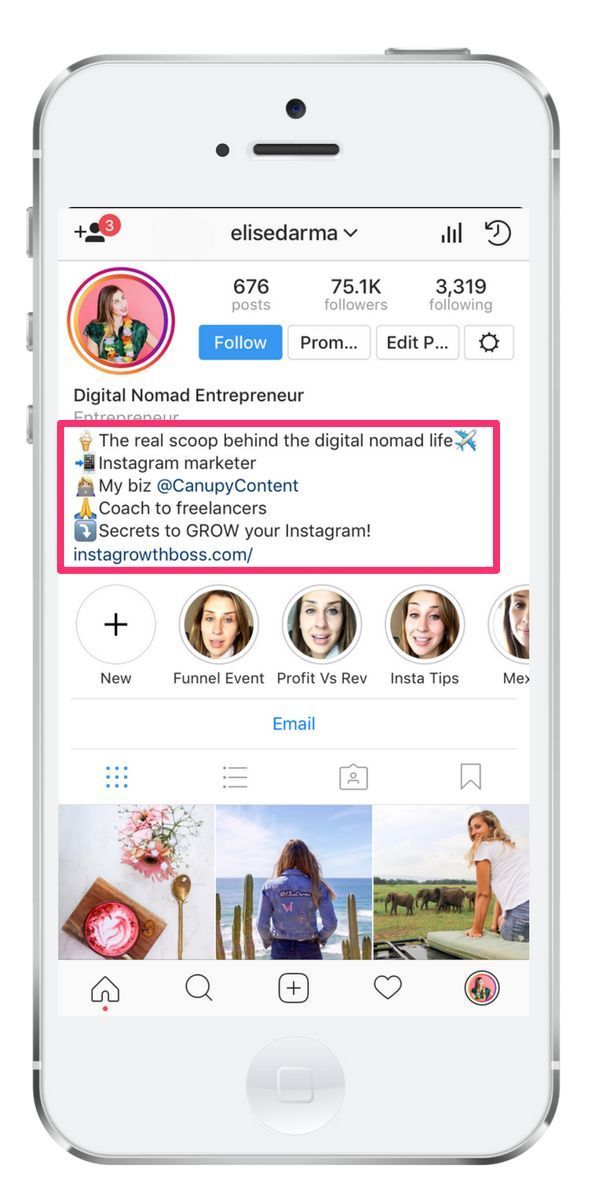
A bio on Instagram is a description of your account that can be up to 150 characters long and sits at the very top of your profile page, next to your profile picture. It’s a snapshot of your Instagram account and a quick way to show users who you are and what you’re about.
Because of the limited character count, an Instagram bio needs to be concise, easy to read and informative… but don’t be afraid to have fun with it. Emojis and jokes are fair game, even for professionals using the platform. After reading your bio, people should understand what you do and why they should follow you.
A good Instagram bio is a bio that users can’t resist interacting with, whether it’s by slamming that “follow” button, scrolling through (and liking and commenting on) your content, watching your story highlights or sending your Instagram profile to friends. The best Instagram bios are short and sweet, and genuinely convey your personality as a creator or brand.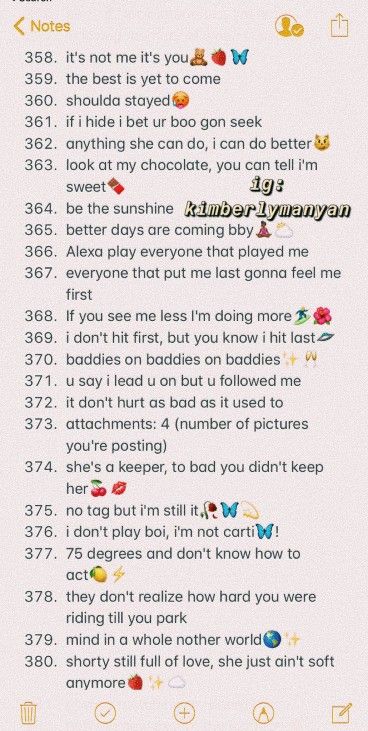
For more details, watch our video on making the PERFECT Instagram bio:
When you’re dreaming up your bio, try asking yourself these questions — especially if you’re using Instagram for business:
On that last point: All good marketing materials should include a clear and compelling call to action. Good Insta bios are no exception.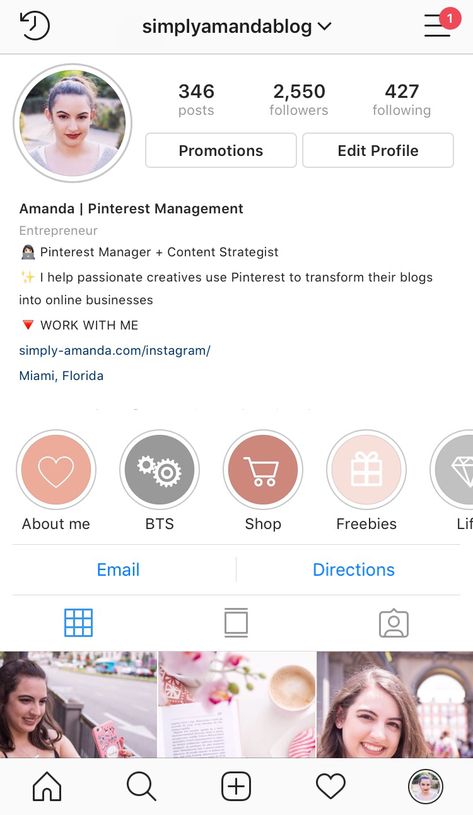 Give visitors clear direction if you want them to click the link in your bio, follow your account or take a different specific action.
You might want to add a link to your bio to send people to a page where they can buy your products, or you might have a different conversion goal in mind. Maybe you want people to Like your Facebook page, follow you on TikTok or sign up for your newsletter.
If your goal is to build an Instagram following, your call to action might be simply to ask visitors to press that follow button, or to share their photos with a branded hashtag.
If you’re feeling a little stuck, no fear — there are literally 1.22 billion Instagram users you can get inspiration from. Here are a few bio ideas for Instagram to get you started.
Unfortunately, there’s nothing less funny than trying to be funny. The key to a comedic Instagram bio is keeping honest, like this one from a drink brand.
Source: @innocent
Playing to your audience — and embracing how they see your brand — is another way to get laughs.
Source: @buglesmemes
And when all else fails, being quippy and somewhat vague is also a good source of comedy. If chaos is your brand, embrace it.
Source: @fayedunaway
Using Instagram bio quotes can be a great way to express an idea or create a feeling of connection.
You could use a saying, a line from a poem or song, or any phrase that will mean something to potential followers. Just make sure to give credit where credit is due if you use someone else’s words.
The Quotations Page is a good place to start your search for good Instagram bio quotes.
Here are 15 quote ideas you can copy and paste directly into your Instagram bio.
 Creative Instagram bios
A bio may only be 150 characters, but that’s more than enough to stretch that creative muscle. During the launch of Netflix’s Heartstopper, the company changed their bio to an invite for the main actors to start a band.
Source: @netflix
This bio from Crocs is so creative, it takes a second to understand — we’ll let you read it before spoiling.
Source: @crocs
Did you get it? It’s “If you ain’t Croc-ing, you ain’t rocking.”
If you can’t make up your mind, do it all. Insta-famous Italian greyhound Tika has emojis, a quote from Lizzo, “Fashion Model” and “Gay Icon” status, and a link to her book in her bio. Impressive (but not as impressive as a dog writing a book).
Source: @tikatheiggy
“All your friends are so cool, you go out every night” — Olivia Rodrigo. Who is pretty cool herself: this short, informative and rhyming bio says it all.
Source: @oliviarodrigo
Another way to up the cool factor: commit an ultimate branding faux pas and don’t introduce yourself in an easily identifiable way. For example, most folks would identify Serena Williams as a tennis superstar. In her Instagram bio, she’s simply “Olympia’s mom.” It feels very true to her, and that’s cool.
Source: @serenawilliams
There’s a pattern here — ”cool” and “short” go hand-in-hand. If you want a cool bio for Instagram, being too wordy won’t help. If that’s what you’re going for, try and be as concise as possible. Like Lizzo.
Source: @lizzobeeating
Speaking of short — if you don’t need 150 characters, don’t use them. Dating app Bumble’s bio simply prompts folks to make the first move.
Source: @bumble
Fewer words makes the words you do use more powerful, and really makes a statement.
Source: @bobthedragqueen
Or, you can go in a totally opposite direction and write a short bio that few, if any, will understand. You do you.
Source: @kirstentitus
A clever Instagram bio will score a chuckle (and hopefully a follow) from users. Stay self aware and lighthearted, and the cleverness will come. Old Spice’s bio is a play on the bizarre masculinity that’s present in men’s deodorant branding.
Source: @oldspice
Tiffany Haddish hypes herself, but stays humble in her Instagram bio.
Source: @tiffanyhaddish
And sometimes, the cleverest route is the simplest: in a world of people trying to be as cool as possible, artist Allie Brosh just tells it like it is, and really stands out.
Source: @allie_brosh
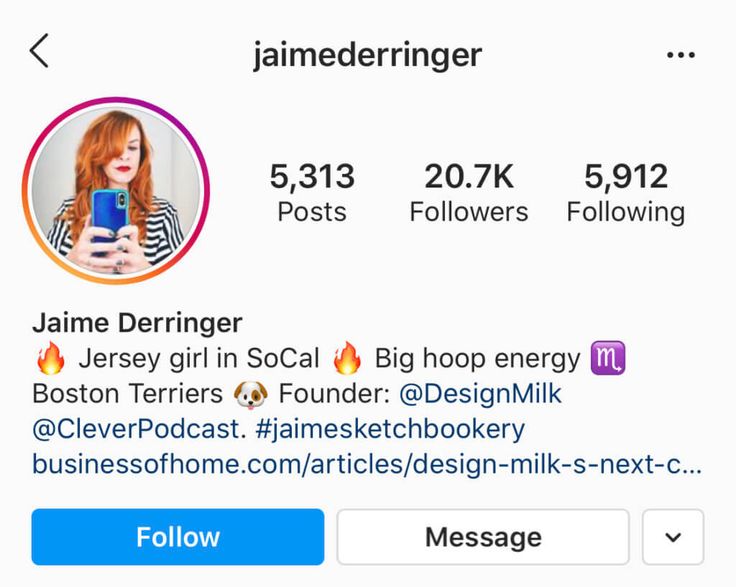
Emojis are like cheating (the good kind). When words fail, emojis are there. Designers Josh and Matt describe their relationship, career, home base and pets all in a single line of emojis.
Source: @joshandmattdesign
You can also use emojis like bullet points for a super-aesthetic look.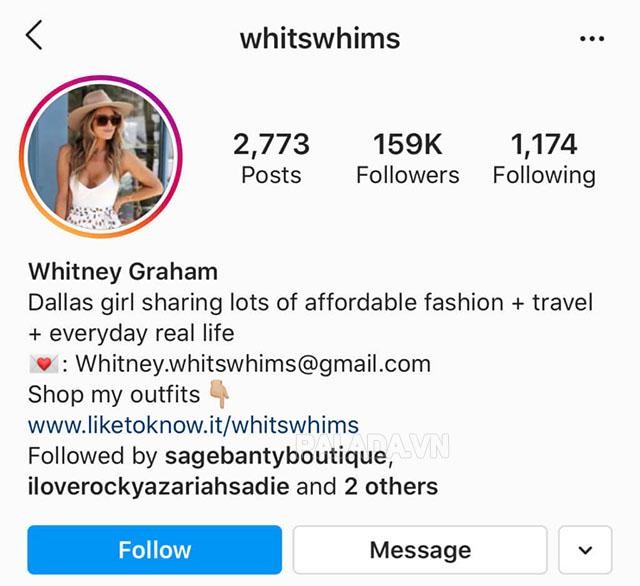
Source: @oliveandbeanphoto
Or, go with the classic (if it ain’t broke, don’t fix it) and substitute emojis for the words they represent — hearts for love, etc.
Source: @pickle.the.pig
If you’re using Instagram for business, a bio can be a great place to introduce yourself (more and more folks are using social media to research brands). Kraft peanut butter has a great example of a succinct bio that describes their company.
Source: @kraftpeanutbutter_ca
Businesses can also use their bio to describe their brand ethos, and what makes them different from others in the industry.
Source: @ocin
If you’re doing affiliate marketing or partnering with other businesses, a bio is a good place to put discount codes or promotions related to those affiliations.
Source: @phillychinchilly
Your link in bio is a rich place for users to gain more resources and information about your brand. Make sure your audience sees it by pointing to it. Yeah, we mean literally. Clothing brand Free Label uses their bio to identify what the link is (in this case, a path to their latest launch).
Source: @free.label
In a similar fashion, artist Zoe Si uses her bio to point to her latest book, which is accessible through her link in bio.
Source: @zoesees
Sometimes, you just want the facts. Having the answer to your most frequently asked questions — in the example below, that’s probably “When are you open?” — can pay off. It might not be fun, but it’s simple and clear.
Source: superflux.cabana
Hungry for more? We got you. Here are some tips to make sure you have the best bio for Instagram.
Technically, you can only use one “font” in your Instagram bio. But there are tools out there that will help you create the look of a custom font by mapping your text to existing special characters.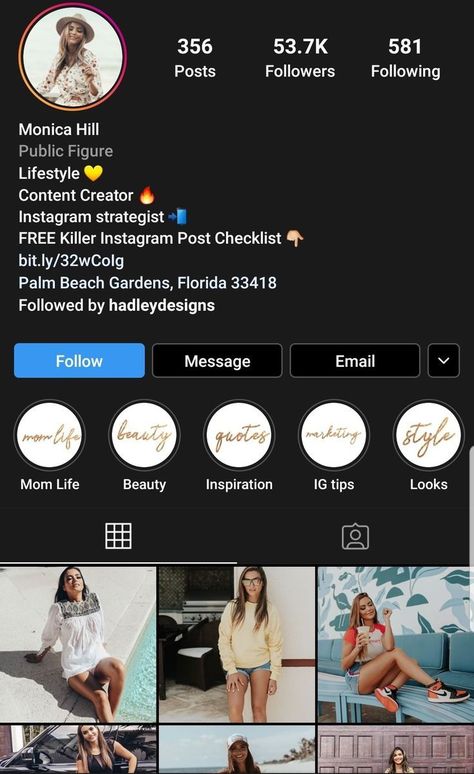
Here’s an example of what Hootsuite writer Christine’s bio looks like in a few different fonts, as created using the tool Instagram Fonts.
That third one is a little bonkers, but you could pick and choose a few words to incorporate strategically for visual appeal. In general, it’s a good idea to use this trick sparingly, for emphasis, rather than dressing your entire bio up in fancy fonts.
Once you find a font style you like, just copy and paste it into your Instagram bio.
We’ve already talked about using emojis. But you can also go old-school and use special text symbols to break ★ up ★ your ★ bio. (Remember Wingdings and Webdings? How very 1990s.)
This trick uses the same principle as the tip above, but instead of using symbols to create the look of a custom font, you can use them as retro emojis or unique bullet points:
Source: @blogger
The easiest way to find your special character is to open a new Google Doc, then click Insert and choose Special characters.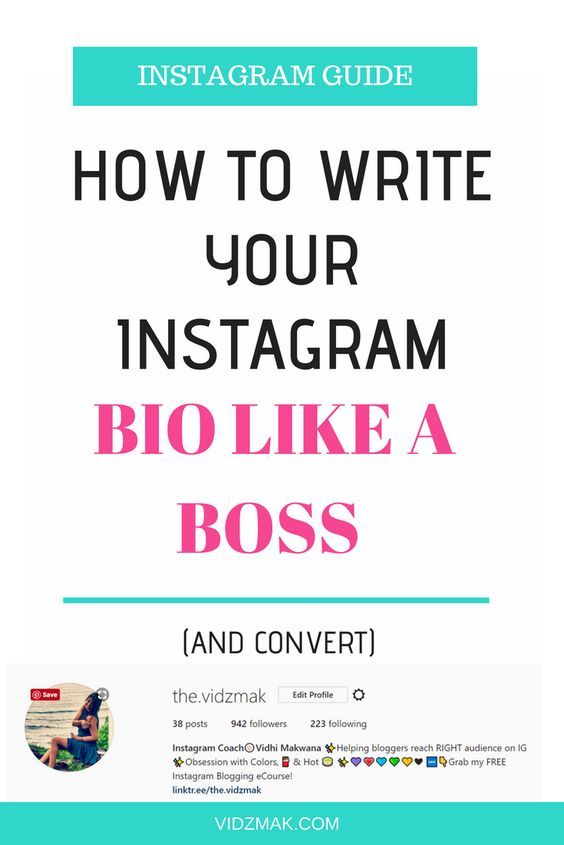
You can scroll through the available options, search by keyword, or even draw a shape to find a similar character. Then, just copy and paste into your Instagram bio.
This is particularly useful for businesses: customers will want to know who (and where) they’re buying from. Marking your location can also help your brand be more searchable.
When you add your address to your Instagram business profile, it also appears below your bio but does not use up any of your bio character count. This is another great way to free up space for more compelling bio information. Be warned, your address only shows up on mobile.
Source: @pourhouse
Business profiles can include contact information in the form of buttons that allow people to phone you, email you, or get directions to your business directly from Instagram. This is another one that only shows up on mobile.
Source: @midnightpaloma
 Add a call to action button
Another mobile-only feature: You can encourage people to take action straight from your Instagram bio with CTA buttons. These allow your followers to take direct actions like ordering food from your restaurant, or buying tickets for your event.
Source: @maenamrestaurant
You’ll find these options under Action Buttons when editing your business profile.
You get one clickable link in your Instagram bio. Since you can’t use clickable links in Instagram feed posts (unless you’re using Instagram ads or Instagram Shopping), your bio link is valuable real estate.
You can change the URL as often as you like. You might want to link to your newest or most important content (like your latest blog post or video), a special campaign, or a landing page specifically for visitors coming from Instagram.
You can also use Instagram tools like Linktree to set up a mobile landing page with multiple links. That way, you don’t have to keep updating the link in your Instagram bio, which can lead to outdated “link in bio” statements on older posts.
If your primary social media is on a different platform and you consider Instagram a necessary evil, that’s okay — you can use your bio as a way to direct other users to that platform.
Comedian Ziwe Fumudoh rarely posts on Instagram, but is very active on TikTok, so she uses her bio to steer audiences towards that app.
Source: @ziwef
Lush, weirdly, “departed” from social media but still has an active Instagram and uses their link in bio to explain why they’re not online.
Source: @lushcosmetics
People don’t tend to read information online. Instead, they scan for bite-sized chunks of information.
Make that information easy to identify using line breaks.
Okoko Cosmetiques uses a combination of emojis and line breaks to create this cute Instagram bio:
Source: @okokocosmetiques
It’s really easy to add line breaks using the Instagram web interface.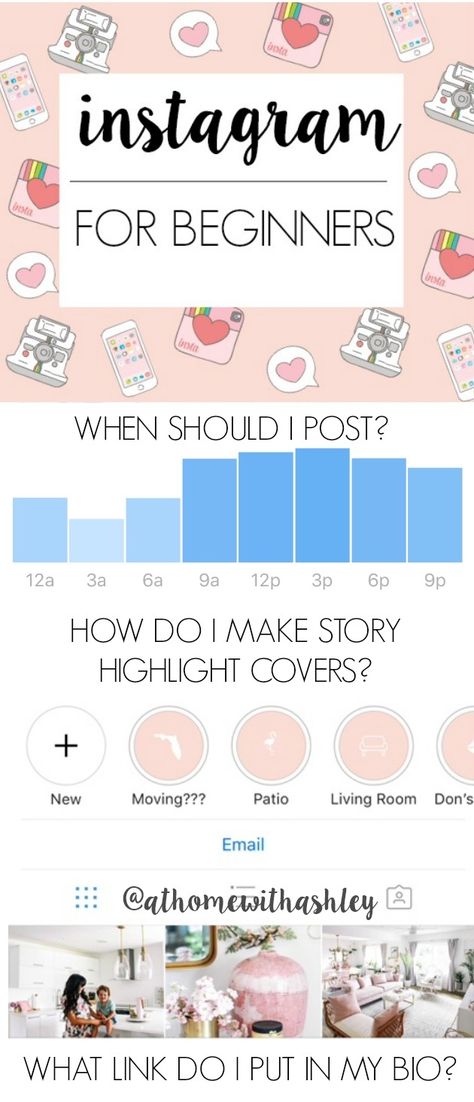 Simply space your bio as you would like it to appear.
On mobile, your best bet is to create your bio with the spacing you want using a notes app. Then, copy and paste it into your Instagram bio field. Or, use one of the Instagram bio templates below.
If you want to, it’s great to share your pronouns on Instagram. Since the option was first added in May 2021, it’s become customary on the app to add your pronouns to your bio, whether you’re cisgender, transgender or nonbinary. Displaying your pronouns means your followers will know how to properly address you, and normalizing the practice helps make everyone feels more comfortable on the platform.
Source: @ddlovato
Hashtags in your Instagram bio are clickable links. Keep in mind, though, that Instagram bios do not appear in hashtag search results. Adding Instagram hashtags to your bio won’t make it more discoverable.
That means you should not include hashtags unless they are directly related to your business, because each one represents an opportunity for potential followers to click away.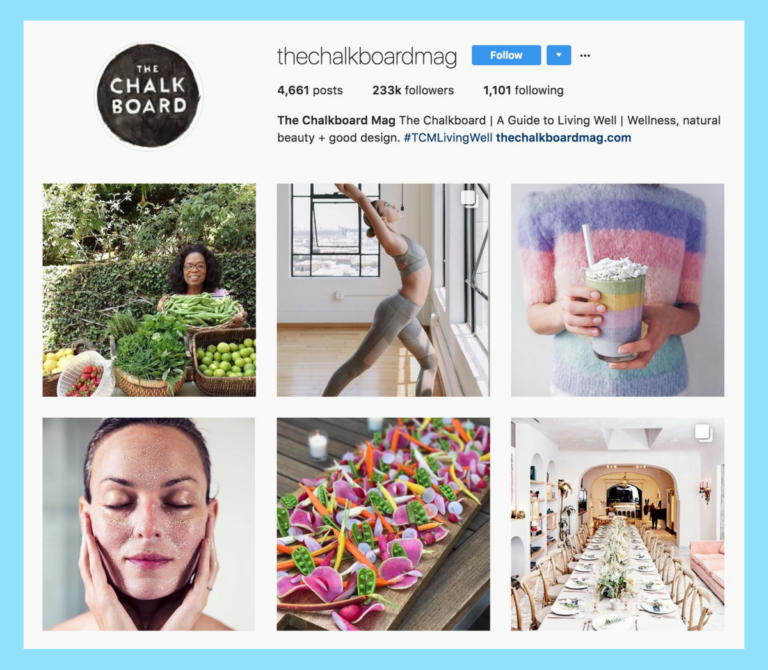
However, adding a branded hashtag to your bio is a great way to promote and collect user-generated content.
This is one of the best ways for businesses to use hashtags in their bio. When a user clicks on the hashtag, they will see all the content your fans and followers have posted, which creates excellent social proof for your business.
Source: @hellotushy
Branded hashtags are also a great way to get more content: you can reshare follower’s posts that use the hashtag. In fact, some users build their entire following off of user-submitted posts.
Source: @chihuahua_vibes
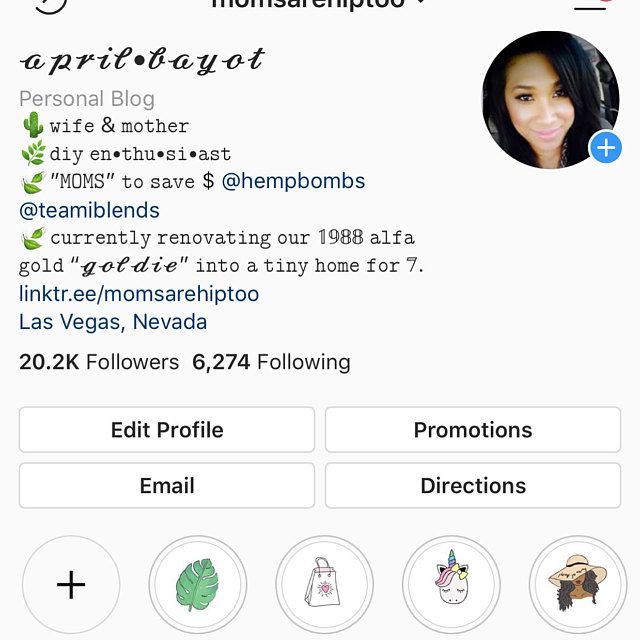
If you have a personal and a business account, or you’re involved in a cool project that has its own handle, you can tag that account in your bio. This can help people identify you (Oh, THAT’S where I know Zendaya from) but be careful using them, as they may encourage audiences to navigate away from your page.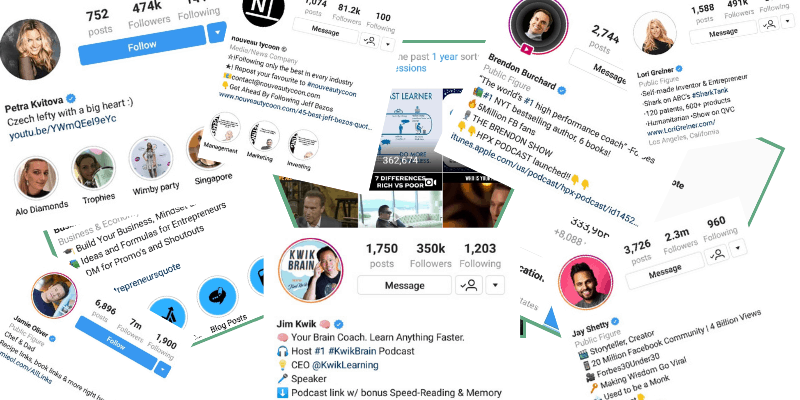 (This is something Zendaya likely does not care about).
Source: @zendaya
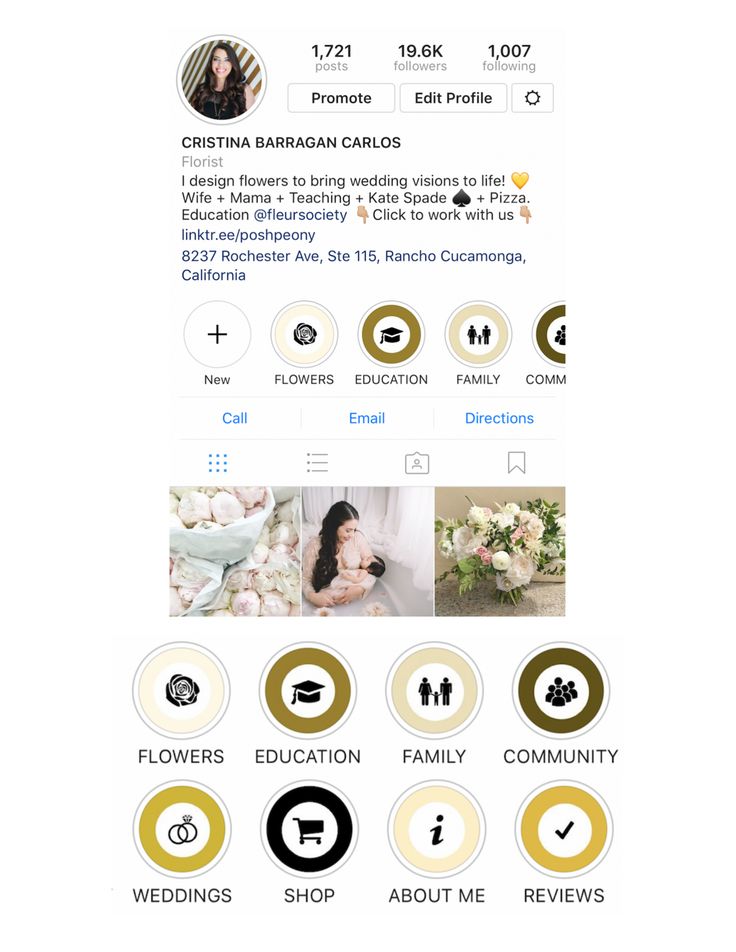
If you have a business profile on Instagram, you can choose a category for your business. This appears under your name and can help people see what you do at a glance.
Source: @elmo
Elmo, for example, is a public figure.
Using a category for your business can free up space in your Instagram bio, since you don’t need to repeat this information. However, it only appears in the mobile view, so you can’t assume everyone will see it.
As long as you remember to update your bio regularly, you can use it to announce news about new products and updates for your brand. If you’re going to put a date in your bio, though, mark your calendar or set a reminder to change it. If you have an old date in your bio, it makes your account look like it’s not being monitored closely.
After Mexican pizza made its triumphant return, Taco Bell updated this bio.
Source: @tacobell
Still not sure what to include in your Instagram bio? We’ve created some social media bio templates, including IG bio ideas, to get you started.
Bonus: Unlock 28 inspiring social media bio templates to create your own in seconds and stand out from the crowd.
Manage your Instagram presence alongside your other social channels and save time using Hootsuite. From a single dashboard, you can schedule and publish posts, engage the audience, and measure performance. Try it free today.
Get Started
Grow on Instagram
Easily create, analyze, and schedule Instagram posts, Stories, and Reels with Hootsuite. Save time and get results.
Free 30-Day Trial
Article by Nicole Martins Ferreira
Just like pretty much everything else on the internet, your Instagram bio is all about making that impactful first impression.
Most people only take a few seconds to scan bio and photos before deciding whether or not they should follow you.
If your Instagram bio is enticing, they might decide to engage with your content or follow your account. If it isn’t, you might lose their interest… forever.
Okay, well, maybe not forever. But at least until you make some changes.
In this article, we’ll break down what a bio is, how to write one, and some cool Instagram bio tricks. But most importantly, we’ll give you some Instagram bio ideas that you can literally copy and paste onto your profile.
(Don’t worry, we won’t tell anyone — it’ll be our little secret.)
Start selling online now with Shopify
Start your free trial
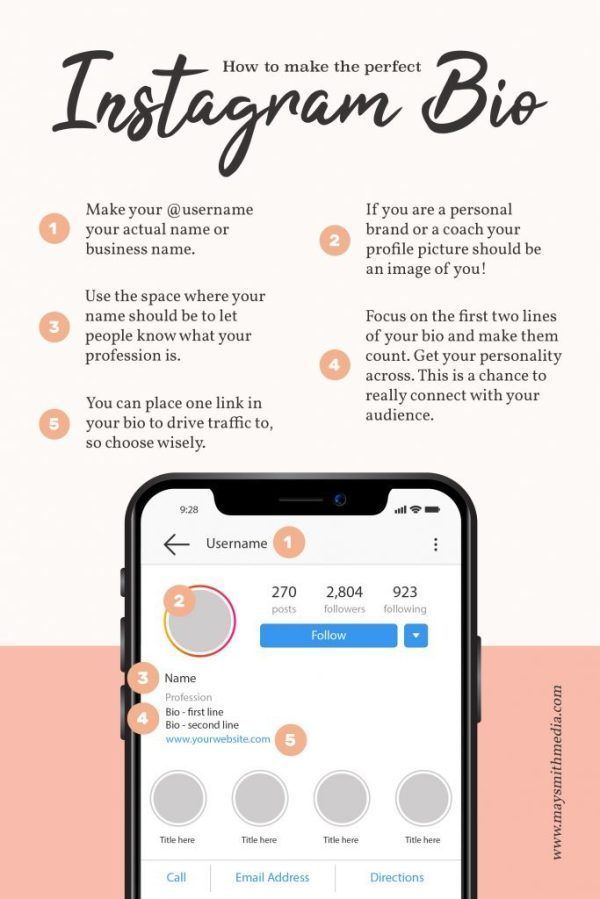
What is an Instagram Bio?An Instagram bio is the small area under your username where you can share some details about yourself or your brand.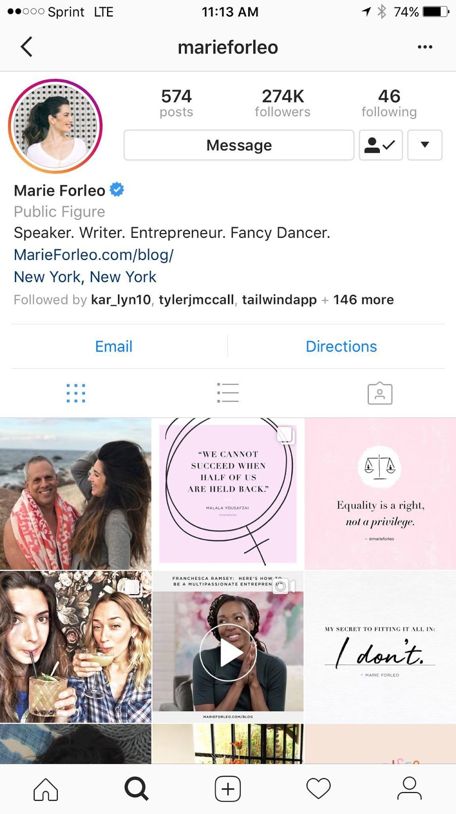 Your Instagram bio can include a brief self or brand description, contact information, emojis, hashtags and more.
Here’s an example of one of the best bios on Instagram:
Marie Forleo has a strong Insta bio. The first line is used to describe who she is: ‘CEO. Writer. #MarieTV. Fancy Dancer.’
The second line of her cool bio is used for social proof: ‘Named by Oprah “Thought leader for next generation.”’ I don’t know about you, but to me, this says that she’s worth following.
The third line of this short bio for Instagram describes what she does: ‘Learn to get *anything* you want.’
And the last line is her CTA, which links to a free content download. She also included two emojis to make the text easier to read and draw extra attention.
If you’re looking for Instagram bio ideas for girls, Marie Forleo’s Instagram bio formula is worth copying.
Instagram Bio Template to FollowYou can write your Instagram bio any way you want to.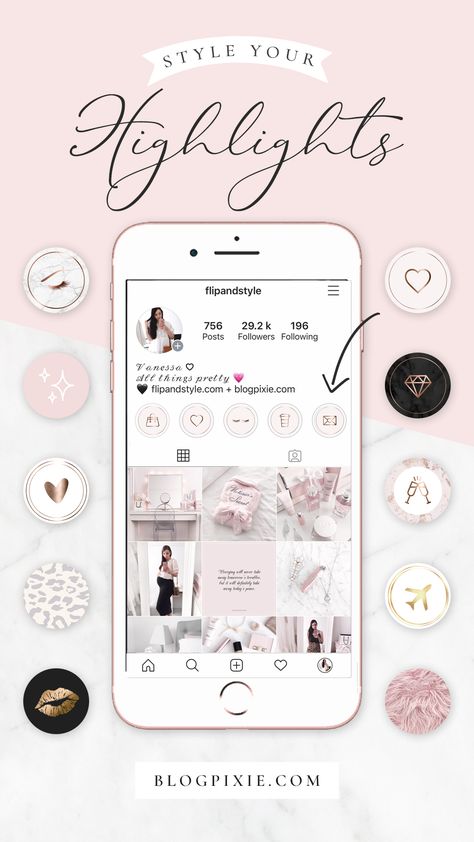 Here are a few Instagram bio tips that you might want to add based on popular trends. If you want to become an Instagram master, follow these tips and sign up for the Instagram course today.
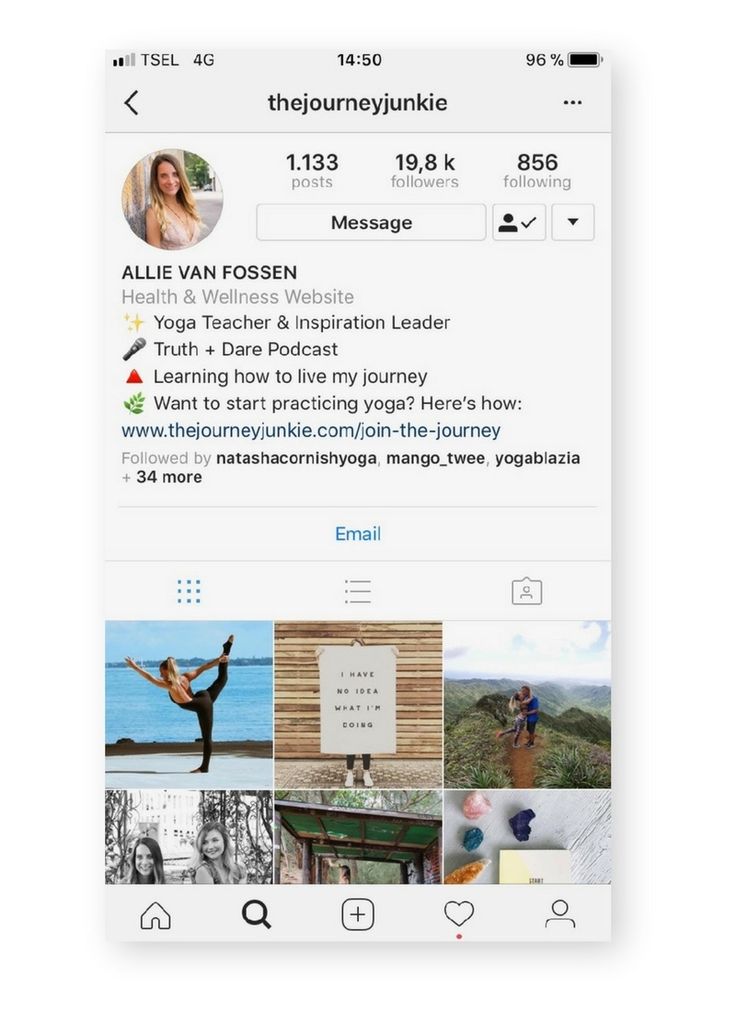
The best Instagram bios tend to have a self-description. Things to consider adding: your job title(s), the company you own or work for, some claims to fame, things you love, and what makes you stand out.
Queen Latifah’s Instagram bio does a great job of describing her. In the first line of her bio she writes, ‘Actor/Rapper/Singer/Producer.’ When people visit her fanpage, they’ll learn that she’s more than just an actor and may check out her other gigs to learn more about her.
Plus, that little blue tick shows up on her page, so people will immediately understand that she’s famous when visiting her Instagram account. One of the Instagram bio tips Queen Latifah teaches us is that you can learn a lot about a person even from a short bio.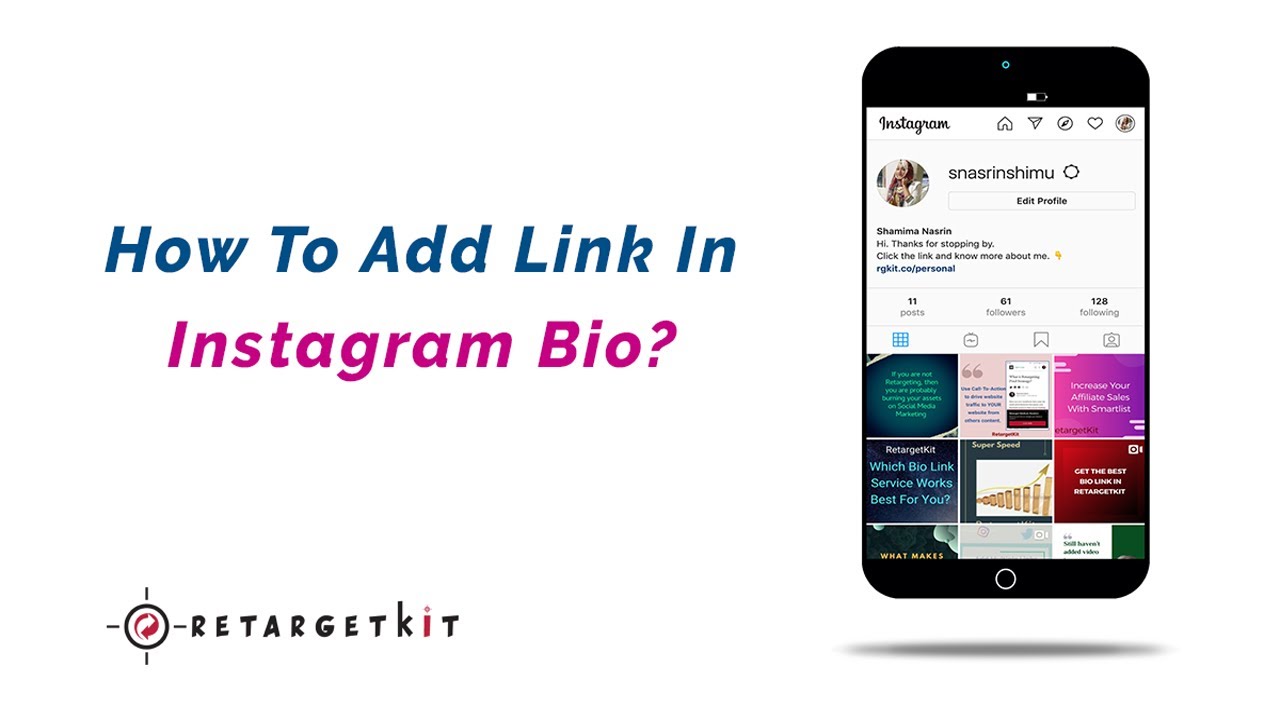
To make a good first impression, you need to connect with your audience.
How can you do that? By sharing your interests.
For example Paola Antonini’s Instagram bio shares a subtle hint about who she is and what her Instagram is all about. For her interests, she shares, “Lifestyle | Travel | Gratitude.”
When you see the word gratitude thrown in there, you get a little intrigued. And after scrolling through some pictures, you immediately see that she has a prosthetic leg.
And much of her Instagram includes pictures of her living life, travelling, and having fun, which makes her interesting to follow. Pretty sure her 2.6 million followers agree.
The best bio will always be the one that’s easy to read and takes your most enticing interests, which are two important Instagram bio tips to copy.
If you’re the owner of a fan page or business, or you’re a public figure, your Instagram bio should include your contact information.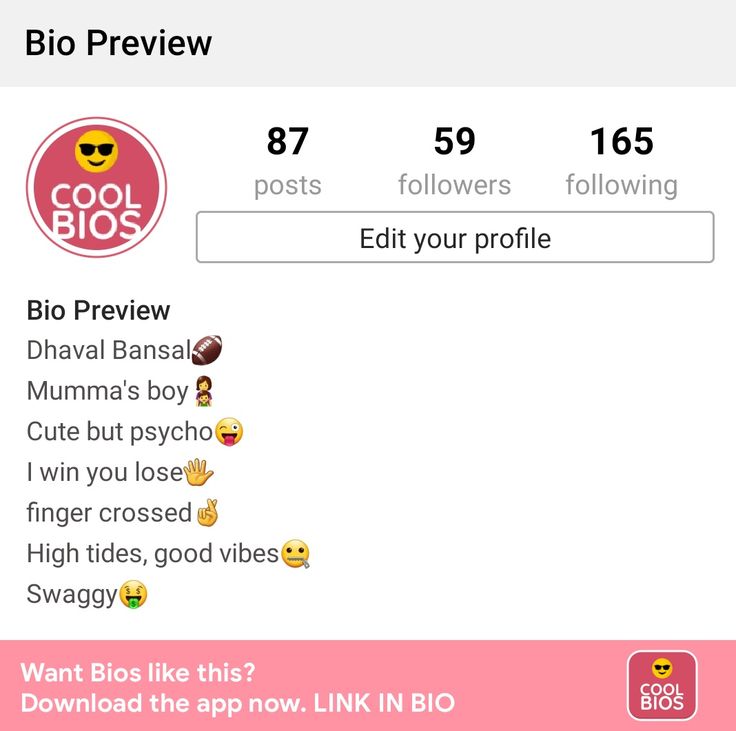
Most people write something like ‘For business enquiries, email [email protected].’ You can also direct people to your DM for sending messages.
The app company A Color Story includes their email address in their Instagram bio for easy communication. The whole goal of social media is to be social, after all, so making your contact information more accessible is one of those Instagram bio tips you have to follow.
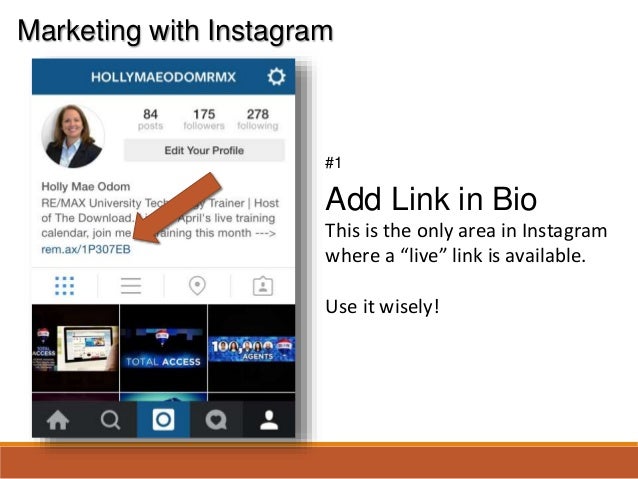
Whether you’re a business owner or an influencer, having a call to action in your Instagram bio is a must.
Remember: you’ve got one link that you can include for users to click on. So throw in a request to ‘sign up for my course,’ ‘check out my latest blog post,’ or ‘shop the hottest fashion products now.’
Tony Robbins’ Instagram bio example includes the CTA ‘👇 Watch the Documentary 🎥.’ The finger emoji points down to the link to get some extra attention.
Want to learn a few Instagram bio tricks to make your bio design pop? Here are four of the most popular ones:
 How do You Change the Font in Your Instagram Bio?
Using a tool like LingoJam, you can easily copy and paste different Instagram bio fonts for your profile. All you need to do is type in the words you’d like in a different font, like your name.
Then, scroll through fonts until you see one you like. Copy and paste it right into your Instagram bio.
Using a website like CoolSymbol, you can copy and paste symbols and fancy text.
You’ll find lots of cool symbols like stars, copyright, arrows, currency, bracket, hearts, zodiac signs, and more. As soon as you click one of their symbols, it immediately gets copied. Then you can head on over to Instagram to post it in your bio.
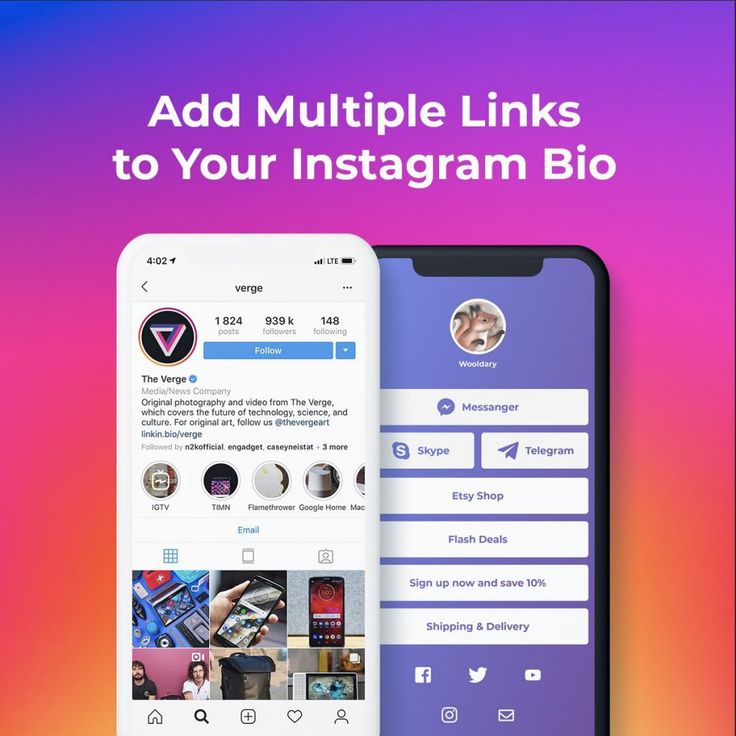
So, you probably already know how to add your website link in your Instagram bio. But what about when you want to add multiple links?
A cool little website that’ll help you do this is Linkpop. All you need to do is log into your Shopify account, add the links you want to the landing page, and share your unique link on your Instagram profile.
When all that’s done, your Instagram bio link ends up directing your visitors to a page with multiple links.
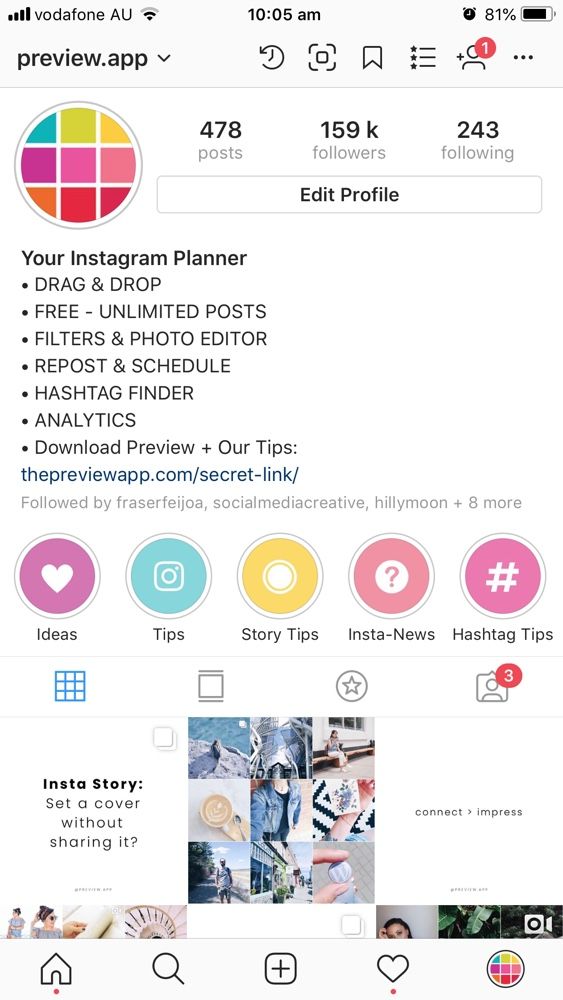
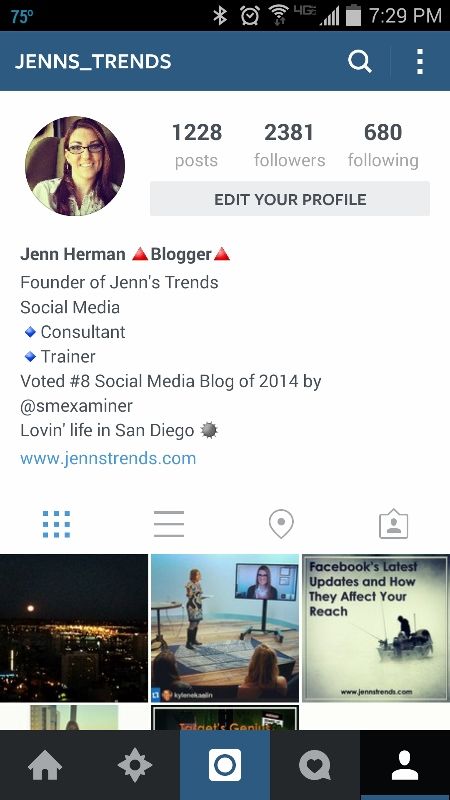
To add a link to your Instagram bio, follow these steps:
Using the free tool by Apps4Life, you can add line breaks for your Instagram bio (or Instagram captions) and click the Convert button to add it to your clipboard.
Then, you can head to your app and paste the text directly in your Instagram bio. Doing this is the easiest way to have an Instagram bio space. This saves you the hassle of manually creating space you need within the Instagram app.
You can add a location to your Instagram bio if you are listed as a Public Business or Figure. If you are, follow these easy steps:
 That’s my life.
 Strong. Silly. Straight up class act.
 You won’t graduate 🎓
 I’m just really mean but people always think I’m joking.
 Hello. Hola. Ola. Bonjour. Ciao. Guten Tag. Namaste. Salaam.
  Take a look at my pictures if you don’t believe me
 No matter what.
 ” – Me, every damn day
 Right here in paradise.
The best Instagram bios can help elevate your Instagram account, along with your personal and professional goals.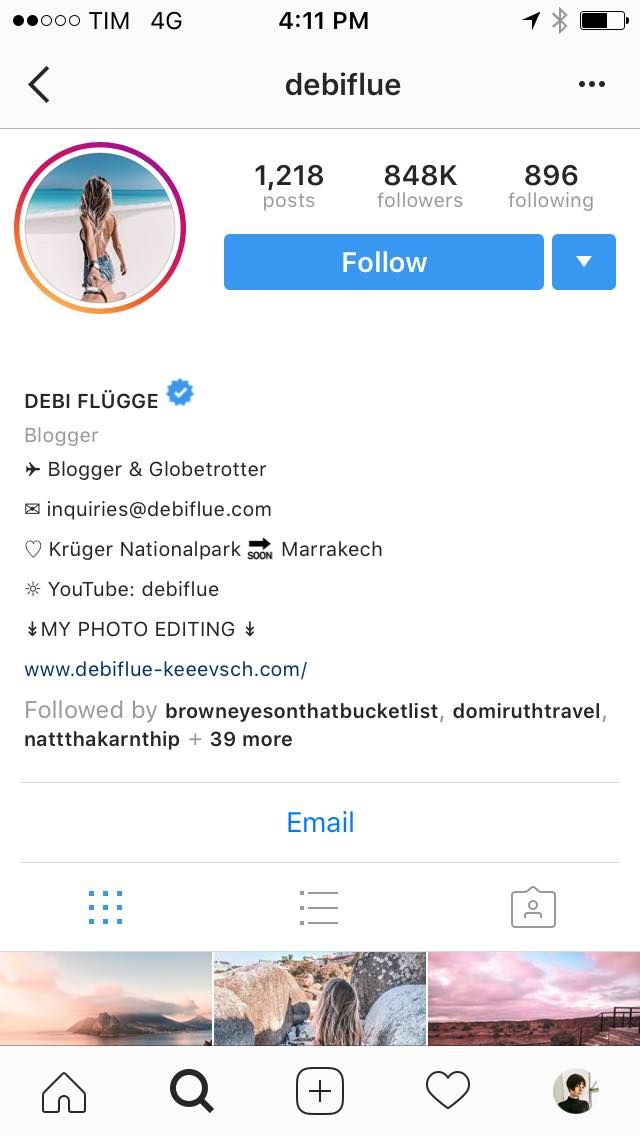
Whether your goal is to grow your followers or make more sales, you can add calls to action to your bio to get people to do specific things when they visit your profile.
But don’t neglect the opportunity to share more about yourself and your brand. One of the most important things is to be memorable and engaging – so don’t be afraid to get a little fun and quirky.
Which of these Instagram bios will you be adding to your profile? Comment below!
" } }, { "@type": "Question", "name": "What should you put in an Instagram bio?", "acceptedAnswer": { "@type": "Answer", "text": "Make your Instagram profile as approachable as possible. You can include a description of yourself, a list of your interests, share your contact information, and also add a call to action. All these will help ensure you get more followers over time." } }, { "@type": "Question", "name": "How do you add a location to your Instagram bio?", "acceptedAnswer": { "@type": "Answer", "text": "
You can add a location to your Instagram bio if you are listed as a Public Business or Figure. If you are, follow these easy steps: Go to your profile and select the 'Edit Profile' button, Under 'Public Business Information,' select 'Contact Options', Choose 'Business Address' and fill in the fields, Save the changes, Test the address in your bio to ensure it links to the right place
" } }, { "@type": "Question", "name": "How do you change the font in your Instagram bio?", "acceptedAnswer": { "@type": "Answer", "text": "LingoJam is a tool that allows you to easily copy and paste different Instagram bio fonts in your profile. All you need to do is type in the words you’d like in a different font, like your name. Then, scroll through fonts until you see one you like. Copy and paste the text right into your Instagram bio." } }] }
The Instagram profile header is the first thing a user looks at in your account. By the first lines, a person understands what kind of page it is and whether it is interesting to him, so it is important to write a well-written description and briefly present the brand to the visitor. In this article, we will look at the main sections that you need to pay attention to and analyze them with examples.
nickname, name, activity description, link and text no longer than 150 characters: emoji, hashtags, mentions.
An example of a profile header in the mobile version of InstagramAnd this is the display of the header in the desktop version:
An example of a profile header in the desktop versionA profile header must meet several requirements:
Recommended reading! Learn how to grow Instagram:

And now let's look at the elements of the header and find out how to properly create an account.
To create a header, click "Edit profile" on the account page.
Profile header settingsThe first thing a user notices is the avatar. Its size is 180 x 180 pixels, so you can't use small details. The image and text must be visible both on the desktop version of the app and on the mobile version.
If you have a personal blog, add your portrait to the avatar so that the user understands who the owner of the account is and with whom he will communicate.
An example of an avatar for a personal blogAnd if you have a business account for a company, use a product image or logo. So users will be able to see the identity and understand what kind of brand is in front of them. You can also add a photo of an ambassador, a company representative or a picture of a mascot.
Variant logomark for company business account Note. Logomark is a logo icon, but without letters and numbers.
It is desirable to include the brand name and keywords in the nickname. This will help the user to quickly find a company or person in the Instagram search.
The nickname is written in Latin, so try to avoid ambiguity if the word should sound in Russian. For example, the letter "ya" is found in such variants: "ya", "ja" or "ia". Because of this, it will be difficult for the user to find you in the search. What to do: Tell users how to properly search for a company.
Here is a screenshot of an account whose name uses the key query "bank" in Latin.
An example of a company nickname with the keywordIn the description, you can specify the name of the company, keywords about your activities, or the name of the brand representative.
The name can be written not only in Latin, but also in Cyrillic.
Variant of the name in the Instagram profile, which indicates the main activity of the SendPulse service.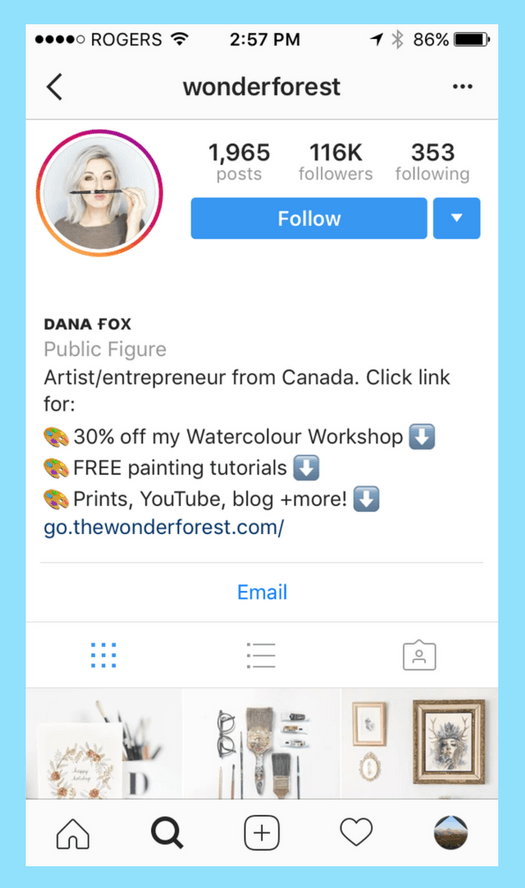 For these key queries, you can quickly find an account in the search
 This is brand information that helps the user understand which page they have landed on. Consider the sections that can be added to the profile header.
This is a brief description of the Instagram profile - what the company does.
An example of the type of activity that can be selected in the settingsThe categories that can be selected in the settings are shown below. You can add a suggestion from the recommendations or use the search.
Instagram account category settingsThis is text that can contain up to 150 characters.
An example of a profile description: information about the author, mention of channels and contacts of the photographerNote. Emoji, mentions and hashtags are also added to the text.
If you have a personal blog, tell us about your interests, about yourself and share contact information.
Important! Communicate with your subscribers in the same language. No need to use terms and complex language, write in simple words. How to create effective texts, look at examples of cool copywriting - in our article.
And if you maintain a company account, show the USP, product features, add the address and contacts, which, for example, can be placed in a multilink: website, social networks, video materials, and the like.
Description option for a company with benefits and features, as well as the address of the organizationImportant! The Instagram app hides part of the text, so the user will see the first 123 characters, as in the example below.
An example of a bad profile description, because the text breaks in the middle of a sentence that is a call to action This is a link to another profile - this can be your side project, a page with promotions, or an account of a company representative.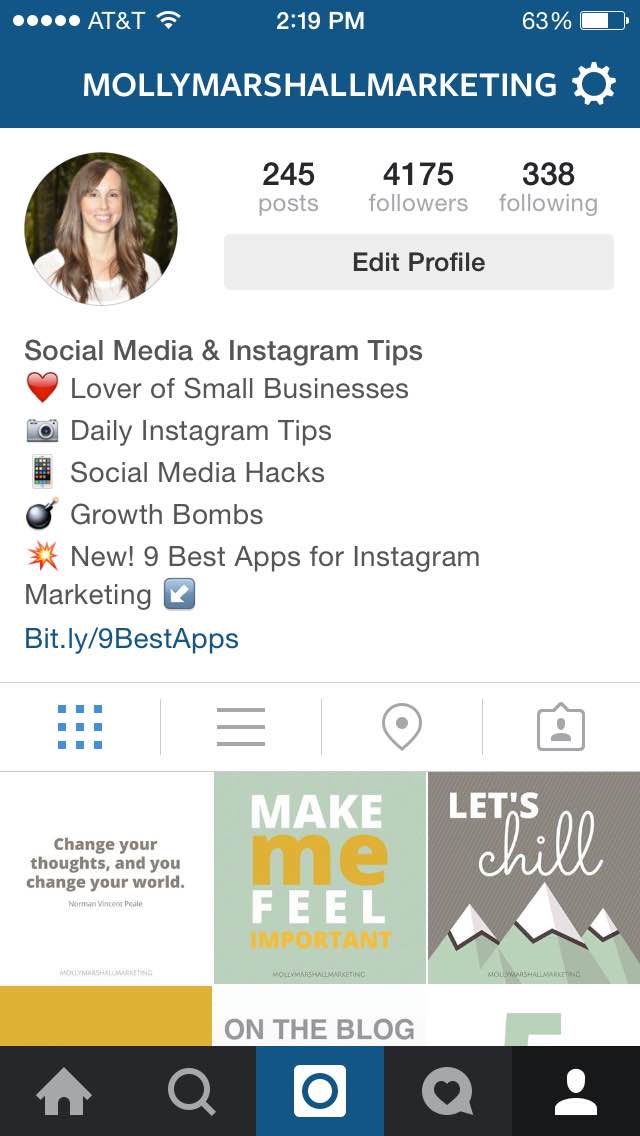 The mention is written through the "@" symbol.
Below is an example of how mentions can be used in the description.
An example of how you can use mentions in the description of the author's profileAnd this is a mention in the description of the company account. Thanks to several profiles, the brand was able to separate two activities: creating family photo albums and making craft boots.
An example of mentioning a company's business account in the descriptionHelps users find posts on a specific topic: brand query, selection, review, promotional tag, and the like. For example, if you have book reviews in your feed, add a tag by which the user can explore the relevant posts.
An example of a branded hashtag in a profile descriptionThis can be a multilink, deep link or URL, a leading site, messenger, video hosting, marketplace, and so on.
Important! Use a deep link if the link leads to a specific page.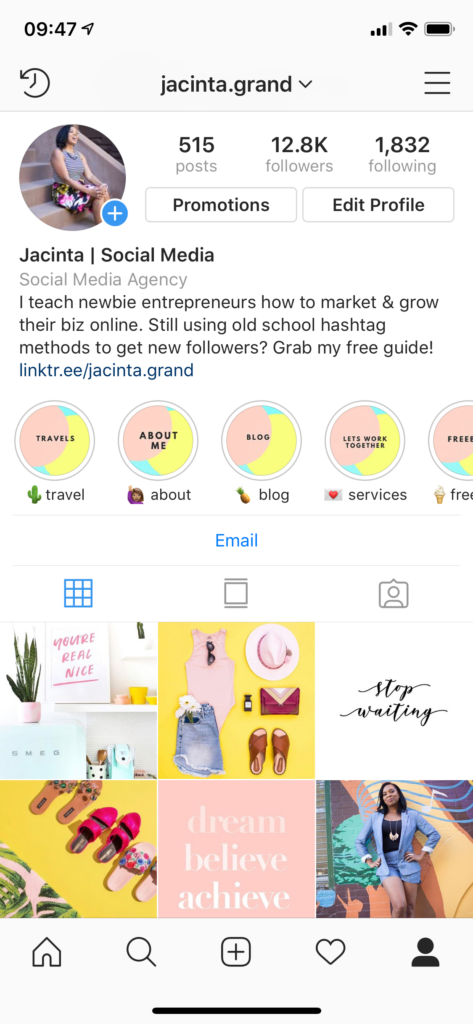 URLs with UTM tags are completely out of line and look ugly.
Below is a bad example of adding a link:
An example of bad link placement in the profile headerIf you only provide a link to a website or messenger, it will be difficult for the user to find other useful information. Therefore, we recommend adding multilinks.
An example of a multilink in a profileTo create a multilink, use the landing page builder in the SendPulse service. In just five minutes, you can add the necessary data and publish a mobile landing or landing page.
Builder allows you to work with text, buttons, covers, images, products, videos, payment options and FAQ. The landing page can also be linked to free CRM, chat bots in messengers and email. Thus, you can create an omnichannel system at all stages of the sales funnel.
SendPulse pre-made multilink template optionCreate a mobile landing page, online store or multilink for Instagram and promote it via messenger chatbots, email and SMS - all on one platform!
Add a call to action to your header to motivate users to contact you.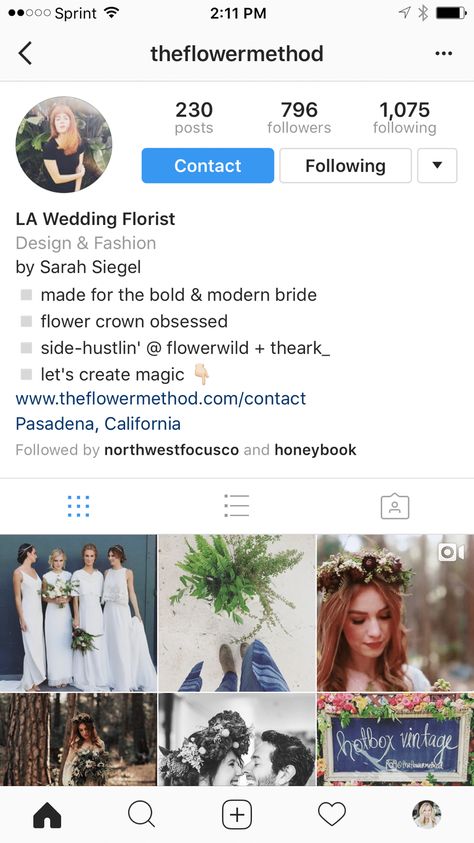 For example, "Reserve a seat", "Make an appointment", "Contact us", "Subscribe", "Participate".
This is a variant of the call to action under the link. This method helps users see the call if part of the text is hidden.
Here, a call to action has been added to the company address - a line in the "Exact address" settings. Remember that all text on this line will translate to maps and show the location of the company.
An example of placing a call to action under the linkTo add an address in the description, you will need a business account. On your page, click "Edit Profile", then go to the "Methods of Contact" section and select "Company Address".
After entering the data, be sure to check "Show contact information" - and the address will appear on the page.
Company address settings You will see a window where you can enter the exact address, as well as specify the postcode and city.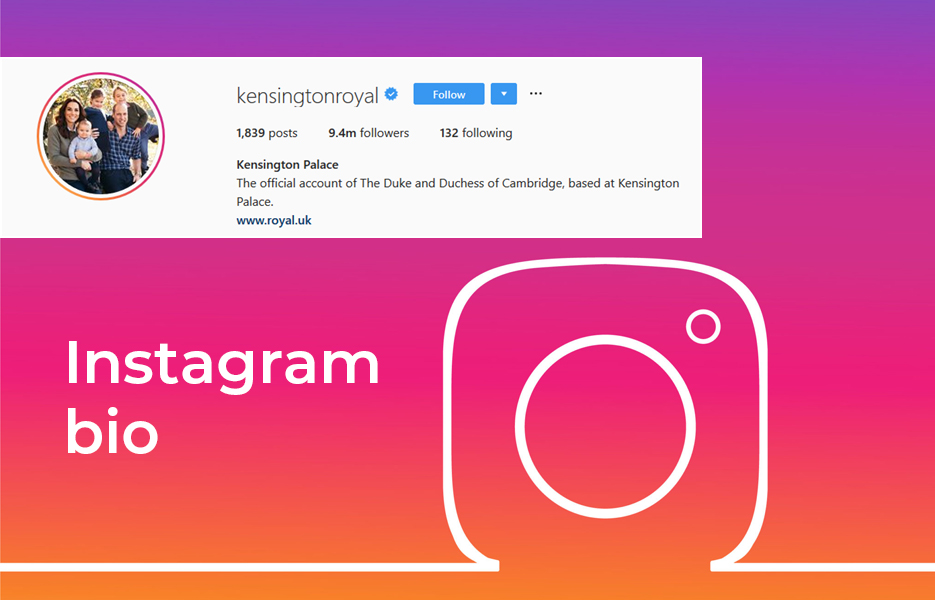
Below is an example of displaying an address in an account description:
An example of displaying an address in an account descriptionImportant! The address works as a link. When you click on it, the user opens maps on which he can see the location of the store or company office.
Contact information can be added in the settings by entering a phone number, email and WhatsApp link.
Important! Contacts are displayed in the application on the smartphone as buttons.
Example of contacts in the account: phone number and email:
Buttons with multiple contacts: phone number and emailContact information option with email:
One button with email Note. Facebook has launched new products, for example, the “WhatsApp” button appeared in the Instagram application, which redirects the client to the messenger so that he can ask a manager a question or start chatting with a chatbot.
This is a link between WhatsApp Business and Instagram:
Several contact details: phone number and WhatsApp messengerYou can add a phone number and a link to WhatsApp in the "Methods of communication" section:
Section "Methods of communication", through which you can add contact informationConvert subscribers into loyal customers, automate communication with them and improve sales.
Several buttons can be added to the description: "View store", "Order food", "Book" or "Reserve".
In a business account, you can create an online store with goods. To do this, go to "Settings" and go to the "Company" section. At the bottom of the page, there will be a link to "Set up Instagram Shopping".
Instagram Shopping is a set of features that allow the user to make purchases through the app. You can set up an online store with product cards and transfer a subscriber to a website or an online checkout.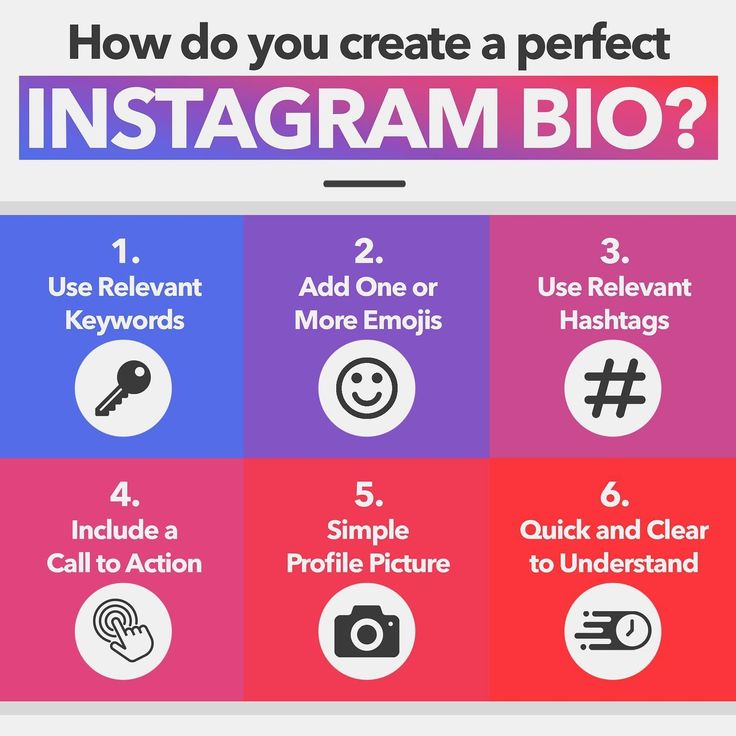 Also, in the posts, you can put a mark on the product so that the client can study it in more detail.
Recommended reading! Learn how to sell on Instagram.
Setting up an online store in the Instagram applicationYou will see a window where you can start adding products:
Creating a store in the applicationBelow is an example of displaying a button for a store:
The "View store" button in the profileother action buttons we talked about above. With their help, you transfer the user to a partner service, where the client orders food or makes a reservation.
Customizing action buttonsThis is an example of account action buttons:
Cafe profile action buttonsA chatbot for Instagram has been added to the SendPulse service. By clicking on the "Write" button, the user starts a direct communication with the chatbot.
With it, you can unload technical support time and automate the process of communication with the client.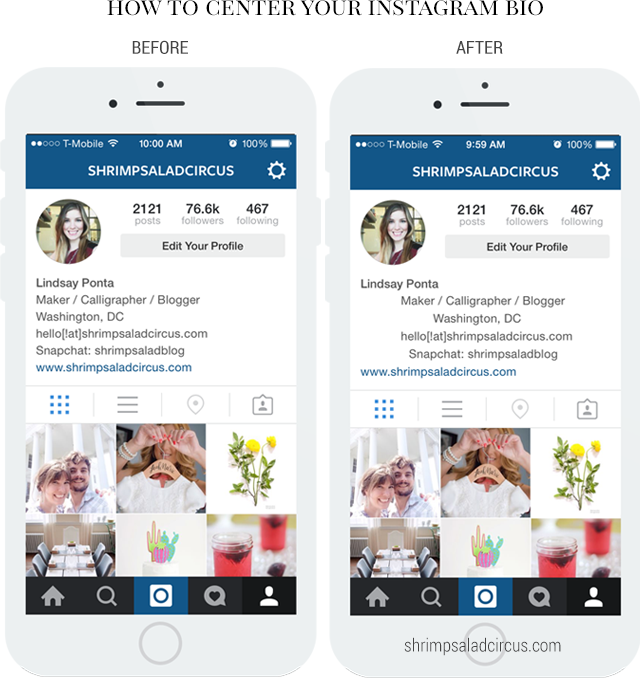 You can also create a script that will help you advise the user on all products, inform the client about new promotions and send a link to pay the bill.
Recommended reading! Learn how to set up a chatbot on Instagram.
An example of how to set up a chatbot greeting chainOn Instagram, you can decorate your hat with the help of additional services. Consider options for creative solutions.
To create interesting text, change the font using the following tools.
Services - Piliapp, Fine Words, Hype Type, Fonts For Instagram, LingoJam.
Fonts For Instagram resource interfaceApplications - I Fonts - Cool & Stylish Fonts for Instagram, Fonts Art, Fontgram.
For example, the Fonts Art app helps you connect a keyboard with ready-made fonts and change text directly in the Instagram app.
Working in the Fonts Art application Telegram bots - @TexterAsBot or @TextMagicBot.
Recommended reading! "Bot for Instagram: a selection of useful helpers in Telegram".
This is an option to use decorative fonts in the description:
An option to use different fonts in the profile descriptionNote. Don't overuse decorative fonts. You can highlight the title or less important information with them, but use a readable font for important descriptions.
To add characters, you can use a Unicode table, for example in Windows via Microsoft Word. Or use an online resource - Cool Symbol.
Choose the symbol you like, copy it and paste it into the description.
Cool Symbol site interfaceApps4Life service will help you break your description into neat lines by adding line spacing.
Apps4Life resource interface You can also download the application and use the service from your smartphone. The service is paid.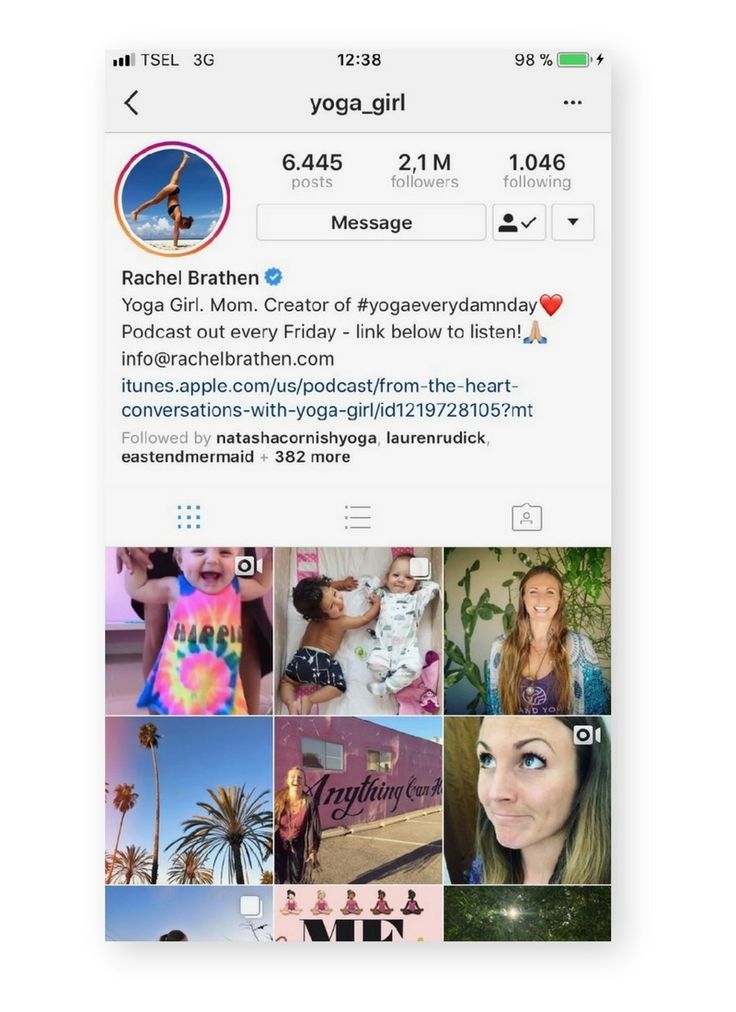
In this section, we will look at good and bad profile design options.
A good example is an orthopedic mattress store.
At the beginning, you can see a bright logo and a geotag in the account name. The description lists the benefits of the brand and a call to action - you can order it at the link below. The address of the company is also indicated.
Instagram header: section design examplesA bad example is a factory that makes goods for sleep: mattresses, beds, pillows, and so on.
The avatar has small elements that are difficult to make out. The description is written in solid text - some of the offers will not be visible, as Instagram will automatically hide it.
The link with the UTM tag is long and does not fit entirely in the line. But in this account there is a store and a button is designed for it.
A bad example of designing a profile cap A good example is beds for cats and dogs.
Benefits are given in the description, however, the first line “Products for pets” can be removed, it duplicates the category of the type of activity. The following is a gift that stimulates sales, as well as information about discounts and a link to the marketplace.
An example of a header design for a pet products storeA bad example is products for dogs.
It is better to separate the account name with the symbol "|". Next comes the description: the first three points are well done, but the hashtag is not suitable for the header - this is a high-frequency request, and only what is directly related to the account should be added to the description.
Reviews are placed in a separate account - the user will not make a large number of transitions, so it is advisable to review the section with reviews. There is a call below, but the inscription "Direct" can be removed and only a link to WhatsApp can be left.
An example of bad header design for a dog store A good example is a travel agency.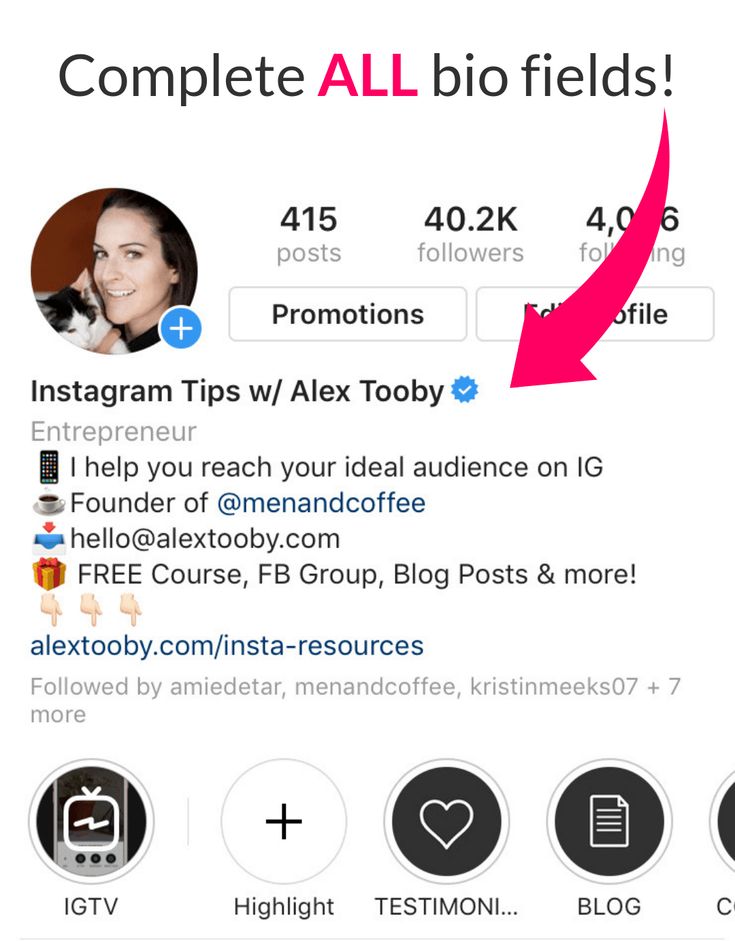
A simple and memorable name, except for the ambiguity in the nickname - the word "hike" in Latin is more likely to be written by the user through "h". The description lists the tours that can be booked. Also added a thematic hashtag and a link to the site. The call to action is missing.
A good example of a header design for a travel agencyA bad example is a guide from Sochi.
The name is good, but the description turned out to be crumpled: it is not clear from it whether the guide works alone or still with the team. All links can be made into a multilink. It is also not particularly correct to use the URL of the resource if you can make a mention of the Instagram account.
The phone number can be specified in contacts and additionally added to the multilink.
A bad example of the design of the header in the account of a guide from SochiIn this article, we looked at the design of the profile header and found out what key points attract the user's attention:

Create multilinks in the SendPulse service, as well as use our other tools: add a free CRM system, send email, Viber, SMS and WhatsApp mailings, connect push notifications, and set up chat bots in Facebook Messenger, VKontakte, Instagram , WhatsApp and Telegram!
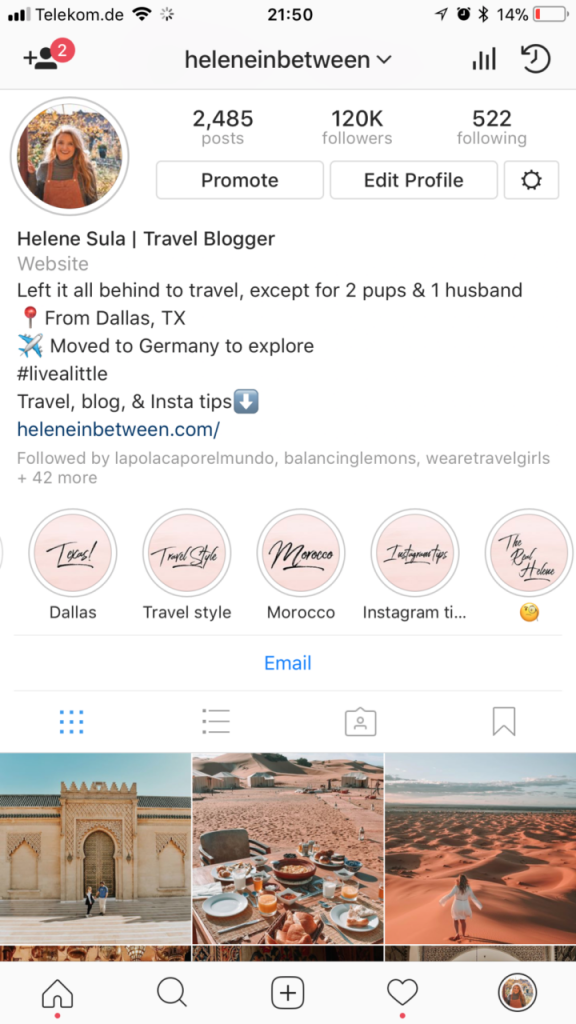
Your Instagram bio is the first thing people will notice when they click on your profile.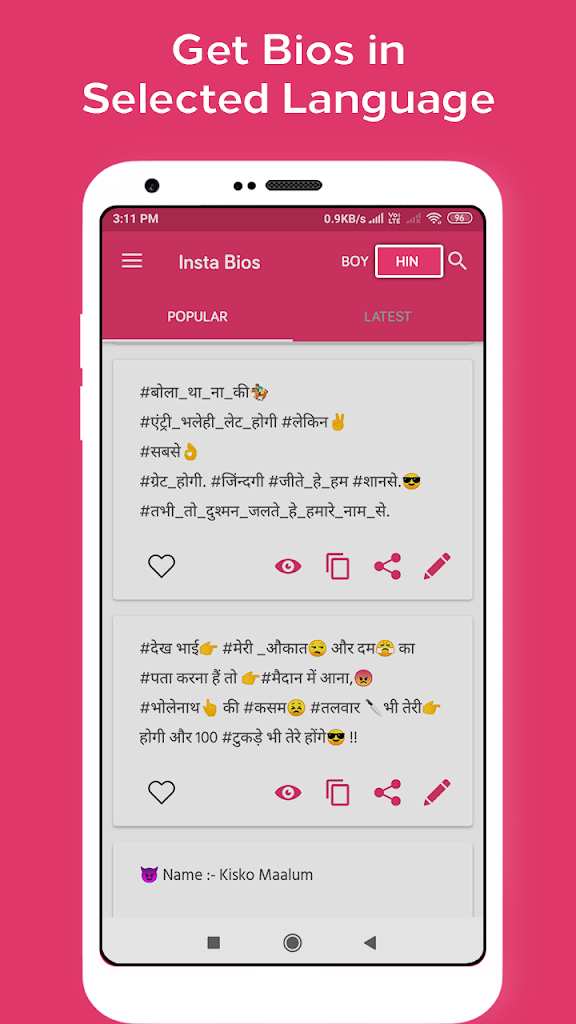 They will make assumptions and judgments about what kind of person or brand you are based on what they see there. Therefore, it is very important to write a profile description that will impress your audience and attract more subscribers.
In this article, you will find some great ideas and tips to help you write better and more impressive Instagram profile headers.
@mafluenceBio, About Me, Description, Profile Header, Profile Art
are all different names for the same thing: text that you can put in the most visible place on your profile. Limit - 150 characters
Before you get a finished description for Instagram, you need to understand what a good bio consists of. This will help you use ready-made ideas for designing your Instagram profile header, improving them and creating your own bio.
So what makes a good description about yourself on Instagram? The answer can contain any of the following elements:
1. Informative
An Instagram profile header that clearly describes what the user is doing can be considered a good bio. You can indicate your field of activity, interests, achievements and hobbies. For example, your Instagram description might look something like this: “love fitness + dog owner + founder of company X.”
If you are an influencer, you can also include other important information such as brand collaborations, upcoming events you participate in, recent announcements you promote, etc.
2. Witty
Witty Instagram caps tend to be one of the most successful and popular types of BIOs. Showing how smart you are without being offensive is a great way to impress people.
However, it's better to be original, because people don't always appreciate borrowed phrases. Use of puns, clever quotes, wordplay, etc.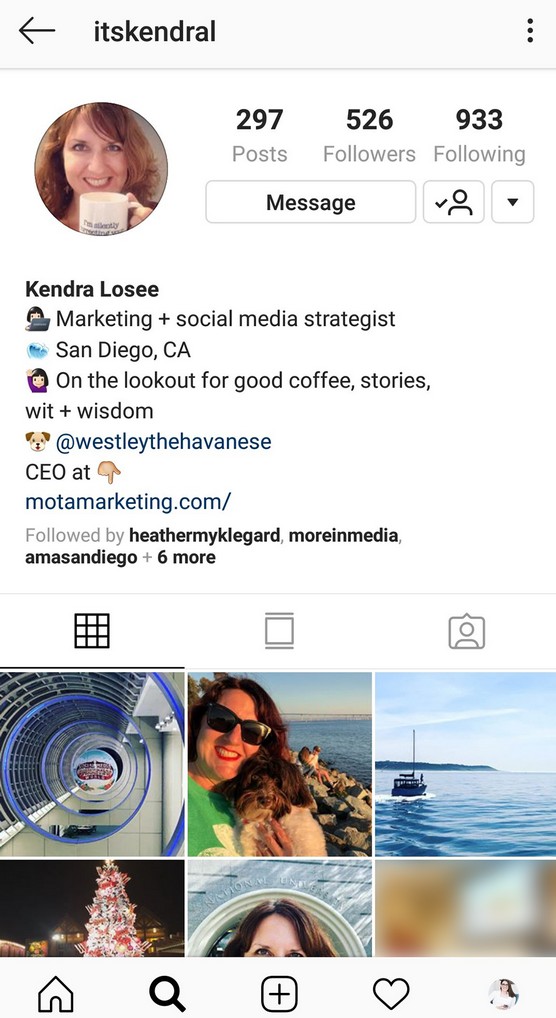 this is a great way to create a witty Instagram profile design.
3. Sense of humor
Humor always works when it comes to impressing users on Instagram. The lines between wit and humor often overlap, so you can create a Bio that combines the two to impress your audience. Think of an interesting fact about yourself and find a way to describe it with humor. Even if you can't come up with an original joke, you can always use one of the ideas in this post.
Musician Diplo took a hilarious approach to writing his Instagram bio and simply referred to himself as an "Instagram model". Anyone who knows him can find humor in this short and simple phrase.
4. Call to Action
Some Instagram bios are more call to action than entertain, but that doesn't mean they're less good.
You can be an entrepreneur or a professional. In this case, you just need a call to action and inspiring profile description. You can write an inspirational quote or phrase that reflects your experience without being overly intrusive.
5. Ease of perception
You can use any of these approaches to create your Instagram header. The best choice is one that expresses your personality. But no matter which approach you choose, your Instagram description should be easy to read. People who view your profile should be able to instantly understand what you do and who you are. You must be sure that no one misses any important detail in your BIO.
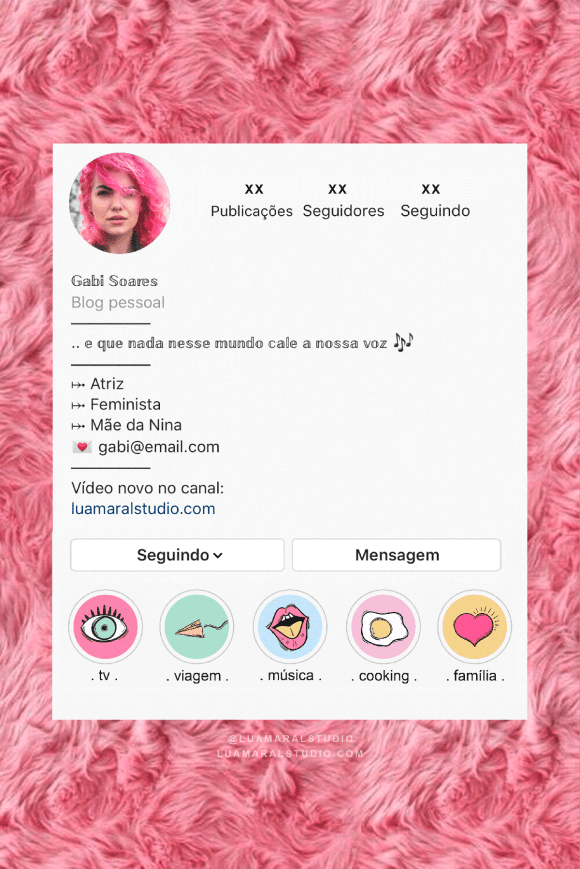
The best way to achieve this is to keep the BIO simple and short. You can use bulleted lists to include more information while still being readable. You can also use different characters to separate parts of the list, or add emoji.
Now let's look at over 100 examples of Instagram header ideas based on the above elements.
Funny, informative BIO:
Witty BIO:

Business Bio:
Short and simple BIO:
Motivational BIO:
Dear BIO:
BIO that exudes confidence:
Quotes of famous people:
 – Vincent van Gogh
 We've shown you a ton of ideas that you can use as they are or customize them to your liking. It is possible to combine them with some of your personal data, such as achievements, position, etc.