-
- Log in to Facebook and click “Check In”.
- Type in your custom location name and click “Add”.
- Pick a category and physical location for your new location.
- Go to Instagram and use your new location.
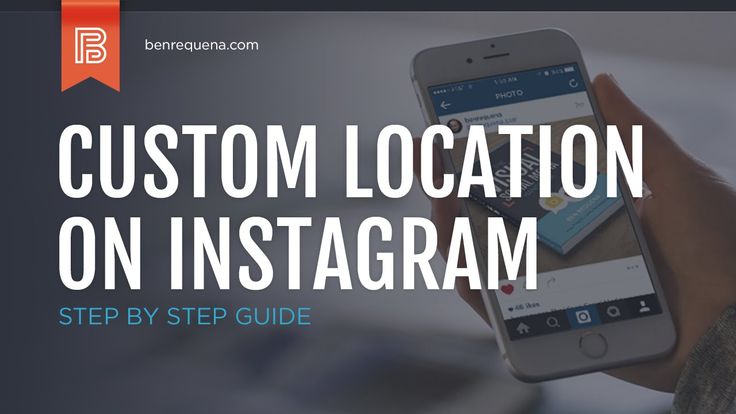
Instagram does not allow users to create custom locations on the app. To add a location to your Instagram posts, you must search through the pre-existing locations available. Luckily, there is a way to create a custom Instagram location – all you need is a Facebook account.
You can use Instagram locations to add context to your posts, to tag your business’ location, or even just to add a funny fake location to your post. Whatever your reason may be, follow these simple steps to create a new location on Instagram.
These are the basic steps to create a custom location on Instagram. We’ll walk you through the details of each step, but if you want to create a new location to tag on Instagram, follow these instructions:
There can be more steps along the way: you may need to turn on location services to check in on Facebook, and sometimes the location does not appear on Instagram right away. If you’ve tried this simplified version without success, keep reading for an in-depth breakdown of how to create a custom location on Instagram.
Facebook owns Instagram, so to create a new location on Instagram you must go through Facebook. Instagram only recognizes public locations from Facebook, so you can create a location on Facebook that will then appear on Instagram as well. To create a new location on Facebook, all you have to do is check in to that location.
To check in on Facebook, you have to have your location services turned on first. If you are not sure if your location services are turned on, try checking in – if they are off, Facebook will direct you to Location services in your settings.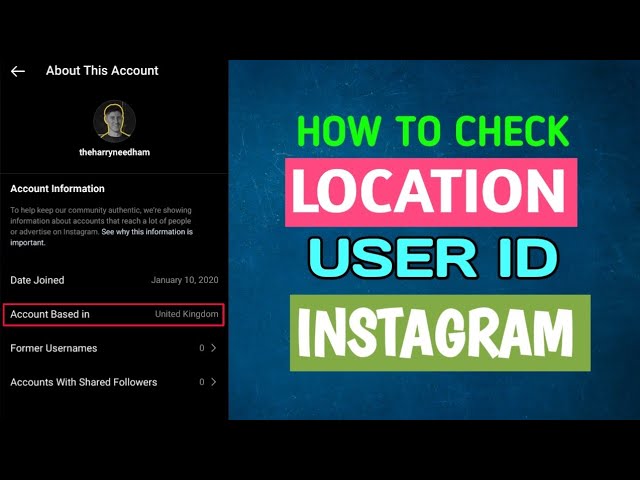 Follow these steps to turn on location services on Facebook:
Once your location services are turned on, you can create a custom check in location on Facebook. Follow these steps to check in on Facebook:
 The first letter must be capitalized, and the location cannot begin with a symbol or an emoji.
Now that you’ve created your location on Facebook, you can use it on Instagram. To add your location to Instagram, create a post, and under the area where you type in your caption, click “Add Location”. Type in your new location, and it should appear. Click your location and then share your post.
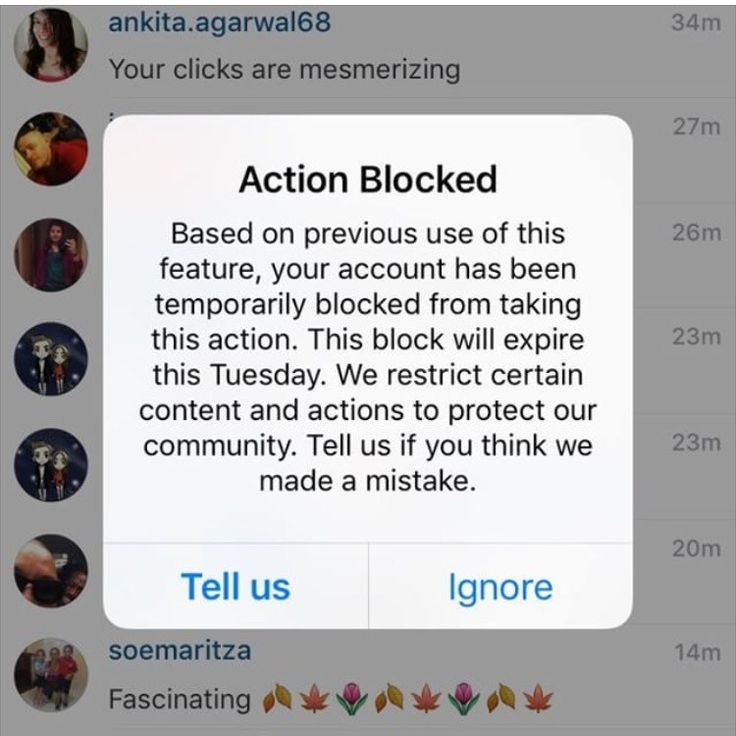
Some people have had trouble creating locations that appear on Instagram. They may appear and then disappear or never appear at all, even if you’ve checked in on Facebook. If you’re having trouble getting your custom location to work, try these troubleshooting tips:

If you run a Facebook business page, you can create a location for your business that will also connect to Instagram. If you have multiple locations, you can add each of those on Facebook, creating multiple options on Instagram as well. The steps for checking in are essentially the same, but you must have access to manage the business page.
When creating multiple business locations, Facebook creates a “main page” that manages all locations and your brand, as well as “child” pages for each location that link from the main page. Check in to these locations to use them on Instagram as well.
To add a location to your Instagram story, the location must exist already. If you want a custom location, go through the process above to check in on Facebook first.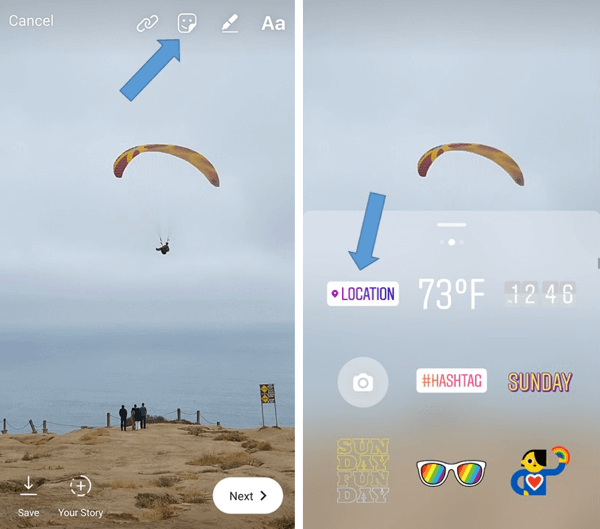 Once your location exists on Facebook and Instagram, follow these steps to add it to your Instagram story:
Alexandra | May 9, 2021
Let’s create your own unique, custom Instagram location!
As you know, you can now tag a location when you schedule your Instagram posts with Preview.
A lot of you asked:
“Can I create my own custom location tag for Instagram?”
Yes you can!
I’m going to show you how to do it.
The location can be anything:
Follow these 4 steps.
Click here to use it
You need to set up your location tag on Facebook.
Facebook and Instagram are linked. As you may know, Instagram is owned by Facebook.
So you need to go through Facebook first to create your new location.
Type a location name exactly as you want it to appear on Instagram. Pay attention to spaces, capital letters and punctuations.
Tap “Search“.
Chances are your new “location” does not exist. Or maybe some people have already registered a location with a similar name as you – which is fine.
If you’re not fine with that, here’s a quick tip.
Quick tip:
If someone has already taken the name of your location and you want to have a unique name, you can get very creative.
For example, if “Coffee” is taken, you can try “Coffee Official”, “The Official Coffee”, “This is Your Coffee”, “Where You Feel Alive”, “The London Coffee Shop”, etc…
Use your location name for marketing purposes.
If it’s something different, people will look at it and be intrigued! Take your time to brainstorm.
Once you’re happy with the location name:
Next time you post on Instagram or schedule a post in Preview, use your new location.
Did this trick work for you?
More tips:
Click here to use it
Share!
Geolocation should be understood as a point that indicates the location of a particular object. A car in a traffic jam, a place of an appointed rest, a place where your lost cat was last seen, and much more can act as such a point. Geolocation can be used to bind a certain place to it - a store, cafe, beauty salon, fitness club, and so on, and then use this place in profile description or in posts. Thanks to this, customers will be able to quickly find the location of your points of sale.
In this article, we will look at how to create a geolocation on Instagram, add a location and specify a geotag when publishing a post.
Program for promotion on Instagram - SocialKit:
Registration >>>
From the user's point of view, setting a geolocation in a post is an opportunity, no matter how trite it may be, to mark your location. Place of work, restaurant, popular resort and much more.
You can also use geolocation to promote your business. In addition to using a geotag in your profile, you can post using the most popular ones in your city. In addition, you can to collect the target audience for geolocations located in close proximity to your points of sale using the program SocialKit , and then for the collected audience launch a mass subscription .
Each user has the ability to create their own point and attach it to the post. For example, you visited a beautiful place and marked it with geodata. This place can be seen by any Instagram user. In addition to the fact that a person will be able to see the name of the place / address, he will be able to open a map where, with the help of a guide, a route to this place will be built. This option is useful not only for commercial enterprises, but also for those who travel a lot and blog on Instagram.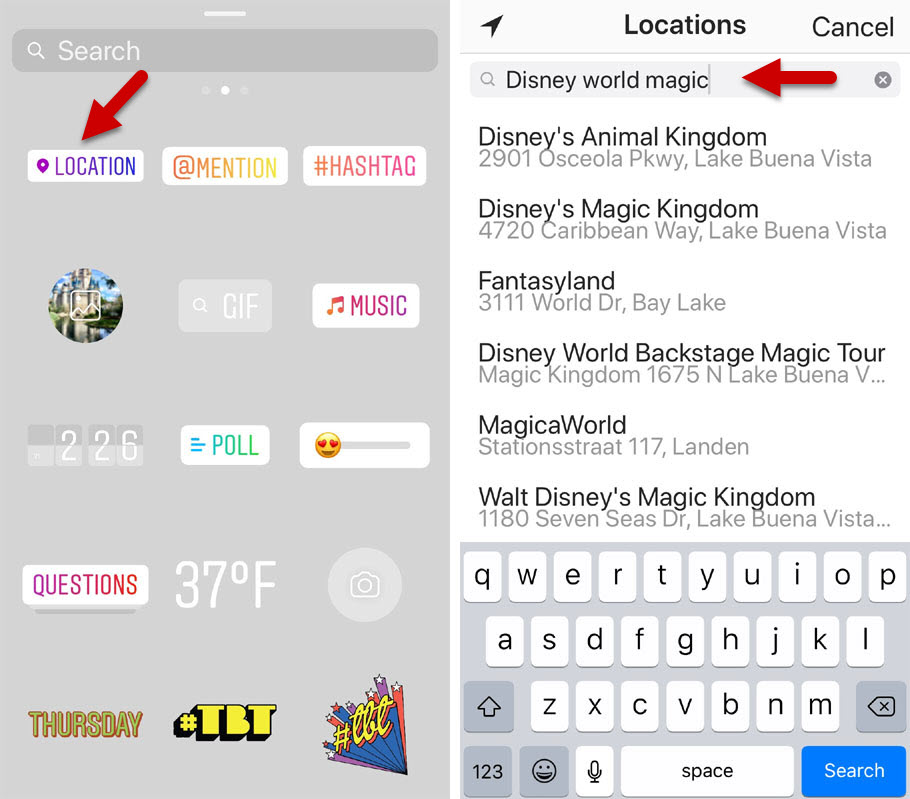
Who must use this Instagram feature?
It has been said before that geolocation is of particular importance for those who are promoting their company. Thus, you will not only advertise your business, but you will also be able to find it in the "Where are you" column. The recognition of the institution due to geolocation will increase significantly, and people who are or live nearby will definitely find out about this place.
The process of creating a new geolocation is quite simple, but it is not done on Instagram itself. Since Instagram is owned by Facebook, adding space happens when you create a Facebook business page for the subsequent transition to an Instagram business profile.
If it was previously created by someone else, then you can safely use this geodata. To create a geolocation, it is best to use the phone, but there are applications that are adapted for PC.
After you have downloaded the application, you need to register a new profile or log in if you have already registered.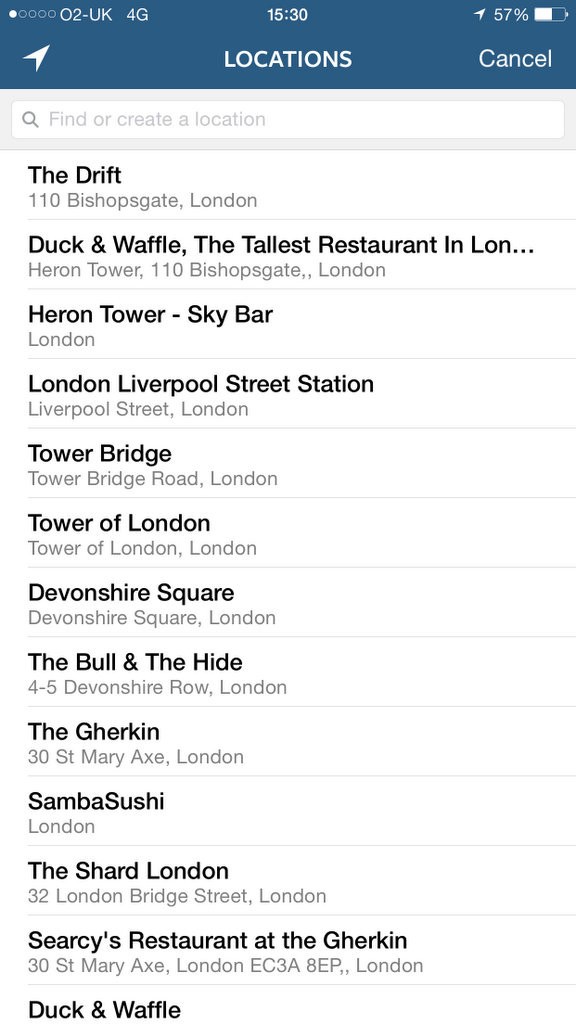
Next, create a business page for the company.
In the information section, enter the exact address.
This completes all the steps. The point on the map has been created, the place has been added. Now you can attach the created place in two social networks to any of your publications.
If your phone cannot detect your geopoint, then the reason is either in the smartphone settings or in the geosensor. Rebooting the device and checking the internet connection may help. If this does not help, then most likely the reason is in the smartphone settings. You must ensure that location detection is enabled, as it is mandatory.
To enable the function in question, you need to go to the phone settings. We find "Personal data" and open "Location" there. Here you need to move the slider to enable this feature. Everything is quite simple. The location is now turned on and you can see the apps that collect your location.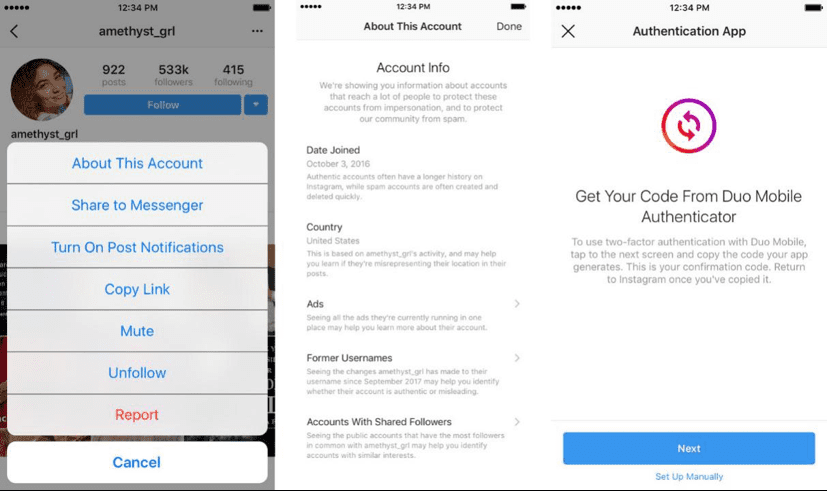 Facebook and Instagram must be on the list of those who are eligible for this fee.
To enable the option, go to settings and find "Privacy". In the window that opens, select "Location Services". Drag the slider and that's it. Before using location data on Instagram, make sure that the permission for it and Facebook is activated.
Once a geopoint has been created, you can easily use it and add it to posts. The hotspot is available to all users and can be installed an infinite number of times. When searching for a point, drive it in exactly the same way as it was called on Facebook. The option to set geolocation is very useful for various businesses and establishments promoting themselves on Instagram.
The main and main reason for the constant flow of photos on Instagram is the desire of users to share the best moments of their lives with friends, to talk about 's travels and leisure.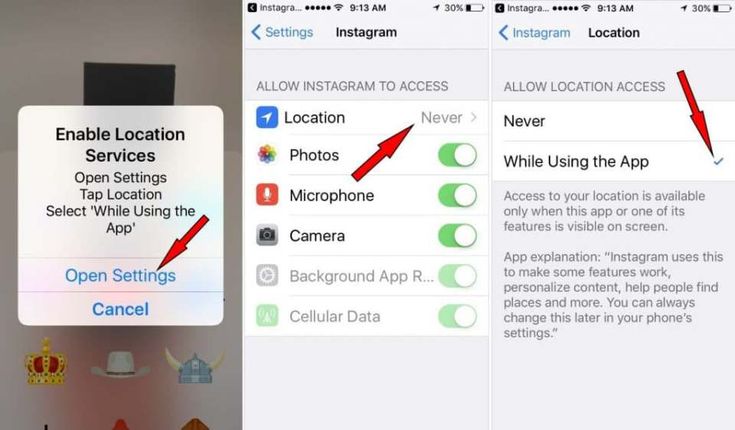 Immediately after registration, people begin to add pictures and posts, subscribe to other users and follow the lives of interesting people.
Anyone who likes to tell subscribers what places he visited and where he had breakfast, the question arises, how to add a place to Instagram? At the time of an important event, while traveling, going to the cinema, to an exhibition, a restaurant or a theater, everyone wants to indicate their location.
Some create their home on the map, and if you are promoting a business, you can add the geolocation of your company.
Watch the video: Best Free Instagram Marketing Method
How to create an Instagram location?
To add a location, first fix the point on Facebook, and then transfer the mark to Instagram. To do this:
-3.jpeg) If you have just registered, then you need to add at least one friend, otherwise these sections will not appear.
If you have just registered, then you need to add at least one friend, otherwise these sections will not appear. 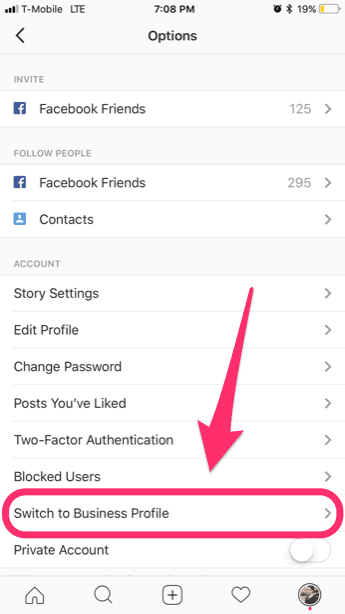
To add geolocation on Android, you need to exit the Instagram application and go to your phone settings. Find “Location Services”, then select one of the two connection options (GPS or wireless network).
If you choose to create a location for your own home or business, remember that your hotspot will be seen by everyone nearby and possibly used. When naming a geolocation, of course, you should not write the exact address. It is worth coming up with a creative name that can attract users and bring a smile.
The most creative: “Den”, “A place where it's good”, “Here I sleep”, “Come visit” and others. One of the owners of a large company spends most of his time at work, so he called the mark of the company “Second Home”.
Remember that you can add any point in every country in the world. The only exceptions are places where Instagram is not usually used (Antarctica or parts of Africa). Especially the above methods will come in handy if you come from a trip and want to add all the places that you managed to visit.
In addition, owners of their own shops, restaurants, beauty salons and other companies that provide services need to mark the location on Instagram. Take pictures of your establishment more often, mark the photo on the map and invite clients to visit.
As you can see, if you already know that geolocation is an extremely useful thing and without it, an Instagram user simply cannot be considered advanced, then if you have not yet attached importance to setting up this valuable service, it's time to start it. Now you know 3 ways to add geolocation to Instagram.