ViberMessaging
By Richard Hebert December 2, 2022December 2, 2022
Do you need a phone number to use Viber? If that’s the case, can you call and talk to your friends and families via Viber without linking it to a phone number? Well, let’s find out.
Sounds complicated? It’s not. There are legitimate online service shops that sell virtual phone numbers. You can also find free virtual numbers online.
Let’s explore further and find out how we can use Viber without activating it with our phone numbers.
Table of Contents
More than one million people use Viber to communicate with their friends and family due to the end-to-end encryption feature. Users’ voice calls, texts, and video calls are private. A third-party individual or agency can’t intercept texts, voice calls, or video calls.
You’ll need an internet connection, an operating system compatible with the Viber app, and a phone number. But you’ll have to register your Viber account on your phone to use the PC version.
You may have observed that the app will ask for a phone number when opening a new Viber account. Viber uses your phone number as your ID. Therefore, it’s hard to use Viber without a valid phone number whether you’re doing it on Android, iOS, Mac, Linux, or Windows.
Viber doesn’t ask for an email when activating a new account. Therefore, you can’t use your email to open a new Viber account.
So, how does one set up a Viber without a valid phone number?
Setting Up a Viber Without a SIM-Tied Phone NumberIt’s possible to create a Viber account without using your phone number.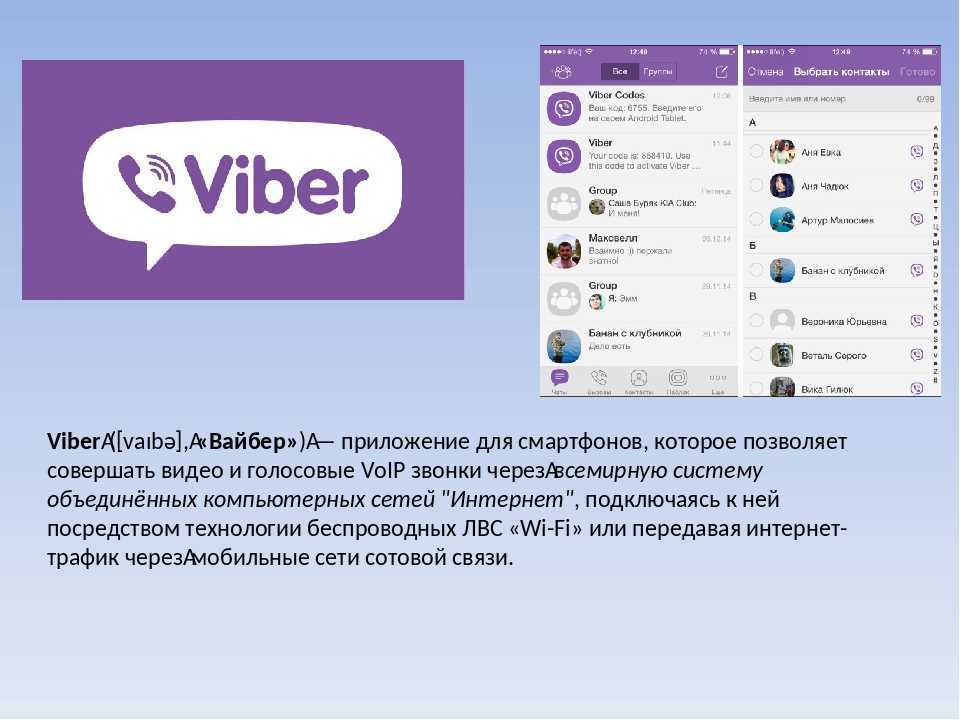 You’ll need to use a virtual number to access the code that will activate your Viber account.
Providers don’t tie virtual numbers to any physical location. Although it’s identified as virtual, it acts like an actual phone number. The number receives or makes calls on any mobile device.
You won’t require a physical address or a SIM card to use a virtual number. The calls and texts will go through VoIP (Voice Over Internet Protocol). Therefore, using virtual phone numbers will be a better and safer alternative if you wish to use Viber without using your everyday phone number.
Here’s a step-by-step procedure to create and use Viber without a working phone number.
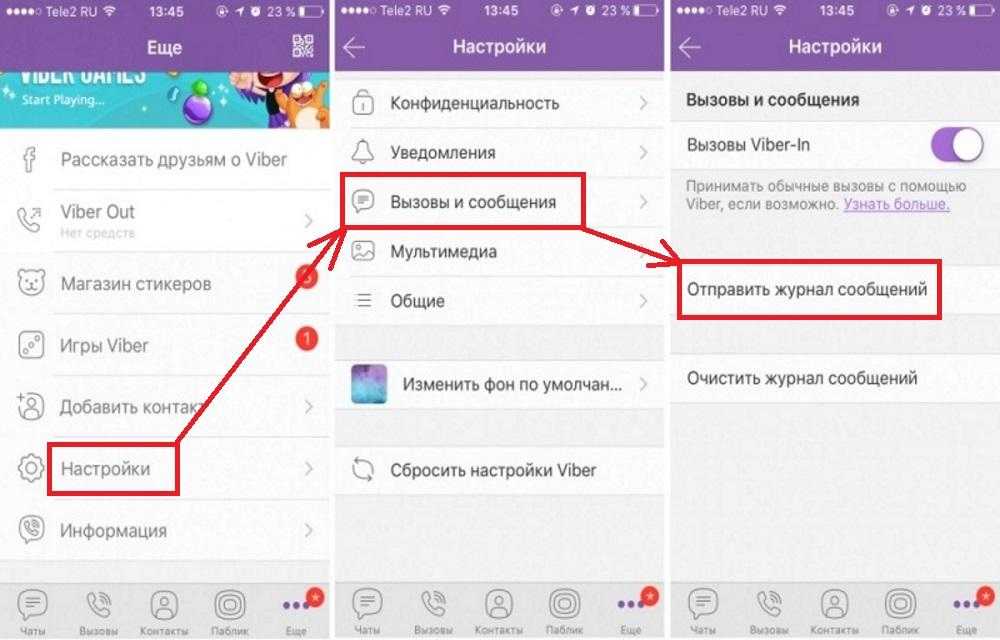
The VoIP number will let you communicate with people via Viber without needing a phone number or a sim card. Once you register and activate your Viber account, you can link the account to your PC without needing a phone number.
One can use Viber without needing a phone number attached to their physical address or a SIM card. Virtual phone numbers make this possible. You can get them online. Remember, you’re not limited to Google Voice. There are lots of providers who offer free and premium virtual numbers.
Try it out and share your Viber experiences with us. We would love to know if you finally activated your Viber using a virtual number.
Yes, you can. But you’ll need a Clone app to do this. The Clone app will help you clone your Viber app. Download and install a Clone app on your phone, open the app and navigate to the “Clone App” tab. Add Viber and create Viber’s clone. Launch the cloned Viber and set it in motion with your second phone number.
Vyacheslav general 0 Comments
Viber is widely popular among Russian-speaking users, alongside Telegram and WhatsApp. It allows you to send messages, documents, media files, and make audio and video calls for free.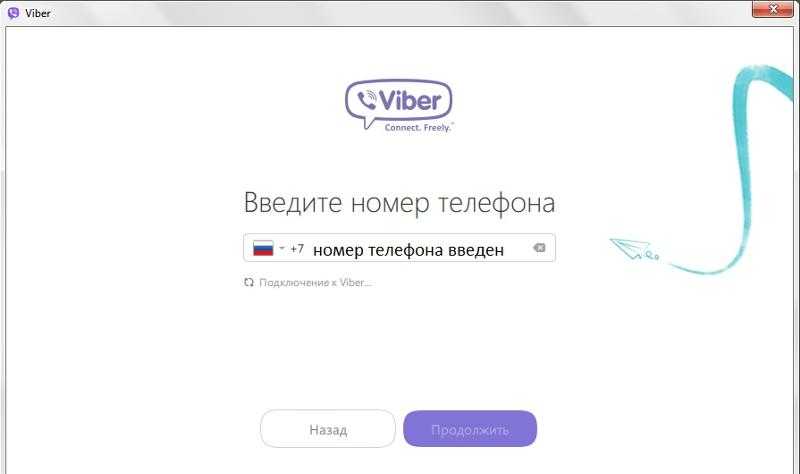 The interface of this messenger is simple and user-friendly, even for older people. All you need to use it is an Internet connection.
This software supports the following operating systems:
Regardless of the selected operating system, SMS verification is always required. It is still unclear how to use Viber without phone number or get an additional account in this popular messenger without the second SIM. According to the policy of this service, a user can create a single profile with the help of a single SIM only.
In this article, we will take a close look at how to activate Viber without phone number on different operating systems.
Activation of Viber without phone number is not available. The system will ask you to enter the code from the message anyway. In the case of this app, a phone number is a user ID, so getting a Viber account without phone number on Android is impossible.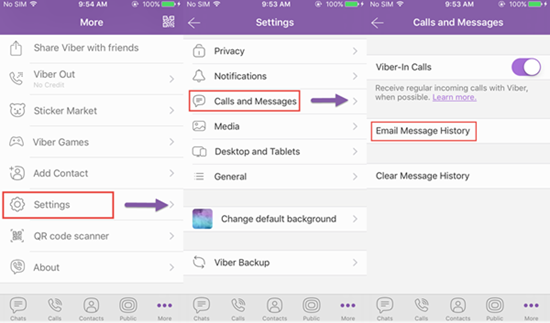 Still, there is no need to rush to the store to buy a new SIM card for your new account. There is a better, time and money saving solution.
You can use specialized services selling virtual numbers to install and activate this app on Android. One of these services is sms-man.com. It offers the lowest price for the service if compared with other similar websites. SMS confirmation via this source will cost you $0.08-0.17.
This website offers a large selection of mobile operators from different countries for signing up for more than 193 services. That’s why we choose sms-man.com.
Step-by-step instructions on how to create Viber account without phone number on Android:
3. Go to the tab “Payment” in the menu.
4. Send a deposit to your account in a convenient way.
5. Go to the main page and select the Viber service.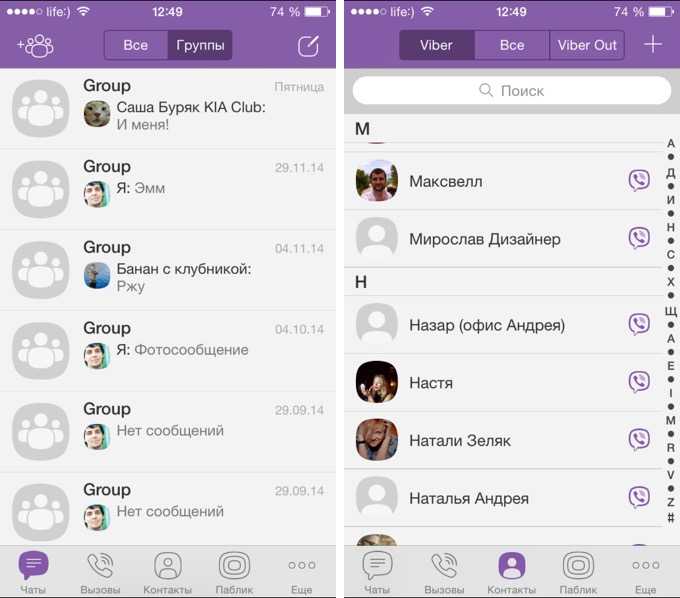
6. Choose a suitable number from the list and confirm receiving it.
7. Go to “History” and copy the purchased number.
8. Start the application. Enter the virtual number bought in the registration window.
9. Return to sms-man.com and go to your personal account. Then click on “Get SMS”.
10. The code will appear in the corresponding column, as shown in the picture below.
11. Enter the code in the messenger.
Done. It takes less than 7 minutes to activate this program on Android.
The procedure of registration on a PC is practically the same as on a smartphone. It is worth noting that installing Viber on a computer without a phone with a suitable operating system is impossible. When you log in from your PC, the service will ask you to scan the QR code via the app on your smartphone or another device instead of entering a verification code from an SMS. Therefore, the first thing to do is to install the app on your smartphone following the guide above.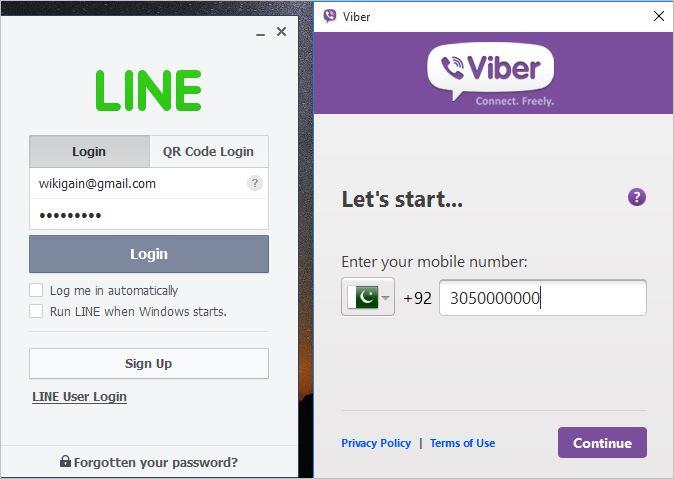
How to activate Viber without SIM on a PC (a step-by-step manual):
As you see, using the website sms-man.com and a device that supports QR code scanning, you can easily install this software on any device without linking your mobile number to it.
Vyacheslav
Vyacheslav is SEO expert at SMS-MAN. He also writes on virtual numbers and SMS verification issues on SMS-man Blog.
You can reach Vyacheslav at: [email protected]
sms-man.com/
Viber is basically communication on a smartphone, but sometimes it is more comfortable to use the Windows version. This approach can be justified, for example, when mobile communications are poor and there is no Wi-Fi. If everything is OK with the mobile phone - Viber is already installed on it, then the version for the computer is installed in a couple of clicks without problems. But what about the owners of antediluvian phones that are not friends with the messenger? Catch the info on how to install Viber on your computer without a smartphone. nine0003
Note: How to check the battery of a smartphone: 4 tips
If you cannot make friends with your phone with Viber, you need to use an Android emulation program. There are several options for such applications. We present the top solutions in the form of a table:
All these are Windows programs, although there are Mac versions under all these names, and Andy even works under Linux.
After installing the emulator, you need to install Viber on a desktop PC or laptop. Read on for details. nine0003
An interesting article: How to install Whatsapp and Viber on a tablet: instructions for installing 2 popular instant messengers
As an emulator, we will choose Bluestacks, as the most functional program. To get started, you need to download it from the office. site. If the antivirus does not like it, do not pay attention. You can remove it from your computer after use. Bluestax installation takes 5-10 minutes. To install, you need a couple of free GB, select a folder on a suitable disk. nine0003
Checkboxes for access to the store and communications should not be removed during installation. After installation, the application will launch. The program will ask permission to determine the user's location. You can agree or refuse, it will not play a special role. Next, select the interface language. The following setting items:

Viber settings in the emulator:
Now we have Viber in the emulator, it remains to install the computer version of the application on the PC. We download it at messenger website and proceed to install Viber on a computer without a modern phone. At the very beginning of the installation, the program will prompt you to enter a phone number. We enter the one to which the Viber is attached, installed in the emulator. nine0003
Next, the messenger will offer to scan the QR code with a smartphone. Select the "Camera not working" link. In the authentication window that opens, click "Copy", after which a link is placed on the clipboard, which is the identification key.
We return to Bluestacks, go to the browser and paste the copied key into the address bar.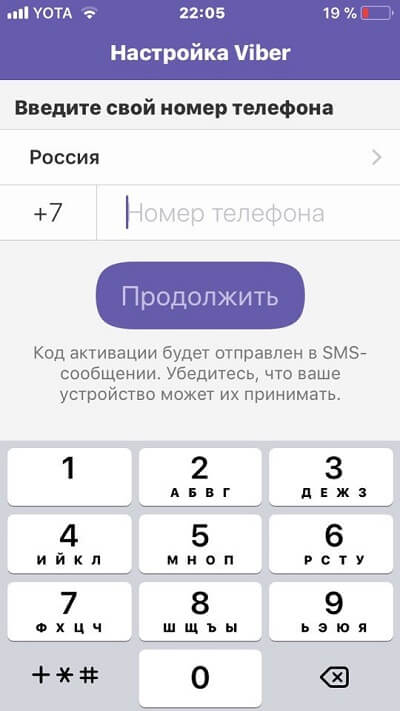 The emulator will prompt you to confirm the activation of Viber on your computer. We agree, completing the process of installing the messenger on a PC.
Connecting Netflix: Installing and Setting Up Netflix: 7 Rules for Watching Movies for Your Pleasure
In conclusion, we list the main stages of the deed:
In general, the main idea is to replace the smartphone with a program that imitates it. As you can see, Viber is installed on a computer without first being installed on a phone.
Upgrading hardware: How to properly install an SSD on a computer and laptop? — 3 ways
Posted by Updated by
Everyone knows that to install viber you need a smartphone with an activated SIM card. Another condition is that any operating system must be installed on the phone. However, there are ways to get around these restrictions and still use the messenger for communication. How to install a viber on a computer without a phone - this is what we will devote this article to. nine0003
Article plan:
When installing viber on a PC, an active SIM card and a smartphone are required.
The phone number that mobile users receive with a SIM card is a kind of viber client identifier. With its help, correspondence and personal data are synchronized on various devices. nine0003
Another function of the mobile is that it receives an SMS with an activation code. Without entering this information, the application cannot be registered and used in the future.
It is these two reasons that explain the need to bind a SIM card when installing the messenger.
However, in some cases, users do not have a phone number, or for some reason they do not want to connect it to viber. In such situations, virtual numbers can be used instead of real numbers. Today, this is not unusual, part of our lives, including when we read articles from our computer site, in any case, takes place in virtual reality. nine0003
Numbers are created in online applications specially created for this purpose. This can be done in onlinesim, freezvon, telphin.
Getting a number and using it to register in viber is free. The problem, however, is that they are temporary, and therefore, if a re-installation is necessary, problems may arise.
Figured out how to avoid using a sim to install viber. But there are situations when a person does not mind using his mobile for registration. The problem, however, is that he cannot install the application on his laptop or PC due to the fact that he is still using an old flip phone. nine0003
You can solve this issue by installing an android emulator for free:
Once the program is installed, a window will appear on the screen that mimics android.
The further procedure is as follows:
 It is necessary to do this, because you do not have a smartphone and, accordingly, a camera;
 Virtual numbers are used to connect viber not only on PC and laptops. This mechanism also works on tablets and iPads if they do not have a SIM card. nine0003
In a situation where a person does not have a smartphone, or he uses a push-button device, an android emulator can be installed on tablets. Next, you need to download and register viber. The only thing is that it will not be possible to do this on the ipad. The reason is simple - there is no ios emulator.
Read more about installing the viber messenger on your phone in our new article, completely dedicated to this.
Viber can be installed on a computer without a phone, a laptop, a tablet without a SIM card and a smartphone.