Never lose a favorite picture again
If you post something to Instagram and delete it later, it’s not completely gone. You can recover and restore deleted Instagram posts within 30 days of their original deletion. This was introduced in an update, so make sure you have the latest version of the app before attempting to use this feature. You can find it on the Apple App Store and the Google Play Store.
There are some apps that claim to let you view another person’s deleted content, but there’s no official way to do this. There are a few workarounds, but a good rule of thumb is this: If someone deletes a picture from their Instagram account (or any social media platform), respect their privacy and don’t try to find the picture.
Table of Contents
If you accidentally delete an Instagram post you want to keep, you still have access to it for 30 days and can recover it at any time. You’ll need to do this from the Instagram app on iPhone or Android device, as the web browser version doesn’t allow you to access deleted content. Here is a step-by-step tutorial.
This will bring the photo back to your profile. You can restore pictures, reels, and more this way. On the other hand, if you need to take something down from your main profile without completely deleting it, take advantage of the Instagram archive feature.
How to Archive Instagram PostsArchiving a post will remove it from your feed, but not delete it entirely. You can also archive Instagram stories and live content. Here’s how to archive posts.
You can view archived content by going to your Instagram profile.
 You can tap Posts archive at the top of the screen to switch to the Stories archive or the Live archive.
Your posts archive is only available to you. If you need to remove a post temporarily but want to bring it back later, store it in the archive.
How to View Someone Else’s Deleted Instagram PostsThere’s no official way to view someone’s deleted Instagram posts. Instagram functionality is designed so that once they remove it from their profile, it’s gone for good. If they remove their profile, there is no way to see any of their content.
If you suspect content will be deleted, you can take a proactive approach to save it. You can take a screenshot of a photo and store it in your phone gallery, photos app, or to your Google Photos account. On the other hand, live content requires a few more steps.
There is a third-party application called Storysaver.net that can be used to download Instagram stories. While you can access it through your Android or iOS device, it’s better to use a Mac or PC.
You can also use a third-party application to download live video content, like IGTV videos.
Note that you will need to sign up for an account before you can use this tool.
Instagram pictures and videos aren’t meant to last forever. While it’s not quite as ephemeral as Snapchat, Instagram is designed to let you delete images you no longer wish to keep. If you do so accidentally, though, you have up to 30 days to restore the content before it’s gone forever. If you’re afraid of losing pictures, try to create a dedicated Instagram folder on your phone or PC.
';document.getElementsByClassName("post-ad-top")[0].outerHTML='';tocEl.outerHTML=tocHTML+newHTML;}}catch(e){console.log(e)}
Patrick is an Atlanta-based technology writer with a background in programming and smart home technology. When he isn’t writing, nose to the grindstone, he can be found keeping up with the latest developments in the tech world and upping his coffee game. Read Patrick's Full Bio
Subscribe on YouTube!
Did you enjoy this tip? If so, check out our very own YouTube channel where we cover Windows, Mac, software, and apps, and have a bunch of troubleshooting tips and how-to videos. Click the button below to subscribe!
Subscribe
Summary: Have you deleted Instagram photos or videos? Are your Instagram photos or reel videos disappearing? This blog is a step-by-step guide to recover your lost or deleted Instagram photos and videos on Android, iPhone, and computer.
Contents
You love Instagram. The magical medium not only connects you with your loved ones but also to your favorite celebrities, brands, and interesting people around the world. Further, it is fun to view and share photos with augmented reality, amazing filters, and stickers etc., that grab ‘likes’ and attention. However, with so much to offer, sometimes managing so many Instagram photos and videos also becomes a strenuous task.
eMarketer reported, with over 1.07 billion active users in 2021, Instagram became one of the most used photo/ video sharing app. Another study by Statista Research, says Instagram was the most popular social media site used by U.S. teens and young adults in 2020 Pandemic year, after YouTube.You may accidentally delete Instagram posts or suddenly notice Instagram photos are disappearing. Your Instagram reel drafts are deleted. Videos you created for uploading in the app can also go missing from your device due to virus attacks, formatting, or other reasons.
So is it possible to restore lost or deleted Instagram photos, videos, stories, IGTV videos, or reels? Thankfully yes.
Here in this blog you will know the different ways to restore lost or deleted Instagram photos and videos on Android, iPhone, iPad, and computer.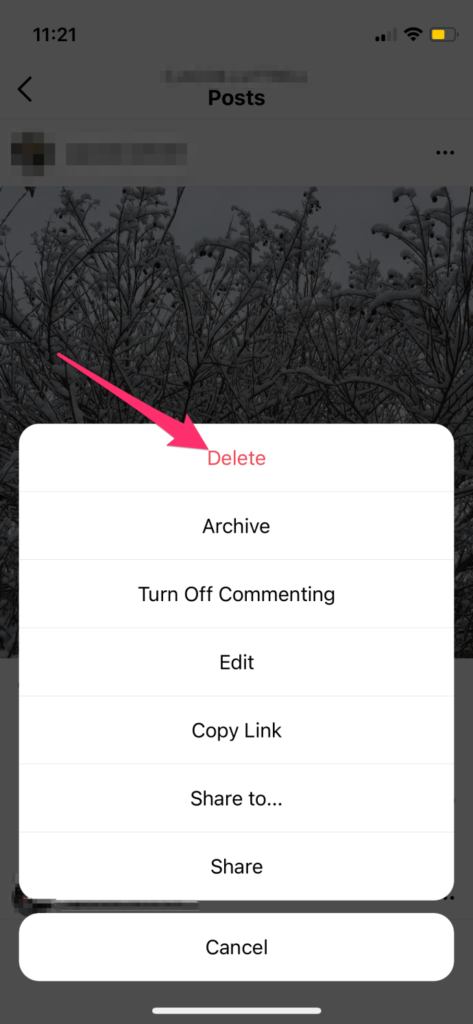
One way to recover Instagram photos and videos is from the app’s ‘Recently Deleted’ or ‘Archive’ folder. Another location where you should look for the Instagram files is in the photo albums of your device such as Gallery, Download folder, File Manager, Camera Roll, or others. You may also search for missing photos and videos in backup folder such as iCloud or Google Photos.
If you don’t find the deleted Instagram photos and videos at any location on your device or cloud backup, use a photo and video recovery software to retrieve the lost Instagram files from the storage device.
‘Recently Deleted’ feature of Instagram helps to restore deleted content in the app. Photos, videos, IGTV videos, reels, and stories deleted from your account are first moved to the ‘Recently Deleted’ folder. The files stay in this folder for 30 days, except the stories, which remain only for 24 hours.
If you wish to undo the deletion and restore Instagram photos and videos during this 30 days period, do it by following the below steps. Before that, just make sure you are using the latest version of Instagram.
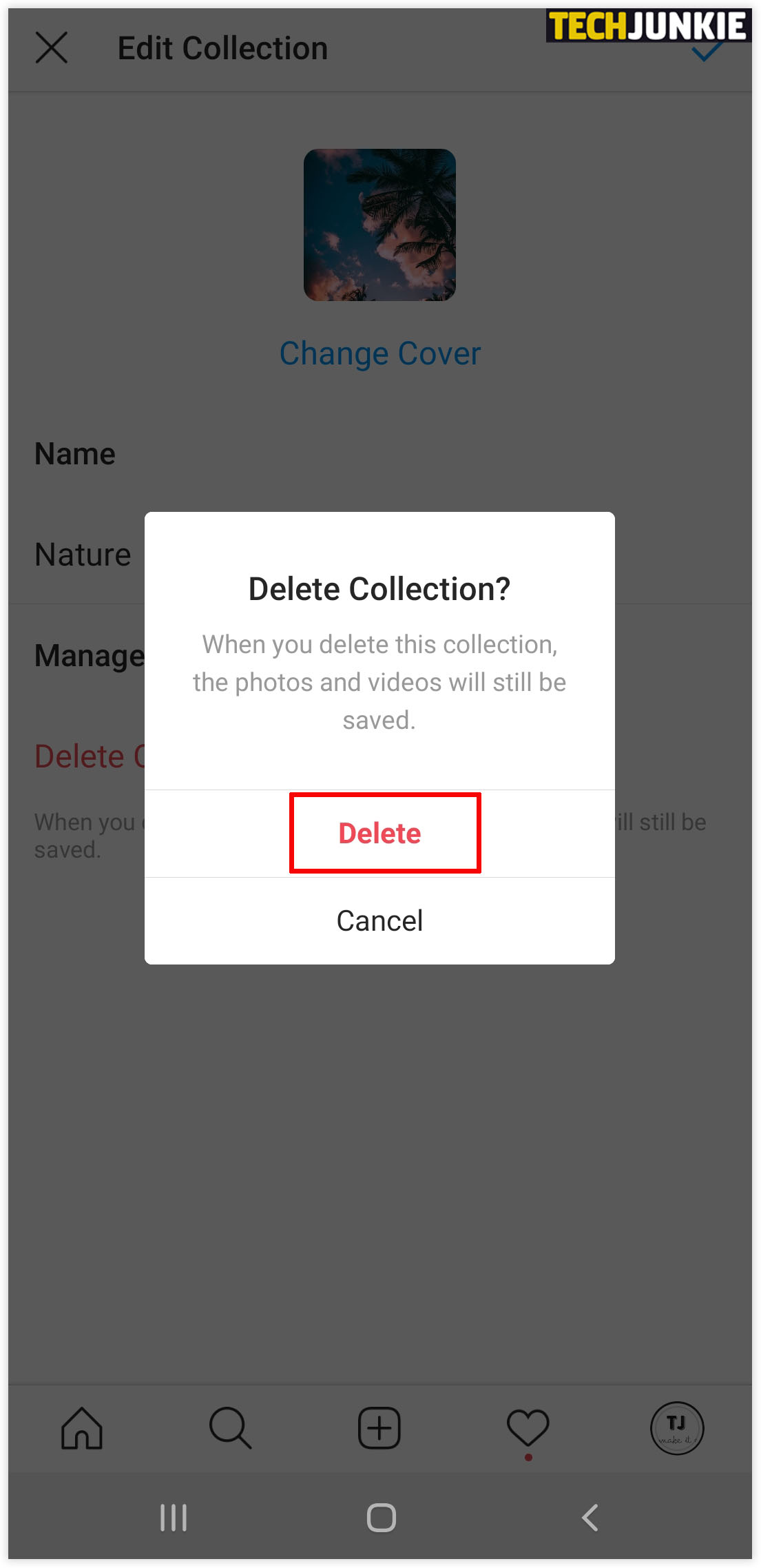
If you choose Delete option, it will permanently delete the files from your Instagram account.
Instagram launched the ‘Archive Posts’ feature in 2017 which proved to be of great help as it allowed the users to hide any photos and stories from being seen by anyone. You can also recover ‘deleted’ photos from the archive folder. However, if you delete a photo from the archive, there’s no guarantee that you can recover it again.
Follow the below steps to unhide or recover the deleted Instagram photos and videos from Archive:
Whenever you upload any photo or video on Instagram, it gets automatically saved in Gallery Album of your Android under ‘Instagram’ named folder. On iPhone the uploaded file is saved in Albums in the Photos app.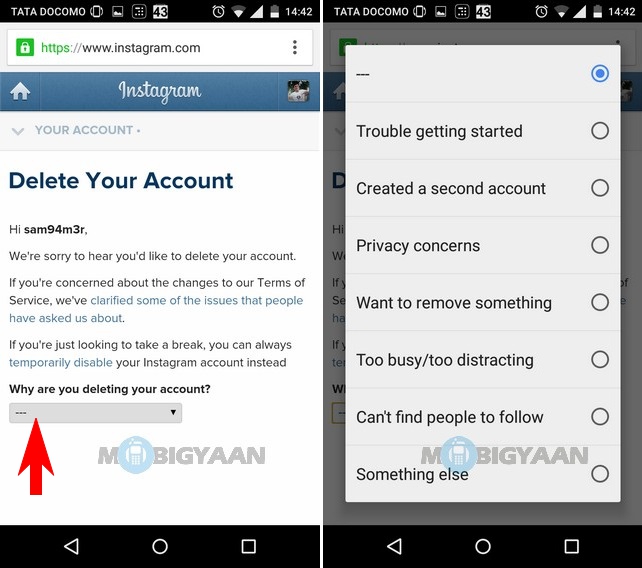
If you have accidently deleted or can’t find photos or videos on Instagram, look for them in the ‘Instagram’ folder in Android Gallery or iPhone’s Album.
Read more: How to fix Instagram videos that won’t play.
If Instagram photos have disappeared, check and restore them from the File Manager on your Android device.
Follow the below steps to recover Instagram files from File Manger on Android:
You can recover deleted Instagram photos on iPhone or iPad from the ‘Recently Deleted’ folder. The Photos app on the iOS device has the ‘Recently Deleted’ folder that keeps the deleted images and videos for 30 days. You may find here the photos and videos that you posted on Instagram but now deleted from the account.
Follow the below steps to restore Instagram photos from ‘Recently Deleted’ on iPhone/ iPad:
This is where the Backup files serve the purpose. When you can’t find your Instagram files, then restore them from the backup present in cloud or storage drive. Check in iCloud, DropBox, Time Machine, or any other backup drive you use. If you have the required photos and videos, simply restore them, else follow the other method.
The best bet to restore lost, deleted, or disappearing Instagram photos is to use an Instagram photo recovery software — Stellar Photo Recovery.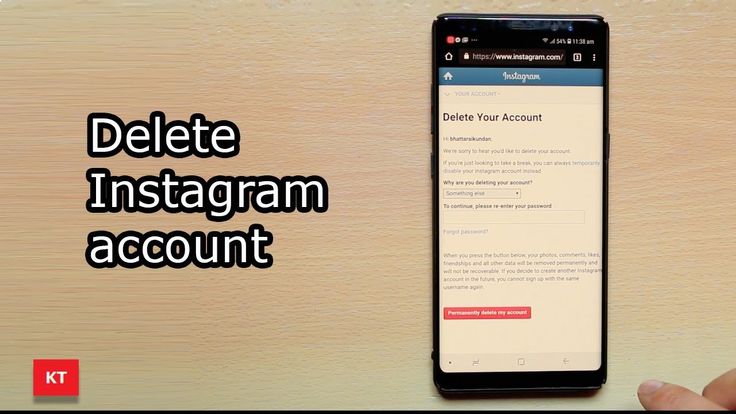 It is a media files recovery tool, which can recover deleted photos from a PC, Mac, pen drive, SD card, or other media. By using the software you can retrieve bomb Instagram images, archive photos, or other posts, provided you have anytime saved them on your storage drive. With the robust scanning algorithm and straightforward recovery process, the software ensures deleted photos and videos of any format are back on your computer.
Further, Stellar Photo Recovery has a Free Edition with which you can restore up to 10 Instagram photos or videos.
To know the quick steps to recover lost/ deleted Instagram photos and videos using Stellar Photo Recovery click here.

When you turn on Save Original Photos or Save Original Posts, each photo with the post also is saved to your phone’s library.
Learn more Tips to Keep Your Videos and Photos Safe on Social Media
Q1. How do I recover permanently deleted pictures from Instagram?
If the photos are permanently deleted from your Instagram handle, search for them in your device storage and backup locations by using the methods given in this post. You can also use Stellar Photo Recovery software to recover the photos from computer, pen drive, memory card etc. Once you recover the pictures, you have the option to upload them again on Instagram.
Q2. Can I recover deleted Instagram posts?
Yes, you can restore the deleted Instagram posts from the ‘Recently Deleted’ folder in your Instagram account. For steps, read method 1 in the blog.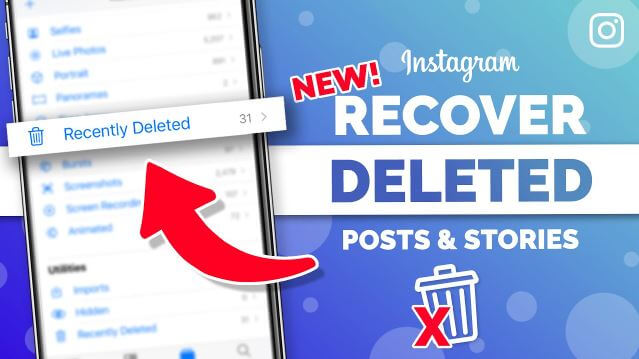
Q3. How to get back deleted Instagram Story?
Restore the deleted Instagram Story from the ‘Recently Deleted’ folder of your Instagram account
Q4. How can I recover a permanently deleted Instagram account?
If the Instagram account is deleted or deactivated due to some reason, you cannot recover it. However, there’s an option to contact Instagram support for help to reactivate the account.
Q5. How to repair Instagram reel?
To repair Instagram reel videos, update to the latest version of the app, and clear all the cache. Learn more methods to repair Instagram reel.
Stellar Data Recovery has the right Windows Recovery tool for all your data recovery
Read More
Stellar Data Recovery for Mac program performs safe..
Read More
A comprehensive photo recovery software to restore photos, music & video files
Read More
Powerful video repair tool for repairing corrupt or damaged MOV and other video files
Read More
There are several ways to restore a deleted post on Instagram: return it from the Archive, use the web archive or contact technical support.
Content
There are two formats for deleting a profile: full and temporary. If the page owner has temporarily blocked access, you can restore data through standard authorization. That is, photos, videos and Stories will not be deleted, but only inaccessible to visitors.
With a complete deletion (through the old version of Instagram on a computer), it will not be easy to return the lost information.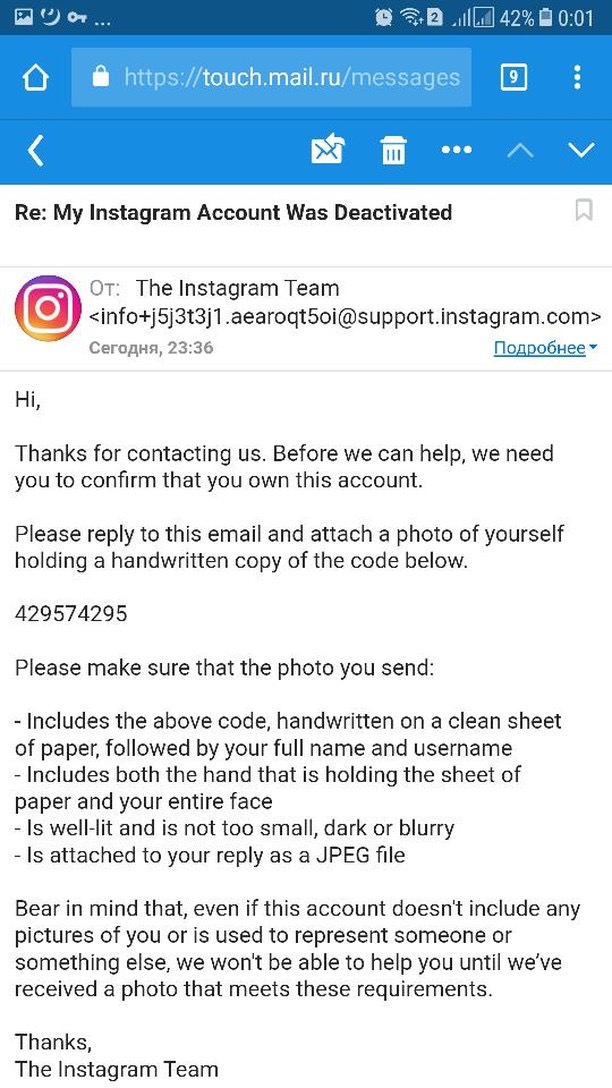 In accordance with the policy of the service, access to such media files is possible only when applying through the court or by submitting a statement from the police. The official community notes: "Instagram is not a photo storage service, but only a social network."
You can view deleted photos on Instagram in the following cases:
The last option is more about saving media files on your smartphone than Instagram. But it is also one of the ways to recover lost information. On iOS devices, all copies of photos and videos will be sent to iCloud. On Android - Google Drive or other "cloud" storage.
Mandatory condition - automatic saving of all photos and videos, network connection and the presence of a virtual disk.
How to check whether a copy or original files are saved in the Gallery from Instagram (provided that the account is available):

If all the items in the tab are active, then the file has been saved to the mobile device. Look for copies or original files in the Gallery. But it will not work to return descriptions, comments and likes - when completely deleted, such information is erased.
You can restore from the Archive only those entries that were archived automatically (Stories) or by the user (posts from the Feed). Section: "Archive" is located in "Settings", in the latest versions of applications.
How to return a photo or video:
The entry will be restored to the same date as the first time it was posted.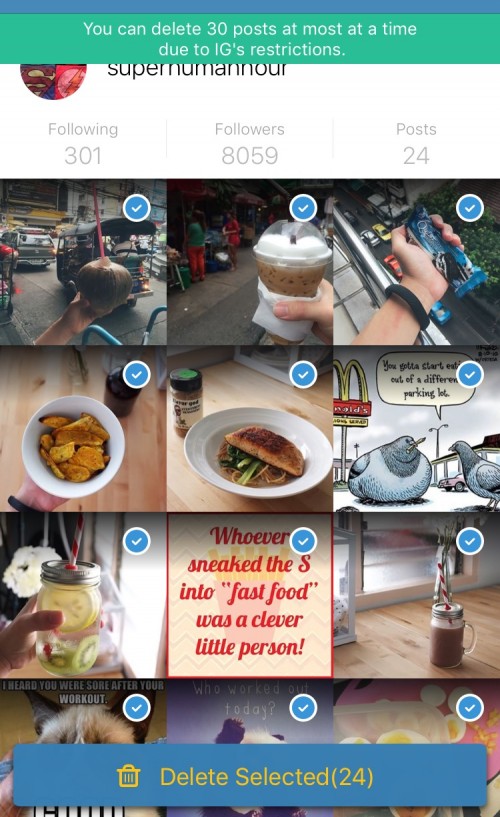 If you return Stories, they will be placed as memories. Also, they can be sent to the section: "Actual" by adding the cover and the name of the set.
To move a media file to the Archive:
After that, the post will be placed in the Archive and it can be restored at any convenient time. But the category works only with an active profile, that is, when deleting - all information will be erased.
Using third-party tools, the user will be able to recover a deleted post on Instagram. For example, a web service: "WebArchive", which saves page data and their copies. The method will only work if the account owner has not changed his login and has not blocked the page.
Another way is to get the posts back through a backup.
If the device is set to automatically save data, the user can return pictures, videos, and even correspondence in Direct.
But the backup will work if the page owner has previously specified the creation of copies.
The function is available both through applications and standard tools in the “Settings” of the smartphone:
By choosing one of the methods, the user can also contact technical support directly. This is also possible through the computer version in: "Support Center" and in the section: "Help" - Send an error message.
To return information using a computer and web archive, the user must provide a link to their page. In the service, you can specify the approximate time period where the necessary records were published.
How to work with the web archive for Instagram:
The service will transfer to a saved copy of the page where the photo or video was posted.
Or, if copies were not found in the archive, enter the name of the page in Google. Under the name of each site is a small triangle that displays a drop-down menu. In the available functions: "Show saved copy".
In this way, you can view the deleted photos of another user by adding a link. But you can find in the archive only some files that were archived by the system itself. If necessary, the user can add a link to their profile to save a copy.
You can recover deleted files from the Gallery and Instagram through the application: " Restore photos and contacts ". The tasks of the tool include searching for backups, working with the remaining components of files on the device. In the same place, you can return the original version of Instagram and information that was published for a certain period of time.
How to use:
The application will not find information in the following cases:
In this case, it will not be possible to retrieve the lost information. Before deleting a page or files from a device, you need to check your cloud storage or backup settings.
There are only a few cases under the Instagram policy when content will be restored:
Before deleting an account, users are warned that lost media files cannot be recovered. Therefore, an ordinary user should save the necessary files before deactivation, and after that, delete the profile.
If the account has been hacked and there is evidence, you can contact technical support. To do this:
The page will display a list of issues for you to contact Instagram support. Choose the first option from the available ones. Then an input line will appear below and the opportunity to specify a contact e-mail address. In the appeal, describe the problem in detail, add confirmation using a screenshot.
The same recovery claim mechanism is available from the mobile version. But you need another page to submit an appeal and attach screenshots.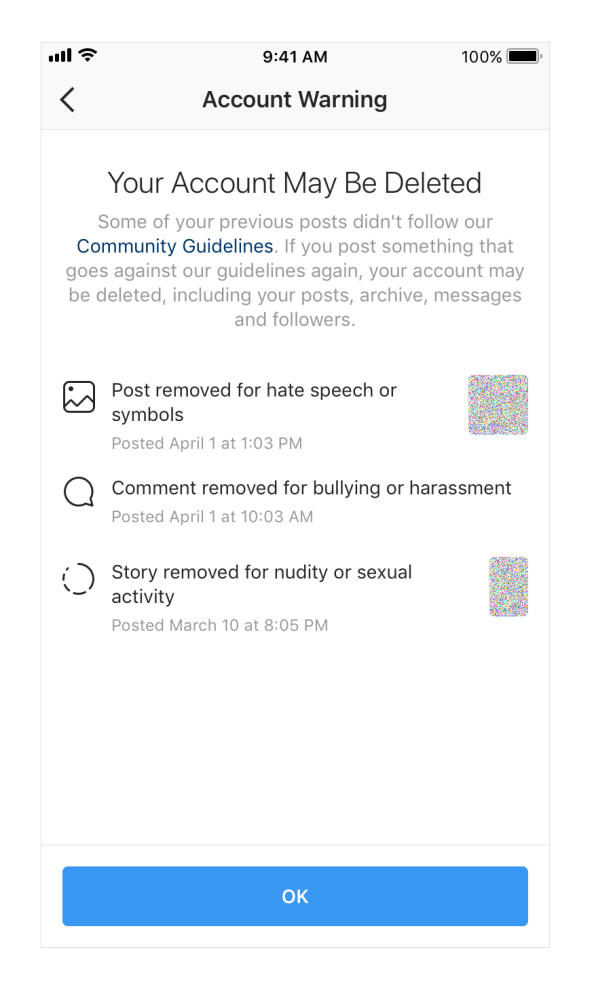 The administration reserves the right not to restore a deleted post on Instagram.
Last Updated September 21, 2022 Ian McEwen
Your well-composed Instagram Posts/Photos can be accidentally deleted or lost in any way. Most of the time, you actually remove them yourself.
Perhaps you find the photos unattractive, offensive, or simply unnecessary when filling out your account and decide to delete them. Your photos can also be deleted when the post associated with them is deleted or if you accidentally disable your account.
In other rare cases, photos may be deleted by third parties who gain unauthorized access to your account and decide to delete your photos without your knowledge.
One of the main reasons you want to get your photos back on Instagram is to enjoy the sweet memories immortalized in those photos. Indeed, Instagram is a gem of memories and those memories are often captured in our photos.
You can also get your photos back if you previously disabled your account but forgot to save your photos. These photos will seamlessly drive traffic back to your Instagram profile as most of your fans and followers will easily identify with you.
There may be times when you just want to prove your point, and the only way to do it is through Instagram photos. Therefore, the only solution is to recover deleted photos from Instagram.
It is important to remember that there is no shopping cart on Instagram. However, for some reason, such as the need to comply with certain legal obligations, Instagram will store these deleted Instagram photos and messages on the company's server indefinitely.
So if you want to recover deleted Instagram posts, you need to contact support or get a valid court order to get the company to retrieve those photos for you.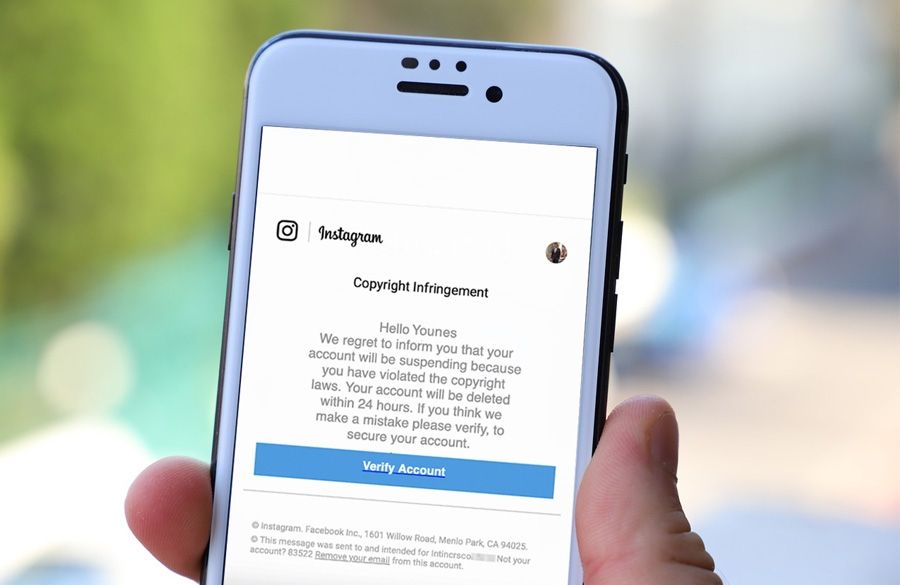
In 2017, Instagram added a new feature known as Archive Posts that allows you to hide photos and posts you'd like to keep private from your public profile.
And you can get archived posts and put them back on your Instagram where they were before with all the comments and likes.
Although the Instagram archive more or less resembles a trash can, Instagram posts can only be "restored" by pressing archive instead of tapping Remove from the three vertical dots of each post.
Technically, you can't count on the Instagram archive if your Instagram posts have been deleted.
However, if you have a question like “ Why are my Instagram posts disappearing? "Then you can try to check your archive with instructions here.
So if you can't "recover" your photos with the above methods, you can use any of the methods below.
Quick Navigation: 4 Methods to Recover Deleted Instagram Posts
Fortunately, Instagram will automatically save photos and videos to your smartphone's camera.
Unless you choose to delete these photos from your phone, you can always find them in your phone's gallery, Downloads folder, Camera Roll, or wherever your photos are normally stored.
The following process can help you recover deleted photos from Instagram .
If you are an Android user:
For iPad and iPhone users;
It is important to remember that this method only applies to photos that have been deleted in the last 30 days.
Unlike Instagram on iPhone which can only save unedited/original photos and videos, Instagram for Android gives you two more options: Save Shared Photos and Save Shared Videos.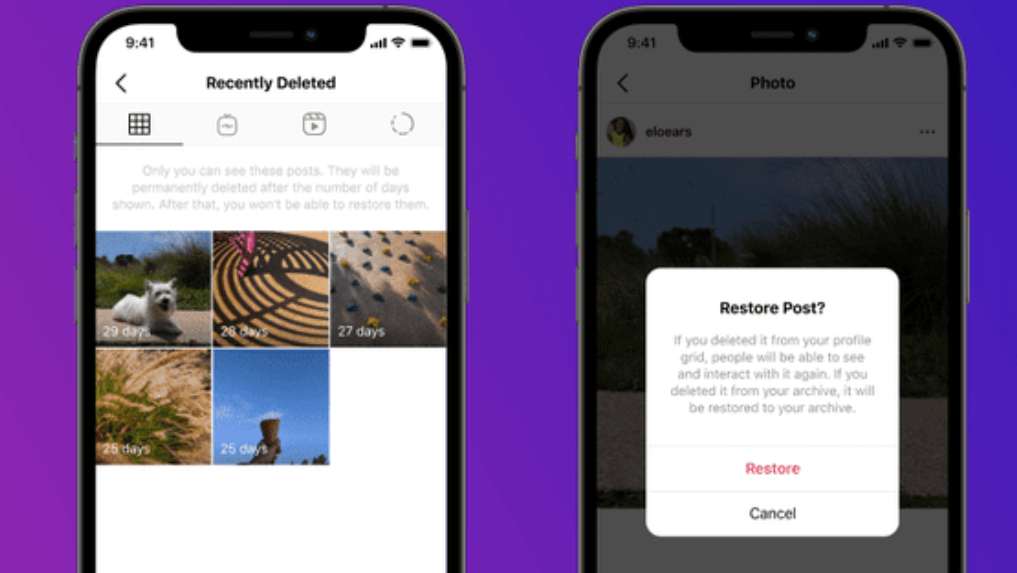 This may save you time if you are looking for an edited version.
If you are not sure if autosave is enabled, you can check here.
Photo Recovery Software is perhaps the most efficient method to recover deleted Instagram photos.
There are so many photo recovery software out there and which one you choose depends on your preferences.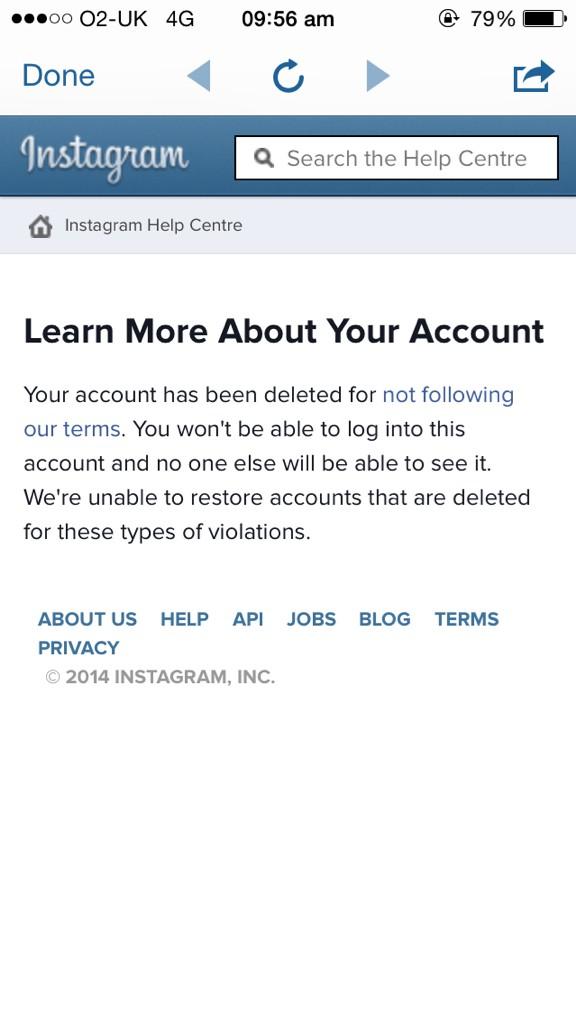
However, the steps in using photo recovery software are more or less the same.
| companies | Photo / Video Recovery for Mobile (iOS, Android) | Photo / Video Recovery for Computer |
| Aiseesoft | Fonelab
Win Download | Datakit
Win Download
|
| Wondershare | dr.
| Recoverit
|
| EaseUs | MobiSaver
| Data recovery wizard
|
| Stellar | Star iPhone Data Recovery
| Star Phoenix Photo Restoration
|
| iMyfone | D-Back
| AnyRecover
|
If you have ever uploaded your data to Instagram, it will be pretty easy to get your deleted posts back on Instagram.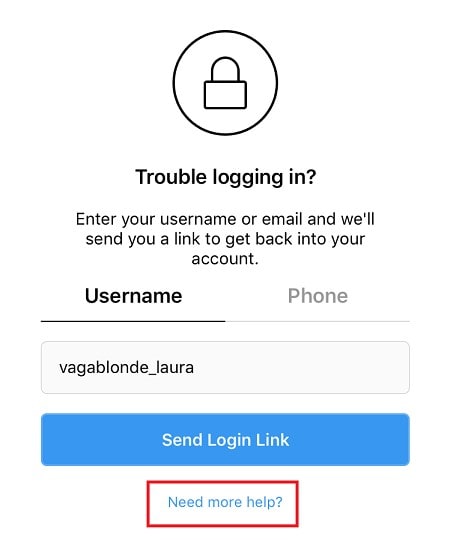
The downloaded file includes all photos, videos, profile, check log, comment history, like history, etc.
To get back deleted photos from Instagram, you can go to your photos folder and select the ones you want. All your Instagram photos will be sorted by date. However, compared to the original photos with 2 or 3 MB, the size of uploaded photos from Instagram varies from 20KB to 120KB. If you are looking for higher resolution photos, try method 2.
Although you can't restore this deleted post back to your Instagram profile with all the comments and likes, you can check your comment history and likes history with "comments.json" and "likes.json" files that can be opened with using free Notepad++.
Tips: For those who want to download a copy of Instagram data from desktop/iOS/Android, just follow the instructions here step by step: How to access or view your Instagram data?
This method is only applicable if you have backup files such as Google Photos.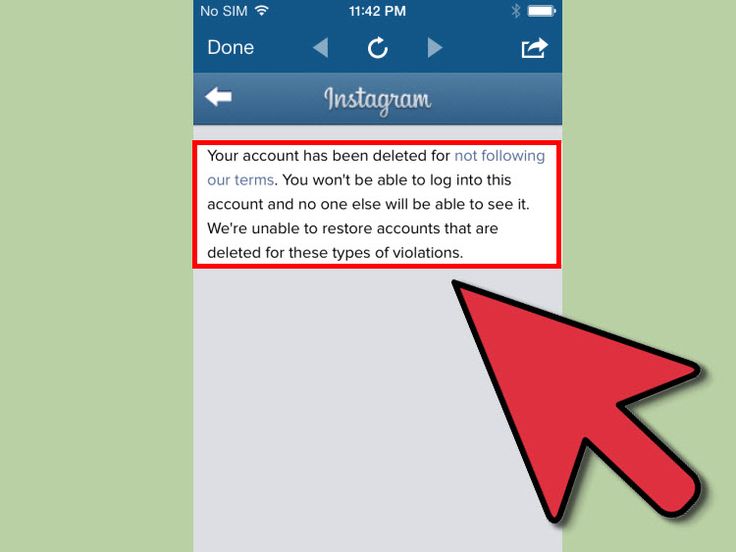 Apart from these backups, you should also make sure that there is an up-to-date backup for the files you are going to restore.
If all is well, proceed as follows;
Of all the ways to recover deleted Instagram photos, we would go for recovery software. Not only are these software plentiful, but they are much more reliable than any of the other methods highlighted above.

 fone
fone