One of the best ways to improve the aesthetic appeal of your Instagram gallery and feed is to increase the amount of white space between your photos for a clean, uncluttered look.
The white border you choose will depend on your overall Instagram theme and whether the photos you’re uploading are horizontal, vertical, or square. If symmetry is your thing, then a white frame for Instagram photos is a great way to go. Here are a few simple ways to achieve a white border on Instagram.
Instagram saves duplicates to your iPhone
If your Instagram app is set to save all posted photos to Camera Roll, you’ll end up with two copies of every photo you post. An iPhone app like Gemini Photos will help you find and delete those redundant copies.
Download on the App Store
The easiest way to get white borders on Instagram is to use the native Instagram app. If you navigate to your profile page, you’ll see that your photos all show up as squares with a thin white border between them. This is lovely, but there’s a more striking white border that you can add to your photos.
Here’s how to add a thick white frame for your Instagram photos:
 Your photo will show up in your gallery with a white frame.
 As fabulous as the Instagram app is, you can really only achieve one border style using the Instagram editor. If you’re looking for a thicker border or a way to add asymmetrical borders to horizontal or vertical photos, you’ll need a third-party app. Here are a few we’d recommend.
The Preview app is an Instagram planning and editing tool that has a selection of white borders you can choose to create a unique Instagram theme. If you are going to edit your photo or apply a filter, be sure to do it before you add your frame because a filter will change the color of your photo’s border when added afterwards.
Here’s how to create a white border using the Preview app:

Now you can either save the photo to your Camera Roll or post it right from the app.
With Whitagram, you can upload any photos of any kind — square, portrait or landscape — and quickly add a white border before uploading your photo to Instagram.
Here’s how to add a white frame with Whitagram:

Squareready allows you to add a white, colored or patterned border to your photos, no matter the original dimensions. With Squareready you can also move your photo around within the frame, making it off-center for a unique look. There’s also a simple, in-app editor for basic touch-ups.
Here’s how to use Squareready to create your Instagram border:

If you’re looking for ways to make your Instagram account stand out, consider using one of these methods to add a white border around your photos. This is a great trick for adding visual appeal to your gallery and giving your Instagram feed a distinct look.
With the rise of various third-party apps and tools, there are thousands of ways to edit your Instagram photos. While some users layer their pictures with cool filters or colorful light leaks, many photographers are using white frames around their photos to add a creative touch. In this guide, we’ll go over the various ways to add white borders to Instagram photos so you can easily try this look out for yourself.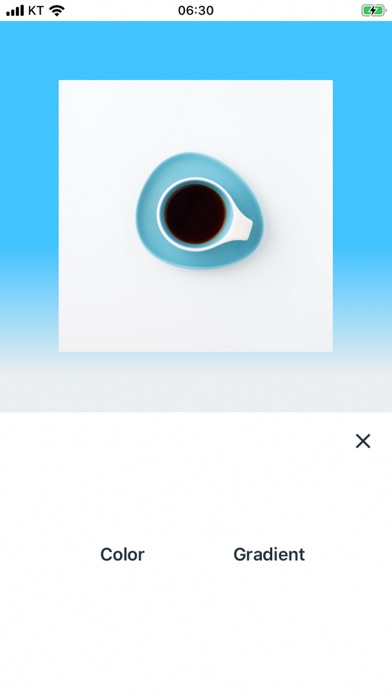
Adding a white frame to your Instagram photo is a simple and easy way to make your content stand out. While there are dozens of ways to achieve this effect, the five methods listed below are the most common — and the simplest to use.
The quickest way to add a white border to your Instagram photo is by adding one within the app itself. Here’s how:
Every filter within the app has this feature, and it’s only available for photos, not videos.
If you want more than what the Instagram app offers, you can achieve a similar style using VSCO, a popular photo editing app. It’s free to download in the App Store and comes with multiple filters and editing features, as well as additional filters available for purchase. With this app, you have the option to use a variety of color borders on your photos.
Here’s how to get a white border using VSCO:
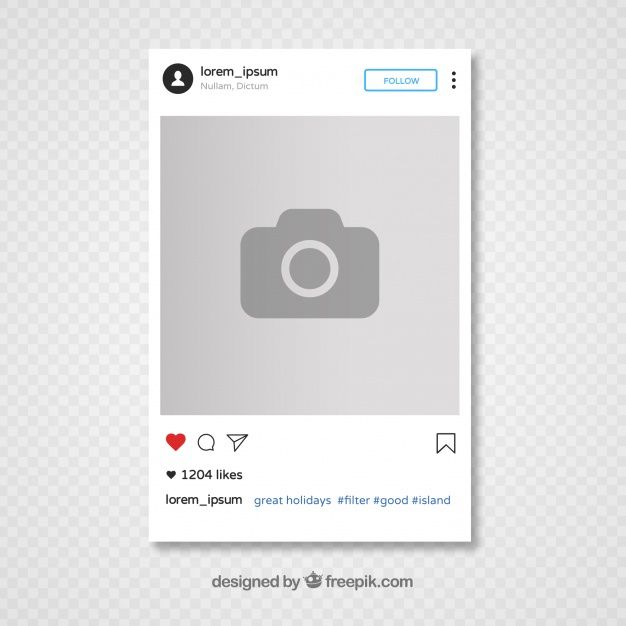
This will save the new version of your photo to your Camera Roll, where you can upload it to Instagram as you normally would.
Another great third-party tool is Whitagram. This free app provides an easy way to add white borders around your photos, but it also allows you to use multiple colors and add text and stickers to your images.
Here’s how to add a white frame with Whitagram:
Once your newly edited photo is saved, you can upload it to Instagram.
While it’s typically used to schedule Instagram posts and videos ahead of time, Preview also has some great editing features and an option to add a white border. So if you’re already using this free app to schedule your photos, you owe it to yourself to give its editing tools a try.
Here’s how to use it:
Follow the instructions from the Preview app to post your newly edited photo to your feed.
 Put a white frame around your photo using Instfit
 Another simple and free app to try is Instfit, which allows you to not only post full-size photos with a white border but also has some fun editing features such as overlays and collages.
Here’s how to add a white frame with Instfit:
Instfit places a watermark on any photos you edit in the app, but you can easily remove it by following their account on Instagram.
Now that you know how to use white borders, it’s time for us to go over the pros and cons of doing so.
Here are the pros of adding a white border to your Instagram photos:
Here are the cons of adding a white border to your Instagram photos:
Using a white border on Instagram is a popular option for many photographers, as it allows them to display an entire photo, no matter the size or orientation, without it being cropped. And even though Instagram has increased its size options beyond the original square, using a white border can ensure that your audience will see the entirety of your image. So give it a shot, and check out our guide to taking Instagram photos if you want to take your Instagram to a new level.
Writer and editor, driven by curiosity and black coffee.
You need to increase the size of the white space around your photos to give them a crystal clear, uncluttered look. White borders add a neat and symmetrical beauty to your IG layout. It helps to emphasize perfection on a white background.
The white border you choose depends on the overall theme of Instagram and whether the images you upload are vertical, square, or horizontal. Symmetry lovers can use simple ways add white borders Instagram .
We've put together some very simple methods that anyone can use to add borders to images. Specialized applications make your work easier and boast other useful features.
Contents: Part 1. How to put a frame on an Instagram photo?Part 2. How to get a white frame on Instagram using Photoshop? photos on Instagram?
The easiest way to cut white borders on Instagram is to call the built-in function of the Instagram app. If you take a look at the profile page, you'll notice that the photos look like squares surrounded by a thin white border. You can drool over this, but you can create a more attractive white frame for your photos.
Follow these steps to create a thicker white border around the edge of Instagram photos:
 Operate slider to select the intensity of the filter. To keep the original view, just move the slider to the left.
 Note: The orientation of the original photo is critical. For example, vertical photos have white borders around the edges by default. Conversely, horizontal images include white edges at the top and bottom.
Photoshop is one of the applications that can add white borders to Instagram. The Instagram editor only supports one frame style. You need proprietary tools for tighter borders or adding asymmetrical borders to horizontal or vertical images.
Photoshop paves the way for the world of photo editing. It allows you to add a white border to your Instagram image, or tag a pattern, reshape, and change other aspects. A neat trick when it comes to creating borders in Photoshop is to use it0005 clipping mask function.
The Preview app offers an Instagram scheduling and editing tool with various white frames you can create to get a unique theme.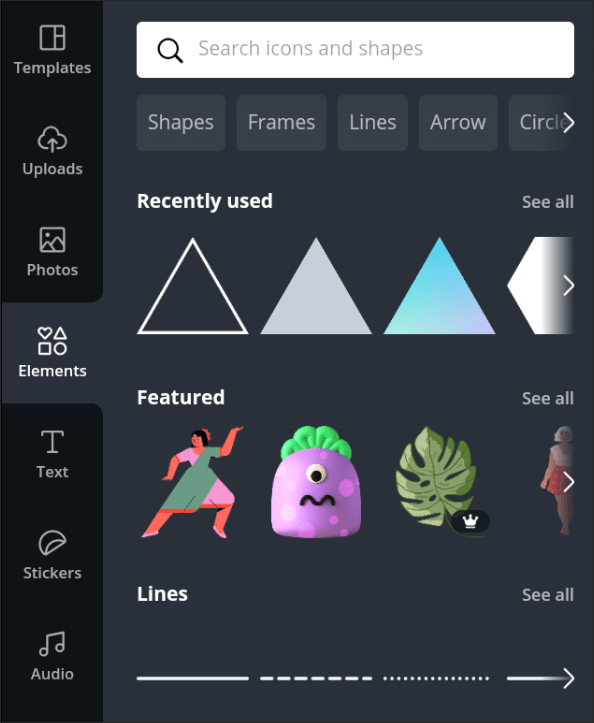 Here's how to cut out white frames on Instagram using the app:
Squareready supports white, colored, and patterned borders regardless of their original sizes. With this tool, you can move your photo within the frame to create an off-center style to create a unique look. Follow these steps to create white Instagram borders with Squareready:

Bonus Tip: PowerMyMac Duplicate Finder helps you clean up your Mac
iMyMac Duplicate Finder PowerMyMac makes it easy to find duplicate files with incredible accuracy and efficiency. Multiple copies take up acres of precious disk space that you can reclaim. This dynamic tool scans and stacks files of the same size against each other to detect mimicry.
Duplicate search sifts through duplicate files regardless of their file names. Duplicate documents, media, images, and other content use up your Mac's memory and slow it down. It identifies duplicates like a bat out of hell and recommends removal actions.
This is a handy tool for those with thousands of images.
Get your free trial now!
If you want your Instagram pen to create a web spectacle, consider using these techniques to create white borders on Instagram photos. This is a proven technique for enhancing the aesthetic appeal of your gallery and giving your images a unique look. From adding low-profile white borders to creating patterns, you have innovative editing features that will expand your creative horizons.
Was this article helpful to your search?
Contents:
Social networks imply this or that publication chabel. But you can't always do everything the same way. This bothers both subscribers and page owners. Insta regularly appear certain trends in the design of images. We will talk about what an Instagram frame is.
I don't know about you, but for me, from the image frame, the association goes only to what was fashionable before - tasteless hearts on half the screen, and so on. But it's not that bad at the moment. Minimalism is in fashion now, and you can’t say that it’s bad. Too bright decorations and collective farm decoration are a thing of the past. If you understand what is in trend now, then you can always use this method of decoration appropriately. The main thing to remember is that the publications are combined with each other and do not violate the unity of the page.
There are a lot of tools and ways to process an image on Instagram, but you need to be able to choose the appropriate option. Agree that the sticker frame and other offers from all sorts of "Avatar" from 2011 is a ridiculous and tasteless option. You and I are not like that, so let's use the options outside the social network. I want you to make adequate content, so there are two options for creating stylish frames for Instagram: sites and software. With the tools below, you will be able to meet most of your needs for creating unusual and interesting posts.
Among all the variety of sites for photo editing, Canva stands out. I don't know of options that would be as functional in the free mode. Lots of templates that are very easy to customize. And, of course, there are frames for images. They will be able to satisfy any of your Wishlist, and not only for Insta, but also for other social networks. Speaking of apps, Canva is also available as software. So, download and try this useful tool.
Now for the sweet stuff. Applications are very convenient - graphic editors are at hand at any time.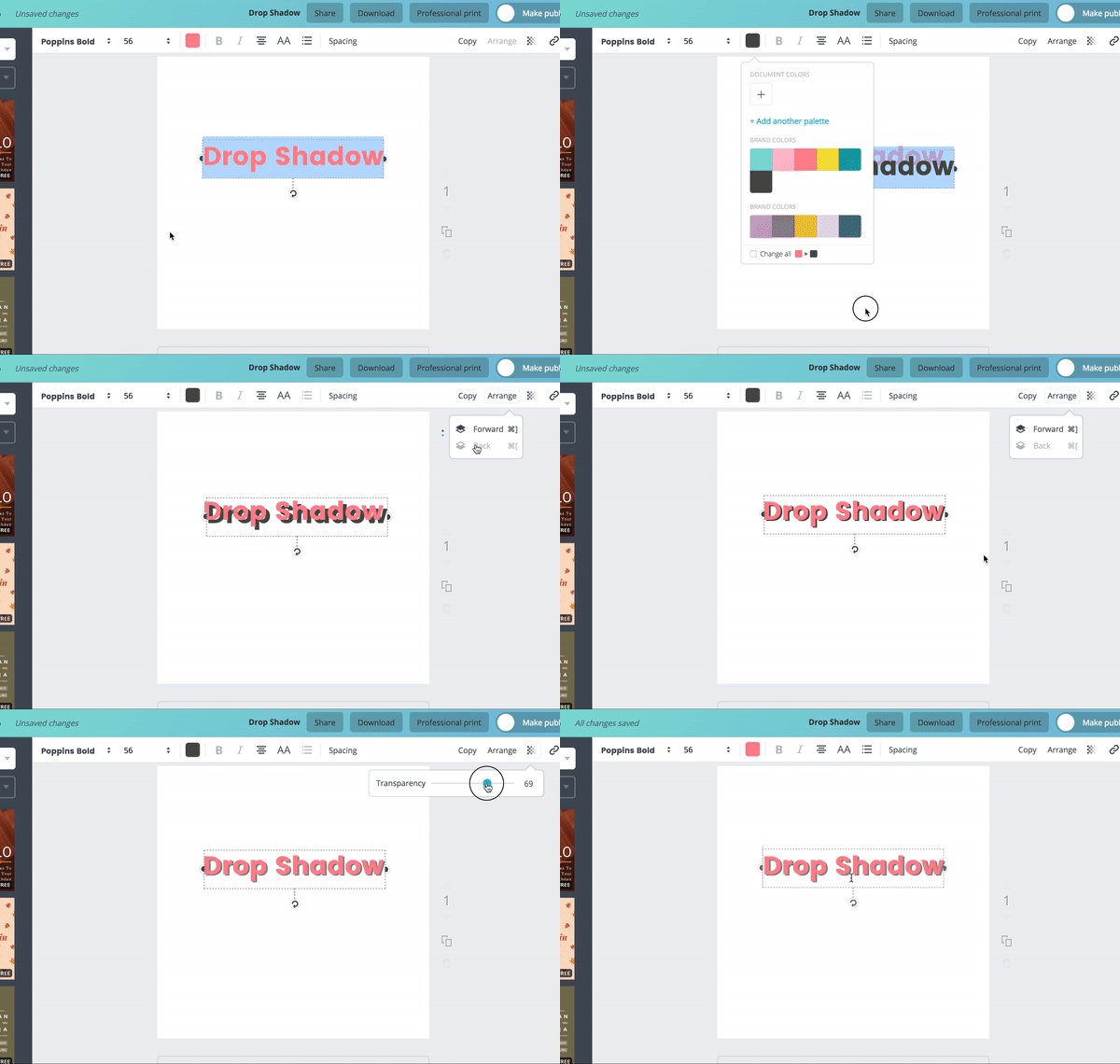 Technology does not stand still, and even mobile devices can become a powerful tool for content creation. Let's move on to options. Keep in mind that Canva can also be attributed here - this service is available as an application for Android and iPhones.
 But, if you have light content, StoryArt is a very good option.
 It's trendy to use a plain white frame to change the orientation of the photo and stand out from the crowd with square posts. This is an obvious item on the proposed list, so we won't mention it. If everyone uses only a white frame, it will turn into a tasteless stamp.
Therefore, I will give you some of the most popular and, in my opinion, the cutest types of frames:

If you type in “How to make a frame on Instagram?”, the first search results will be sites that tell you how to make a large sign with an imitation photo network post for a photo shoot.
This is actually quite an old trend. I entered the university almost five years ago, and the first thing I saw was a big stand for an Instagram post with a million likes. It should be taken into account that my university does not even have Instagram. But everything new is well-forgotten old, and now it is becoming a trend to use such Instagram frames for photo shoots again. Is it original? In my opinion, not very much - before my eyes there are still freshmen from the village who saw such an “interesting” chip and want to quickly post a photo on Instagram in an Instagram frame. It looks so interesting! (no)
Working in social networks implies following the trends and rules of services. At the moment, the trend is interesting frames. Nobody is interested in the usual square publications - it's too boring. Now people are trying to go beyond with the help of frames, as strange as it sounds. And you use this feature to diversify your content.
#1. How to make a white frame on an Instagram photo?
Through any editor, for example, http://online-photoshop.org/edit.