Never lose a favorite picture again
If you post something to Instagram and delete it later, it’s not completely gone. You can recover and restore deleted Instagram posts within 30 days of their original deletion. This was introduced in an update, so make sure you have the latest version of the app before attempting to use this feature. You can find it on the Apple App Store and the Google Play Store.
There are some apps that claim to let you view another person’s deleted content, but there’s no official way to do this. There are a few workarounds, but a good rule of thumb is this: If someone deletes a picture from their Instagram account (or any social media platform), respect their privacy and don’t try to find the picture.
Table of Contents
If you accidentally delete an Instagram post you want to keep, you still have access to it for 30 days and can recover it at any time. You’ll need to do this from the Instagram app on iPhone or Android device, as the web browser version doesn’t allow you to access deleted content. Here is a step-by-step tutorial.
This will bring the photo back to your profile. You can restore pictures, reels, and more this way. On the other hand, if you need to take something down from your main profile without completely deleting it, take advantage of the Instagram archive feature.
How to Archive Instagram PostsArchiving a post will remove it from your feed, but not delete it entirely. You can also archive Instagram stories and live content. Here’s how to archive posts.
You can view archived content by going to your Instagram profile.
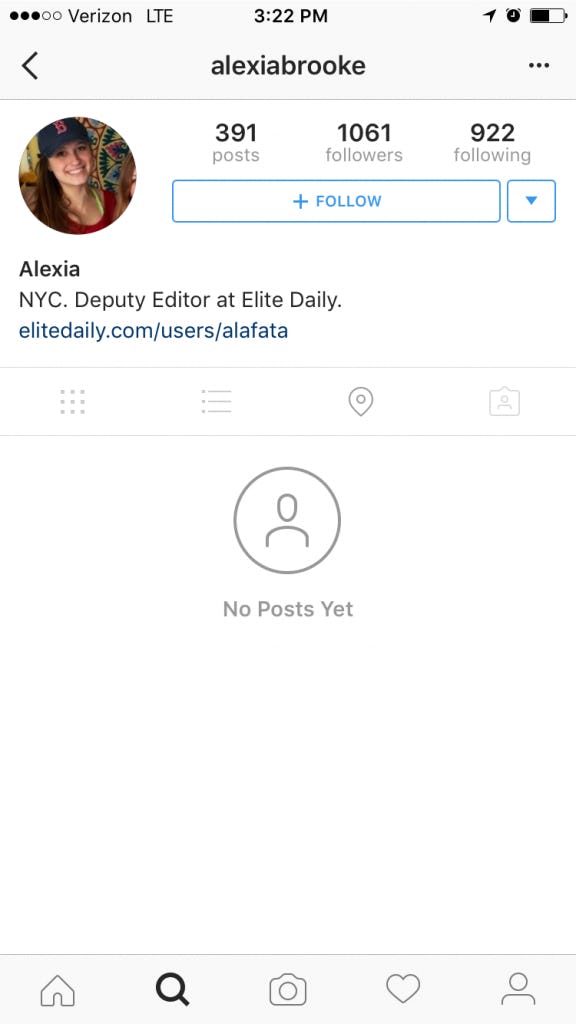 You can tap Posts archive at the top of the screen to switch to the Stories archive or the Live archive.
Your posts archive is only available to you. If you need to remove a post temporarily but want to bring it back later, store it in the archive.
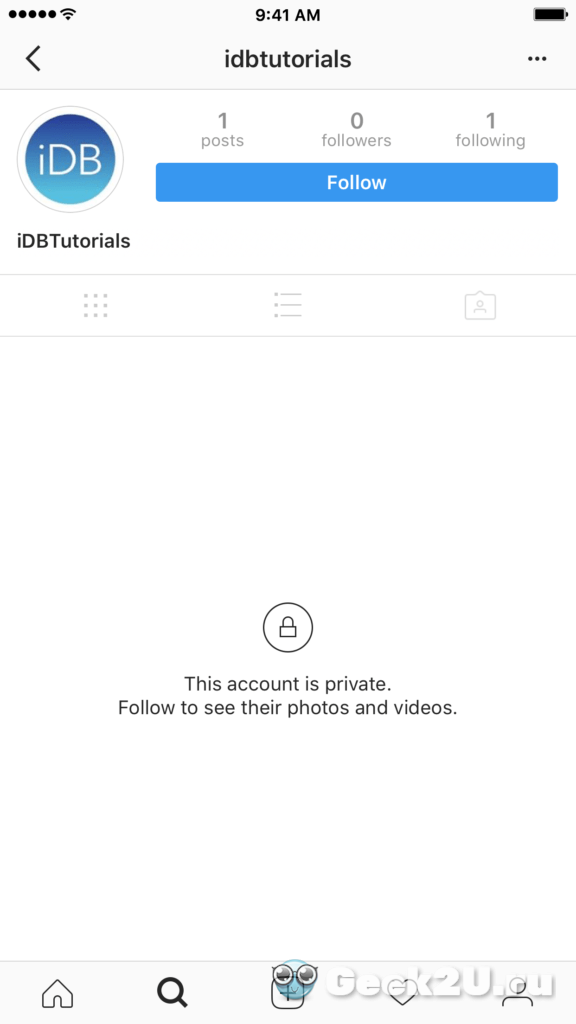
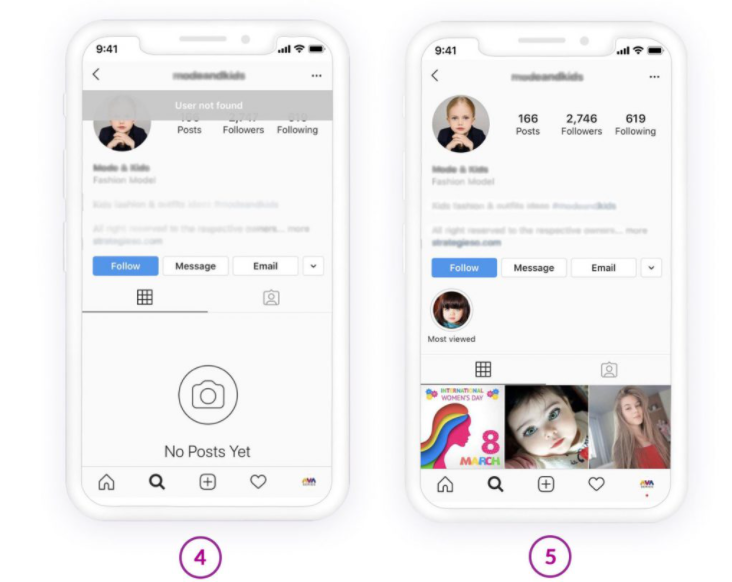
How to View Someone Else’s Deleted Instagram PostsThere’s no official way to view someone’s deleted Instagram posts. Instagram functionality is designed so that once they remove it from their profile, it’s gone for good. If they remove their profile, there is no way to see any of their content.
If you suspect content will be deleted, you can take a proactive approach to save it. You can take a screenshot of a photo and store it in your phone gallery, photos app, or to your Google Photos account. On the other hand, live content requires a few more steps.
There is a third-party application called Storysaver.net that can be used to download Instagram stories. While you can access it through your Android or iOS device, it’s better to use a Mac or PC.
You can also use a third-party application to download live video content, like IGTV videos.
Note that you will need to sign up for an account before you can use this tool.
Instagram pictures and videos aren’t meant to last forever. While it’s not quite as ephemeral as Snapchat, Instagram is designed to let you delete images you no longer wish to keep. If you do so accidentally, though, you have up to 30 days to restore the content before it’s gone forever. If you’re afraid of losing pictures, try to create a dedicated Instagram folder on your phone or PC.
';document.getElementsByClassName("post-ad-top")[0].outerHTML='';tocEl.outerHTML=tocHTML+newHTML;}}catch(e){console.log(e)}
Patrick is an Atlanta-based technology writer with a background in programming and smart home technology. When he isn’t writing, nose to the grindstone, he can be found keeping up with the latest developments in the tech world and upping his coffee game. Read Patrick's Full Bio
Subscribe on YouTube!
Did you enjoy this tip? If so, check out our very own YouTube channel where we cover Windows, Mac, software, and apps, and have a bunch of troubleshooting tips and how-to videos. Click the button below to subscribe!
Subscribe
Regret having deleted a photo or video from your Instagram profile? Don’t worry, we will tell you how to see and recover deleted posts, Stories, Reels and IGTV. We’re also gonna explain how you can find and view someone other’s old content.
Look for deleted photo and video in Instagram drafts. There you can find old versions you didn’t like as much as those you posted.
Drafts can be saved for:
Stories remain in drafts for 30 days. Each of them has a displayed number of days before deleting. For all the other content there is no limit.
Drafts are in the next tab in the content uploading menu:
Reels and IGTV drafts can also be found on a profile page:
Make a screenshot or record the screen or save drafts on the phone. Thus, you will recover the deleted Instagram posts, Stories, Reels, IGTV. Or at least, you'll get similar photos and videos.
If drafts are not your case, check your phone gallery. You may find your old Instagram photos and videos there. Posts are saved to your phone automatically when they appear in your profile. Stories, Reels, IGTV can only be downloaded manually.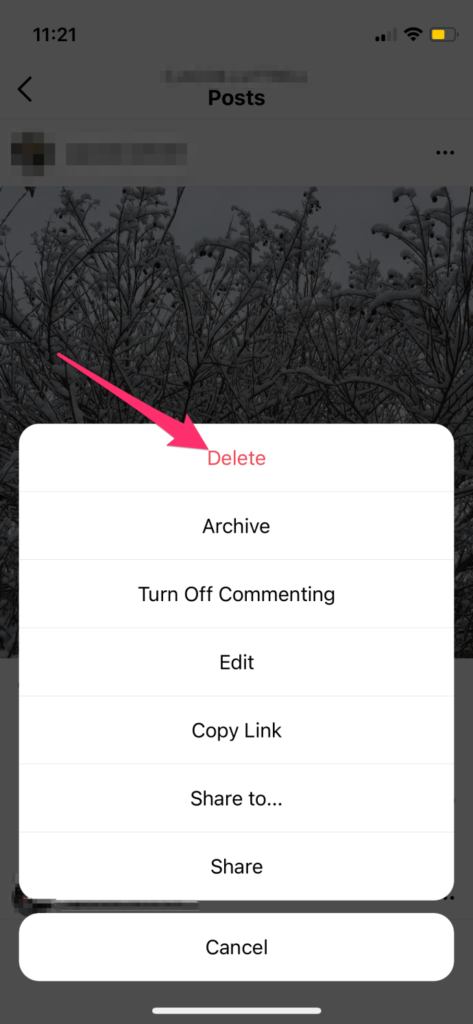 The app saves both original and edited content depending on the settings in your account.
Original photos and videos you make through Instagram app camera are saved in the Camera folder. This is the same folder where photos and videos that you make from your default phone camera appear. You may see your deleted Instagram posts and other content there.
To find old content you posted, open the gallery and look for an Instagram folder. You may have two. It’s because IG photos and videos are saved in different folders. But they both get the same name.
If you run several Instagram accounts, pics and videos from all of them appear in one and the same folders.
When you make a photo or video from Instagram camera and then edit them, they are downloaded twice. The original ones are saved in the Camera folder and the edited content — in one of the Instagram folders.
There are two possible reasons if you can't find old Instagram posts or Stories sin these folders, or they are empty. You might have cleared your phone galley recently or the auto download is turned off in the settings.
For starters, let’s look how you can see your deleted Instagram posts, Stories, Reels, IGTV in your phone, and then how to check the IG settings.
Both on Android, and iOS, photos and videos get into a separate folder right after you deleted them from gallery.
On Android, you can see deleted Instagram posts in the Trash folder. But note, you can recover them only if you didn’t remove the tick in the "Permanently delete" box when deleting.
Check the bin:
On iOS, deleted files go to Recently Deleted. They remain for 30 days there before being irrevocably deleted. You can look for the files there:
If there are no files, alas, you won't see your Instagram posts, they are permanently deleted.
Now let's check your Instagram app settings. Old photos and videos you are looking for might simply hadn't been downloaded to your device.
Photos and videos are saved in your gallery by default. Check for if the feature has been turned off.
The first button is responsible for downloading pics and videos you make through Instagram camera. Those that are saved in the Camera folder.
The last two buttons must be active to have edited content saved. It will be uploaded to the Instagram folder in the phone gallery.
Remember, the auto save works only for posts.
Instagram Recently Deleted section retains posts, Reels and Stories. You can recover deleted photos or videos during 30 days. You can see the time left under each of them. Then they will be permanently deleted.
For most of the Instagram content, you won’t see likes, comments or views in Recently Deleted.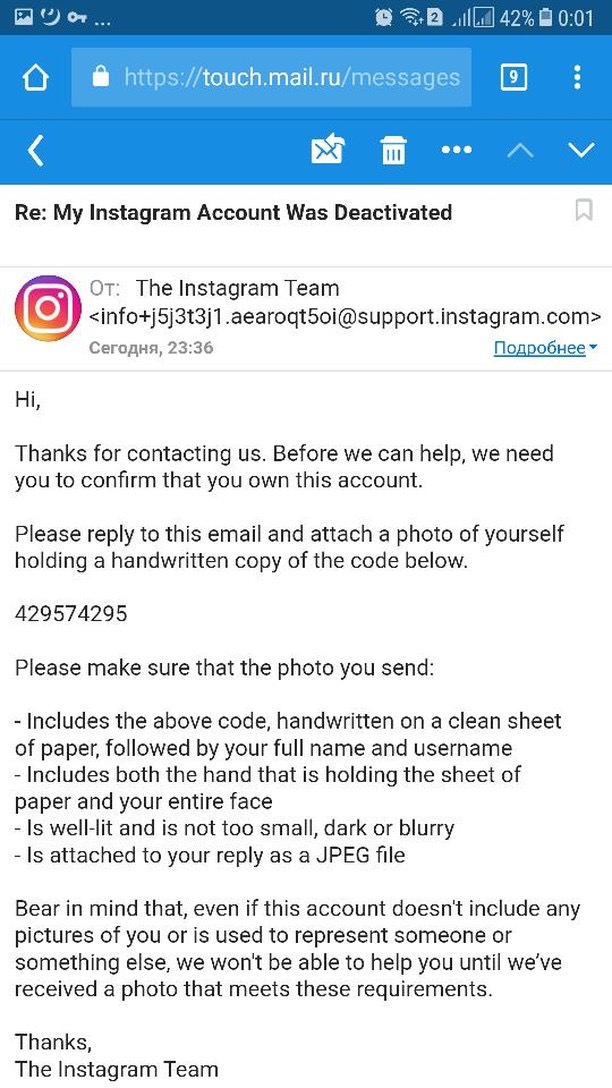 But after you recover these deleted Instagram posts, Stories, and Reels, most of their statistics will be also restored.
The metrics for professional accounts will also get back. But don’t forget, Instagram keeps data only for the last 90 days. It includes the time when your content is in Recently Deleted.
As for the feed content, you can see only the number of likes. But you will see the caption and links you added to a post and reactions on your profile. They will appear again after you recover these deleted Instagram posts.
If you delete a Story before the 24 hours since it’s been posted, then you’ll see views and reactions in the Recently Deleted section.
Stories are recovered in the user's feed. It can be viewed by tapping your profile picture. 24 hours to deleting are counted from the beginning. Views and reaction statistic are being collected again.
If you added Stories to Highlights, they appear there again too.
Relaunch the app, if the Story hasn’t appeared in Highlights.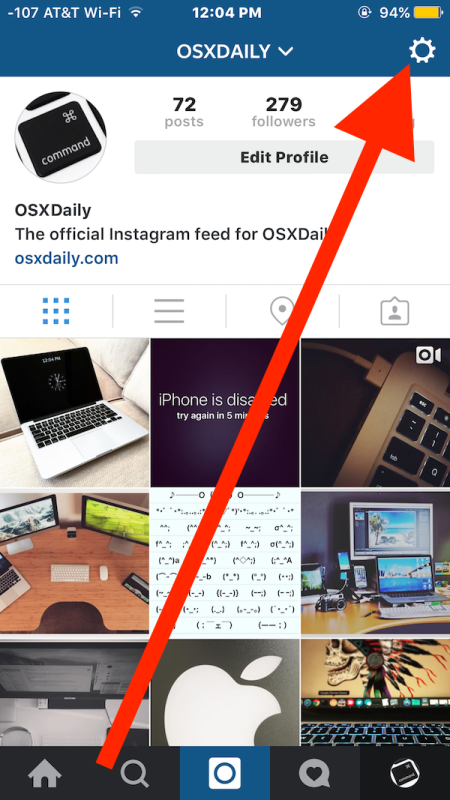
In deleted Reels, you can see only the number of likes. After you get the video back in your Instagram profile, you see them, comments and views.
In deleted IGTV, the author sees the number of likes and comments. But they can read them only after they recover deleted Instagram content.
Deleted content gets back on your Instagram page to where it had been. It doesn't matter when you delete and recover it.
Assume, you post one photo a day in your feed. On Friday, you decided that your Tuesday’s post was a bit much, and deleted it. On Saturday, you change your mind again — the post belongs to your profile after all, and you get it back. The deleted Instagram photo will date to the day of its initial publishing, which means it’ll be shown between the Monday’s and Wednesday’s posts.
To view or recover deleted Instagram posts, Reels, IGTV or Stories:
If the content was deleted from Archive, it goes back to the Archive. More about the section below.
Stories are saved in the Archive automatically after 24 hours from when they were published. You can also hide published posts or save Lives there. The main difference from Recently Deleted is that Instagram photos and videos from Archive are not deleted after 30 days.
Note that pinned Instagram posts that you archive remain pinned. It means you can't save another posts to the top of your profile page until you unpin these hidden.
Views and reactions are saved and displayed in the Archive section. Stories are an exception. The views are saved only for 48 hours from the moment of their publishing in a profile. So for automatically archived Stories, the metric is visible one day.

Recovered photos and videos always get back to their original place in the profile.
Auto save in Archive is only for Stories and Lives.
The buttons should be active to have Stories and Lives saved automatically. If they are not, tap them to turn on.
You can see deleted Instagram posts on Facebook. If your profiles are connected, the auto repost is probably already turned on. Even if it isn’t, open the profile. You might have tapped the button Share to Facebook when posted.
Stories can be reposted only manually, and they disappear after the same 24 hours. However, if you want to view a Story you’ve just deleted, FB will be a help.
IGTV and Reels could get to your FB profile if you reposted the preview.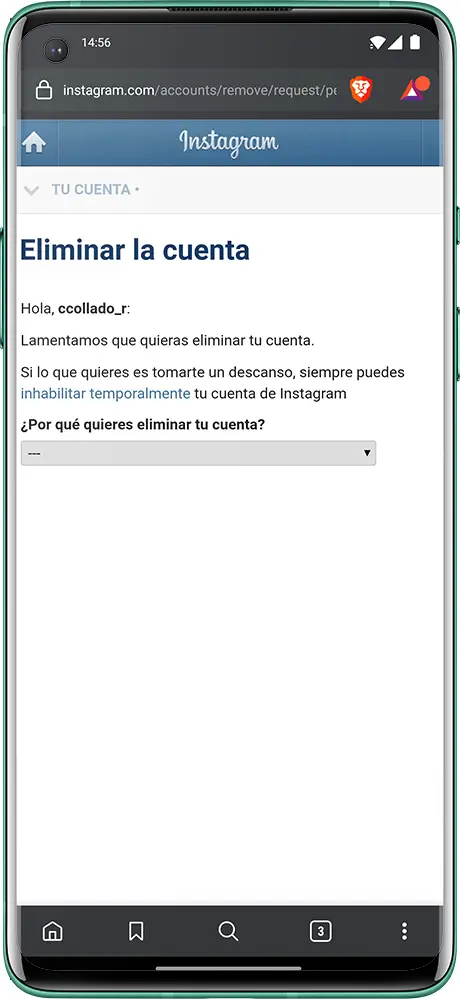 More about it in the article about Instagram reposts. Besides, you might have reposted IGTV when you were publishing it.
Look for your old posts or other content on the main page in your FB profile. Or go to the gallery. In the Timeline album you’ll see photos from Instagram, in the Video album — video from posts.
Check in the IG settings for whether FB auto repost is turned on.
If there is a tick near Facebook, the content duplicates to Facebook.
Google Photo service is available both on Android and iOS. If default settings haven’t been changed, the photo and video are uploaded to the virtual drive automatically.
It means, if your old Instagram posts or Stories ever been downloaded to your device, you migt see them in the Google Photo. There you can find both the original and edited files. Just open the app and you get to the Photo tab.
You can check or change the settings in the profile.
Unfortunately and fortunately at the same time, one can’t see someone’s old posts and other content using IG tools.
Developers from the Internet provide answers to any question. Including solutions for people who can’t live without others’ deleted Instagram photos. But we don’t recommend using third-party apps and services.
We checked the apps from top search result for you. All of them are not safe, and many of them are paid.
But it doesn't mean there is not a chance to see someone's old Instagram photos and videos. Before you get upset, we suggest you checking a user’s FB and other social media platforms. They may post there even more than on Instagram.
Read here how to find a user on social media.
If you want to see deleted Instagram posts, look for them in the phone gallery.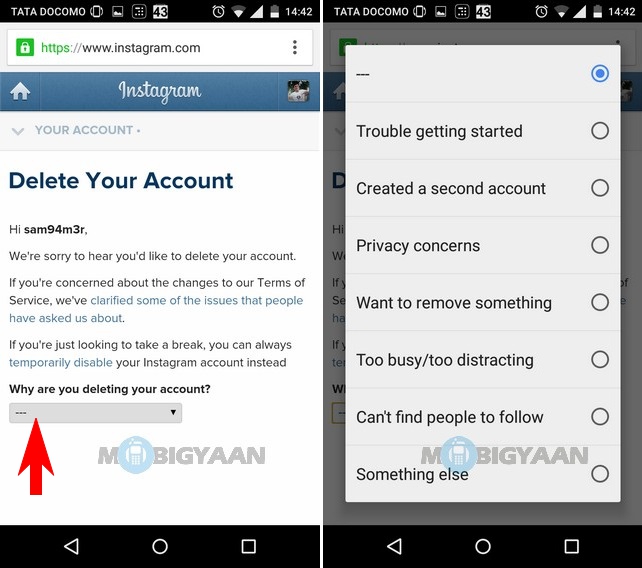 You might have also saved Stories, Reels, IGTV there.
Content deleted for the past month can be found in IG Recently Deleted. Look for the earlier content in Archive.
Photos and videos are often automatically uploaded to a virtual drive. Try to find them in Google Photo.
If you can’t find old Instagram pictures and videos in Instagram app or your phone, check other social media platforms. First of all Facebook.
You can view someone’s old Instagram photos and videos only if they are in other social media profiles.
Let’s discuss in the comments what is the best way to recover deleted Instagram photo and video?
Shadowbox was a popular app for anyone who wanted to watch a movie or TV show for free. Showbox is not officially available and has recently stopped working. It was completely free and available on Android in the store…
APT or Advanced Package Tool is a command line utility for managing packages in Debian/Ubuntu based distributions. It is one of the available package managers along with apt-get, but like…
Whether you're into sports, news, TV show fan theories, games, or cosmetics, Reddit has something for every taste. It houses a huge platform of communities engaged in various activities and creating ...
WhatsApp Desktop is a WhatsApp desktop application that can be installed on computers to access WhatsApp. WhatsApp Desktop allows users to send text messages and call their contacts, as well as…
Youtube
YouTube TV allows users to watch live broadcasts from almost all broadcast platforms. In addition, you can enjoy watching TV shows, new YouTube videos and clips. However, several users are complaining…
As we move forward with technology, things only get more convenient for us, and that's exactly the case with Alexa Together.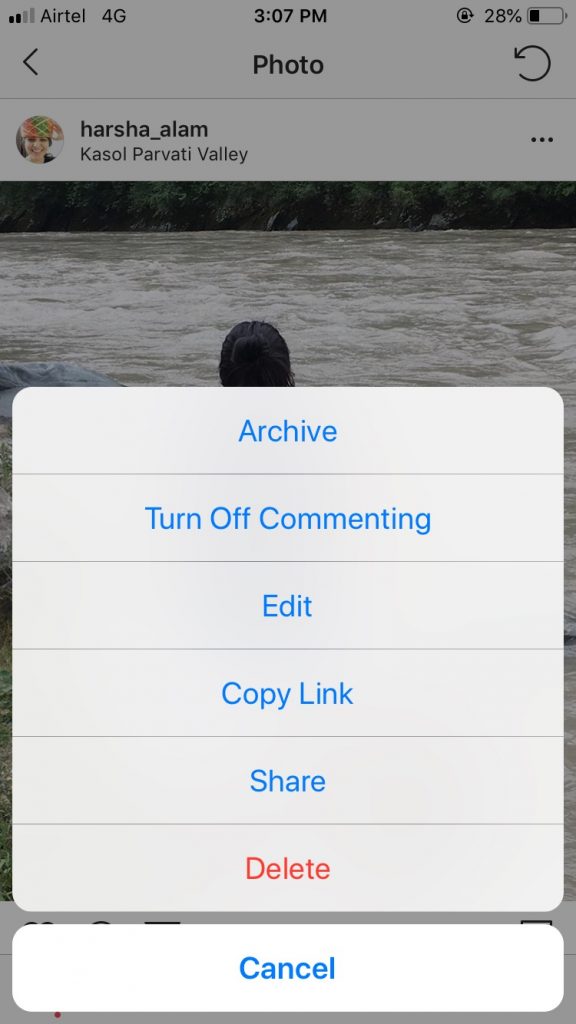 This is a wonderful service to take care of your…
PDF documents are used in all small and large organizations for various purposes. They come in handy for sharing information such as quotes, invoices, invoices and more. Problems arise when...
Repeating the same task is boring and painful for programmers like us. Is not it? One of these tasks is interactive with a private GitHub repository. What about this?…
Green screen can completely change the visuals and background of a video. Do you know what can help you with this? Exploring the best green video editing software or programs…
Website Annotation is useful for professionals who use online resources for learning, designing, content creation, product development, debugging and more .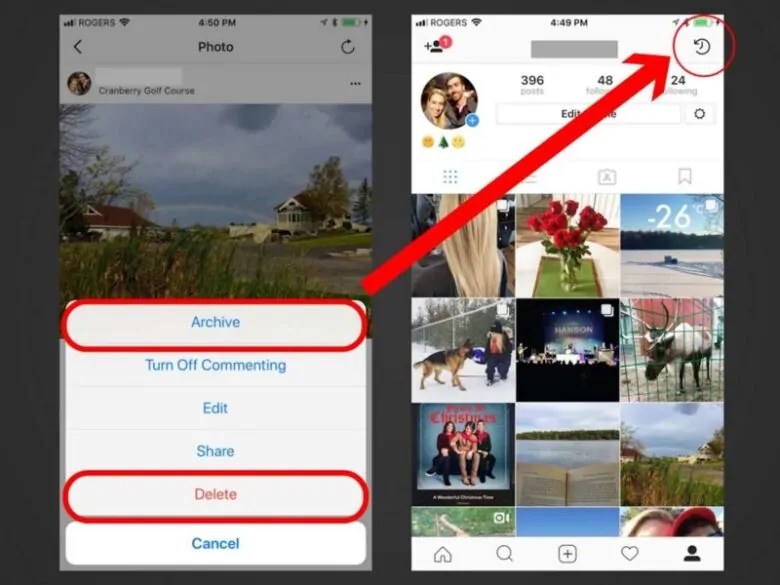 However, finding the right tool in an ocean of many website annotation apps…
Regular expressions (Regex) are a complex method for searching strings. It includes a sequence of different characters that define a particular search pattern. It is mainly used for string search algorithms. Using Regex,…
If you are new to Ubuntu and are looking for a way to take screenshots, this tutorial will walk you through the steps and all the different ways to do it. Previously, we have collected guides with the best apps…
Organizing things is just as important as real work. This will help you manage your affairs easily. Let's say you're working on a project and you've created some folders and files to work with. And later...
The term "metaverse" has gained popularity recently, but it's not new.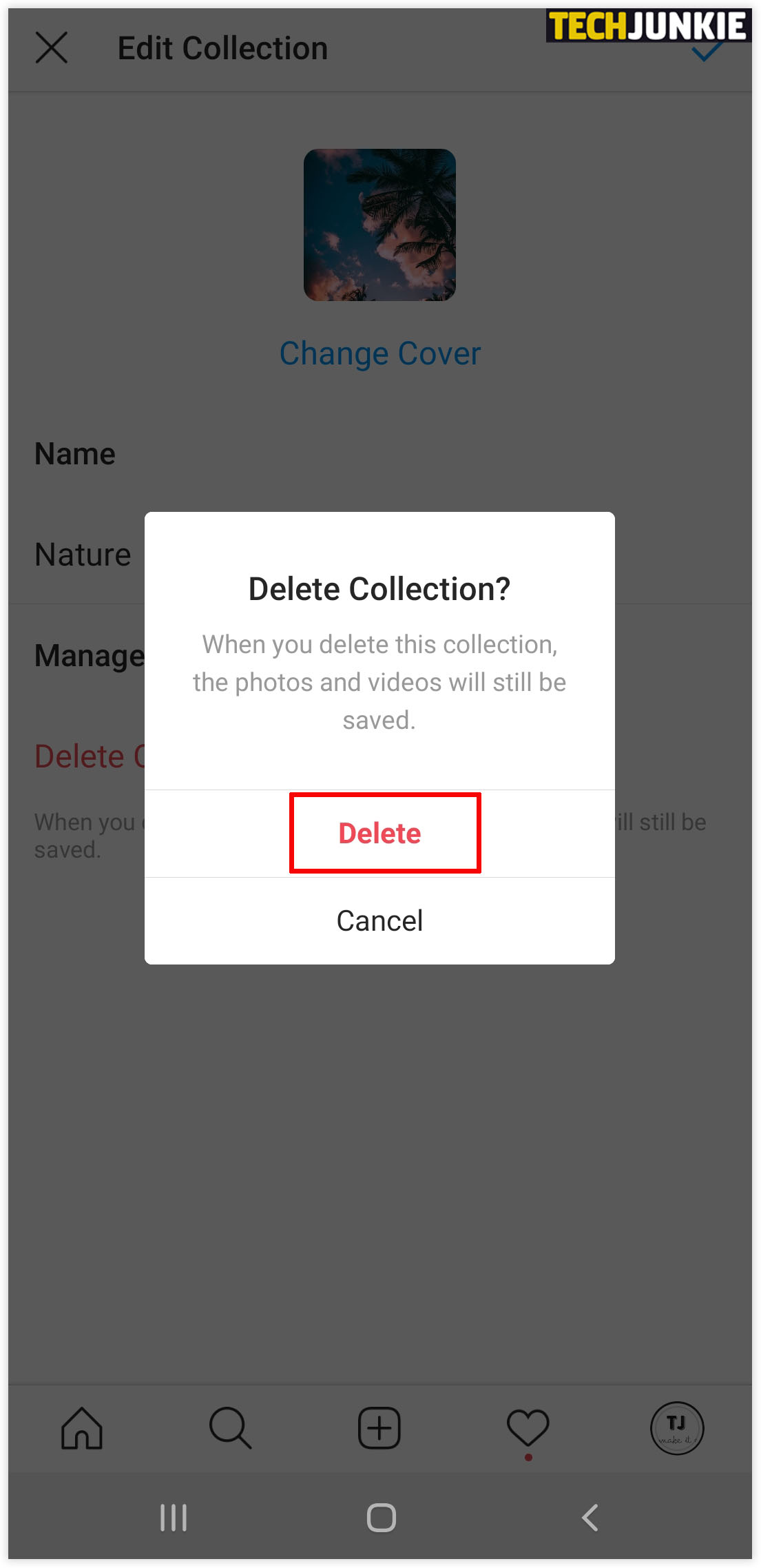 The first basic concept related to the Metaverse arose in the nineteenth century. Sir Charles Wheatstone first invented "binocular vision" in 1838 by combining...
Whether you are a novice programmer or an experienced developer, Code Playgrounds are useful for sharing information and learning with others. Code Playground is an online service where you…
Learn how to use conjoint analysis to understand the features of your products or services that your customers like best. As a business owner, you can choose which features you want included in…
Destroying something when it is not necessary is mandatory. This creates more space for new things and allows us to easily maintain other things. So today we're going to explore different ways...
linux
Want to know how to test connectivity between two network endpoints? One common task for a system administrator is to test connectivity to troubleshoot network issues. It can be anything, for example…
Knowing stakeholders, their interests and how they can affect a project is essential to its success, which is why stakeholder maps are becoming popular these days. Companies sometimes face…
Google Drive is a fantastic cloud storage that makes it easy to share files and collaborate. However, the ability to share files with anyone without explicit permission gives spammers a chance. And you will…
Shadowbox was a popular app for anyone who wanted to watch a movie or TV show for free. Showbox is not officially available and has recently stopped working. It was completely free and available on Android in the store…
APT or Advanced Package Tool is a command line utility for managing packages in Debian/Ubuntu based distributions. It is one of the available package managers along with apt-get, but like…
Whether you're into sports, news, TV show fan theories, games, or cosmetics, Reddit has something for every taste. It houses a huge platform of communities engaged in various activities and creating ...
WhatsApp Desktop is a WhatsApp desktop application that can be installed on computers to access WhatsApp. WhatsApp Desktop allows users to send text messages and call their contacts, as well as…
Youtube
YouTube TV allows users to watch live broadcasts from almost all broadcast platforms. In addition, you can enjoy watching TV shows, new YouTube videos and clips. However, several users are complaining…
As we move forward with technology, things only get more convenient for us, and that's exactly the case with Alexa Together. This is a wonderful service to take care of your…
PDF documents are used in all small and large organizations for various purposes. They come in handy for sharing information such as quotes, invoices, invoices and more. Problems arise when...
Repeating the same task is boring and painful for programmers like us. Is not it? One of these tasks is interactive with a private GitHub repository. What about this?…
Green screen can completely change the visuals and background of a video. Do you know what can help you with this? Exploring the best green video editing software or programs…
Website Annotation is useful for professionals who use online resources for learning, designing, content creation, product development, debugging and more . However, finding the right tool in an ocean of many website annotation apps…
Regular expressions (Regex) are a complex method for searching strings. It includes a sequence of different characters that define a particular search pattern. It is mainly used for string search algorithms. Using Regex,…
If you are new to Ubuntu and are looking for a way to take screenshots, this tutorial will walk you through the steps and all the different ways to do it. Previously, we have collected guides with the best apps…
Organizing things is just as important as real work. This will help you manage your affairs easily. Let's say you're working on a project and you've created some folders and files to work with. And later...
The term "metaverse" has gained popularity recently, but it's not new. The first basic concept related to the Metaverse arose in the nineteenth century. Sir Charles Wheatstone first invented "binocular vision" in 1838 by combining...
Whether you are a novice programmer or an experienced developer, Code Playgrounds are useful for sharing information and learning with others. Code Playground is an online service where you…
Learn how to use conjoint analysis to understand the features of your products or services that your customers like best. As a business owner, you can choose which features you want included in…
Destroying something when it is not necessary is mandatory. This creates more space for new things and allows us to easily maintain other things. So today we're going to explore different ways...
linux
Want to know how to test connectivity between two network endpoints? One common task for a system administrator is to test connectivity to troubleshoot network issues.