Have you thought about giving WhatsApp a break but don’t want to delete and reinstall the app? Ever wondered if you could just sign out of WhatsApp like you do Instagram or Twitter?
You can and it’s pretty easy too. I’ve put together a handy tutorial to show you just how to do it.
I’ve also made sure to cover all the devices: Android, iPhone, and desktop. Read on to learn how to sign out of your WhatsApp account.
Contents
WhatsApp is the most used mobile messenger app in the world. Many Android users enjoy it because of its wide feature set and popularity. An interesting fact is that the average Android user spends about 38 minutes a day on WhatsApp.
However, if you want a break and want to log off the WhatsApp app on your Android. Here’s how to do it:
Here’s a video demonstration of how to sign out of WhatsApp on Android:
Clearing an app’s data is also a great way to save storage too. And in the case of your browser, it can clear your browser history, as well.
WhatsApp is also a popular messaging app on iOS, as well. In fact, WhatsApp launched almost a year earlier on the App Store than it did on Google Play Store.
Unfortunately, unlike Android, there isn’t an option to log out of WhatsApp on iOS devices. There also isn’t an option to clear data on iPhone either.
Therefore, if you really want to sign out of WhatsApp on your iOS device then you need to delete it.
Here’s how to do it:
For a video reference, here’s one showing you how to sign out of WhatsApp on your iPhone:
WhatsApp Web is the browser version of WhatsApp. It allows you to use WhatsApp Desktop on any computer without your android smartphone or iOs device.
Before your phone needed to be connected to the internet to use WhatsApp Web, but there’s now a Multi-Device feature that allows you to use WhatsApp Desktop, Web, and Portal even when your Android Smartphone or iOS device isn’t connected to the internet.
Here’s how to log out of WhatsApp Web on your computer:
Here’s a video showing you how you can sign out of WhatsApp Web:
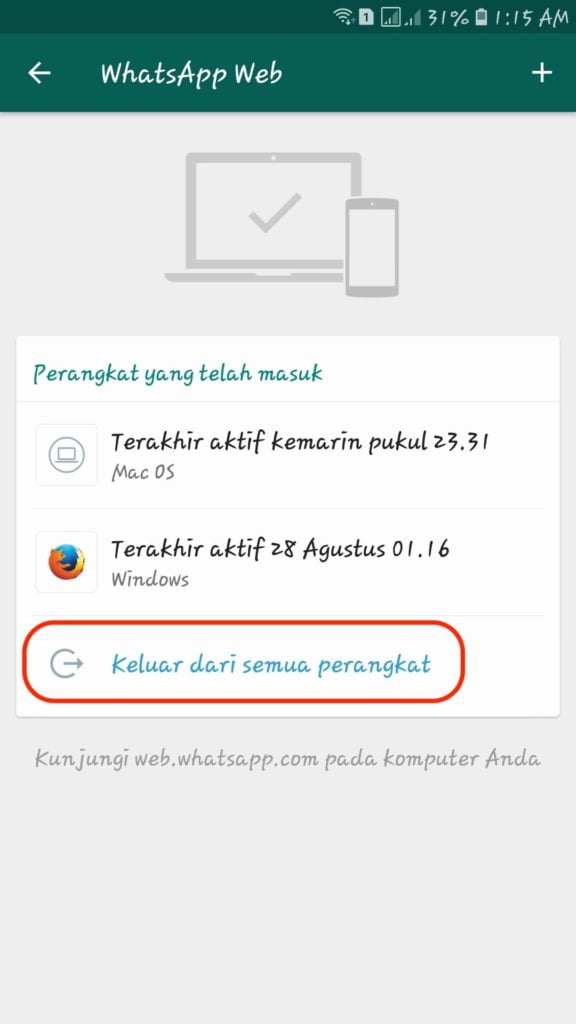
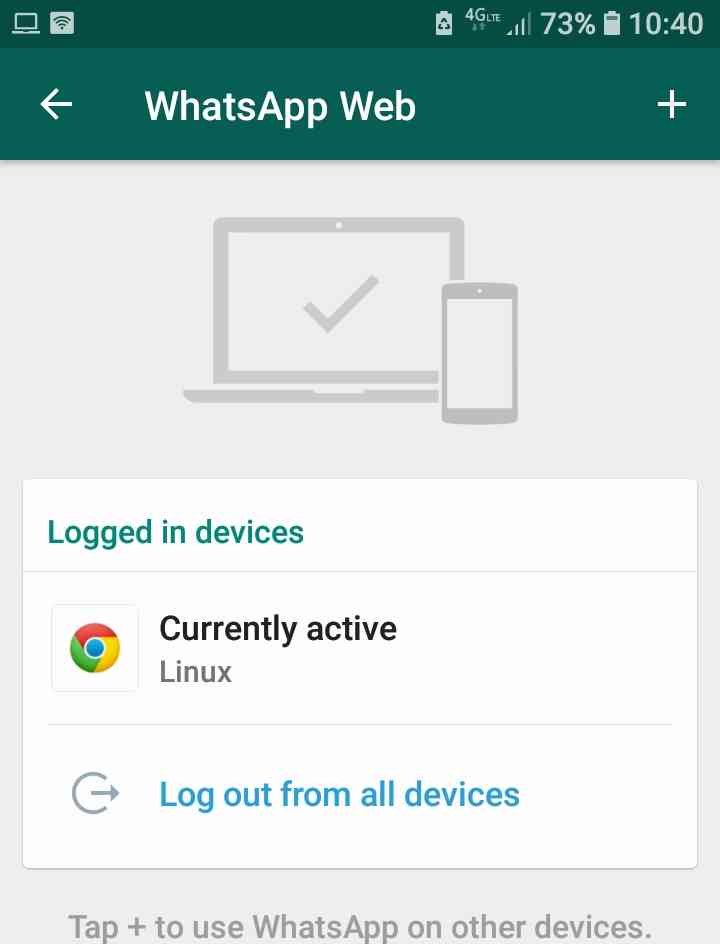
If you logged into WhatsApp Web on someone else’s computer and forgot to log out, don’t fret, you can easily log out of it using the Linked Devices feature on the WhatsApp app. This method works for WhatsApp Desktop, as well.
I used an Android device for this demonstration, but you can do the same on an iOS device too.
Here’s how to close your WhatsApp Web session using your mobile device:
If you’re interested in a video demonstration, here’s a great one:
Presently, you cannot sign out of WhatsApp on iPhone. You cannot do it on iPad either. If you want to sign out of WhatsApp on an iOS device, you’re going to have to delete the WhatsApp app altogether. You can do this from the home screen or via Settings.
WhatsApp Web does logout automatically. This happens after 30 minutes of inactivity. However, you can check a box under the QR code that says “keep me signed in” to stay signed in even after 30 minutes of inactivity. That way, you can log in whenever you wish, instead of automatically.
To sign out of WhatsApp on your Samsung Galaxy, open Settings, and tap the Apps section. Next, find WhatsApp from the list of apps, enter WhatsApp Storage then tap Clear Data. That will clear the app’s data from your Samsung Galaxy and log you out.
What’d you think of this tutorial? Pretty easy, right?
To be honest, while not many people think about logging out of WhatsApp, knowing how to do it can really come in handy, especially knowing how to log out of WhatsApp Desktop.
And while the process for iPhone is completely different from Android, it’s good to know how to do it for both devices.
If you’re looking for more WhatsApp-related content, you might be interested in learning how to get read receipts on WhatsApp, even if they’re turned off, or even how to track WhatsApp messages.
Be sure to comment below and let me know your thoughts on this article and if you want to learn anything else about WhatsApp.
Don’t forget to share this article with your friends, family, and followers too!

WhatsApp makes it easy to stay connected to friends, family, coworkers, and any of the other hundreds of millions of people who use the app. You can swap photos, make plans, enjoy group chats with more than 250 participants, and generally stay in touch.
However, this constant communication can sometimes make it seem like the app never stops pinging you.
While it would be nice to just take a step back from all the clamor and log out of WhatsApp, you can't. There is currently no way to log out of WhatsApp on your mobile device.
However, if you've linked your phone to a cloud account and backed up your data, you can do essentially the same thing and delete WhatsApp from your iPhone or clear all of your WhatsApp data from your Android device.
Here's how to do both.
Check out the products mentioned in this article:iPhone 11 (From $699.99 at Best Buy)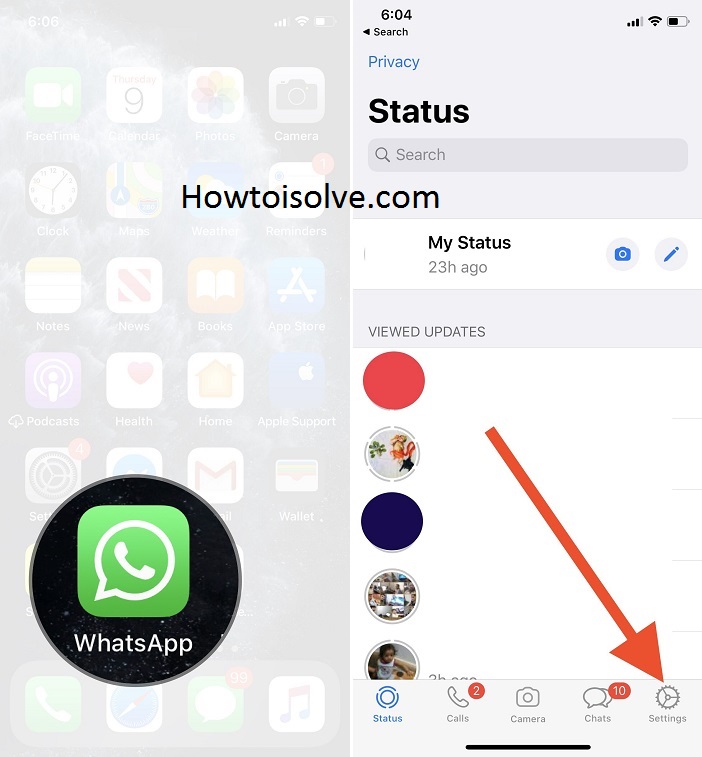 99 at Best Buy)How to log out of WhatsApp on an iPhone
1. Open the Settings tab in WhatsApp and tap "Chats."
2. Tap "Chat Backup" and then tap "Back Up Now."
Backing up chats will not be an option if your phone is not linked to your iCloud account. Steven John/Business Insider3. Now exit the app and press down on the app on your screen until the option to delete it appears. Depending on which version of iOS you have, either tap the small "X" in the right corner of the app or tap "Delete App" from the pop-up menu. You can also delete WhatsApp through your phone's Settings app.
For Android devices, you can wipe WhatsApp clean without deleting it, saving yourself a step.
1. Back up your chats by connecting your account to a cloud service, like Google Cloud.
2. After backing up the app, open the Settings app on your Android and tap on "Apps."
3. Find WhatsApp and tap it, then tap "Storage."
4. Hit "CLEAR DATA" then confirm with "DELETE."
You will need to log back into your WhatsApp app when you want to use it again. Steven John/Business InsiderAnd that's it, you are effectively logged out of WhatsApp on your Android device.
Steven John
Freelance Writer
Steven John is a freelance writer living near New York City by way of 12 years in Los Angeles, four in Boston, and the first 18 near DC. When not writing or spending time with his wife and kids, he can occasionally be found climbing mountains.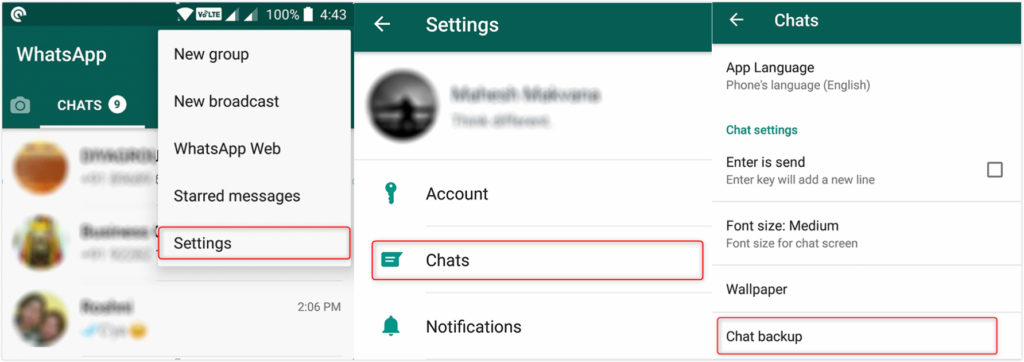 His writing is spread across the web, and his books can be found at www.stevenjohnbooks.com.
Read moreRead less
Insider Inc. receives a commission when you buy through our links.
It happens that you need to temporarily disable all applications and notifications from them, but somehow you don’t want to delete them and reinstall them. Therefore, now we will tell you how to log out of WhatsApp for a certain period without losing messages and other data.
First, let's look at how to log out of WhatsApp on your phone. In fact, there are several such methods, we will try to list them all.
So how do you exit the application without losing anything. If you are just afraid that by closing WhatsApp you will miss new messages, then you should know that notifications will come to your phone even after that. All applications in modern gadgets by default work in the "smart background" (not to be confused with the smartphone itself) - a special mode in which the application "sleeps" until you receive a message on it. Then it wakes up and sends you a notification about it. This option is needed so that the program does not run constantly in the background, mercilessly devouring the battery of your device.
Therefore, you can safely close WhatsApp and not be afraid that you will miss something important. However, this function may work slightly incorrectly on some phones, it all depends on the developers. If you always need to stay in touch 100%, you can put WhatsApp to work in the background. You can do this in your phone's settings.
If you are determined to log out of WhatsApp or disable the app temporarily to save data or battery power, there are two things you need to know:
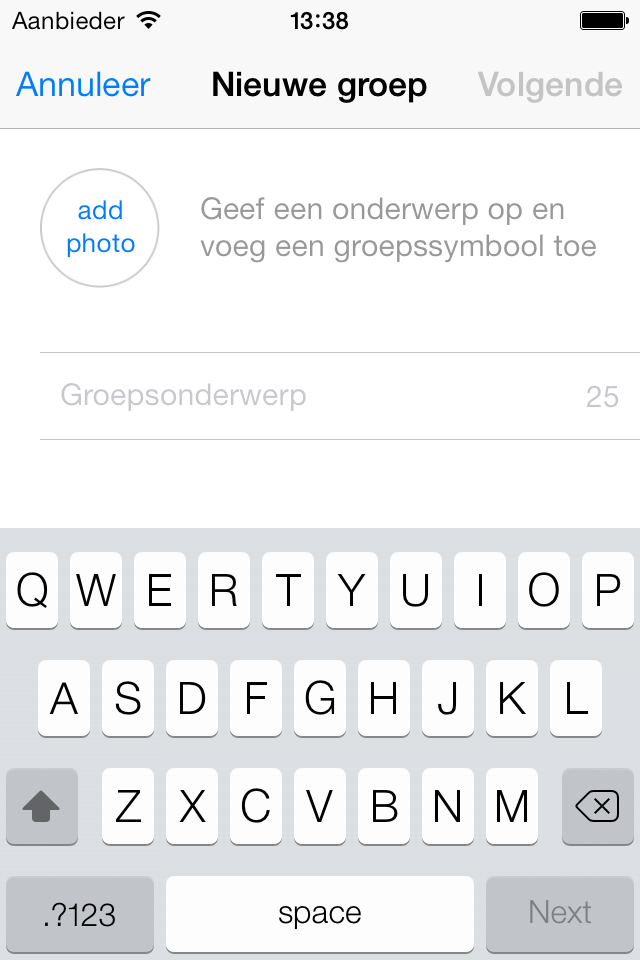
You can sign out of WhatsApp so that no one sees that you are online. You can do this in the settings of the messenger. Just note that if no one sees you online, you won't be able to see others online either.
To be sure that you are definitely out of WhatsApp, turn it off in your phone's task manager. Just go into it and stop all processes.
Now let's take a look at the individual options for the various systems. Let's start with how to log out of WhatsApp on Android:
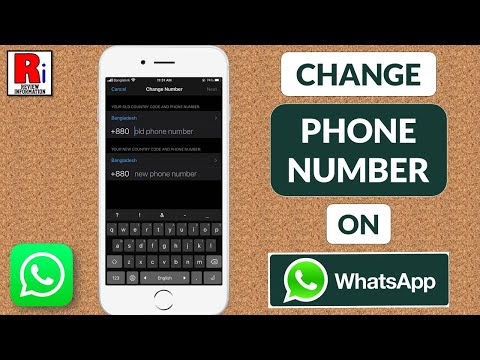
Now let's take a closer look at ways to log out of WhatsApp on iPhone:
The method of how to log out of WhatsApp on a computer is to do it from your phone:

And, of course, you can always just delete whatsapp from your computer.
We have already written about how to leave a WhatsApp group. We recommend that you read the article, everything is written there in more detail. But the standard algorithm is usually this:
Done. Now you know how to log out of WhatsApp on any platform and in any situation.
Time to read the article 4 minutes.
The information is up to date! The material was checked on 05/23/2020.
How to exit WhatsApp - in our article we will consider all the ways to exit the application (Android and iPhone phones, computer, exit the group) and give instructions.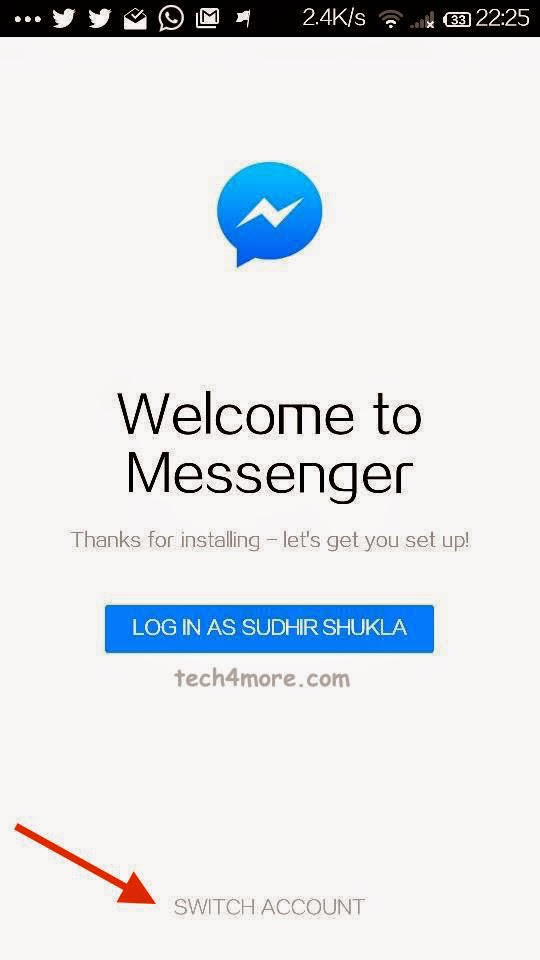
How to log out of Whatsapp on your phone - there are several ways, we will consider each one separately.
By installing the program on your smartphone, you can experience all the benefits of free communication. Information is instantly delivered to interlocutors if you have fast mobile Internet. While working with the messenger, you may have many questions. Very often, users are interested in how to exit WhatsApp without deleting it? You will not believe it, but the application is designed in such a way that it always works if the mobile phone is turned on.
Why did the developers do this? First, WhatsApp is a quick chat app that has almost 600 million people already using it. Information must be quickly transferred between mobile devices. Secondly, the service is based on the same operating principle as SMS systems. After all, you can’t refuse SMS, besides, everyone is already used to such work of mobile operators.
Mobile device owners are wondering how to sign out of WhatsApp because they are worried about their battery or traffic:
How to log out of WhatsApp so that friends do not see you online:
Now you know if you can log out of WhatsApp on your phone :)
How to exit Whatsapp on Android consider the issue individually:
How to log out of Whatsapp on Iphone - now consider the options for all Apple users.
There is a way to do this through your phone. Instruction:
The second way to uninstall the program from your computer is if you use the official version.
It is very easy to disappear from the group, now we will tell you how to do it: