Instagram Highlight covers make a great first impression.
Located right below the bio section of your Instagram profile, they provide a polished look for your Instagram Highlights and draw attention to your best Instagram Story content.
And you don’t have to be a hip influencer to use them. Orgs of all stripes from government institutions to Fortune 500 companies use them to great effect.
Covers are an easy win for any brand that banks on aesthetics. (And on Instagram, that’s everyone.)
The good news is that even if you don’t have access to a graphic design team, they’re easy to make.
We’ll walk you through all the steps to create your own Instagram highlight covers. As a bonus, we have a free pack of icons to help you get started.
How to create an Instagram highlight
How to create a new Instagram highlight from your profile
How to create your own Instagram Highlight covers
5 tips for using Instagram highlight covers and icons
Download your free pack of 40 customizable Instagram Stories Highlights Icons now. Optimize your profile and set your brand apart from the competition.
Create highlights to keep your best Story content at the top of your Instagram profile permanently.
1. In your Story, tap Highlight in the bottom right corner.
2. Choose the Highlight you want to add your Story to.
3. Or, tap New to create a new Highlight, and type out a name for it. Then click Add.
And that’s it! You just created an Instagram highlight.
Have an idea for a new highlight? Or maybe you want to add a few different Stories at once?
Follow these steps to create a new Highlight from your Instagram profile:
1. Go to your profile and tap the +New button (the big plus sign).
2. Pick the Stories you want to add to your new Highlight. Pro tip: Instagram gives you an archive of your stories going back years. So don’t be afraid to do a little digging for those Story gems.
3. Tap Next and name your new Highlight.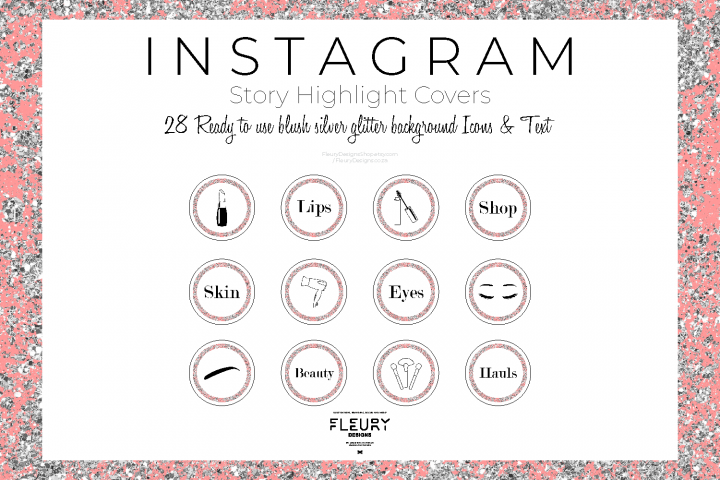
4. Choose your Highlight cover, and tap Done.
Don’t have a highlight cover yet? Read on.
Instagram will allow you to use any image you like for your highlight covers.
BUT your brand deserves better than just “any image.”
This space is prime real estate for converting lurkers to followers. You want to leave an impression.
If you’re crunched for time, Adobe Spark has pre-made covers that you can customize and use.
But if you want more control over your Instagram brand, these steps will show you how to easily build a great Instagram highlight cover from scratch (or almost-scratch).
Log into your account on Visme or create a free account on visme.co.
From the main Visme dashboard, click Custom Size in the top right corner, then type in the Instagram Story image dimensions (1080 x 1920 pixels). Click Create!
Download your free pack of 40 customizable Instagram Stories Highlights Icons now.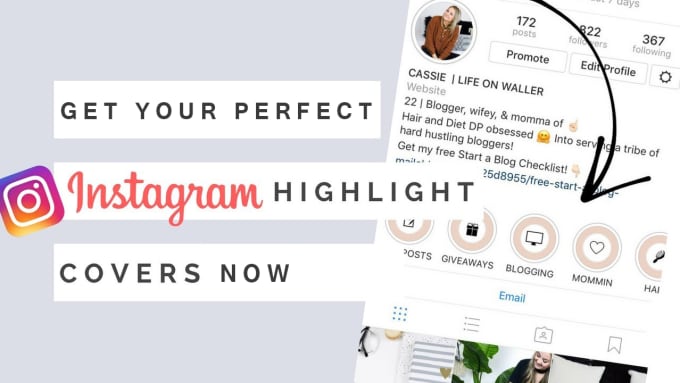 Optimize your profile and set your brand apart from the competition.
Once you’re done downloading, unzip the file and choose your favorites. (You can use them with or without our professionally designed backgrounds.)
Go to My files in the left-hand menu, click Upload, and select the icons you would like to add.
Once you upload the icon image, click on it. If you can’t see your icon on your canvas after you’ve uploaded it, don’t worry. It’s most likely because the icon is white lines on a transparent background. We’ll fix this in the next step.
Right-click anywhere on your image and click Background. A quick-access background bad will appear in the top left corner of your workspace. Here, you can select a background color, or add a brand color in the HEX code field.
When you change the background color (to anything other than white, your icon will appear).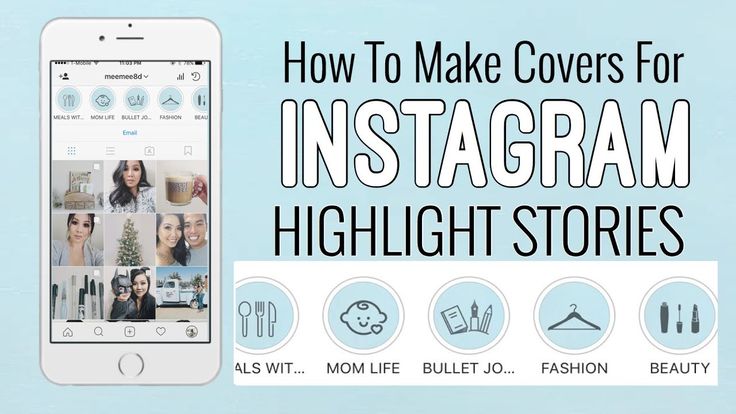
Name your project. Then click Download in the top right corner. Choose your file type (PNG or JPG are both fine). Then click the Download button.
Download your free pack of 40 customizable Instagram Stories Highlights Icons now. Optimize your profile and set your brand apart from the competition.
Get the free icons right now!
Your cover will be downloaded to your hard drive.
Repeat this process with other cover designs.
Pro tip: Now is a great time to make sure your Instagram account has your Story archive enabled. This is important if you want to go back and see your old Stories without downloading them to your phone.
You no longer have to add an image to your Story (where all your followers will have to swipe past it) in order to make it a highlight cover.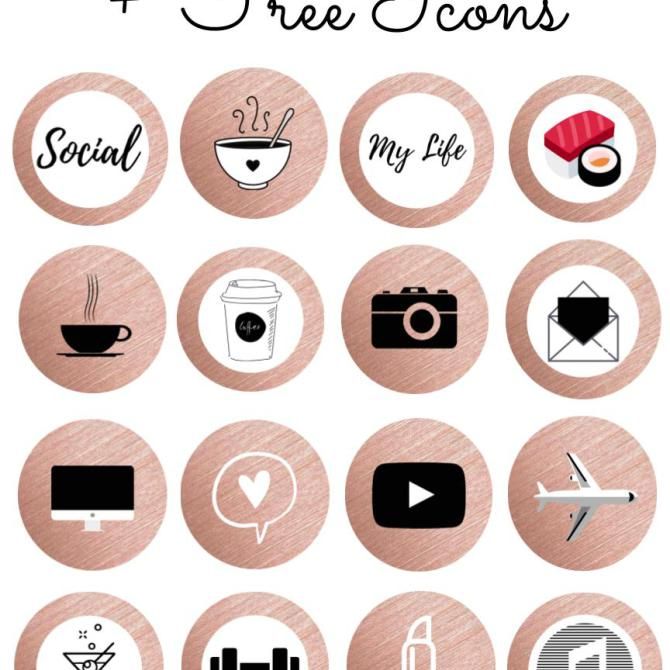 Instead, you can just edit the highlight directly:
Do this for each of the stories you want to add covers to.
Voila! Your on-brand Instagram highlight covers are now gracing your profile and unifying your look. Magnifique.
Now that you know how easy it is to make your own unique highlight covers, we’ve got some time-saving tips to make them as effective as possible.
Your brand has its favourite colours, font, capitalization—and possibly even some favorite emojis. Your highlight covers are definitely the place to show these off.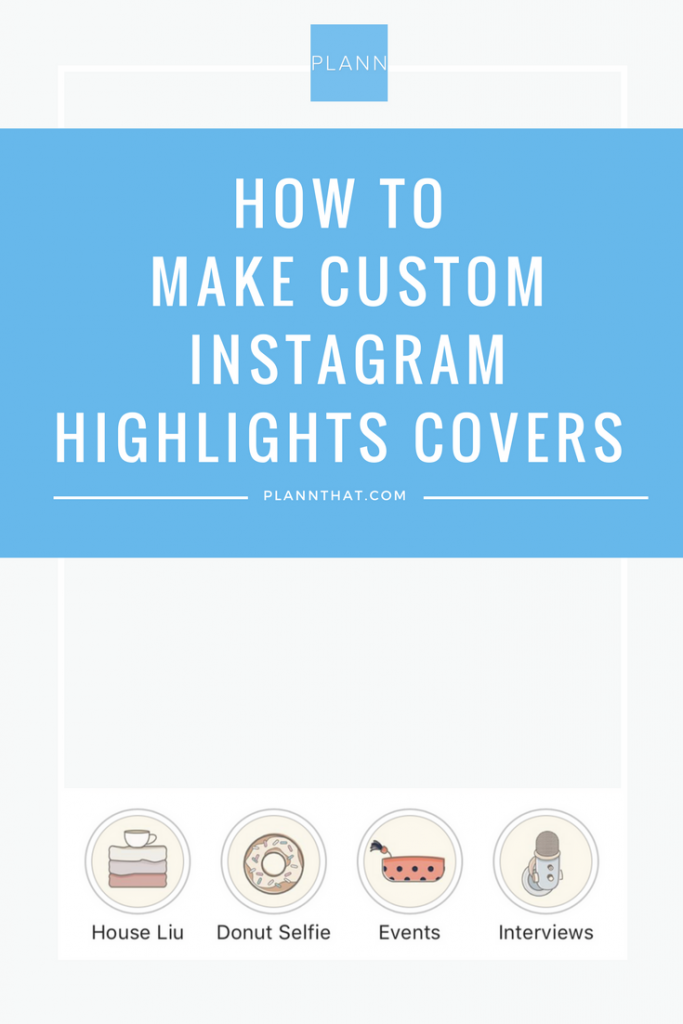
That said, keep in mind that less is more. Those little portholes are pretty small, after all. Clarity is key.
Your Instagram highlights don’t have to do it all. They can do one thing very well.
For instance, Red Bull’s highlights used to be fairly conventional (e.g., Events, Projects, Video, etc.) But now they give each of their athletes their own highlight. All we get is a face, a name, and an emoji. Intriguing.
Meanwhile, the New York Times takes Stories literally. They populate their highlights with exhaustive yet readable primers on complicated political subjects. They also create fun, snackable Stories about appealing subjects.
Either way, their cover style is perfectly consistent, which helps make the wide reach of their topics more manageable.
There are absolutely no rules when it comes to organizing your Instagram highlights. (Brb, my inner librarian needs to go rail antacids.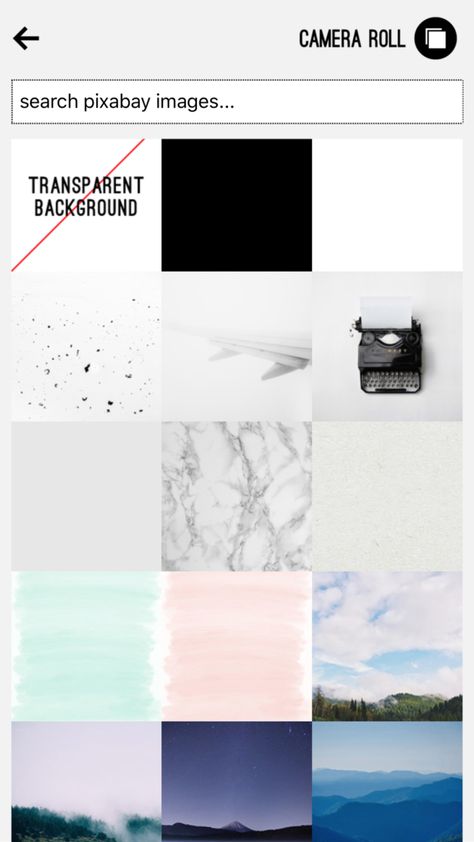 )
)
But, some brands organize their highlights like they would their website (e.g., About, Team, FAQ). Some brands organize by collection or product (e.g., Winter ‘20, New Arrivals, Makeup Line).
I’m here to tell you that however you choose to organize, remember to approach it from your audience’s perspective.
In other words: if they know what they’re going to see, they’re more likely to tap.
Ask yourself what’s most important to your audience. What are they here to see? This season’s collection? Today’s schedule? Or something that is useful for the longer-term, like, for instance, how to pair your flagship earbuds?
The Met, for instance, prioritizes potential visitors. It keeps a helpful guide to this week’s exhibitions at the top of its highlight reel.
With the right covers, you can introduce new eyes to your best shoppable Stories and swipe-up content (if you have an Instagram for business profile with more than 10,000 followers). Try using our shopping bag icon, for instance.
For more tips on selling products using your Instagram Stories, check out our complete guide to Instagram shopping.
Save time managing your Instagram presence using Hootsuite. From a single dashboard you can schedule and publish posts directly to Instagram, engage the audience, measure performance, and run all your other social media profiles. Try it free today.
Get Started
Easily create, analyze, and schedule Instagram posts, Stories, and Reels with Hootsuite. Save time and get results.
Free 30-Day Trial
If you’re eager to get going with Instagram Highlights, as well as to start rocking tasteful iconography like this, then good news — we at Plann are here to help!
Who says your Instagram stories can’t live on your profile forever? Thanks to Instagram highlights, they can be eternalized on your feed for your audience to enjoy over and over again.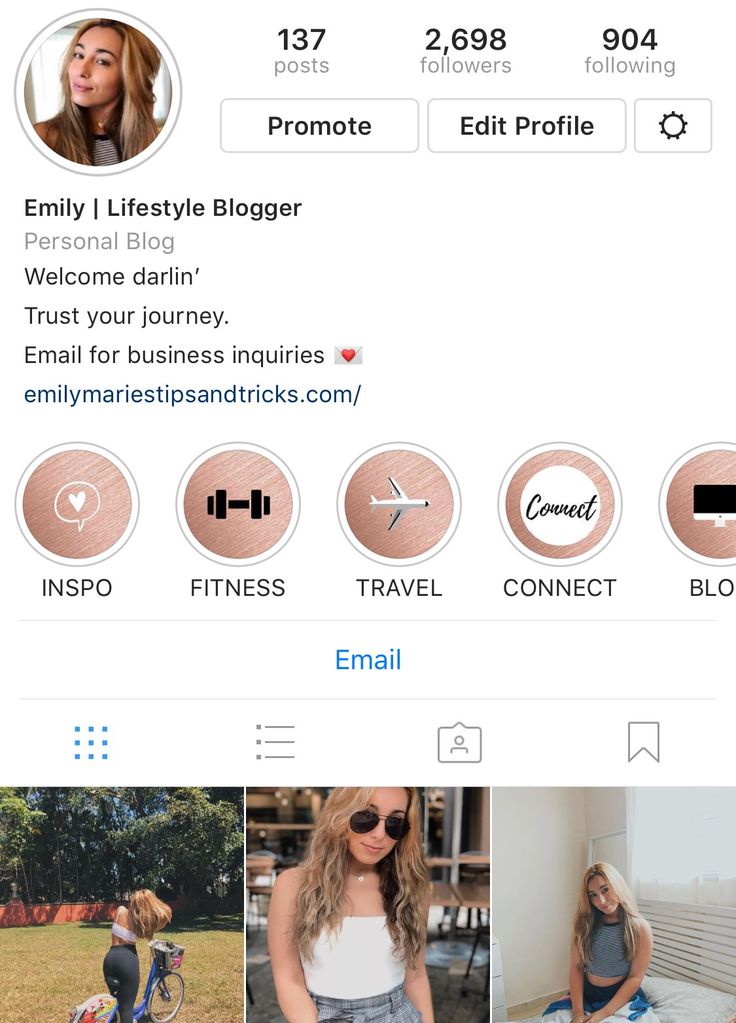
Not only can Instagram highlights extend the ‘life’ of your stories content and get more eyeballs on your work, but they’re also a great way to show what your account is all about. Many brands and influencers used Instagram highlight covers (the graphics that sit along your highlights bar) to showcase the different themes their account covers For example: a mommy blogger might have ‘motherhood,’ ‘home’ and ‘style’ as some of her highlight cover icons,
You can also customize your Instagram highlight covers with colors, patterns and graphic to add to the overall aesthetic of your account. In this article, we’re going to walk you through step by step how to create custom Instagram highlights covers for your feed — plus, some examples of beautiful Instagram highlight covers to inspire your creations.
If you’re a visual learner, you can check out the video above! Otherwise, keep reading for our step-by-step guide.
First, let’s walk through how you can start to create a new Instagram highlight.
Step 1:Tap the button in the bottom-right to go to your profile.
Step 2:
Tap the “+” button to make a new Instagram Story Highlight.
You’ll be taken to your Instagram Archive, where you can see all of your past stories.
Step 3:
Choose which Stories you want in this Highlight by tapping the circle in the bottom-right corner.
Step 4:
Tap “Next.”
Step 5:
Choose a name for your Highlight.
PSST–> WANT TO KNOW THE BEST TIMES TO POST ON INSTAGRAM? WE’VE GOT YOUR BACK
Step 6:Normally here you would pick out your custom Instagram Highlights cover.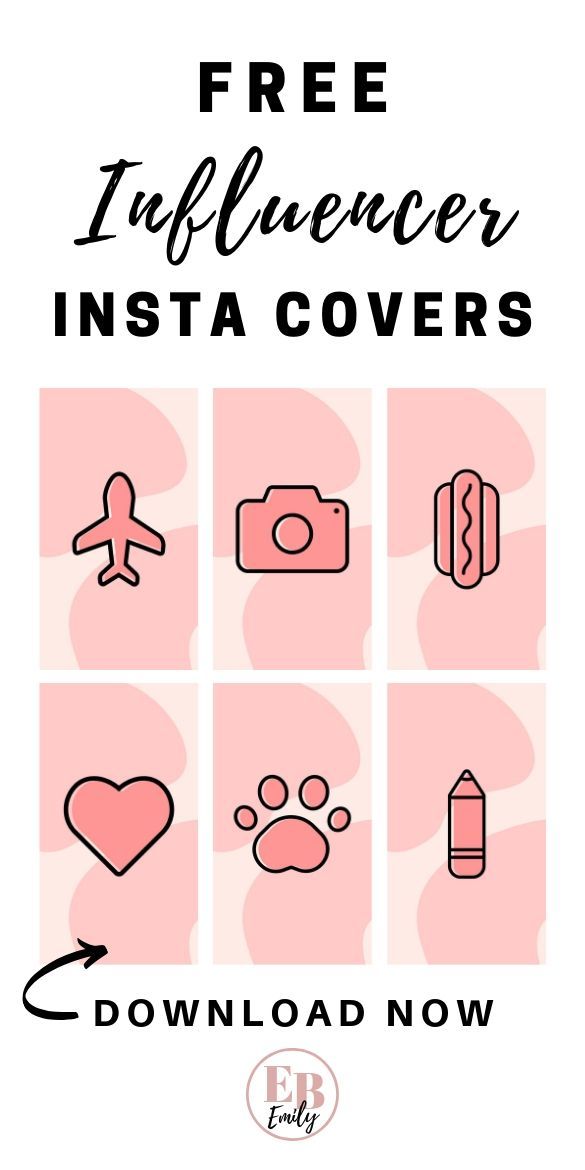 Skip over that for now and just tap “Add.”
Congratulations! You’ve made your first Instagram Highlights.
How to make custom Instagram highlights coversIn order to make custom Instagram Highlights covers, you’ll need access to any free graphic design platform. We personally like Canva, which you can actually access from within your Plann account!
Step 1:Open your Canva account and type “Instagram Story” into the search bar and scroll to the bottom.
Step 2:Click on the template for “Instagram Story” when it appears. Now you’ll have the perfect sizing for your Instagram Story highlight cover.
Step 3:Choose “ELEMENTS” from the sidebar and then click “GRAPHICS”. Now you’ll be able to search through different illustrations to choose icons for your Instagram Story highlight covers. There are plenty of options including free icons and paid icons. Alternatively, you could create text-based highlight covers using Canva’s text options.
After you choose the icon you want as your custom Instagram Highlights cover, just choose a background color, and click “Download.” Make sure the icon isn’t so large that parts of it will be lost during Instagram’s circular cropping.
Step 5:Send it to your phone, go back to Instagram, and post it as a new Story. To do that, just go to your home feed and swipe left. When you’ve chosen the photo you want to use as your icon, be sure to pinch the screen to zoom out as much as you can. This will ensure that parts of your icon aren’t cropped off when you use it as your cover.
Step 6:
You’ll need to add this image to the Highlight so it becomes eligible as a custom Highlight cover. To do that, from your profile, just tap and hold on the Highlight you want to customize and choose “Edit.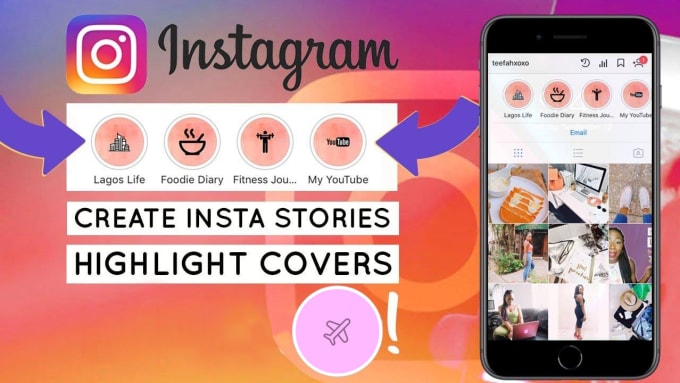 ” You’ll land on a screen like this:
You’ll see the option to choose which Stories are in or out. If you swipe right, you’ll see your Story Archive. Slide over and select your icon if it’s not selected already. You’ll want your custom Instagram Highlights cover story at the end so people don’t miss the actual Highlight.
Step 7:Swipe back to the “Highlighted” tab. You should see that the Story with your icon is included at the end. Tap “Edit Cover” and choose your icon using the slider on the bottom. You can pinch and drag to zoom and position the icon before you finalize the cover. When you’re finished, just tap “Done.”
Not keen on creating your own Instagram highlights from scratch? No worries! Canva also has dozens of pre-designed Instagram highlights cover templates, complete with cute graphics and illustrations. Just head to the template library and search ‘Instagram highlight cover’ to check out what’s on offer.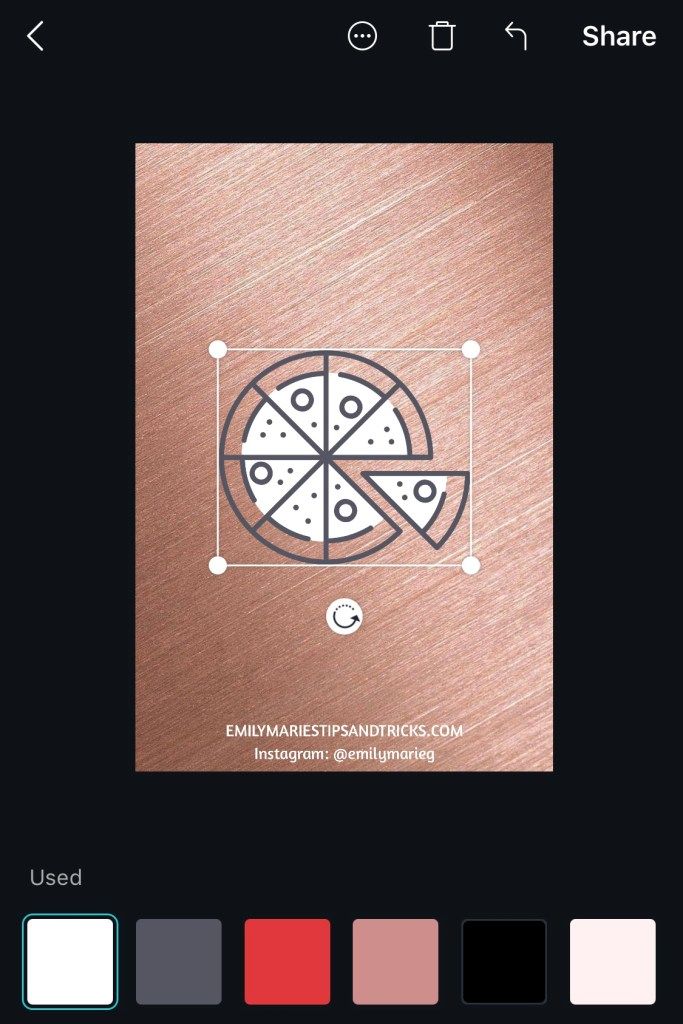 Customize them with your own brand colors and you’re good to go!
Out-of-the-box strategies guide
9 growth strategies to skyrocket your Instagram
Now that you know how to create custom Instagram highlights covers, you can pull on your arty-farty pants. Need some inspiration? Here are some stunning Instagram highlight covers that bring the ‘wow’ factor.
Christy Laurence is the multi-award-winning Founder of Plann, an app she created after watching hugely talented people around the world give up on making an income from their passion due to lack of marketing help.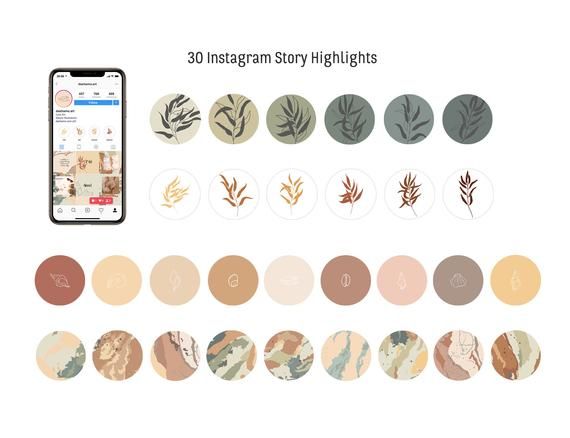
After winning ‘Australasian Startup Founder of The Year’ for her achievements helping businesses grow using Instagram, she now splits her time between Silicon Valley and Sydney to grow her own software business, and help others grow their businesses too.
She has a strong pun game and loves a good chat, connect with her directly at @christyladylaurence
Share this
Menu
Contents
Therefore, it is important to observe the style in every detail and not to make a hodgepodge of everything that gets into the camera out of the account.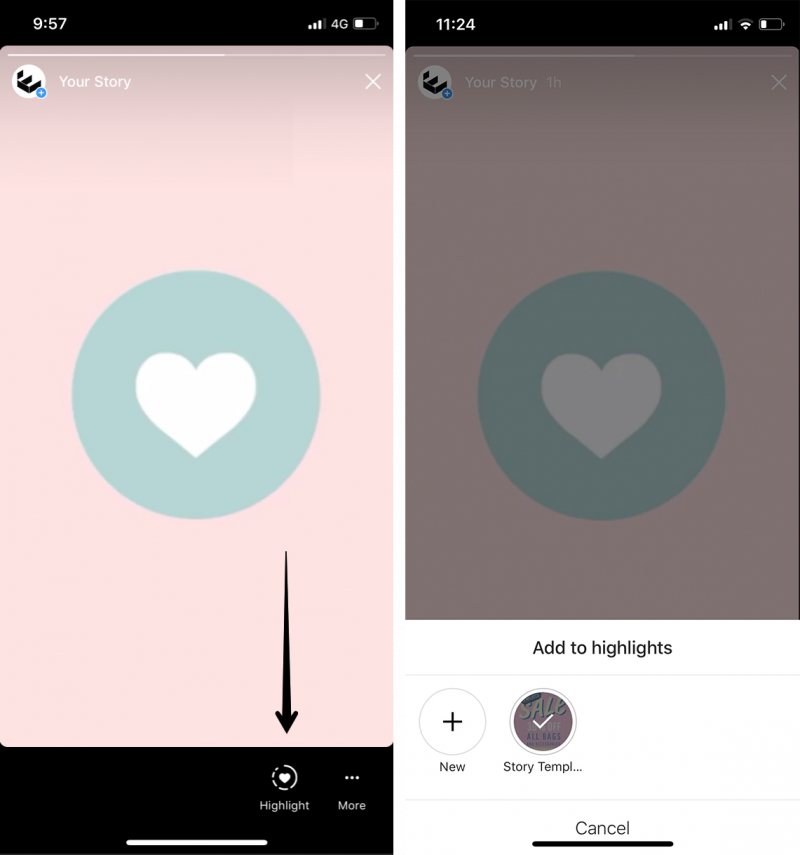 The “Relevant” section on Instagram is one of the important points, the design of which should be approached with responsibility and creativity.
First of all, the Instagram highlight section is useful for navigating through the account's posts. It helps to organize the pinned stories in the right order. So that subscribers immediately understand what each collection is about, give it a title and choose a suitable cover.
The harmonious design of Instagram not only attracts attention, but also makes the profile more harmonious and professional.
First of all, "Relevant" is the section of the Instagram account where already published stories are posted. Many users are used to sharing life moments, impressions and emotions in Instagram Stories.
An example of a competent design of the "Actual" section.
But, unfortunately, stories disappear after 24 hours. And I want as many people as possible to see them. And just in this case, Instagram Highlights will help us. Collections of pinned stories are displayed under the header of the bio account.
For harmonious design, covers are created in the same style and harmonize with the Instagram profile avatar. First you need to determine the dominant colors in the profile.
Adobe Capture will help you with this. With this application you will define your color scheme.
To do this, take a screenshot of the profile and upload it to the application. The program will do the rest. Having found out which colors prevail in your Instagram account, start creating a cover.
We have made a selection of applications in which you can create icons for Instagram Highlights.
Canva is the number one app for creating beautiful and vibrant images for Instagram Highlights. Creating a design in this service is a pleasure.
There are also collections of colorful designs for posters, presentations, stories and other social media formats.
All the tools are provided here to create a highlight cover, so it's easy to create visually appealing Highlights. How to do it:
 Position it in the center of the created image.
 Another cool application that helps you create aesthetic and harmonious covers for the current. The app is available for both iPhone and Android. How to create a Highlights cover:
You can buy new collections of stickers and badges by opening the "Shop" section (located in the form of a small bag). The app frequently updates sticker packs and is a pretty handy way to create a nice caption for your photo.
Don't want to bother and want an easy way to create a beautiful Instagram cover? This is where Pinterest comes in handy!
Here are ready-made collections of covers for Instagram for every taste and color. Hundreds of different options: from plain to colorful, with and without inscriptions.
You should enter what you are looking for in the internal search engine, and in a couple of seconds Pinterest will show inspiring examples.
We advise you to use this service more often to develop your visual awareness. This way you will be creative and create designs better than competitors on Instagram.
The program that completes the list of applications for creating current templates. A simple application where you will find:
Instagram is a way to express yourself, for both business and personal purposes. Even with the help of covers in the current Instagram, you talk about yourself or your personal brand. Instagram promotions .
Before Highlights, stories on the social network were saved for only 24 hours. The new feature allowed users not only to save stories to revisit later, but also to create compilations of the best moments and share them with friends.
Reduce the budget of targeted and contextual advertising with click.ru
Click.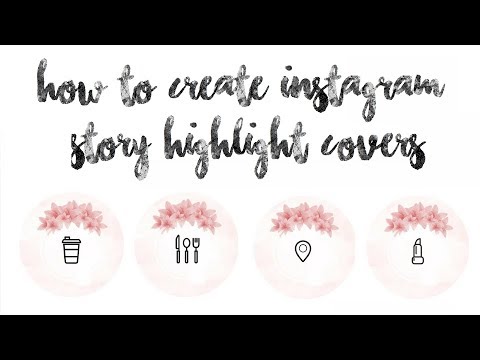 ru will return up to 15% of advertising costs.
Cut the budget >> Advertising
Story Highlights - actual stories - displayed in the description of the user's profile. You can add an unlimited number of stories to each new collection. All of them will be displayed as normal stories, in chronological order.
Simultaneously with the Highlights feature, Instagram introduced automatic saving of stories. Now, after 24 hours, they do not disappear, but are moved to the archive - they can be shared, reviewed later, or added to the collection. You can add to collections stories saved in the archive, that is, created after December 5, 2017.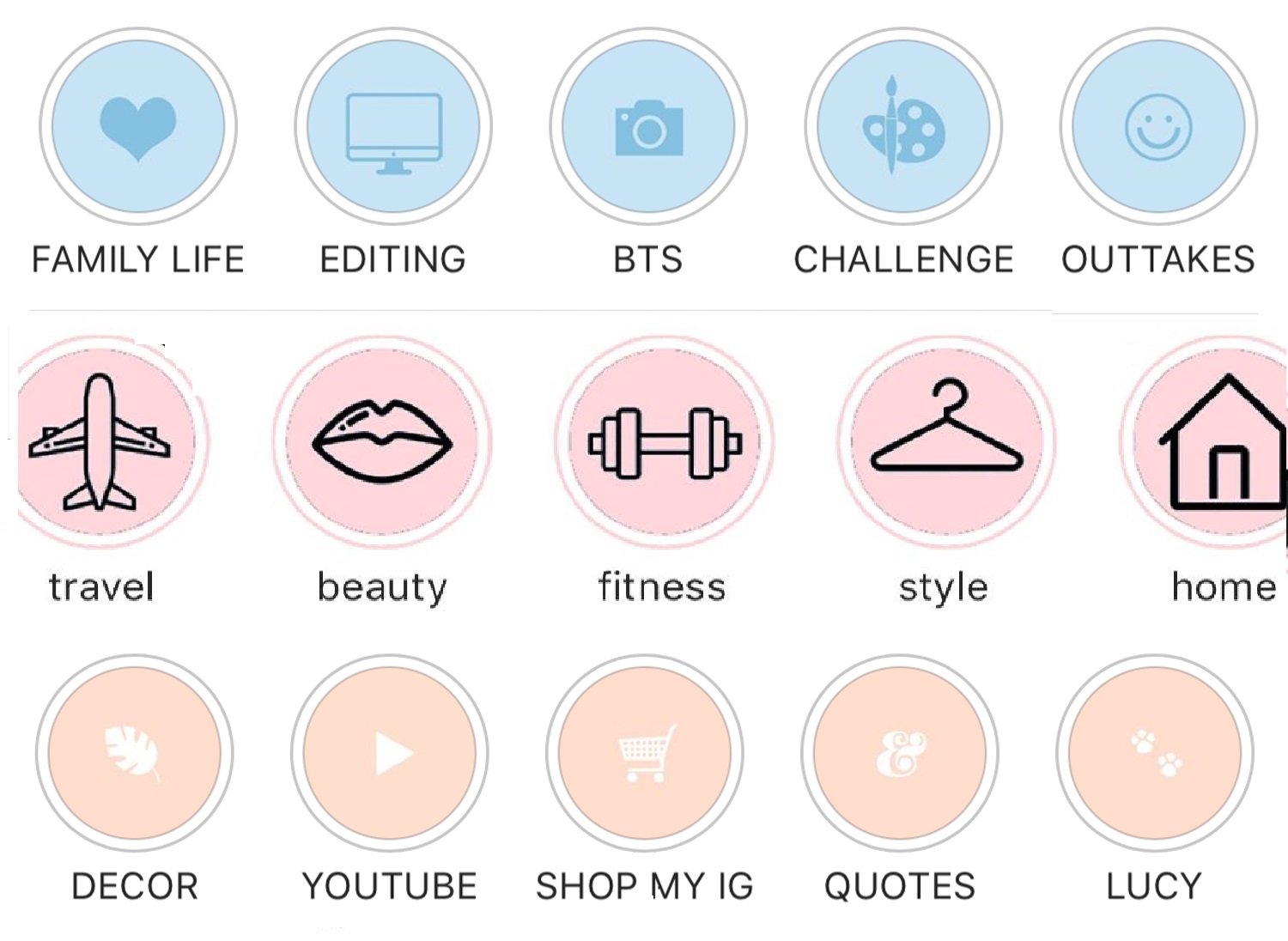
To create a new collection, upload multiple stories, from one to infinity. More about using Stories read our article. Once downloaded, go to your profile and click the "new" button in the Highlights section.
You will see a window with all saved stories. Select any of them in the order you would like later when displaying the Highlights compilation. Select the cover of the collection from the thumbnails of the story. Then write the name - it can contain up to 16 characters with spaces.
Important: by default, the cover of the new album is the image of the first story, cropped to the center. You can change the story that will become the cover and its centering.
After adding the stories, cover and title, save the new highlights . They will appear in your profile description and will be available to all users who visit your page. Collections will appear as normal stories. Their number is not limited - you can add 10, 20 or 100 "best moments", blog categories, product descriptions.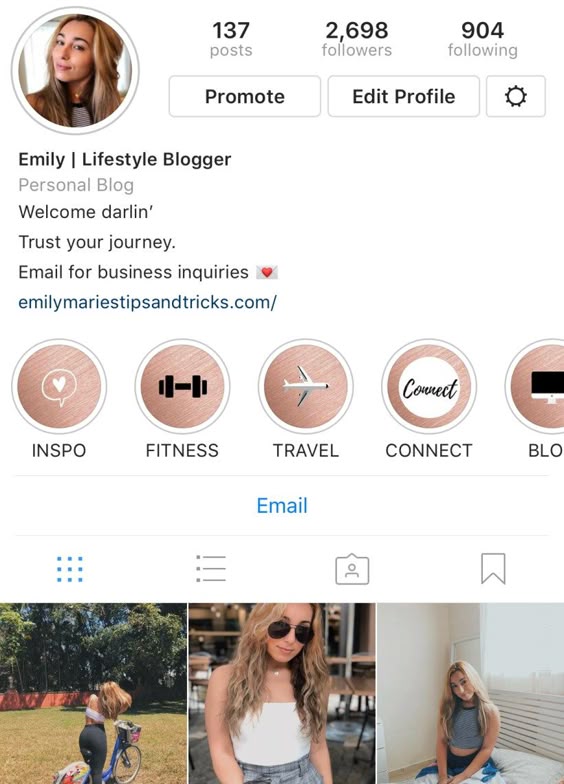
The Highlights feature can be used for promotion. Browse competitor profiles and use their experience or develop your own original ideas. For example, you can:
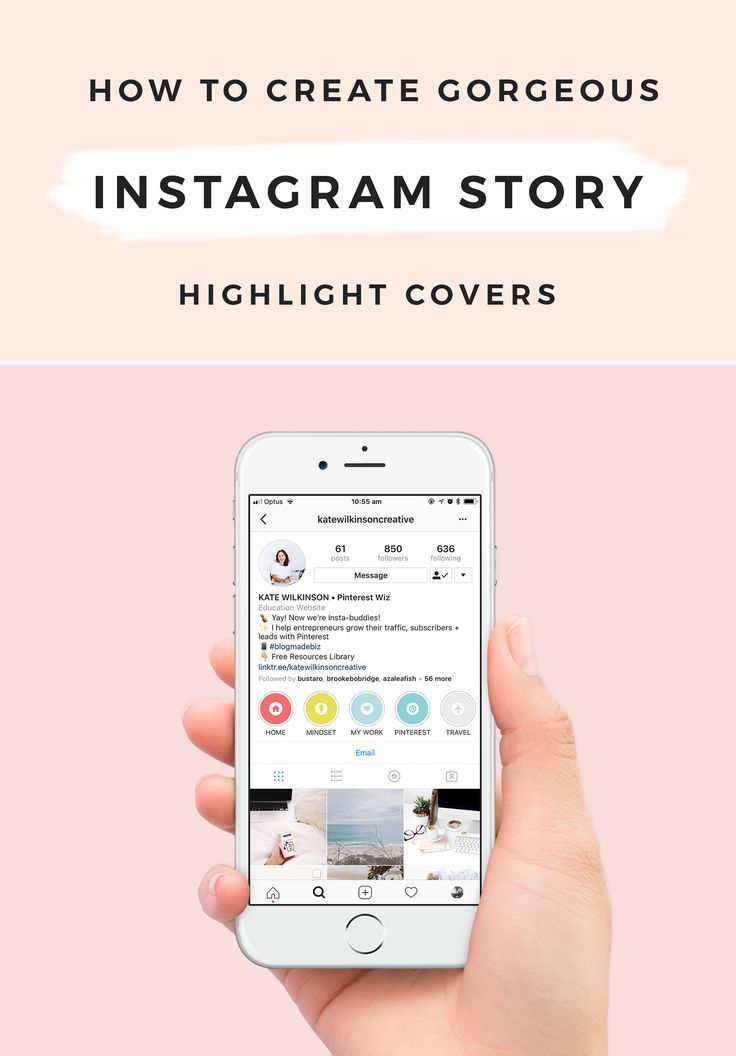 This is true for bloggers with a variety of topics for releases.
Read also: How to change your Instagram information
Published Highlights can be edited or deleted. To change or delete them, go to your profile, tap on the desired collection and hold your finger on the screen until a pop-up window appears. Choose the option you need - edit or delete.
In edit mode, you can change the name of the collection, its cover, add another story to the best moments. You can also delete from the "best moments" of history that have lost their relevance.
Article in the topic: How to make covers for current stories on Instagram
In the delete mode, the system will ask you again if you really want to delete the published album. If you confirm the operation, it is permanently deleted. But the stories published in it are saved in the archive - you can create a new collection from them. Also, you can download any Stories from the Highlights section.
Old app
If you haven't updated Instagram in a while, the feature won't work. To be able to use Highlights, please update the app to version 25 or later.
System crash
If you have the latest version of the app and still don't have Highlights, try reinstalling or restarting it.
Important: if neither updating nor reinstalling helped, write to the technical support service of the social network.