As QR technology integrates with WhatsApp, how can we generate WhatsApp QR codes for free? What is its relevance to the WhatsApp community?
As instant messaging takes the world by the storm, apps such as WhatsApp became a household name.
As people get to be inclined with WhatsApp, new technological means, such as WhatsApp QR codes, of delivering interactive yet easy to use instant messaging interface are introduced.
One of these technological means is through the use of WhatsApp QR codes.
Read more to know how to create a WhatsApp QR code using a URL or WhatsApp QR code generator.
Related: Best QR Code Generator and How to Look for One?
A WhatsApp QR code is a Quick Response code that enables users to add their friends' and family’s contact information on WhatsApp.
The QR code technology are not only relevant and functional for personal use, but also for business engagements.
Businesses such as online shop operate customer service, placement of orders, and keeping customers informed of new products and discounts.
In this means, business operators can easily connect with their customers without wasting time adding their contact information on WhatsApp.
Related: QR code types: 15 primary QR solutions and their functions
As startup businesses are finding new ways in improving their business operations and customer services in WhatsApp.
QR codes are can be a helpful tool. You can create a WhatsApp QR code using a URL or a WhatsApp QR code generator.
Here are 7 simple steps on how to create a WhatsApp QR code for free:
Generate your WhatsApp QR code using a URL or a WhatsApp QR code generator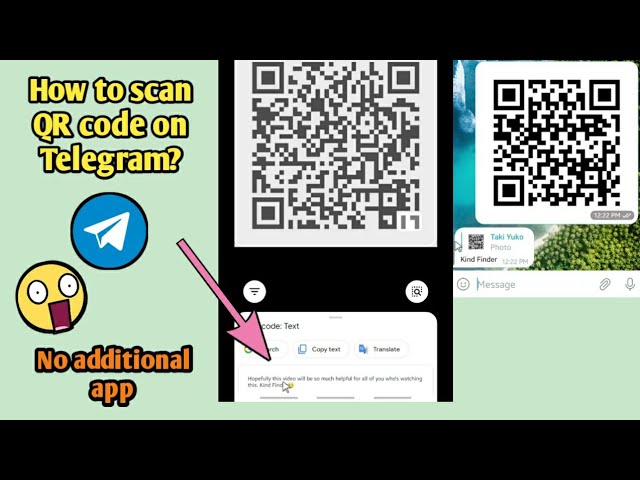
Related: How Do I Create a Free QR Code?
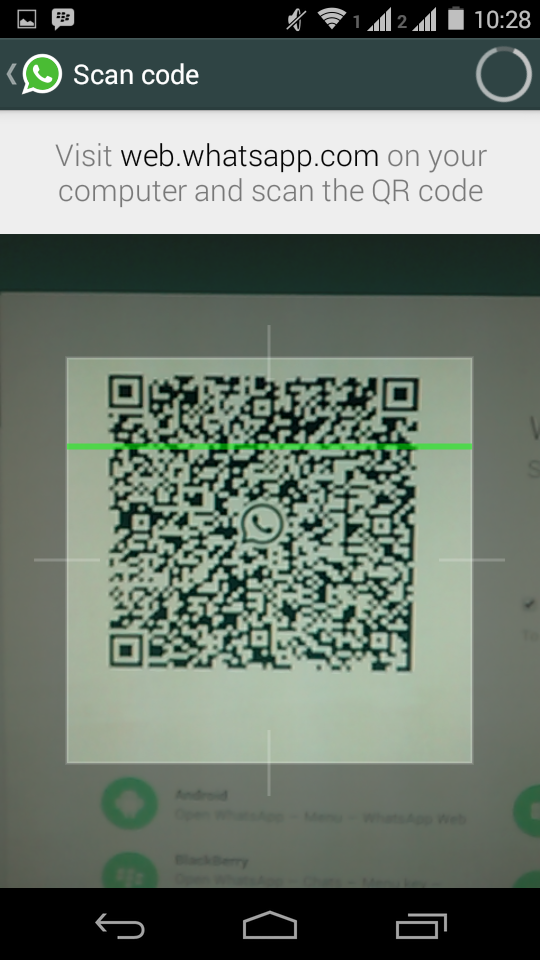
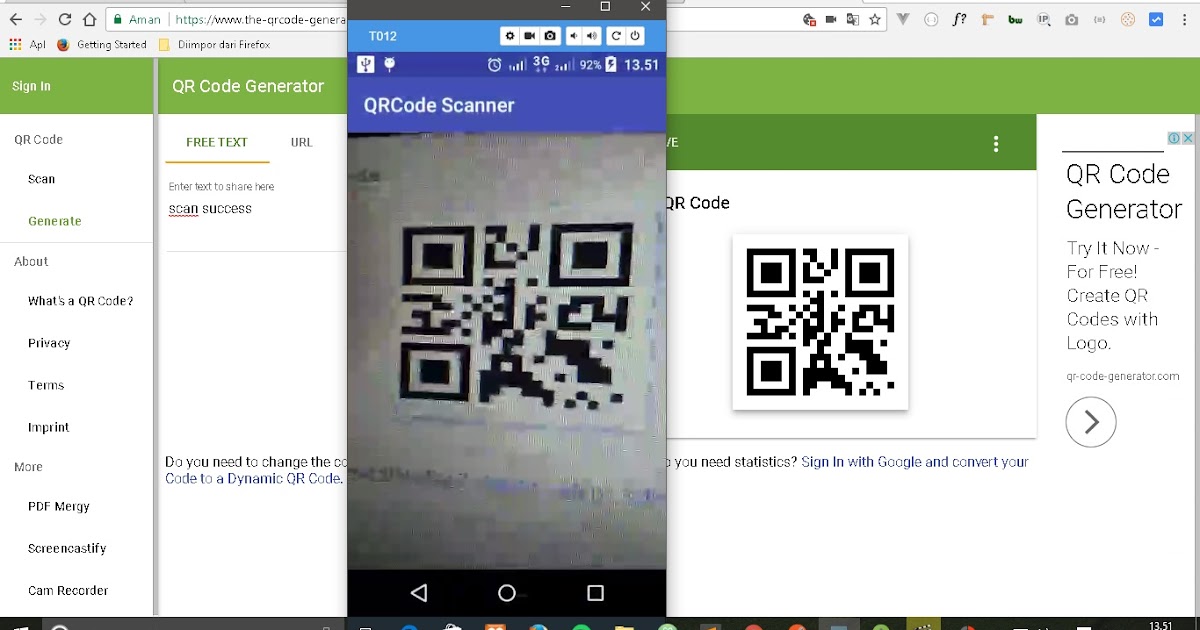
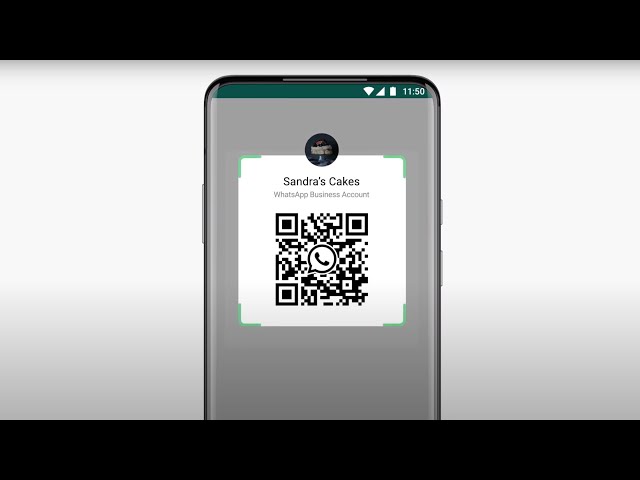
The QR code is scanned by your smartphone camera through your WhatsApp application. Once the scan is done, your WhatsApp will notify you if the contact is added to your contacts.
In this way, the period consumed in typing a person’s contact information will lessen.
In generating your WhatsApp link, you can use the following methods:
Create a Personal Number WhatsApp LinkYou can create your personal WhatsApp link by going to your browser and type the following information in the search tab. https://wa.me/[country code+phone number]
For example, if your personal WhatsApp number is 24681112 and you live in the US, your country code is 1 and the link will look like this,
https://wa.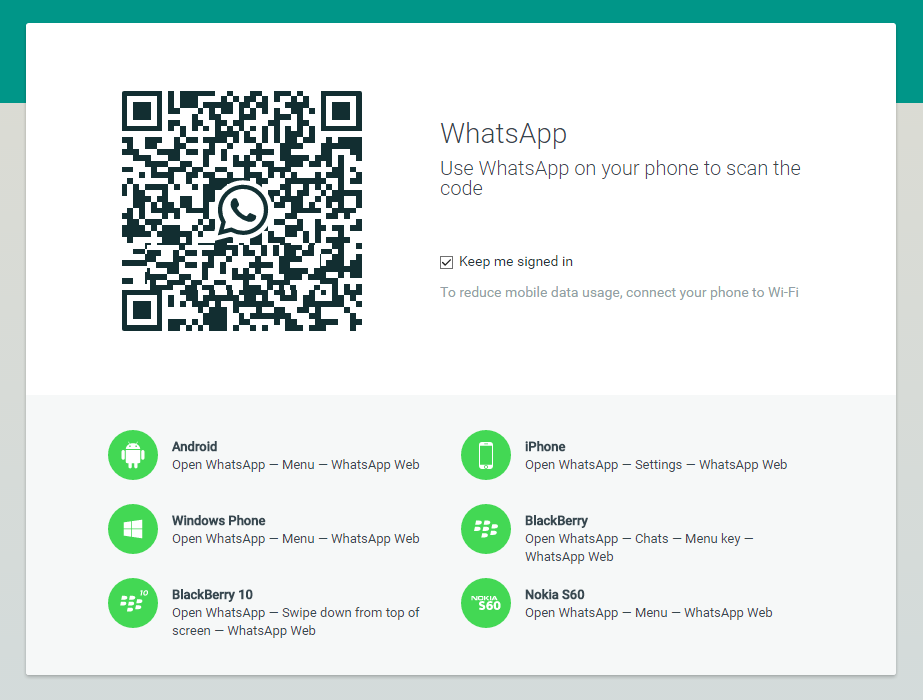 me/124681112
To avoid any redirecting errors, avoid adding brackets, zeros, spaces, and other symbols.
If you don't remember your country code, you can always view the list of calling country codes here.
To direct your customers to a chat portal, you can redefine the link and send a pre-filled message. The WhatsApp link should look like this,
https://wa.me/[Country code+Phone Number]/?text=urlencodedtext
When sending your message, the link will then look like:
https://wa.me/Country code+Phone Number/?text=hi
You can test the link by clicking it when the link works, then you are redirected to the WhatsApp chat. This works on both the WhatsApp mobile app and the WhatsApp web.
Generate Business Profile WhatsApp LinkAs businesses establish Business Apps for their business engagements, the emergence of WhatsApp Business comes in handy.
Unlike the other, generating your Business Profile WhatsApp Link is more easy and convenient and you can create it by following these 3 easy steps,
Go to settings > Select Business Settings > and copy your Short Link.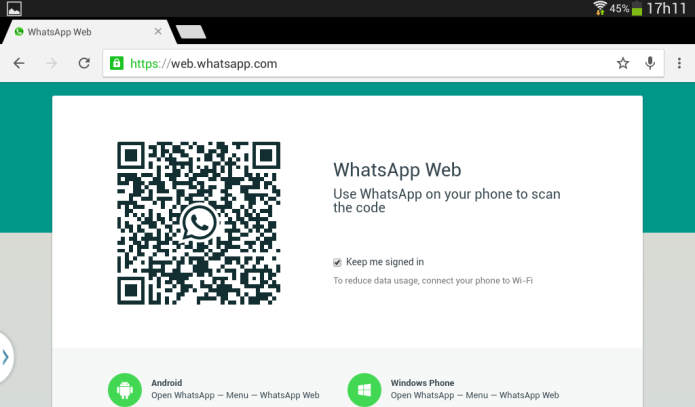
Wanting to keep your family and friends connected? The WhatsApp group feature of WhatsApp is a great solution to bear in mind.
Using the Invite by Link feature can be a great tool in generating the QR code. In this feature, you can automatically let a user join your group.
By following careful protocols, you must carefully choose the person you want to add to your WhatsApp group.
You can get the link by following these 4 simple steps,
1. Go to the group chat.
2. Click the group name you want to share your link with.
3. Find the Invite Via Link Option.
4. Copy the link and share it with your trusted authorized persons.
Related: How to create a Free QR Code for WhatsApp?
Now you have copies of your WhatsApp links for personal numbers, business, groups, and business profiles. To continue, you can now proceed in creating by following the remaining steps in generating your WhatsApp QR codes.
A WhatsApp QR code is generated using an online QR code generator like the QRTIGER software.
The URL QR code generator on this software can also act as a WhatsApp QR code generator and allows you to generate a QR code for your WhatsApp.
QRTIGER is a trusted, reliable, and established QR code generator software.
It ensures the safety and secures any type of data that you want to attach and convert into a QR code.
Related: Best free QR code generator online
3. Select “URL” on the menu and insert your WhatsApp link.Upon selecting the “URL” menu, attach your WhatsApp Link
Related: How to create a URL QR Code
4. Click the “generate your QR code” iconYou then proceed in generating the QR code. This is a crucial step in generating your QR code as the software does the magic for you. Choose whether static or dynamic.
Related: What is the Difference Between Static QR Code and a Dynamic QR Code?
5.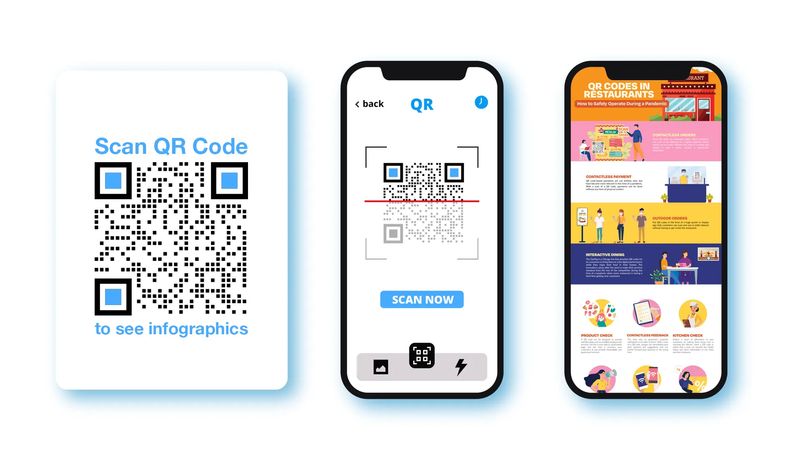 Customize your QR code.
As you have already generated your QR code, you can now customize it. By choosing a set of patterns, eyes, colors, and adding a logo, your QR code will have a branding.
Related: Things to consider when using customized QR Codes for Better Results
6. Test it.To avoid any errors and scan mismatches, checking and testing the QR code is a fundamental routine that users should always do. As QR codes are your gospel for information dissemination, testing your it is a must.
7. Download your QR codeAfter you have tested your QR code, you can now download it in print quality or vector files like SVG. By downloading the file in print quality, you can change the size of your QR code without compromising the dpi of the file.
Related: What should be the right size of your QR code?
8. Deploy your WhatsApp QR codeIf you are using your WhatsApp QR code for business, you can deploy it through print and electronic dissemination.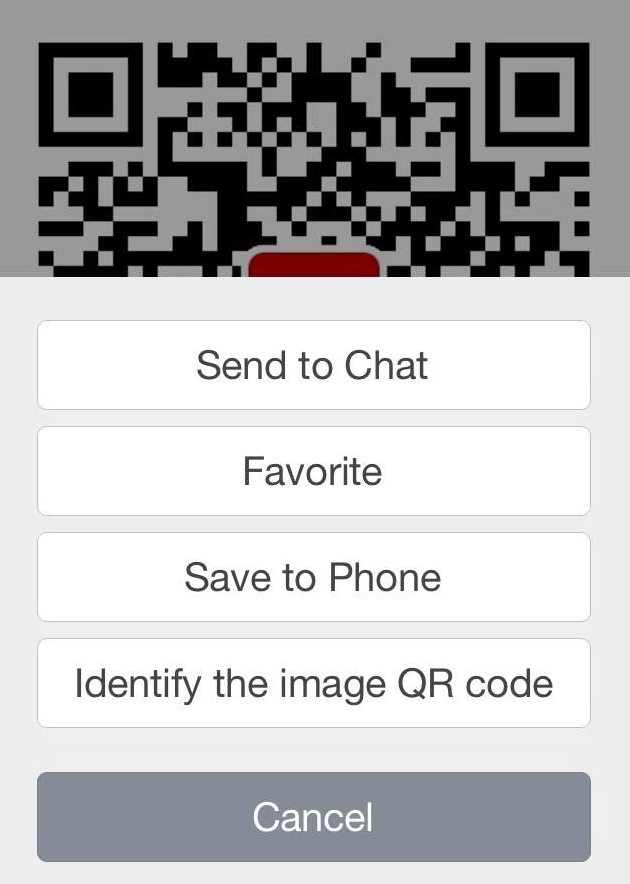
In print dissemination, papers such as business cards, pamphlets, newspapers, and brochures can be used by attaching your QR code in an area where your target audience can see them easily and clearly.
While in electronic dissemination, you can attach this QR code on your website and social media handles such as Instagram, Twitter, Pinterest, and Facebook. In this way, the chances of attracting more customers are higher.
If you are using your WhatsApp QR code for personal use, you can distribute your QR codes through the use of business cards and posts that are private and for personal intentions only.
Related: How to generate a free QR code for your social media accounts?!
As QR codes are innovated and embedded in various uses, WhatsApp QR codes emerge as a solution to WhatsApp problems encountered by users.
As WhatsApp QR codes are marking its relevance to the 21st century WhatsApp users, here are the 5 benefits of WhatsApp QR codes:
1. Promotes easy and direct WhatsApp communicationWhatsApp is following strict security protocols such as prompting a user to add a person’s contact information before starting communicating with each other.
With the use of WhatsApp QR codes, the trouble that WhatsApp is currently enforcing diminishes.
Thus, prompt easy and direct WhatsApp communication with your family, friends, and affiliates.
2. Helps you secure your WhatsApp informationSince the WhatsApp interface requires user contact addition before prompting a conversation, the risk of leaking sensitive information such as phone numbers is high.
However, if you enforce the use of WhatsApp QR codes, the instances of having information leaks lessen. Therefore, it helps you secure your WhatsApp information.
3. Improves contact exclusivity
As WhatsApp QR code dissemination for personal use enables you to save contacts that withhold importance and sense of responsiveness in your life and career, the sense of having contact exclusivity allows you to have an organized contact list.
As you use this QR code in allowing someone to start a conversation and exchange ideas, the sense of improving contact exclusivity will be realized and the trouble of prioritizing minimizes.
4. Fastens business servicesFor business owners and entrepreneurs that use WhatsApp as their main customer service interface, QR codes enable the business to engage and interact with customers without prompting them to add your contact info in their contact list.
In this way, the time used in adding your business contact in their list lessens and allow more conversation with your customer service agent to negotiate transactions such as placement of orders and informing new products and discounts for their loyal customers.
Related: Why Dynamic QR codes are better to use than static QR codes!
5. Diminishes interface clickityOne of instant messaging’s flaws, the interface clickity such as permission to start conversations and searching a contact you want to chat with.
Through the use of WhatsApp direct message QR codes, the hassle of clicking the interface in your WhatsApp disappears. Thus, it directly lets you start a smooth conversation.
WhatsApp QR codes are created to become a solution to the WhatsApp users’ problem, “the trouble of inputting a person’s contact information in the list before starting a conversation."
Also, WhatsApp QR codes are QR codes that allow you to easily access chat prompts without the need of adding your friend, family, and business affiliate’s WhatsApp phone number. WhatsApp QR codes can be utilized in 3 popular means:
For Familial and personal affairsWhatsApp QR codes can be used to let your family and friends join your WhatsApp group.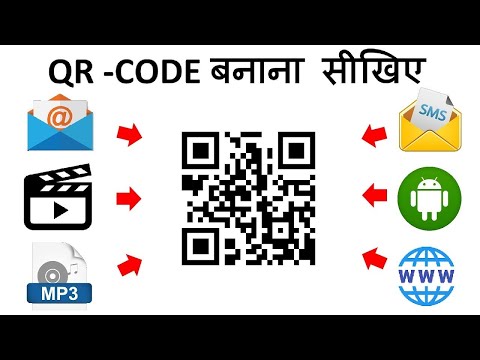
By this means, the trouble of clicking the group chat interface and sending links diminishes as QR codes enable them to directly go to the chat room and start a quirky conversation with you.
If you are using your WhatsApp account for personal uses, you can use the WhatsApp QR code that links your WhatsApp personal number in relaying it to your closest friends and immediate family.
For Business engagementsFor online businesses that offer food, and merchandise delivery, WhatsApp QR codes can be a helpful tool in fastening and improving their business engagements such as product inquiry, placement of orders, customer service, and more.
By linking your Business WhatsApp QR code, the customers can easily find your business contact and start meaningful business engagements with each other.
Also, Business this QR code prompts faster customer service response that can bring good impressions to existing customers and promote it to other potential customers.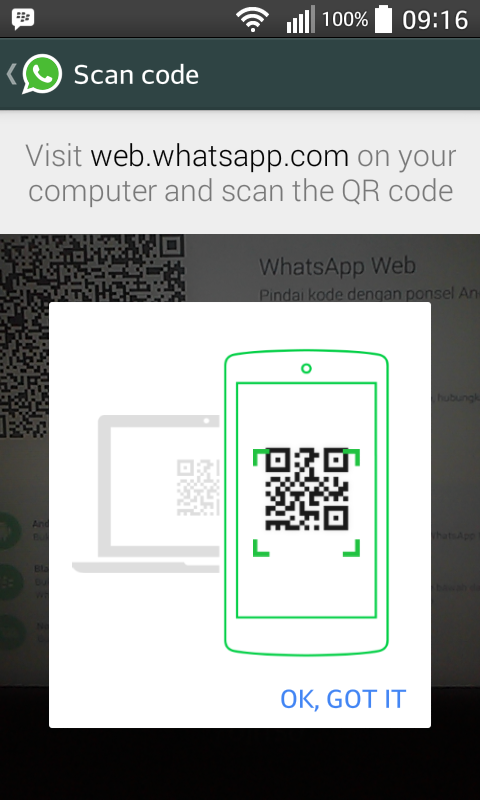
Related: How to generate a Facebook QR code and grow your business page instantly?!
For Organizational DiscussionsIf you are trying to open a discussion on WhatsApp, you can use the WhatsApp Group QR code. In this way, organization members would experience the burden of typing the link in the search bar of WhatsApp.
The convenience that this QR code offers to organizational discussions enables the founder and its members to have a productive virtual interaction in WhatsApp.
The QR code technology, without a doubt, is one of the most powerful and versatile tool you can use to create new ways of technological utilization or advancement just like in Whatsapp.
The promulgation of WhatsApp QR codes changes the way on how instant messaging is used in a technological yet fun way.
As WhatsApp QR codes enable direct prompts in starting a conversation with your family, friends, and business affiliates, the excitement using QR code technology escalates.
As we are revolutionizing QR codes in the 21st century, QRTIGER can be your trusted and reliable QR code software.
You can be the agent towards technological advancements in terms of business, communications, and education.
Use a URL or WhatsApp QR code generator from the best QR code generator available online to create your WhatsApp QR code.
Related: How to generate a free dynamic QR code in 5 steps
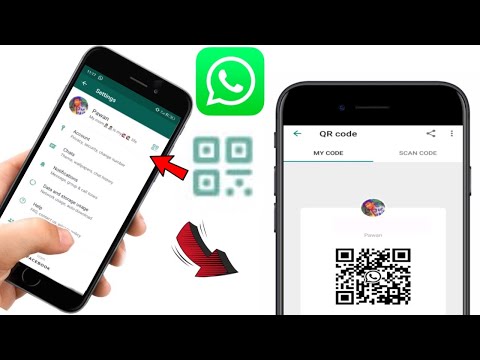
Many of you know that you can join WhatsApp Web with a QR Code on the app and most recently, they added a new feature for people to start a chat with businesses via a QR Code. But did you know that you can already initiate a WhatsApp chat with a QR Code, even if you don’t own a business?
A WhatsApp QR Code creates a “click to chat” link instead of saving someone’s phone number the traditional way. This works for anyone with an active WhatsApp account and both on your phone and WhatsApp Web on desktop or tablets.
Copy and paste this link https://wa.me/<number> onto the QR Code generator above and replace <number> with your full phone number in international format. Omit any zeroes, brackets, or dashes when adding the phone number in international format.
If you use WhatsApp for business purposes and work with international phone numbers, it’s easy to make mistakes when typing in your phone number manually. And if your customer or networking contact wants to get in touch with you, an error in the phone number means a loss for your business. You can make the process easier and create a WhatsApp QR Code with a “click to chat” link instead.
To access the “click to chat” link, all you need to do is scan the WhatsApp QR Code via mobile or tablet or directly click the link via desktop. By using a WhatsApp QR Code, you ensure those interested have the option to choose the easiest way for them to contact you. The real benefit here is that you can use this QR Code on print materials like posters and flyers as well as platforms like social media and email campaigns. Either way, the WhatsApp chat function opens without having to type in a phone number manually.
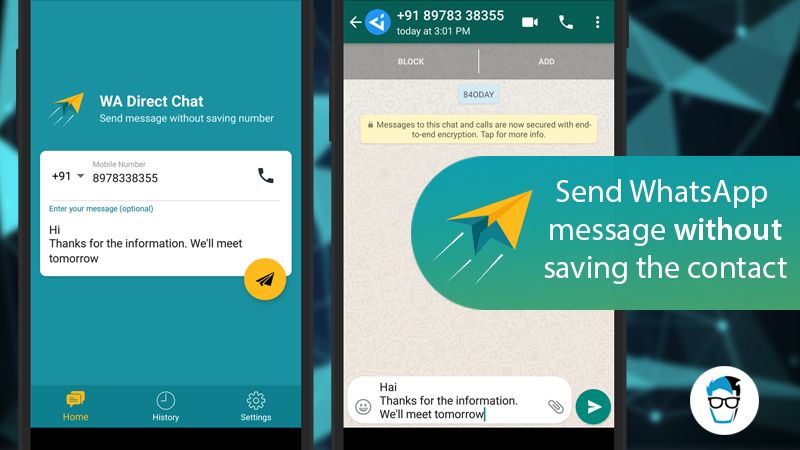
Here’s a nifty feature for businesses: Your WhatsApp link can even contain a pre-filled message. How this works is you create a specific link that has an attached message, such as “I’m interested in the apartment listing.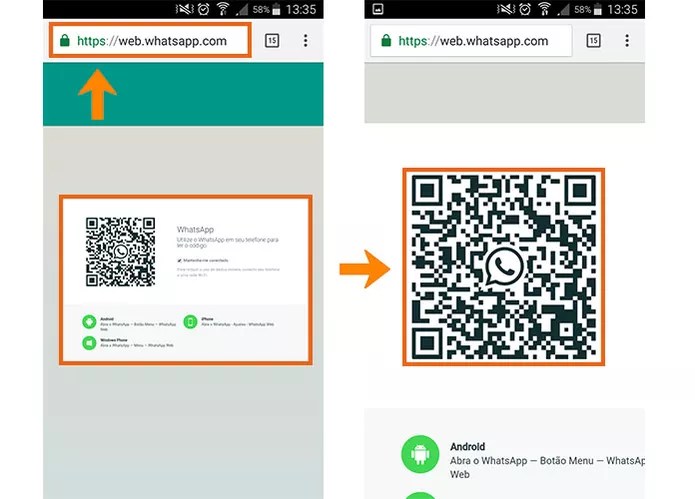 ” Then, when someone scans your WhatsApp QR Code and taps the chat link, this message is automatically sent. Then you, as a business, can respond to that inquiry accordingly.
A WhatsApp QR Code improves customer service processes similar to a Chatbot, because it enables 24/7 customer support, but also goes a step further in that it’s accessible from any device at any time. Customers can always contact you from a desktop, but they can just as quickly do so when they are out and about and see your print ad when walking down the street. With the fact that customer support doesn’t require typing in any complex numbers, a WhatsApp QR Code enables businesses to provide the most convenient customer support possible.
QR Code Generator takes your WhatsApp QR Code to the next level by giving it some much-needed style. Give it a custom frame, specific brand colors, edge and pixel styles, and even your logo in the middle. If you opt to create a Dynamic URL QR Code, it comes with a short URL that is fully customizable as well.
Want to know the greatest point of all about creating a WhatsApp QR Code with QR Code Generator? They come with scan tracking data. This means that if you used a Dynamic URL to create your WhatsApp QR Code, you could view the scan data based on location (city and country), time scanned, unique vs. total scans, and operating device used. This is precisely the data you need to understand the real ROI (return on investment) of your WhatsApp QR Code and even optimize any related marketing campaigns across different channels, time periods, and locations.
You can create a WhatsApp QR Code in seconds with the following steps:
 If you’d like to create a trackable QR Code, please sign up to create a Dynamic URL instead.
  Do a scan test to see if it’s working correctly.
 Quickly connect with your customers online. Use one QR Code to display Facebook, Twitter, Instagram, LinkedIn, and many more social channels.
Try Free Now Learn More
There are many different ways businesses can use WhatsApp QR Codes to make it easy to contact them and communicate with customers. Here are a few examples to give you a clearer idea.
A WhatsApp QR Code is the perfect way to streamline contact between a customer and a real estate agency to discuss a particular property listing. The real estate agency could add the WhatsApp QR Code on their office window next to each available property. Those interested can scan the QR Code and instantly get in touch with the responsible agent.
A business consultant could direct clients to WhatsApp to discuss potential projects using a WhatsApp QR Code on a sales brochure at a conference. Their contacts can decide to take the brochure with them and have an easy way to contact the business consultant later. Potential clients can also simply scan the WhatsApp QR Code without taking the brochure to save the chat for later.
A fashion retailer could create a WhatsApp QR Code and display it at the store or directly on the shopping bag. In case any of the customers have questions or need help with issues like faulty items and returns, they can scan the QR Code and immediately get in touch with a customer service representative.
A local tourism agency wanted to spread awareness about a new travel package by adding a WhatsApp QR Code to a poster ad. After scanning the QR Code with a pre-filled message that conveyed their interest in that particular package, the customer service personnel could follow up directly with the potential customer and book their travel package.
A home repairs and maintenance company knows that many of their customers need help with emergencies. So they added a WhatsApp QR Code to their vehicles to make it easier for customers to contact them outside of office hours when they need urgent assistance.
There are a few details to keep in mind when creating and designing your WhatsApp QR Code, so we’ve outlined the most important best practices below.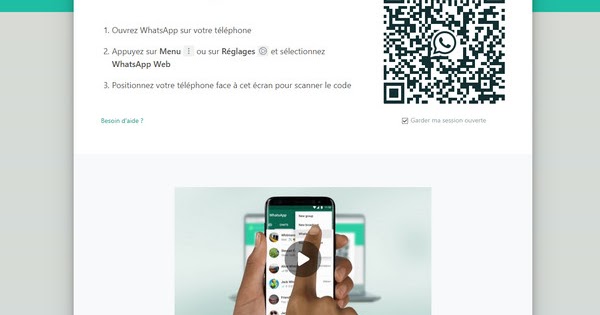
Ensure that all pluses, dashes, and brackets are removed when you’re creating the link to your phone number.
To add a pre-filled message in your WhatsApp QR Code, you need to use the following format: https://wa.me/<number>?text=<urlencodedtext> and replace the <urlencodedtext> with your message using the + sign instead of spacing. Be sure to make the message short, simple, and to the point so that the QR Code won’t look as “noisy” and faster to load.
If you opt to create a WhatsApp QR Code using Dynamic URL, you can take advantage of the automatically generated short URL. This short URL ensures that your WhatsApp “click to chat” link looks clean if used on digital platforms (like Facebook posts).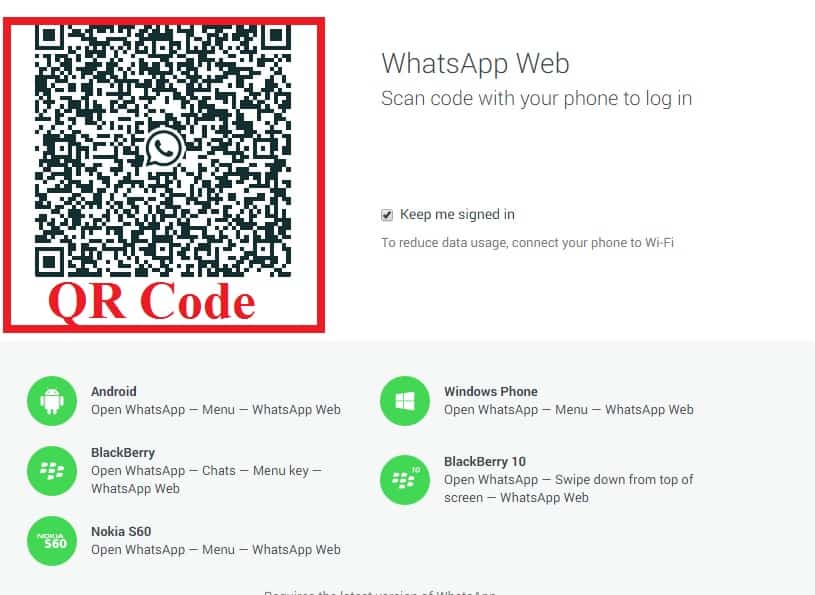 You also have the opportunity to customize your short URL, which is an excellent place to boost your branding.
If you plan to use your WhatsApp QR Code for any business or marketing purposes, we recommend completely customizing your QR Code. This means giving it a custom frame, CTA, such as “Scan to Chat,” as well as using your brand colors. Adding these style elements heavily increases the results you get from marketing campaigns.
Your WhatsApp QR Code should never be smaller than 2 x 2 cm (0.8 x 0.8 in). Otherwise, you will run into scanning issues. However, QR Codes have no minimum scan distance, so you can make them as large as you want so that they can be scanned from far away. Just make sure to use high image resolution according to the image size.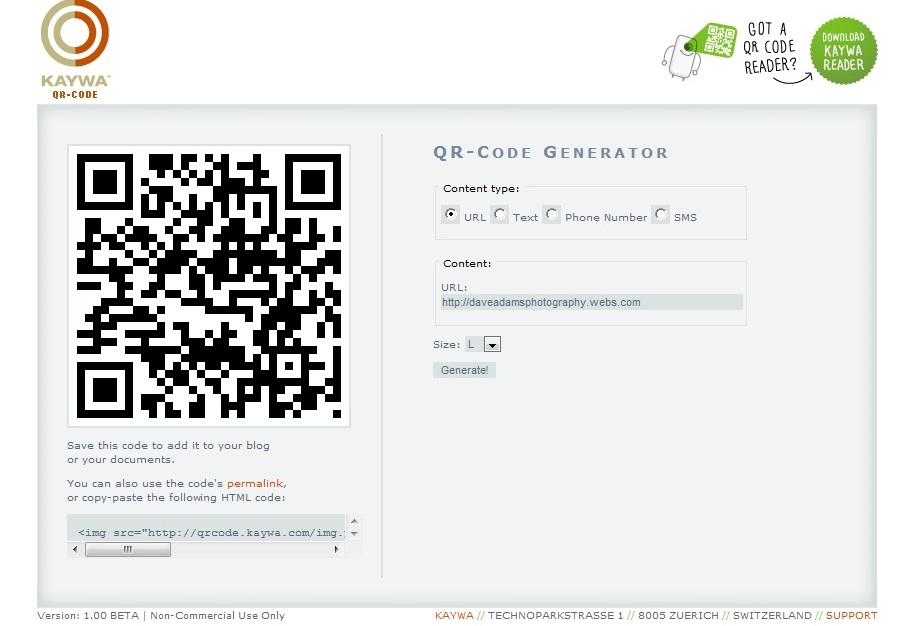
Especially if your WhatsApp QR Code will be used on materials in a public area, it’s worthwhile to add your logo. Not only does it improve branding, but it also ensures users that your QR Code is authentic and safe to scan.
A WhatsApp QR Code functions based on a “click to chat” link. In other words, you convert a link into a QR Code, and then once someone else scans it, they can access that link directly on their own device. This is useful especially if you’d like to use the QR Code on print materials and make it easier for your customers to contact you.
Once a WhatsApp group is created in which you are the admin, select the option “Invite via link.” Copy this link into the WhatsApp QR Code Generator above, design your QR Code, and download it.
Scanning any QR Code is always possible with a third-party app. Furthermore, newer smartphone models can use the camera directly to scan QR Codes.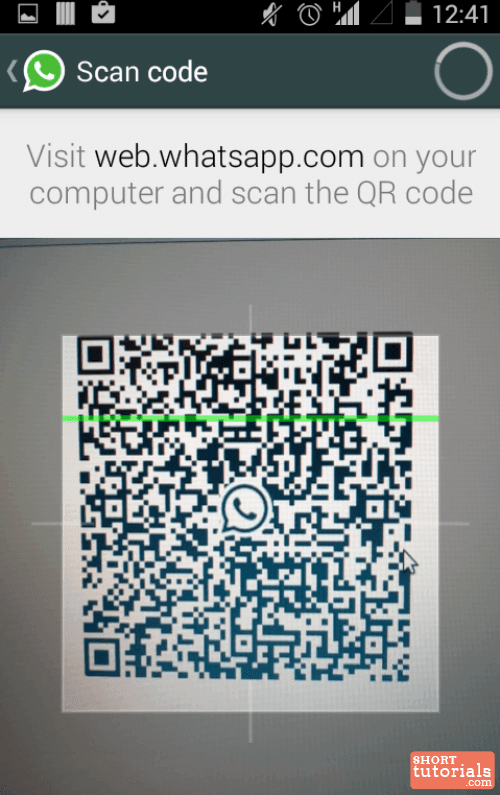 Take a look at our QR Code scanning guides for Android and iOS for more information.
Support STQR.RU
 persons and individual entrepreneurs Hit
 Money Wallet
 Money Wallet
 persons and individual entrepreneurs Hit
 Money Wallet
Every day we are working on the development of our Internet service STQR. RU, adding new features and improving the user interface. We communicate and advise our numerous users, we try to take into account all their wishes and requests. Any of your feedback, wishes or help is important to us.
We will be grateful for the support of our Internet service.
| Create a QR code with a direct link to send a message to a specific user in WhatsApp Format: 7 Optional Colour: black, branded, white or choose from palette background color black, corporate, white or choose from palette Center logo: To create a QR code to send a message to WhatsApp, fill out the special form on this page. You can enter a telephone number. And then, when scanning the generated QR code, a WhatsApp conversation with the owner of the specified phone number will be opened, even if the specified phone number is not yet in the contact list. It remains only to write a message and send it. You can specify a default message text. In this case, when scanning the code, a correspondence with the owner of the specified phone number will open, and the text you specified will already be substituted in the message entry field. The person who scans your code will be able to click the "Send" button and the specified message will be sent to the desired number. If desired, the user will be able to remove or change the text you specified. The WhatsApp code you generate here can be scanned using the WhatsApp mobile app itself. In the messenger menu, when choosing a chat to start correspondence, there is a "Scan QR code" function. The built-in WhatsApp Quarcode Scanner understands and correctly processes the Quarcode generated by this generator. |