Instagram is one of the popular social media platforms for sharing photos and videos. All you have to do is click a picture and then upload it to your account. However, there is a common scenario where you delete your Instagram photos. If that sounds like you, here is how you can recover deleted Instagram photos with and without picture recovery software.
Instagram lets you capture your special moments and share them with the world. It is also used for marketing and advertising various services and products, not just eventful moments.
But what if you accidentally delete Instagram Photos or, for some reason, the present photos on your accounts get lost? You might try to recover photos via the app itself, but there is no trash bin present there in the app.
So, can you still retrieve deleted Instagram photos? Well, the answer is YES!
Several Instagram recovery tools and photo recovery software will help you get your pictures back. With a straightforward recovery process, this software acts as a viable option to recover the deleted files and gives your photos back in no time. Here is how you can retrieve the deleted Instagram photos.
Free Download | Win Free Download | Mac
Suppose your Instagram photos are lost from the computer. In that case, hard disk, flash drive, or an Android phone with an SD card, You can use photo recovery software like Wondershare Recoverit photo recovery tool that works for different scenarios of deleted media, including deleted Instagram Photos.
Wondershare Recoverit is a photo recovery software that helps you recover the data from any storage device, with a recovery rate of 96%. It is easy to use and restores the photo formats, including PNG, JPG, GIF, BMP, PSD, TIF, DNG, RAW, etc.
This software has an advanced file recovery algorithm that helps you recover the photos without compromising quality. Moreover, it has multi-device compatibility and works seamlessly on Windows OS and Mac. Give it a try!
Free Download | Win Free Download | Mac
Here are the steps you can follow to recover deleted Instagram photos with Recoverit Photo Recovery.
Step 1: Select the Location
Select the location where the photos were lost, then click the "Start" button to process.
We also provide the Snapchat photo recovery on your computer or the phone device.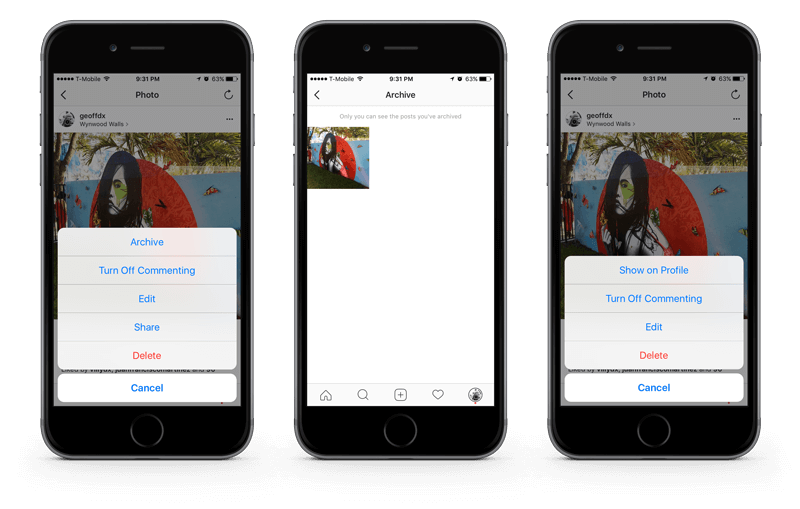
Step 2: Scan the Photo Storage Location
Recoverit Photo Recovery will perform an "All-Around Recovery" scan, and after the scanning process, you can preview the photos. However, remember that the size of the file dictates the scanning speed.
Step 3: Recover Deleted Instagram Photos
After the photo recovery, preview them and choose the photos you want to recover. Now, click on the "Recover" button to get back the photos and save them in a safe location.
By following these simple steps, Recoverit Photo Recovery helps you get your deleted photos back easily. Moreover, it also provides you with the thumbnail of image files and supports a preview of the recoverable data while recovering the deleted photos.
Note: Do not save the recovered photos to the device from which it got lost before.
Now, we have discussed how to recover Instagram photos deleted from a computer or an Android phone with an SD card. What if you're an iPhone user. In this section, 2 feasible solutions are offered.
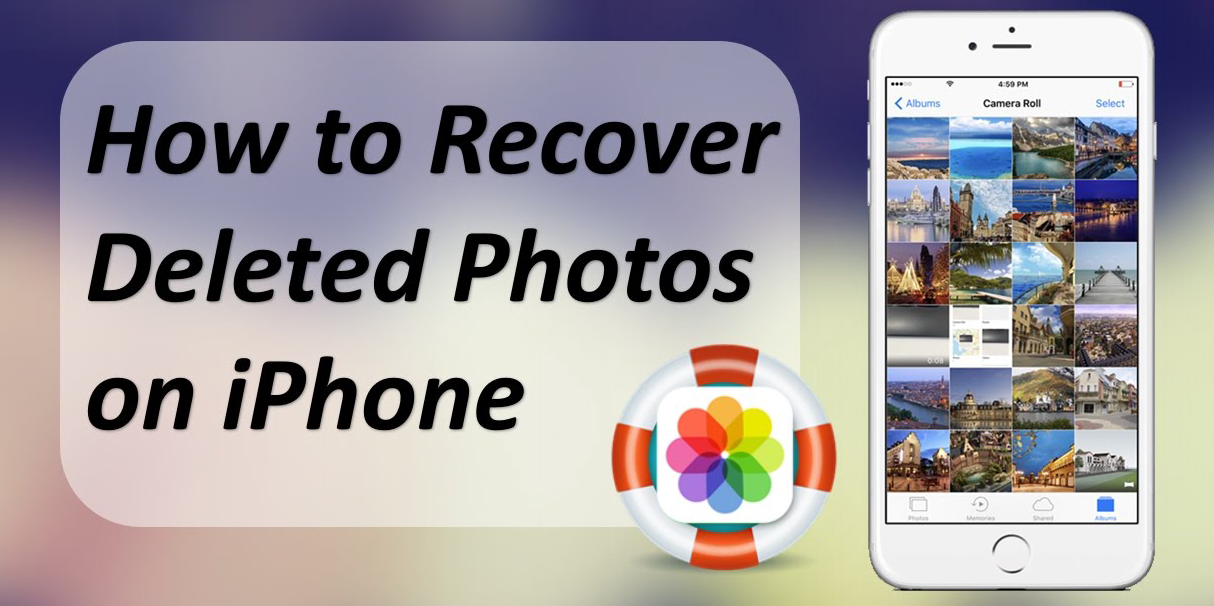
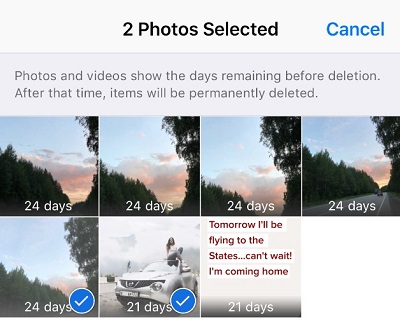
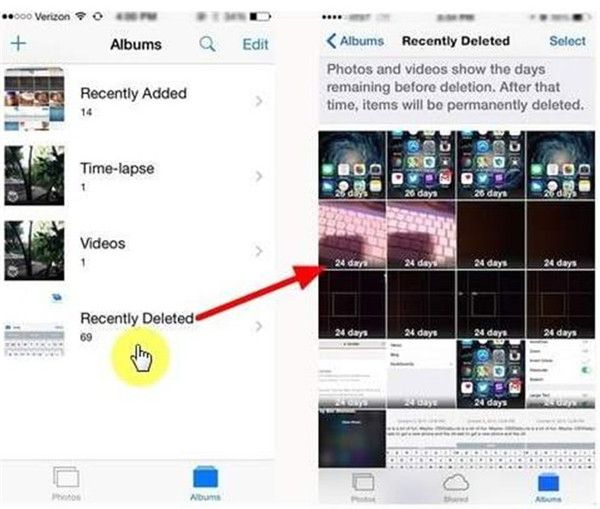
The iPhone comes with a feature that does not directly delete the photos. It keeps them for 30 days in your Recently Deleted folder, so there are chances that you might find your photos in that folder. Here is a step by step guide to viewing the deleted photos from Recently Deleted:
You can also look for the deleted Instagram photos via the Instagram Archive feature. In 2017, a feature was integrated into Instagram, known as the "Archive feature." The archive is a temporary location of your photos, where photos are available until you empty them. Here are the steps to find the deleted Instagram photos via Instagram Archive feature:

Apart from the above ways, here are a few easy methods that you can use to recover deleted Instagram pictures:
Look in The Gallery of Your Device: Instead of searching on Google for how to recover Instagram deleted photos, check your phone's gallery. When you upload a photo on Instagram using an Android device, it saves a copy of the photo in your gallery in the Instagram folder. The same case goes for iOS. In your Photos App, you have multiple albums, and the Instagram folder has the backup of your files.
Search for the Deleted Photos in File Manager: In Android, open the file manager app and go to the pictures' folder. Now, find the Instagram folder; there is a chance that you might find your deleted photos in this folder. For iOS, launch the Photos app, and look for the Recently Deleted folder. The deleted photos in the past 30 days are present in that folder. Find your deleted picture, and click restore.
Check Google Photos and iCloud: Your phone captures the photos you share through Instagram, and Google Photos automatically backs them up. So, if you can't find them in the Instagram folder, check for them in Google photos. If you are an iOS user, search for them in iCloud. Although images are in the raw (unedited) format in the drive, you'll be able to recover deleted Instagram photos. You can also use another Google service to recover your videos.
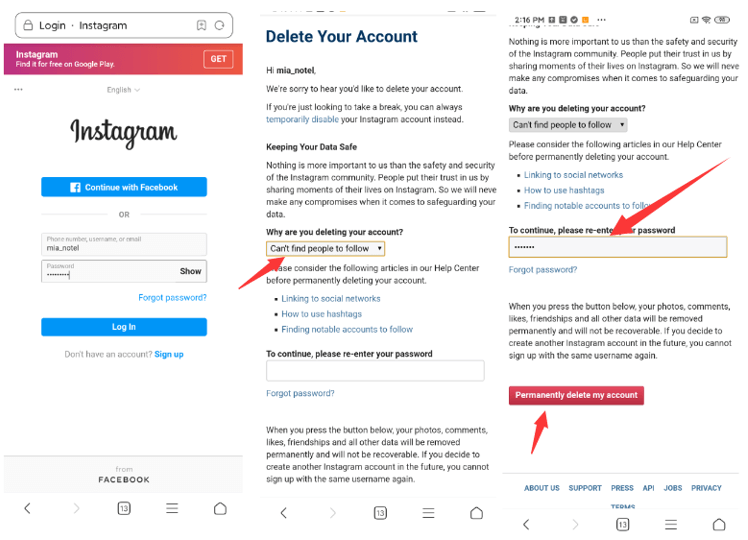
Instagram is a photo-sharing social media platform that is owned by Facebook Inc. Created by Kevin Systrom and Mike Krieger. It was launched in 2010 for iOS. However, a version for the Android device was also released half a year later. If you have been wondering what Instagram is and how you can delete Instagram pictures, read here:
So, you have uploaded a photo on your Instagram account, but now you want to delete it for certain reasons.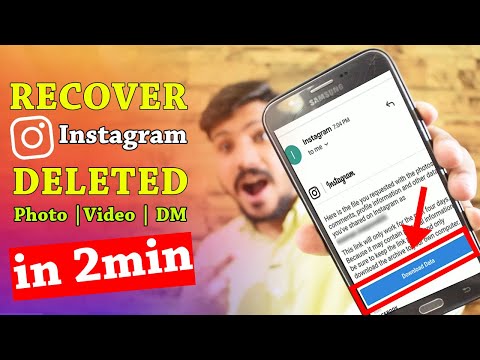 You can delete the photos right from the Instagram iPhone or Android App. Here are the steps that you can follow to delete the pictures:
The above steps apply to the Instagram Android App as well.
So, whether you have deleted the photos accidentally or they got deleted due to some circumstances, the above solutions are sure to come to your help. However, if you want to save your time, and have a high recovery rate, look no further than Recoverit Photo Recovery Software. It is fast, easy to use, and will recover lost photos from Instagram and disk file systems, including exFAT, FAT, HFS, NTFS, etc.
Come to know how easy it is to recover photos from cameras.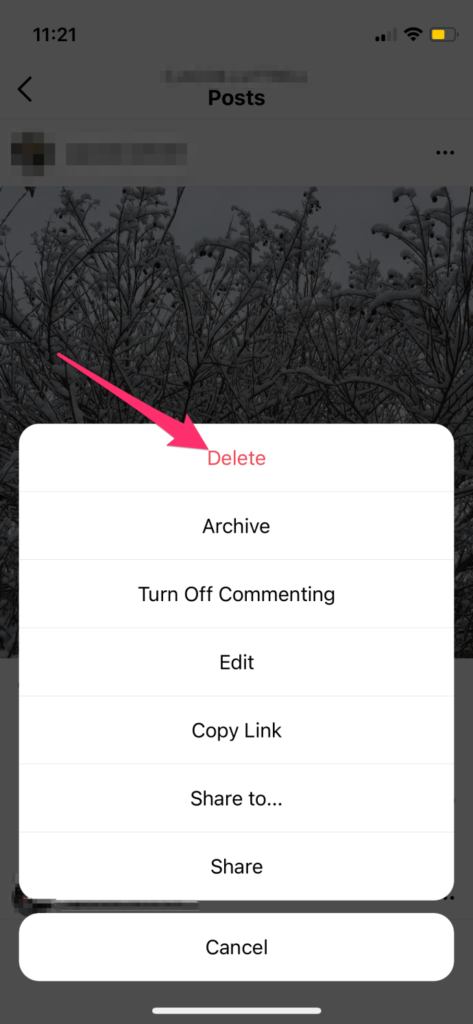
Also, the next time you take a photo using the Instagram camera, make sure that you tap on the "Save Original" photo button. This way, you know that you have a copy of the picture on your device.
Free Download | Win Free Download | Mac
Never lose a favorite picture again
If you post something to Instagram and delete it later, it’s not completely gone. You can recover and restore deleted Instagram posts within 30 days of their original deletion. This was introduced in an update, so make sure you have the latest version of the app before attempting to use this feature. You can find it on the Apple App Store and the Google Play Store.
There are some apps that claim to let you view another person’s deleted content, but there’s no official way to do this. There are a few workarounds, but a good rule of thumb is this: If someone deletes a picture from their Instagram account (or any social media platform), respect their privacy and don’t try to find the picture.
Table of Contents
If you accidentally delete an Instagram post you want to keep, you still have access to it for 30 days and can recover it at any time. You’ll need to do this from the Instagram app on iPhone or Android device, as the web browser version doesn’t allow you to access deleted content. Here is a step-by-step tutorial.
 This is to prevent hackers from wreaking havoc on your profile. You can choose to have it sent to an email or phone number.
This will bring the photo back to your profile. You can restore pictures, reels, and more this way. On the other hand, if you need to take something down from your main profile without completely deleting it, take advantage of the Instagram archive feature.
How to Archive Instagram PostsArchiving a post will remove it from your feed, but not delete it entirely. You can also archive Instagram stories and live content. Here’s how to archive posts.
You can view archived content by going to your Instagram profile.

Your posts archive is only available to you. If you need to remove a post temporarily but want to bring it back later, store it in the archive.
How to View Someone Else’s Deleted Instagram PostsThere’s no official way to view someone’s deleted Instagram posts. Instagram functionality is designed so that once they remove it from their profile, it’s gone for good. If they remove their profile, there is no way to see any of their content.
If you suspect content will be deleted, you can take a proactive approach to save it. You can take a screenshot of a photo and store it in your phone gallery, photos app, or to your Google Photos account. On the other hand, live content requires a few more steps.
There is a third-party application called Storysaver. net that can be used to download Instagram stories. While you can access it through your Android or iOS device, it’s better to use a Mac or PC.
You can also use a third-party application to download live video content, like IGTV videos.
Note that you will need to sign up for an account before you can use this tool.
Instagram pictures and videos aren’t meant to last forever. While it’s not quite as ephemeral as Snapchat, Instagram is designed to let you delete images you no longer wish to keep.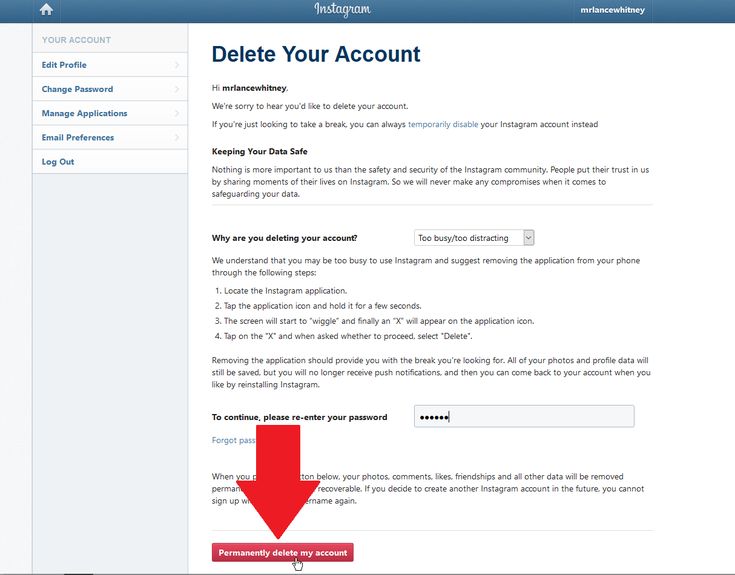 If you do so accidentally, though, you have up to 30 days to restore the content before it’s gone forever. If you’re afraid of losing pictures, try to create a dedicated Instagram folder on your phone or PC.
';document.getElementsByClassName("post-ad-top")[0].outerHTML='';tocEl.outerHTML=tocHTML+newHTML;}}catch(e){console.log(e)}
Patrick is an Atlanta-based technology writer with a background in programming and smart home technology. When he isn’t writing, nose to the grindstone, he can be found keeping up with the latest developments in the tech world and upping his coffee game. Read Patrick's Full Bio
Subscribe on YouTube!
Did you enjoy this tip? If so, check out our very own YouTube channel where we cover Windows, Mac, software, and apps, and have a bunch of troubleshooting tips and how-to videos. Click the button below to subscribe!
Subscribe
Menu
Contents
 It is available to all Instagrammers who regularly update the application. To use it, you need a phone and access to the profile.
 If for some reason you cannot verify your identity during the recovery process, you will not be able to restore the content. Therefore, check your profile in advance: the linked phone number, mail and recovery codes if you have activated two-factor authentication on Instagram.
When you are sure that you can verify your identity, proceed to content recovery.
If you accidentally deleted important content from your account, you can get it back through a new feature on Instagram. Step by step video instruction:
If you have deleted a post in your feed, you can restore it in a couple of clicks.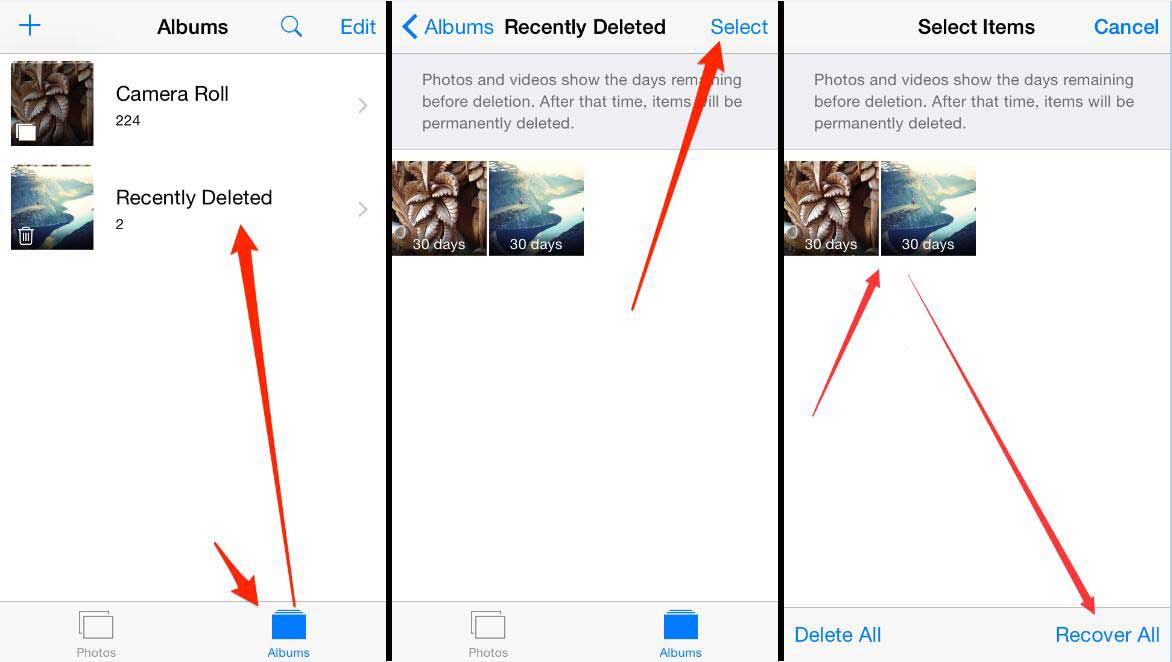 To do this:
Once approved, the post will reappear in the feed.
In addition to posts, you can restore stories in this section. To do this:
 Select the one you want and restore it.
 However, there is a caveat - in this section, Instagram only displays posts and stories that you deleted no more than 30 days ago. If you want to restore a photo that was deleted a couple of years ago, this is not possible - as long as Instagram does not store such old files.
You will be interested: how to download videos from Instagram.
An Instagram archive is a repository where you intentionally save content. Through this vault, you can restore a story or a post in order to post it again. For this:
 To do this, click on the "Add to current" item.
 To restore a photo from the archive on Instagram, you need to go to the "Archive". After that, click on the top bar and select posts instead of stories. Next, the system will display the posts that you have archived.
Here you can also download the content or republish it in the feed. But the post will not appear in the list if you have not archived it before. The feature is available in the photo settings.
To access them, open the publication and click on the three dots at the top.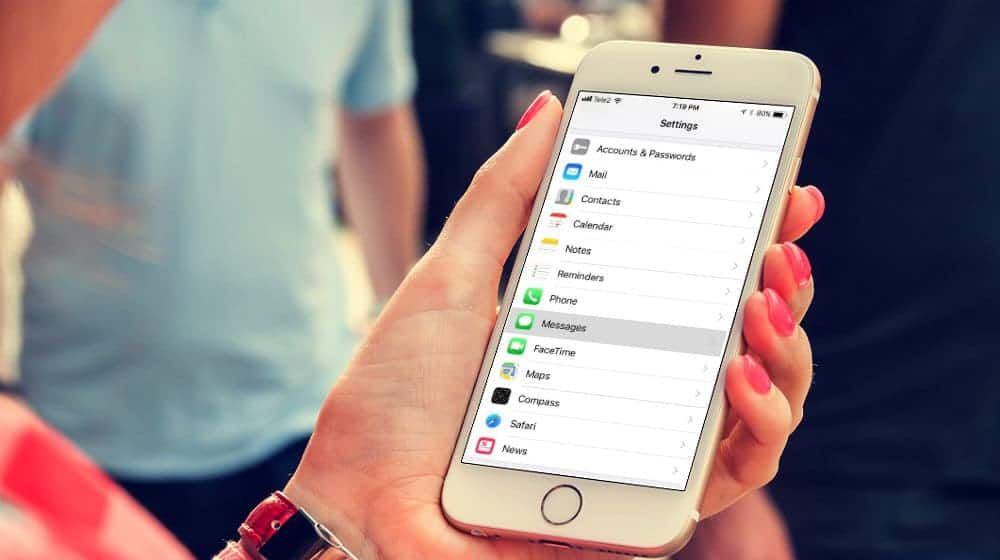 After that, tap on the "Archive" item - the post will automatically be saved to the archive.
Share with friends:
Tweet
Share
Share
Send
Classify
Adblock
messages detector
Last Updated September 21, 2022 Ian McEwan
Your well-composed Instagram Posts/Photos can be accidentally deleted or lost in any way. Most of the time, you actually remove them yourself.
Perhaps you find the photos unattractive, offensive, or simply unnecessary when filling out your account and decide to delete them. Your photos can also be deleted when the post associated with them is deleted or if you accidentally disable your account.
In other rare cases, photos may be deleted by third parties who gain unauthorized access to your account and decide to delete your photos without your knowledge.
One of the main reasons you want to get your photos back on Instagram is to enjoy the sweet memories immortalized in those photos. Indeed, Instagram is a gem of memories and those memories are often captured in our photos.
You can also get your photos back if you previously disabled your account but forgot to save your photos. These photos will seamlessly drive traffic back to your Instagram profile as most of your fans and followers will easily identify with you.
There may be times when you just want to prove your point, and the only way to do it is through Instagram photos. Therefore, the only solution is to recover deleted photos from Instagram.
It is important to remember that there is no shopping cart on Instagram. However, for some reason, such as the need to comply with certain legal obligations, Instagram will store these deleted Instagram photos and messages on the company's server indefinitely.
So if you want to recover deleted Instagram posts, you need to contact support or get a valid court order to get the company to retrieve those photos for you.
In 2017, Instagram added a new feature known as Archive Posts that allows you to hide photos and posts you'd like to keep private from your public profile.
And you can get archived posts and put them back on your Instagram where they were before with all the comments and likes.
Although the Instagram archive more or less resembles a trash can, Instagram posts can only be "restored" by pressing archive instead of tapping Remove from the three vertical dots of each post.
Technically, you can't count on the Instagram archive if your Instagram posts have been deleted.
However, if you have a question like “ Why are my Instagram posts disappearing? "Then you can try to check your archive with instructions here.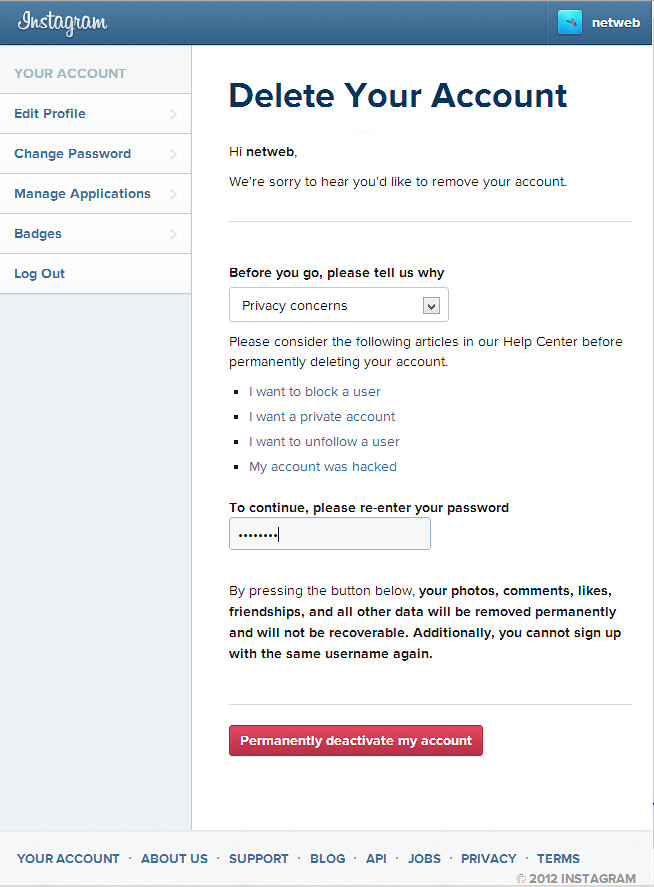
So if you can't "recover" your photos with the above methods, you can use any of the methods below.
Quick Navigation: 4 Methods to Recover Deleted Instagram Posts
Fortunately, Instagram will automatically save photos and videos to your smartphone's camera.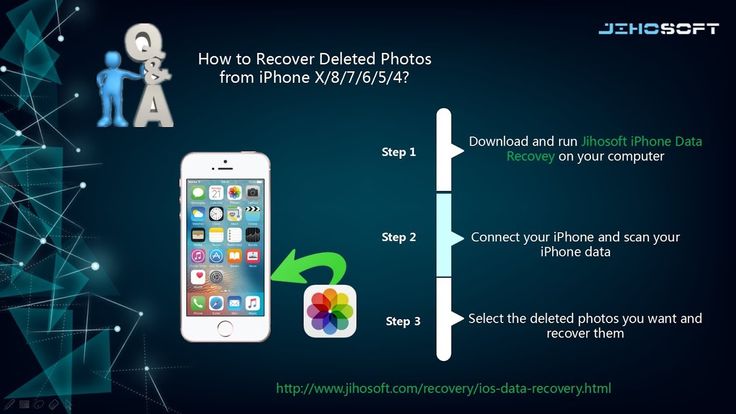
Unless you choose to delete these photos from your phone, you can always find them in your phone's gallery, Downloads folder, Camera Roll, or wherever your photos are normally stored.
The following process can help you recover deleted photos from Instagram .
If you are an Android user:
For iPad and iPhone users;
It is important to remember that this method only applies to photos that have been deleted in the last 30 days.
Unlike Instagram on iPhone which can only save unedited/original photos and videos, Instagram for Android gives you two more options: Save Shared Photos and Save Shared Videos. This may save you time if you are looking for an edited version.
If you're not sure if autosave is enabled, you can check here.
Photo Recovery Software is perhaps the most efficient method to recover deleted Instagram photos.
There are so many photo recovery software out there and which one you choose depends on your preference.
However, the steps in using photo recovery software are more or less the same.
| companies | Photo / Video Recovery for Mobile (iOS, Android) | Photo / Video Recovery for Computer |
| Aiseesoft | Fonelab
Win Download | Datakit
Win Download
|
| Wondershare | dr.
| Recoverit
|
| Ease Us | MobiSaver
| Data recovery wizard
|
| Stellar | Star iPhone Data Recovery
| Star Phoenix Photo Restoration
|
| iMyfone | D-Back
| AnyRecover
|
If you have ever uploaded your data to Instagram, it will be pretty easy to get your deleted posts back on Instagram.
The downloaded file includes all photos, videos, profile, check log, comment history, like history, etc.
To get back deleted photos from Instagram, you can go to your photos folder and select the ones you want. All your Instagram photos will be sorted by date. However, compared to the original photos with 2 or 3 MB, the size of uploaded photos from Instagram varies from 20KB to 120KB. If you are looking for higher resolution photos, try method 2.
Although you can't restore this deleted post back to your Instagram profile with all the comments and likes, you can check your comment history and likes history with "comments.json" and "likes.json" files that can be opened with using free Notepad++.
Tips: For those who want to download a copy of Instagram data from desktop/iOS/Android, just follow the instructions here step by step: How to access or view your Instagram data?
This method is only applicable if you have backup files such as Google Photos. Apart from these backups, you should also make sure that there is an up-to-date backup for the files you are going to restore.
If all is well, proceed as follows;
Of all the ways to recover deleted Instagram photos, we would go for recovery software. Not only are these software plentiful, but they are much more reliable than any of the other methods highlighted above.

The archive is usually found as an icon on your profile page. This is symbolized by the clock button and is located on the top right side.
The archive has options for archive images ( Messages ) and archive stories ( Archive stories ).
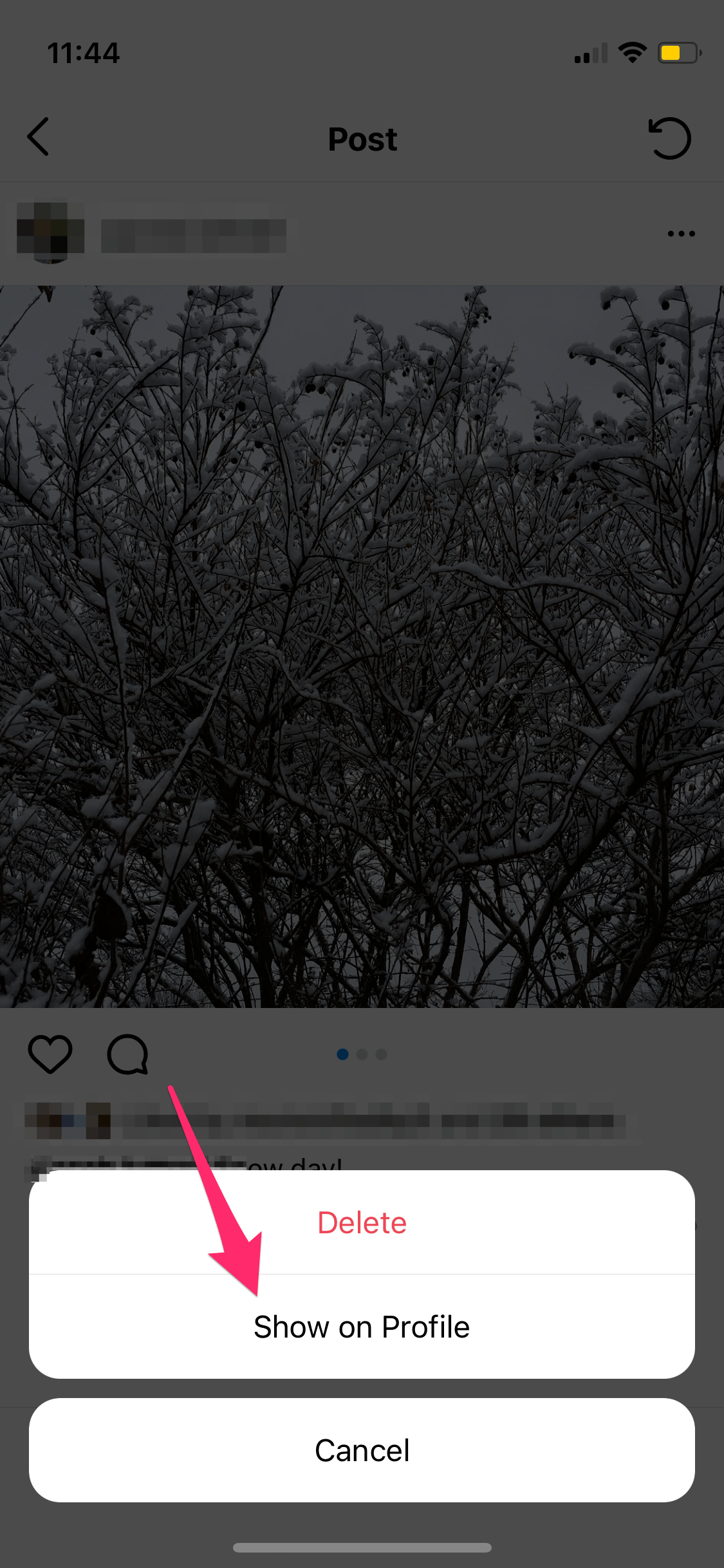
Select Posts click on the photo you want to restore and from the three vertical dots select Show on Profile put it back on Instagram where it was before.
It's important to remember that Archive Posts only offers temporary storage for deleted Instagram photos. If you delete photos from archived messages, they will be lost forever.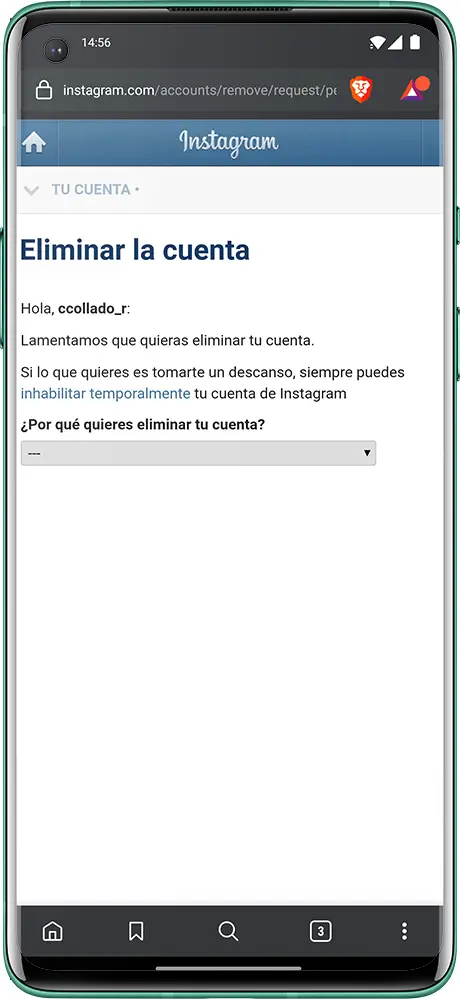
 fone
fone