Learn how to make inspiring Reels, photos and carousels that can bring your brand to life and help grow your community.
Something Went Wrong
We're having trouble playing this video.To watch the video, please upgrade your web browser.
Learn more
Learn the basics of posting entertaining Reels and captivating photos.
Create engaging contentEvery post is an opportunity to connect with your community, whether it be in a Reel, photo or carousel.
Get discovered with entertaining, original videos.
Something Went Wrong
We're having trouble playing this video.To watch the video, please upgrade your web browser.
Learn more
Show off your products with eye-catching imagery.
Tell a deeper story with up to 10 photos or videos.
Something Went Wrong
We're having trouble playing this video.To watch the video, please upgrade your web browser.
Learn more
Once your content is ready, it’s time to craft a caption that captures what your post is all about.
You’re almost ready to post! Adding tags before you share helps customers discover and learn about your business.
Something Went Wrong
We're having trouble playing this video.To watch the video, please upgrade your web browser.
Learn more
CREATE A POST
Get inspired Now that you know how to create Reels and photo posts, try different posting styles to discover what resonates most with your audience.
Use timesaving tools and helpful tips to make the most of each Reel and photo you post.
Plan when, where and how your posts will appear in advance, so you can create content efficiently.
Learn how
With tools like effects, music, and stickers, Reels can help you creatively share your story.
Learn how
Turn any post into an ad that encourages potential customers to take the next step with your business.
Learn how
Get a detailed breakdown of how people engage with your posts and discover trends across your followers.
Learn how

CREATE A POST
We Create is a creative collaboration between 15 Black creative professionals and 15 Black-owned small businesses. The program tasked each Creative with making custom Instagram content that addressed their small business partner's unique needs.
The result? 15 stunning examples of the beautiful, best-in-class creative work that’s possible only on Instagram.
Made in collaboration with The Creative Collective NYC and Facebook Elevate.
Skylar connected with the brand's mission of educating and informing people on the myths of suncare when it comes to Black & brown skin.
See case study
Brittany sought to reshape the conversation around Girl STEM Stars and its mission, turning something seen as "charity" into what it really is: an investment towards future minds and leaders.
See case study
Connecting with founder Kenyatta Forbes was key to Justin's creative process. Understanding her background as an educator helped Justin understand the duality of Trading Races as both a party game but also a game that served a purpose.
See case study
Vital to Joshua's process was building a creative rapport with Cal & Kay founder Kwame Garrett-Price. By learning and listening to his story, the creative process became more than a transaction — it forged a genuine bond between the two of them.
See case study
See the work born out of the We Create program and how each brand is using Instagram to grow their business.
Get to know the talented creative professionals behind the work.
Handpicked tools, courses, and resources for small business owners, creative professionals, or anyone looking to brush up on their digital marketing skills.
A guide to creative tools, ideas and resources to help Black entrepreneurs reach more customers and help their businesses thrive.
LEARN MORE
A community and learning platform created to accelerate the growth of entities of color and celebrate creators who break barriers.
LEARN MORE
Explore opportunities and careers where your creative capabilities are in demand.
LEARN MORE
Learn why a content calendar is crucial to your business, and how to make one of your own.
SEE COURSE
Learn how to make a creative plan for your business, decide what types of content to share, and how to write engaging captions.
SEE COURSE
Improve the quality of your feed posts by following Instagram best practices and using easy creative tools.
SEE COURSE
Level up your business with Instagram Stories that are eye-catching and interactive.
SEE COURSE
Find the tools and resources to reach people who will love your small business.
LEARN MORE
Resources to help empower video creators to build a community and business on Facebook and Instagram.
LEARN MORE
Find easy-to-follow guides, resources and creative apps to help you make great mobile ads, all from your phone.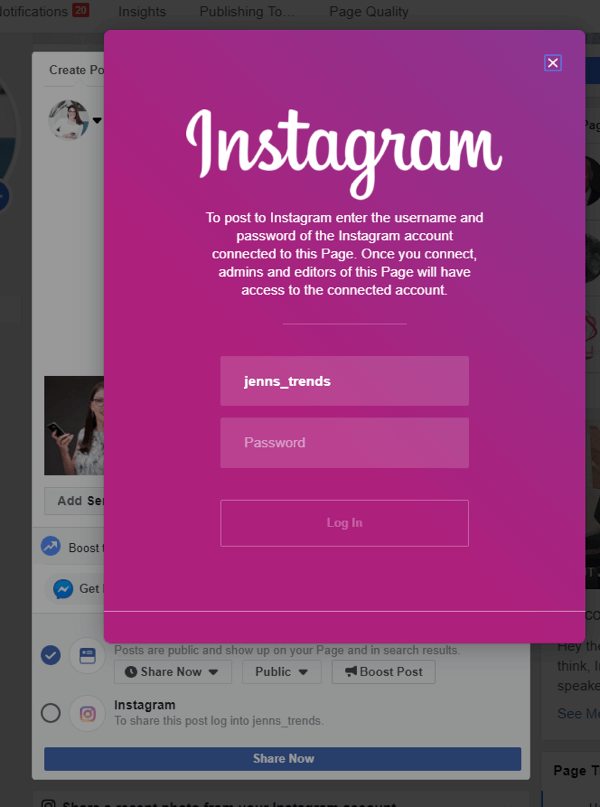
LEARN MORE
Learn how to tailor content for a mobile world when creating marketing campaigns.
SEE COURSE
Keep your understanding of Facebook capabilities fresh with this collection of Blueprint courses designed for creative agency teams.
SEE COURSE
Explore ways to write briefs that inspire and guide agency teams to help improve campaign success.
SEE COURSE
Understand how to use measurement and testing to optimize ad creative and improve campaign results.
SEE COURSE
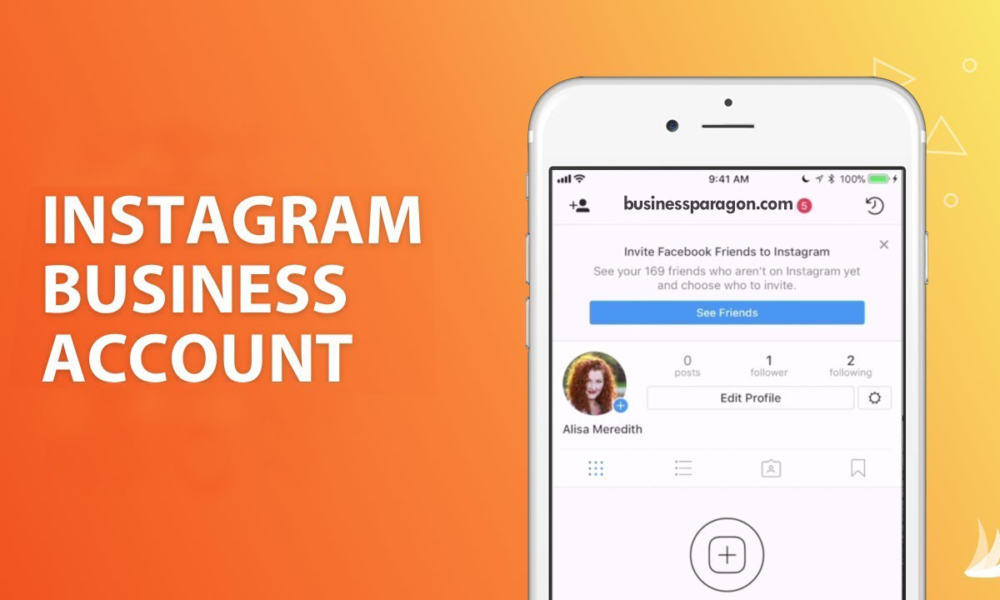
To make selling on Instagram more convenient and efficient, the social network has introduced a special profile format for companies — a business account. The transition to it is available to absolutely all users. I'll walk you through how to connect and set it up step by step - as well as what features it provides and how they help sales.
A business account is a type of Instagram profile created for business promotion and analytics on the social network.
If you logged in through a PC, then you need to make just a few clicks to connect a business account. In the settings, find the "Switch to a professional account" item, then select the "Company" sub-item. Follow the prompts: specify the category of your business and set up its display in the profile.
Connecting a business account in a PC browserHow to switch to another category? Easy peasy! To do this, go to your Instagram profile page and click "Edit Profile". In the “Profile Information” section, select “Category” and change it to any other that is relevant to you.
Change the category at any time Switching to a business account from a smartphone is also easy: select "Account" from the settings menu, scroll to the end of the list that opens and click "Change account type". The further algorithm is the same as on a PC: read the tips, find the appropriate category and confirm your choice.
You will also be offered to integrate your Facebook. This can be done immediately, or at any other time. The condition is now optional, but the integration will greatly expand your opportunities for positioning your business on social networks. By the way, on Facebook it should also be not just a personal, but a corporate page.
Completing settingsInteresting. You can quickly and safely promote your social network by boosting likes, reposts and views on publications. So you can increase coverage and get a hot target audience. Click and use -> TapLike
So, you have switched to a commercial profile. And you will definitely want to immediately try out all the new features and chips.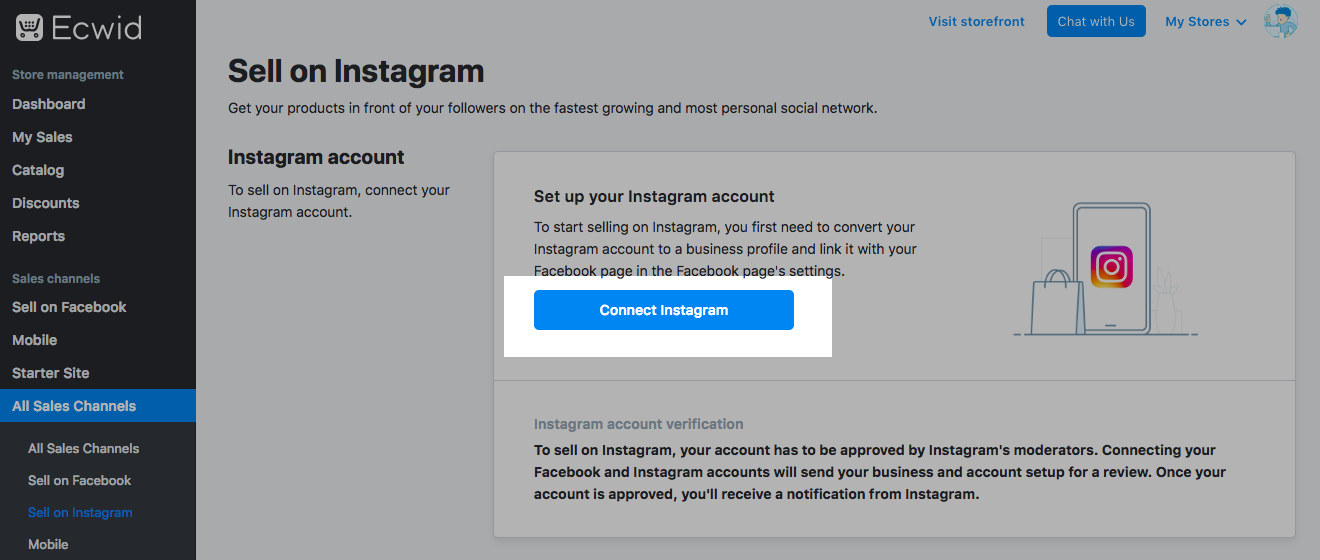 Then I will give a brief overview of the settings and advantages that distinguish an Instagram business account.
The instagram business profile allows you to display the subject of your page. In addition to the inscriptions “brand” and “personal blog”, which are now quite common, you can put any other profession or topic, for example: musician, politician, clothing store, cafe, bar, etc. This is important because it attracts the attention of your target audience.
CategoriesAs advertising
For this setting, please fill in the contact details first. Add them to the fields: email, phone, address. Then the action buttons will become available, and they are implemented through integration with third-party applications for business. You will be able to place, for example, an online registration form or online payment. It will look like "Call", "Register", "Order delivery", etc.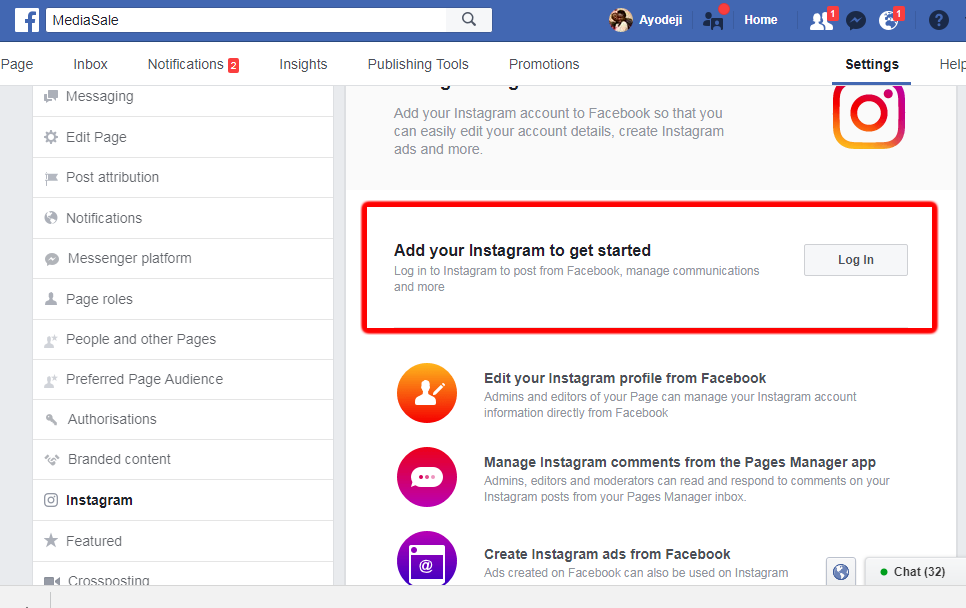
A business account makes it easier for users to contact you. For example, when you click on the "Call" button, the phone number automatically appears on the mobile dialing screen, that is, you do not need to copy it to the phone's memory, open the desired section, paste it - everything is done in one click.
Communication buttonsBy the way. In order for Instagram algorithms to work for you, I recommend cleaning your account from garbage through the Instahero service. Use the promo code "INSCALE" to get a 30% discount on a full analysis. Click and test -> Instahero.
Various statistics can be viewed for a business profile. So you get the opportunity to track the reaction of subscribers to a particular content, analyze the effectiveness of advertising campaigns, contests, etc.
Statistics exist both for the profile in general and for individual publications and stories. This feature is useful not only for selling accounts, but also for personal brands.
On a business account on Instagram, you need to click on the “Menu” section on the profile page. Then select "Statistics". Switching between tabs here you can see:
Life hack. Want to increase your reach and engagement on social media? Then we recommend LiveDune. The service will quickly and safely conduct social media analytics and offer promotion options. Click and test 7 days for free -> LiveDune (Promo code "INSCALE" 30% discount)
In addition to general statistics, track reactions to individual publications. To do this, on the profile page, select any photo or video and click "View statistics" under the publication.
The number of likes, comments, shares and saves of the selected publication will appear in the window. In addition, the total number of actions performed with this post and the number of transitions to the profile are calculated here.
Publication statisticsGET INTO SOCIAL NETWORKS ALREADY 40 000+ WITH US
Catherine
Sergey
Ivan
Elena
Catherine
Subscribe
You can access the statistics of stories from the already familiar section “Menu” -> “Statistics” -> “Content”. Next, you need to find the “History” section. From here, the coverage of each story is available. Clicking on any post will open more detailed statistics, where you can even find out exactly who viewed your story.
Instagram has its own functionality to promote your publications. It works in such a way that it allows you to show your posts to the target audience, advertise your profile or drive traffic from Instagram to some external resource. This is more effective than simple cheats, although you will need cash investments for this tool.
PromotionLifehack. When replenishing your account, use a special service that returns up to 20% back to the balance of the promotion amount. For example, you threw in 10,000, and you can run an ad for 12,000. Click and learn more -> GetUniq.
 Shopping Tags
 Shopping Tags allow the audience to view your product cards, read the description, find out the price, go directly to the desired section of the online store. This feature has a positive effect on the growth of sales.
Shopping TagsInteresting. I also recommend using multilink. It will help to create a full-fledged online store, as well as contact you via instant messengers.
If you sell goods not only online, but also offline, you are probably often asked how to find you in order to buy a service or product. Business accounts allow you to post exact addresses and hours of operation with access to view the address on a map.
Physical address Posting an address may not be relevant to you if, for example, you do not offer your services offline. Then this place can be used to place an additional lead magnet. The address bar allows you to place a fairly large amount of information, which is very useful in cases where a profile description and biography is not enough.
The business profile is relevant not only for selling pages or instagram landings: its wide range of features will find its use even if you do not sell anything.
One of the most compelling reasons to switch to a business profile is free access to statistics that will show, for example, which posts turned out to be the most interesting. And finally, I will briefly list the main advantages:
And one more thing to help you. Do you want to make a bomb out of your account, get hundreds of subscribers a day and a flurry of enthusiastic direct messages? Then watch the courses below:

To make selling on Instagram more convenient and efficient, the social network has introduced a special profile format for companies — a business account. The transition to it is available to absolutely all users. I'll walk you through how to connect and set it up step by step - as well as what features it provides and how they help sales.
A business account is a type of Instagram profile created for business promotion and analytics on the social network.
If you logged in through a PC, then you need to make just a few clicks to connect a business account. In the settings, find the "Switch to a professional account" item, then select the "Company" sub-item. Follow the prompts: specify the category of your business and set up its display in the profile.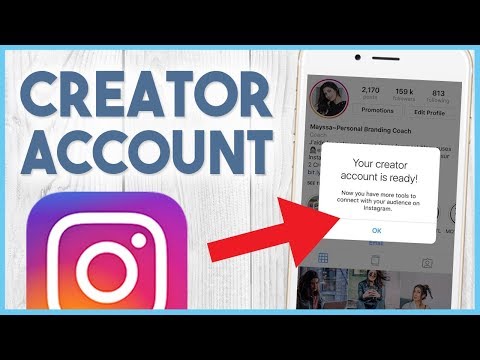
How to switch to another category? Easy peasy! To do this, go to your Instagram profile page and click "Edit Profile". In the “Profile Information” section, select “Category” and change it to any other that is relevant to you.
Change the category at any timeSwitching to a business account from a smartphone is also easy: select "Account" from the settings menu, scroll to the end of the list that opens and click "Change account type". The further algorithm is the same as on a PC: read the tips, find the appropriate category and confirm your choice.
Setting up from a smartphone You will also be offered to integrate your Facebook. This can be done immediately, or at any other time. The condition is now optional, but the integration will greatly expand your opportunities for positioning your business on social networks. By the way, on Facebook it should also be not just a personal, but a corporate page.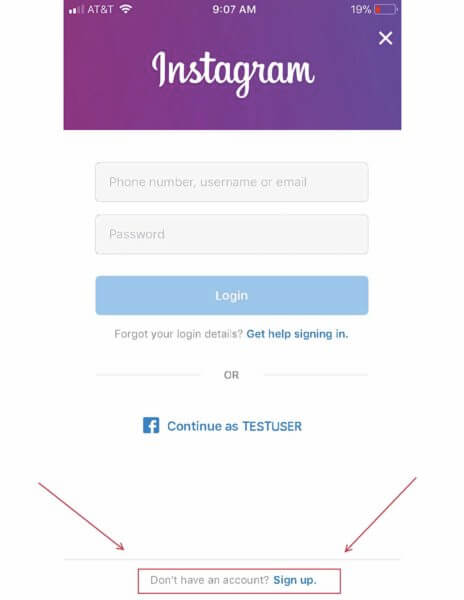
Interesting. You can quickly and safely promote your social network by boosting likes, reposts and views on publications. So you can increase coverage and get a hot target audience. Click and use -> TapLike
So, you have switched to a commercial profile. And you will definitely want to immediately try out all the new features and chips. Then I will give a brief overview of the settings and advantages that distinguish an Instagram business account.
The instagram business profile allows you to display the subject of your page. In addition to the inscriptions “brand” and “personal blog”, which are now quite common, you can put any other profession or topic, for example: musician, politician, clothing store, cafe, bar, etc. This is important because it attracts the attention of your target audience.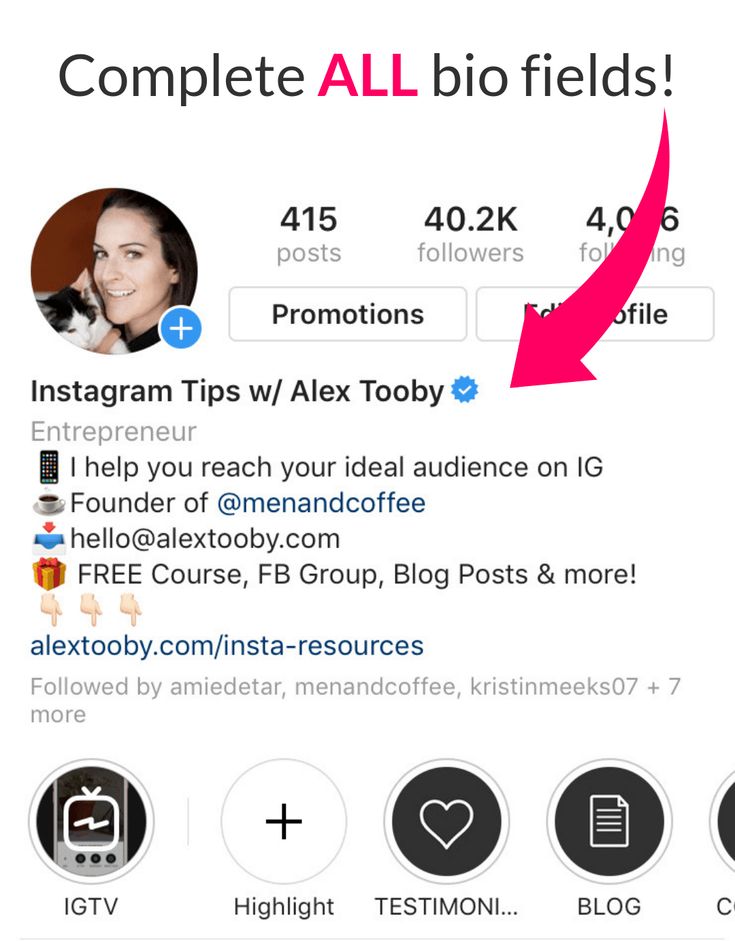
As advertising
For this setting, please fill in the contact details first. Add them to the fields: email, phone, address. Then the action buttons will become available, and they are implemented through integration with third-party applications for business. You will be able to place, for example, an online registration form or online payment. It will look like "Call", "Register", "Order delivery", etc.
A business account makes it easier for users to contact you. For example, when you click on the "Call" button, the phone number automatically appears on the mobile dialing screen, that is, you do not need to copy it to the phone's memory, open the desired section, paste it - everything is done in one click.
Communication buttons By the way. In order for Instagram algorithms to work for you, I recommend cleaning your account from garbage through the Instahero service.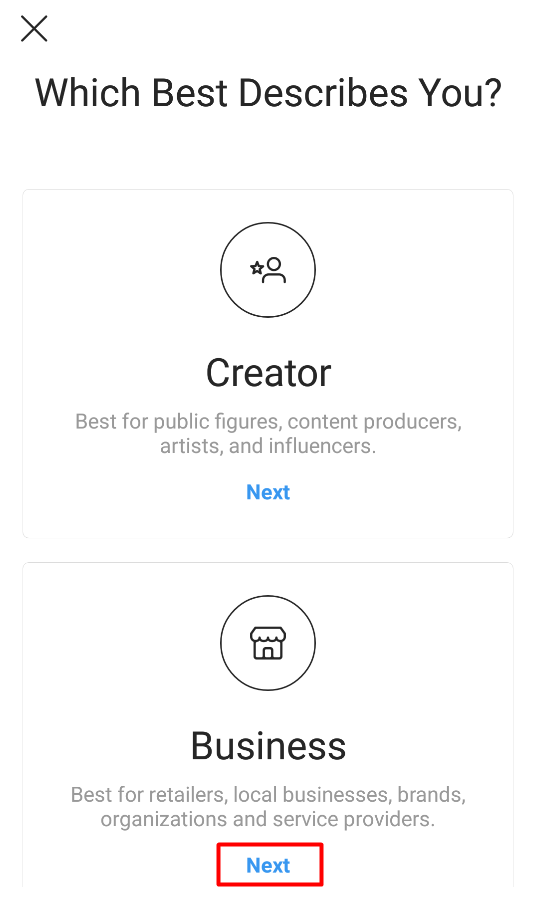 Use the promo code "INSCALE" to get a 30% discount on a full analysis. Click and test -> Instahero.
Various statistics can be viewed for a business profile. So you get the opportunity to track the reaction of subscribers to a particular content, analyze the effectiveness of advertising campaigns, contests, etc.
Statistics exist both for the profile in general and for individual publications and stories. This feature is useful not only for selling accounts, but also for personal brands.
StatisticsOn a business account on Instagram, you need to click on the “Menu” section on the profile page. Then select "Statistics". Switching between tabs here you can see:
Life hack. Want to increase your reach and engagement on social media? Then we recommend LiveDune. The service will quickly and safely conduct social media analytics and offer promotion options. Click and test 7 days for free -> LiveDune (Promo code "INSCALE" 30% discount)
In addition to general statistics, track reactions to individual publications. To do this, on the profile page, select any photo or video and click "View statistics" under the publication.
The number of likes, comments, shares and saves of the selected publication will appear in the window. In addition, the total number of actions performed with this post and the number of transitions to the profile are calculated here.
Publication statisticsGET INTO SOCIAL NETWORKS ALREADY 40 000+ WITH US
Catherine
Sergey
Ivan
Elena
Catherine
Subscribe
You can access the statistics of stories from the already familiar section “Menu” -> “Statistics” -> “Content”. Next, you need to find the “History” section. From here, the coverage of each story is available. Clicking on any post will open more detailed statistics, where you can even find out exactly who viewed your story.
Instagram has its own functionality to promote your publications. It works in such a way that it allows you to show your posts to the target audience, advertise your profile or drive traffic from Instagram to some external resource. This is more effective than simple cheats, although you will need cash investments for this tool.
Promotion Lifehack. When replenishing your account, use a special service that returns up to 20% back to the balance of the promotion amount. For example, you threw in 10,000, and you can run an ad for 12,000. Click and learn more -> GetUniq.
Shopping Tags allow the audience to view your product cards, read the description, find out the price, go directly to the desired section of the online store. This feature has a positive effect on the growth of sales.
Shopping TagsInteresting. I also recommend using multilink. It will help to create a full-fledged online store, as well as contact you via instant messengers.
If you sell goods not only online, but also offline, you are probably often asked how to find you in order to buy a service or product. Business accounts allow you to post exact addresses and hours of operation with access to view the address on a map.
Physical address Posting an address may not be relevant to you if, for example, you do not offer your services offline. Then this place can be used to place an additional lead magnet. The address bar allows you to place a fairly large amount of information, which is very useful in cases where a profile description and biography is not enough.
The business profile is relevant not only for selling pages or instagram landings: its wide range of features will find its use even if you do not sell anything.
One of the most compelling reasons to switch to a business profile is free access to statistics that will show, for example, which posts turned out to be the most interesting. And finally, I will briefly list the main advantages:
And one more thing to help you.