Beware of frauds claiming to recover your permanently deleted Instagram account.
by RUPI MAVI
89 Shares
If you have accidentally deleted your Instagram account or did it intentionally and later realised that you still need it and want to recover it. Then “How to recover permanently deleted Instagram account” is the question you’re looking answers for.
We often find tons of videos and websites showing us how to recover permanently deleted Instagram account; still, nobody gives us the solution to retrieve a permanently deleted Instagram account.
ALERT!
Beware of frauds claiming to recover your permanently deleted Instagram account. None other than Instagram Team can recover your account by any means. So, Be Careful!
Read below the possible ways to recover permanently deleted Instagram account.
You must have read that according to the Instagram policy if your account was deleted by you or someone with your password, there’s no way to restore it.
However, if your account is disabled, banned, or deleted by INSTAGRAM due to any reasons or got hacked and deleted, you need to follow the steps given in this article to recover permanently deleted Instagram account.
Also Read: 8 Ways to Organically Grow Your Instagram – Realistic & Essential Growth Tips
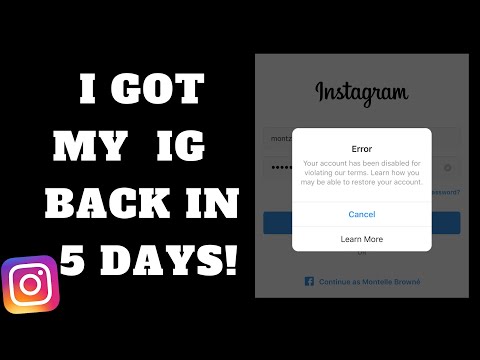
A few days back, my Instagram account got deleted.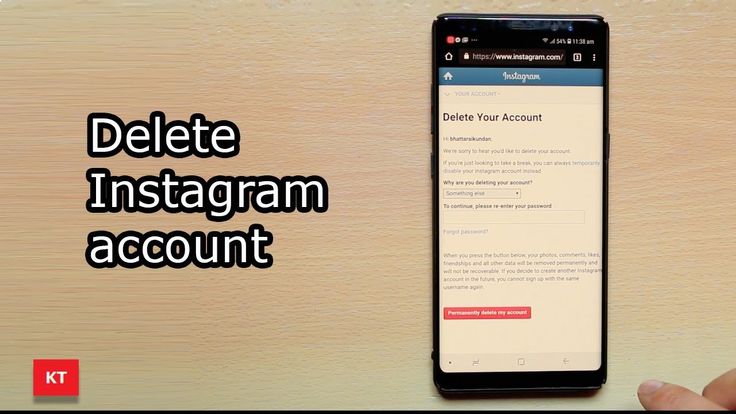 When I realized that it was permanently gone. I started trying to recover it by login again and again but I couldn’t because the login page showing the message – looks like you requested to delete this account.
When I clicked to learn more, it showed your account has been deleted.
Recommended Article: How to Restore Deleted Instagram Photos and Videos- Latest Update 2022
As mentioned above, according to the Instagram policy, if your account was permanently deleted by you or someone else, you can’t recover it.
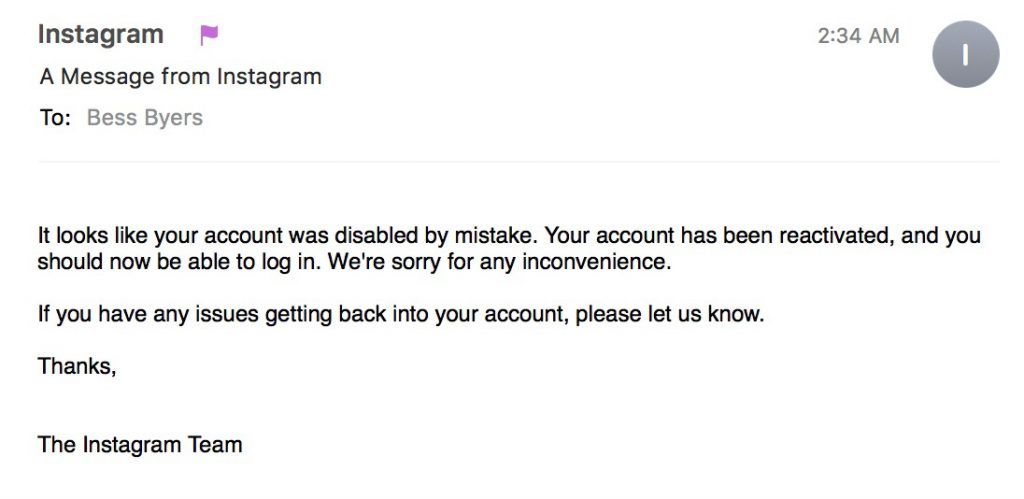
However, if your account was disabled by mistake or deleted by INSTAGRAM due to any reasons, you may be able to appeal the decision by contacting the Instagram help center.
All you need to follow the steps given below to recover permanently deleted Instagram account.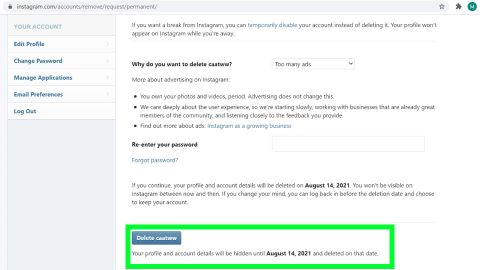
If this option won’t let you recover your account, then the next option is to contact Instagram Team.
Recommended Article: How to See Who Saved Your Instagram Posts?
To contact the Instagram support team, you need to click on the link button given below.
CONTACT INSTAGRAM TECHNICAL SUPPORT
This link will redirect you to an Instagram page like this.
This form shows a question – Is this account used to represent a business, product or service?
If your account was personal then select no and click send.
Then a form will be opened and you need to fill in your details.
Recommended: How to Make Logo Background Transparent in 5 Seconds
After submitting the completed form to the Instagram technical support team, you’ll receive an email within 48 hours that contains a code consisting of numbers and instructions to follow.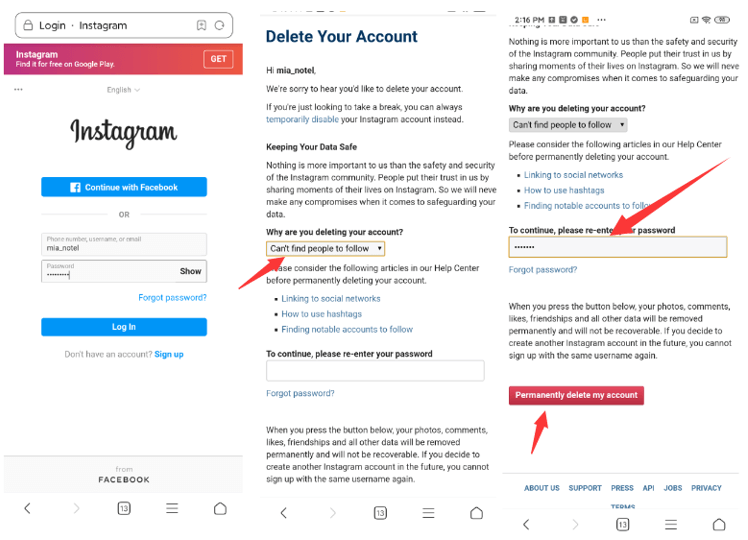
If your account is temporarily disabled or compromised due to any reason, then account recovery will be carried out within 2-3 days. You’ll be provided with a link to restore your account.
By clicking on the link provided by Instagram Team, you can recover permanently deleted Instagram account.
Yes, it is possible to recover a deleted Instagram account either if your account is hacked or deleted by someone.
To recover your hacked or deleted Instagram account, you need to contact Instagram Support Team to appeal the decision.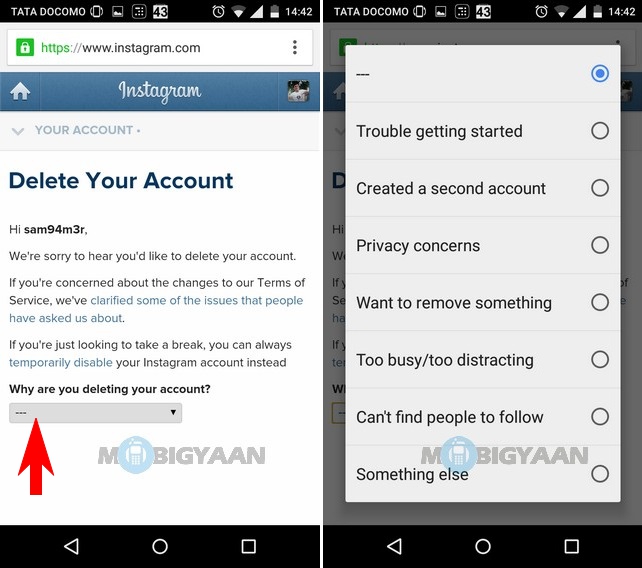
Instagram might have blocked your account because you have violated the privacy policies of Instagram it can be either sharing some hate speech, the violence triggered post, or an obscene post.
Policy violations are not only applied to adult content but also to Third-party apps. If you have given access to your Instagram to any third-party app, chances are your Instagram will get disabled.
If you’re an error of URL not found then there is a high probability that your Instagram account got Permanently Deleted and there are no ways to restore it.
Contact the Instagram support team to get back your permanently deleted Instagram account.
NOTE:
If this option doesn’t work for you, then there is no other option available to contact Instagram Team.
Even If this option hasn’t helped, you can create a new Instagram Account with the same e-mail id. If your username isn’t taken by someone else then, you can take your previous username.
I hope this article helps you to recover your permanently deleted Instagram account.
Let me know if this method works for you. If you have any questions regarding this topic, you can ask me in the comments below. I’d be happy to help.
89 Shares
By Vinay Prajapati / Jun 26, 2022 Oct 10, 2022 / 8 minutes of reading
People all around the globe use Instagram to share their life and surroundings most creatively. It is an influential platform where users may freely publish images and videos.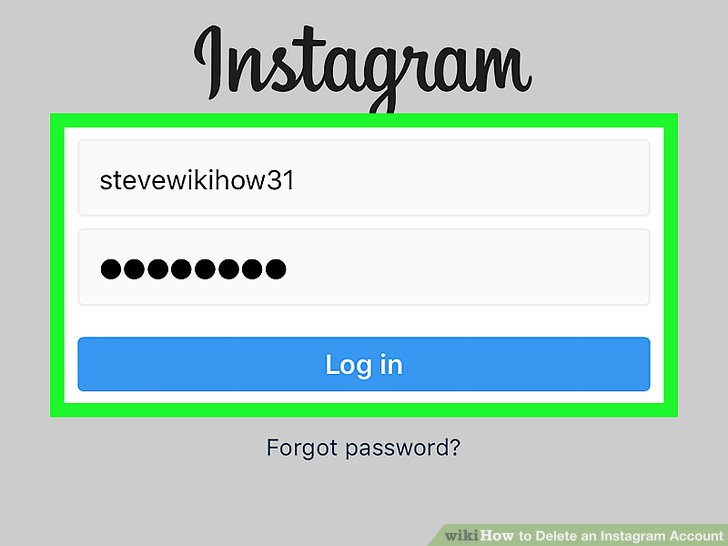 Along with that, Instagram provides many features to enhance the user experience, such as likes, comments, stories, direct messaging, reels, live sessions, audio and video chats, IGTV, and so on.
Users can occasionally become quite captivated by Instagram that they lose track of their daily lifestyle. As a result, users frequently attempt to deactivate accounts or delete the app permanently.
However, after a while, some users could start to sense the sudden void and want to have it restored. Therefore, if you need assistance retrieving your recently deleted Instagram account, go through this article. The article covers every important detail of how to recover a deleted Instagram account.
If you delete Instagram, can you get it back?
Instagram allows users to disable their accounts in two ways. One is a transient choice, while the other is a more long-term one.
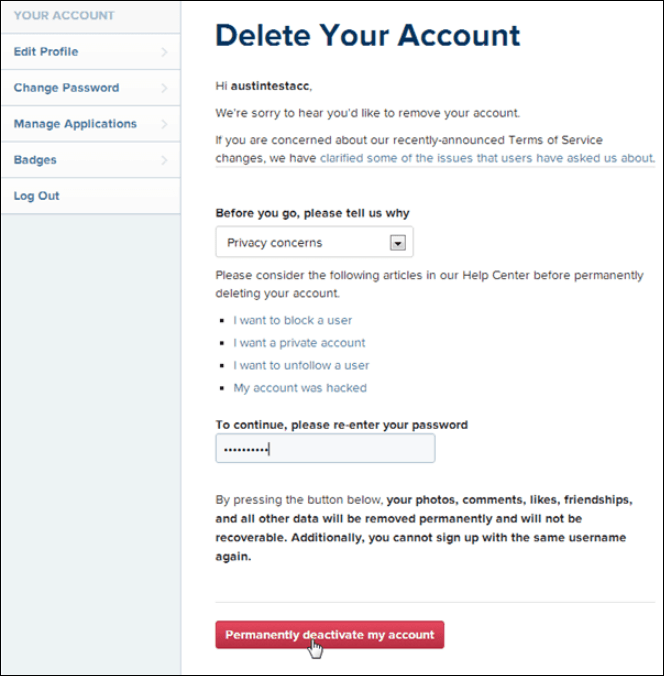 Their photos, comments, and likes won’t be accessible to anyone. You may log in to your account anytime to reactivate your Instagram account.
Thus, you can recover your Instagram account if you have not permanently deleted it, only deactivated it.
However, we must not lose hope. This discussion focuses on “how to recover a deleted Instagram account.” Therefore, there might be a few techniques that might help recover deleted Instagram accounts.
A few users want to delete their Instagram accounts for some reason. Occasionally, their accounts get action blocked on Instagram, but they rarely get banned or suspended. Whatever the situation is, sometimes users suddenly want to recover their recently deleted Instagram accounts. Let’s see the recovery solution to get back a deleted Instagram account.
You can recover a deactivated Instagram account relatively quickly. Can you reactivate a deleted Instagram account? Keep reading our article.
If you need to take a weekly social media break, Instagram has a policy that lets you deactivate your account once a week. There is no time limit for deactivating your account. You are free to disable it for as long as you choose.
Users must acknowledge Instagram does not delete their posts, likes, stories, comments, and other data after deactivating their accounts. Instead, it will remain intact as they left it previously. The only distinction is that no other user could access a deactivated account’s profile, posts, comments, or direct messages because other users won’t be able to view deactivated Instagram accounts.
To revive your Instagram account and resume your Instagram social engagement, follow the following steps:
Users can quickly reinstate disabled, suspended, or deleted Instagram accounts. Sometimes users delete their Instagram accounts. Sometimes, Instagram suspends their accounts. Whatever the condition is. You can try to recover your deleted Instagram account.
Instagram might block user accounts for several reasons. The main reasons are listed below-

If one of the abovementioned reasons leads Instagram to suspend your account suddenly, don’t fret. All you have to do is adhere to a simple procedure. And you’ll get back a deleted Instagram account in no time.
To get your Instagram account back after deleting it:
Note: In case you have misplaced your Instagram password. Your Instagram password is recoverable. Reset it by hitting on forget password and then follow the reactivation instructions.
Users might believe that they can never recover their permanently deleted Instagram accounts.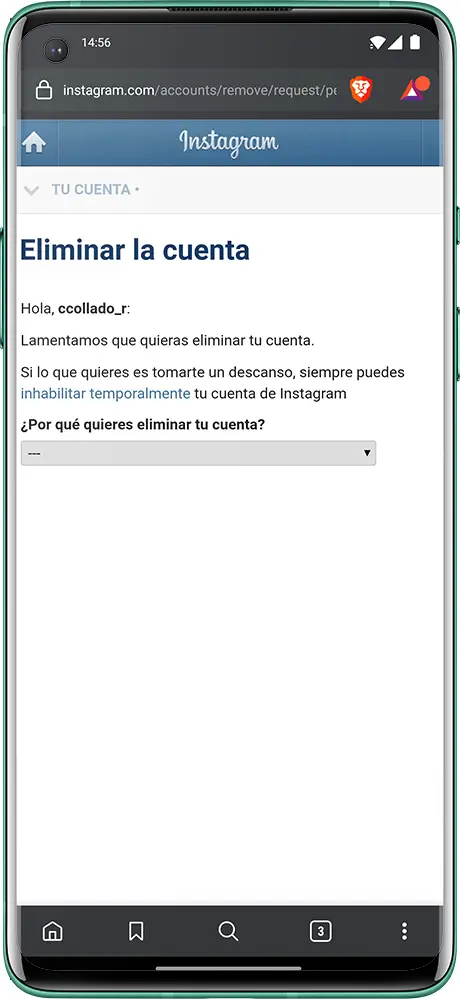 They are mistaken, though. It is conceivable.
Users typically make such blunders unconsciously and subsequently regret them. For example, suppose you have accidentally deleted your Instagram account permanently. Quit chickening out, as Instagram has the remedy in its toolkit to assist you.
After deleting your Instagram account, you see a popup detailing how long it would take to reinstate your account. Instagram takes 30 days to delete an account. Therefore, before the first 30 days, the account will not be permanently closed.
So if a user regrets the decision and wishes to restore the deleted Instagram account, he must log in to his account back. Remember to recover deleted Instagram within the given time frame. Otherwise, it restoring the Instagram account will become impossible.
To recover a deleted Instagram account, follow the steps below:
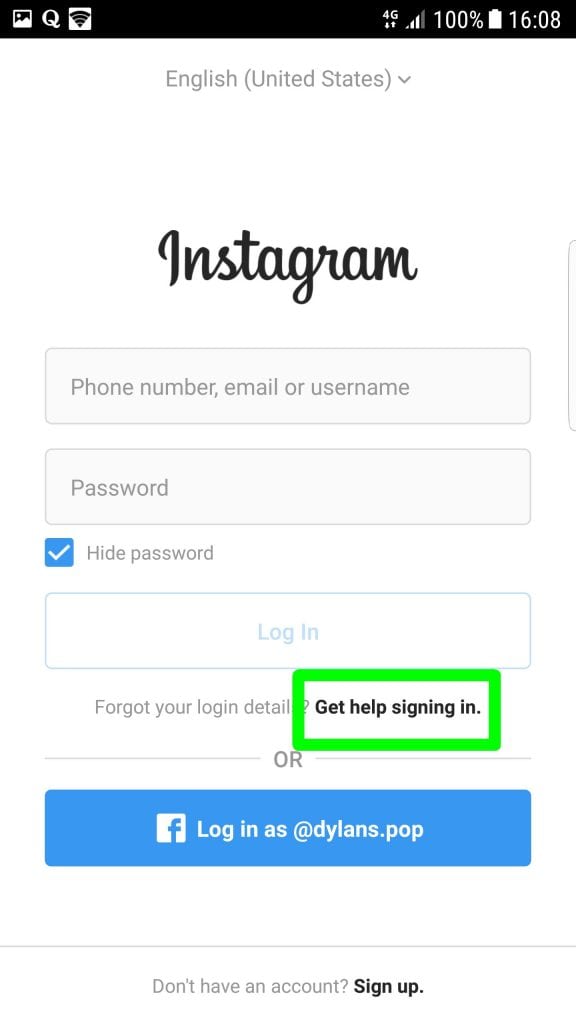
These steps are only valid for users who have not exceeded the 30-day time frame.
See what response I got after attempting to recover a deleted Instagram account. I got this response within 30 days.
If the user attempts to recover a permanently deleted Instagram account or log back into their account after the 30-day window, they won’t get access. After his trial, a notification stating ‘account not found’ will pop up, blocking access to his account. Therefore, nobody can’t recover a permanently deleted Instagram account.
Unless Instagram permanently removes your account, you can recover a deleted Instagram account. If Instagram mistakenly bans your account, raise the request to restore your deleted Instagram account. In addition, ensure Instagram did not terminate your account due to breaching the terms of service or community guidelines. In that scenario, there could be a slim possibility of recovery.
By contacting the Instagram support service, you might be able to recover a deleted Instagram account. To restore a permanently deleted Instagram account, please follow the following instructions carefully:
You will get a reply from the Instagram support staff within 48 hours of submitting the completed form. This email contains a secret code and instructions.
You need to obey the given instructions to recover a deleted Instagram account. Here are the following steps on how to reply to the email:
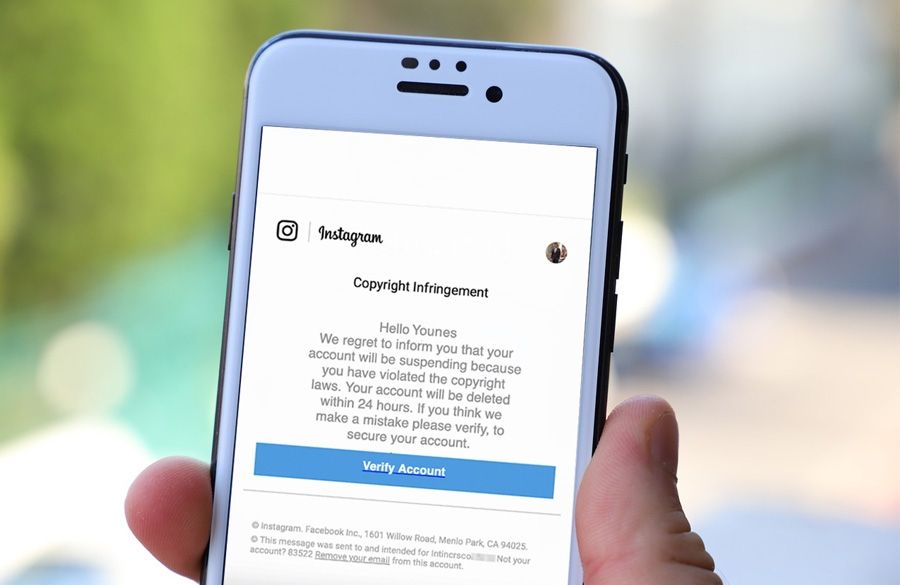
In case your Instagram account is temporarily deactivated or hacked. It will take 2-3 days to restore the account.
After that, Instagram will send a link to recover your disabled, deactivated, or terminated account. To recover a permanently deleted Instagram account, click on the Link supplied by the Instagram team.
We wrote this article to assist users so that they can recover their deleted Instagram accounts.
Unfortunately, if the above approaches fail, there is no alternative or third-party Instagram recovery tool to get a deleted Instagram account back.
Need not abandon, though; you can always create a new one, ta-da!
You may use the same email address to set up a new Instagram account. Along with your prior username only if some other Instagrammer hasn’t already used it.
I hope the information in this piece was helpful to you. Happy Instagramming!
Yes, you can recover a deleted Instagram account within 30 days. However, after thirty days, you have no option or third-party Instagram recovery tool to get back your account.
Please read our article carefully to recover a deleted Instagram. We tried to cover almost everything helpful.
No recovery option is yet available to recover your permanently deleted account. Although many third-party tools claim they can help you recover a permanently deleted Instagram account, they don’t. Therefore, you should only contact Instagram Support to attempt account recovery.
Our article has explained all the steps to recover a hacked and deleted account. It is possible to recover hacked or compromised accounts after verification.
Top
06/27/2021
Author: CHIP
1 star2 stars3 stars4 stars5 stars
How to recover your Instagram account after deletion or if you forgot your password
4
5
1
63
We tell you how to regain access to Instagram if you deleted your account, forgot your login information, or became a victim of hackers.
We recently wrote about how to delete an Instagram account - temporarily or permanently. There can be many reasons for this: creating a new profile, other people on the social network, or annoying ads. However, it often happens that a user wants to restore an account on Instagram - then our instructions will come to the rescue.
Operation
How to delete an Instagram account without losing your data
First, it's important to understand that Instagram offers two ways to delete profiles - temporarily or permanently. If you select the "Temporarily disable my account" option, then it will not be permanently deleted from the network. In this case, you will only hide all your photos, likes and comments from subscribers and other users - but do not delete them permanently.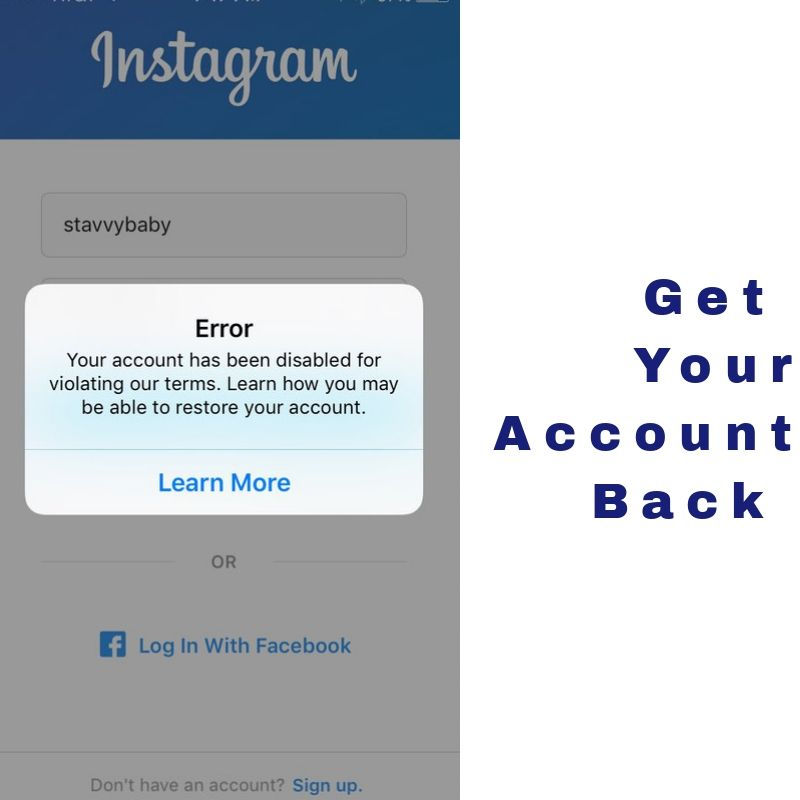
To get your Instagram account back, which you temporarily disabled, just log in with your username and password. The profile and all its contents will be restored automatically and you will be able to use it as before.
If you deleted your account permanently through a special form for deleting a page, then you will not be able to restore access to your Insta. The social network specifically suggests temporarily disabling the profile, and not abandoning it completely - since there is no way to restore a deleted account .
This also applies if the page has been taken down for violating community guidelines, such as cheating followers, spamming, and insulting other Instagram users. If the moderators only blocked your account, and did not delete it, try writing to Support and clarifying the terms for restoring the page - it usually takes about a month.
In order not to lose your data, before deleting, download all published photos and videos using the instructions described in this article.
Then you can create a new account and upload old pictures to it.
It's much easier to get your Instagram account back if you don't remember the correct password. To do this, open the website https://www.instagram.com/ or the Instagram app on your smartphone.
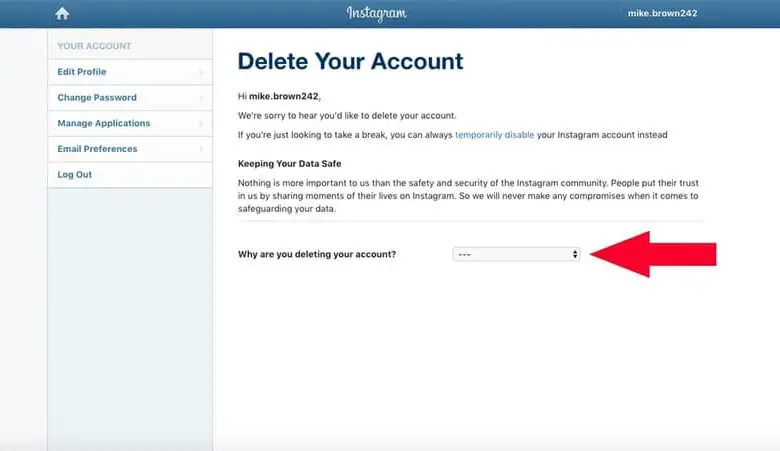 Or use recovery by phone number.
 If you notice that suspicious posts have appeared on your page, some correspondence has been deleted, or access to your account has completely disappeared, most likely it has been hacked. First of all, try changing the password as described above. It is also worth resetting the login data for the linked mail and Facebook. If the attackers managed to change them before you, then there is only one way out - contact Support.
The support team will ask you to verify your identity. If everything goes well, the moderator will unlink your phone number, email and Facebook from your account.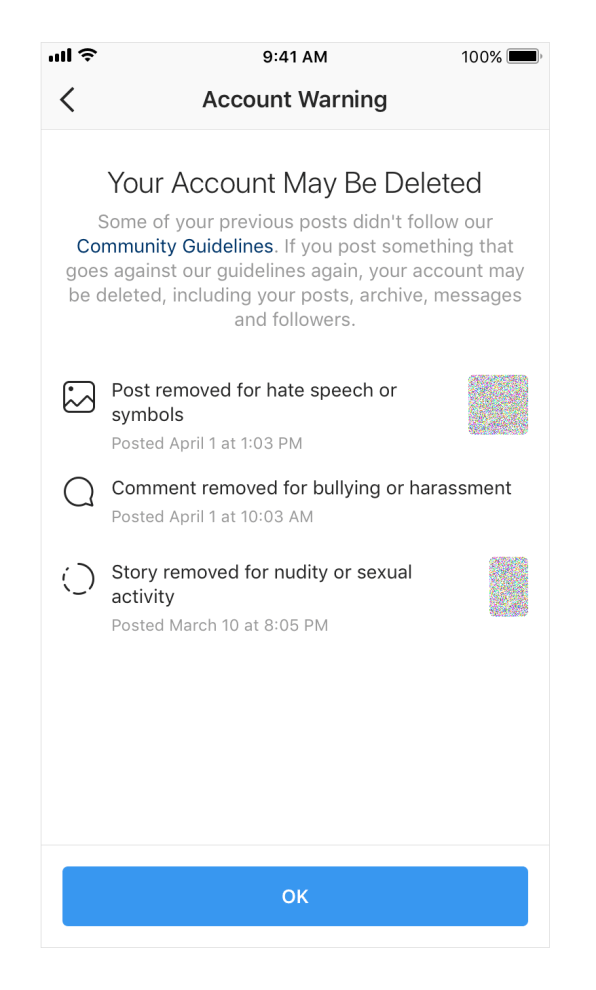 Restoring access can take a long time, so try to create a strong password in advance that will be difficult to crack.
Operation
The proven way to create a memorable but complex password
Author
CHIP
Was the article interesting?
Share link
By clicking on the "Subscribe" button,
you consent to the processing of personal data
Recommended
Advertising on CHIP Contacts
* Meta Platforms Inc. (and its social networks Instagram, Facebook) is recognized as an extremist organization, its activities are prohibited in Russia.
From this article you will learn:
Contents (expand ↴)
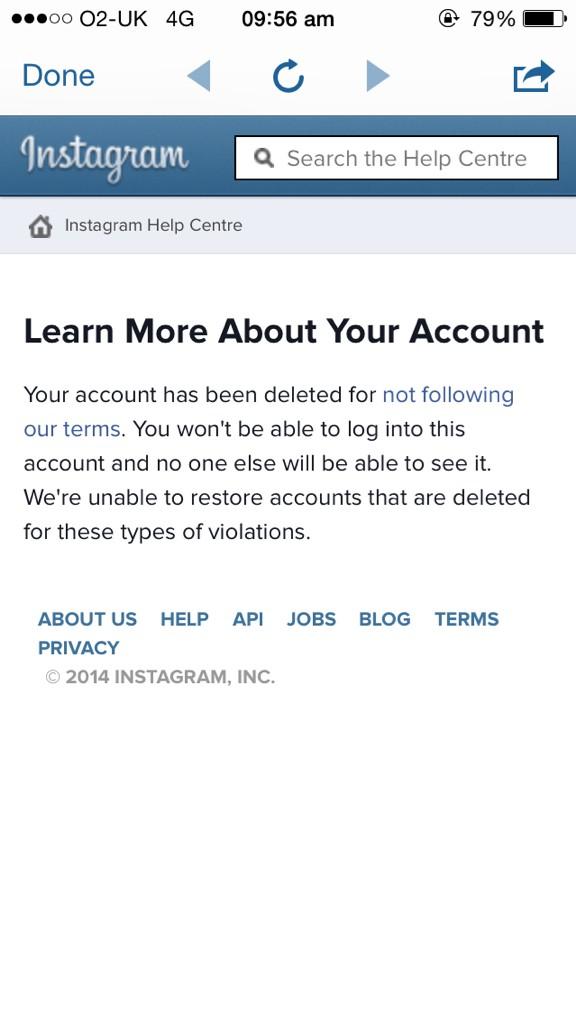
If you deleted your Instagram account yourself, you won't be able to restore it. This is stated in the user agreement, which you agree to when registering on a social network.
Technical support will not help either - even if you write to them that you accidentally deactivated your profile. It is unlikely that they will believe in such stories. Therefore, before deleting your Instagram account, think several times, because in the future you will not be able to restore access.
In this case, there is only one solution - creating a new profile. But you can't use the old login.
There are situations when you can return access to the page:
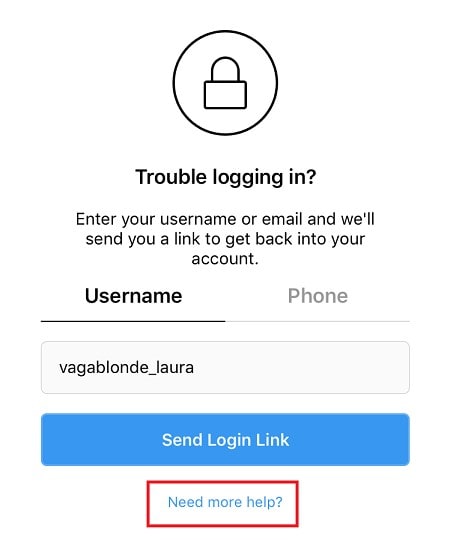 If your account was blocked by the administration, then you can restore access to the page. But if you seriously violated the rules of the community, then you will not be able to get out of the eternal ban.
 Let's move on to the practical part of the article. Let's try to recover an account deleted by the administration of the social network. Moreover, the official Instagram guide says that if you think that the profile was blocked by mistake, you can appeal this decision.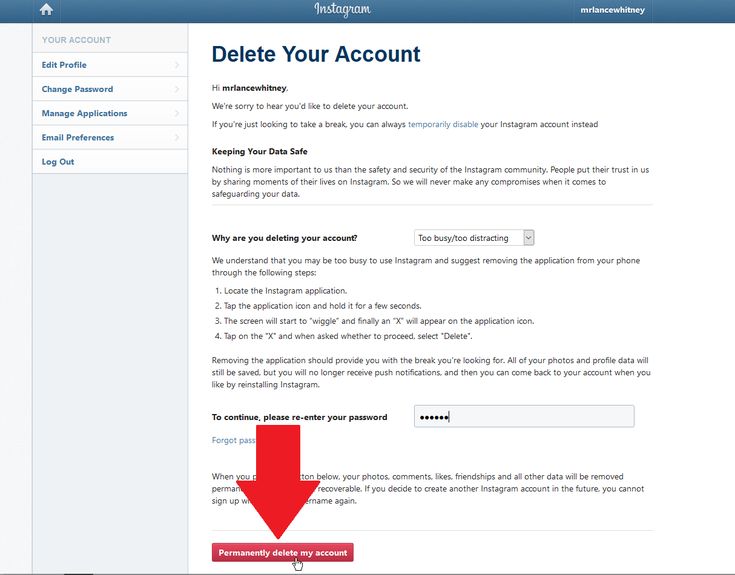
Procedure:
Instructions on what to do next will be sent to your email. If the profile is "deleted" by mistake, then after a while you will have full access restored.
Blocking time depends on the violation. On average, the first ban lasts 7-14 days. After the third ban, the account will be permanently deleted.
If you have temporarily disabled a page, it will be easy to restore access. To do this, you need to go to Instagram - via phone or computer - and enter the data from the page.
Then reactivate the profile. Now you can use the page again. When an Instagram account is temporarily blocked, all your data - photos, correspondence, stories, subscribers - are saved without any changes.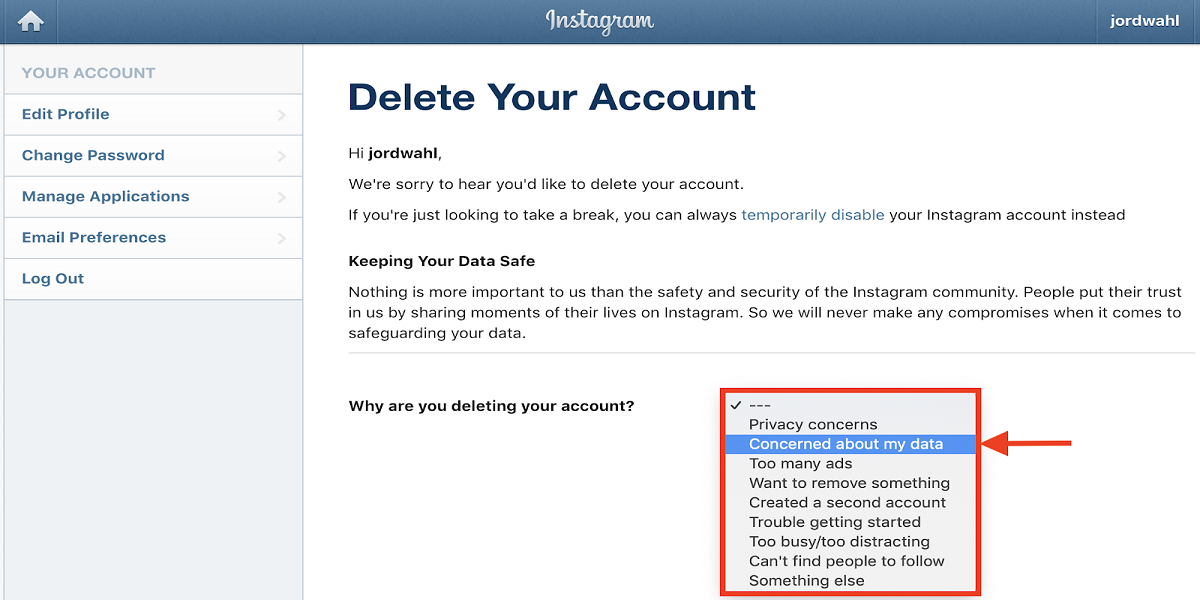
As you understand, the administration can block an account without warning. To avoid a ban, you need to know the reasons that can lead to a page freeze.
3 reasons for blocking a profile:
Brief summary: