Are you looking for the best questions to ask on Instagram Story?
You’re in the right place.
The IG Story questions in this guide are designed to help you:
If you like what you’re reading so far, then let’s hop right in.
Suggested reading: Best IG Tools to Grow Your Audience And Following
There are a couple of ways to ask questions using Instagram stories:
The simplest way to ask questions on Instagram Stories is to use stickers.
When creating your story, tap the stickers icon.
On the stickers menu, tap on ‘Questions’ to add it to your story.
Next, simply type your question, and you’re done.
Your Instagram viewers should be able to provide their answers straight from the Instagram story viewer.
Instagram Stories also allow you to ask questions through polls. This is useful if your question has two possible answers.
To create a poll, create a new story and head back to the stickers menu. But this time, tap the ‘Poll’ sticker and edit your question.
You can also edit the options by tapping on them when customizing your sticker.
Your poll can be about the best tools or features your audience can’t get enough of, what one improvement would they like about your services, etc.
Suggested Article: 142+ Instagram Poll Questions to Ask Your Followers
A fun way to ask questions via Instagram Stories is to create a quiz.
Similar to polls, quizzes work by giving your audience multiple choices. The only difference is quizzes let you add more than two possible options.
Quizzes are great if you’re running a simple giveaway for your followers. Just be sure to tap on the correct answer before posting your story.
Of course, you’re free to use whatever sticker that matches the question format you need.
Instagram Stories will do the rest by presenting it to your followers and tallying the results. Answers can be collected as long as your story is live.
Suggested Article: How to Get Followers on Instagram Without Following
Now that you know how to ask questions on Instagram Stories, it’s time for some ideas:
You can’t downplay the importance of influencer marketing.
By asking your audience who their favorite Instagram influencers are and studying the posts of the Instagram influencers they’re following, you gain invaluable insights about your audience.
You learn what type of content your audience wants to consume, what’s an effective way to present your content, when and what to post, etc.
Suggested Article: Content Pillars for Instagram: Examples, Tips, And Steps
Asking your audience about the products they like will help you identify potential improvements in your own offerings.
It could even help you discover potential partnerships. You just need to pick a topic that will help you find non-competing brands.
Do you ever dream about creating the most viewed Instagram video?
You can borrow inspiration from Instagram videos that are already popular with your audience. Simply ask them to share their favorite Instagram videos, view them yourself, and take some notes.
Suggested Article: 487+ Best, Most Popular, Viral Hashtags for Instagram this 2022
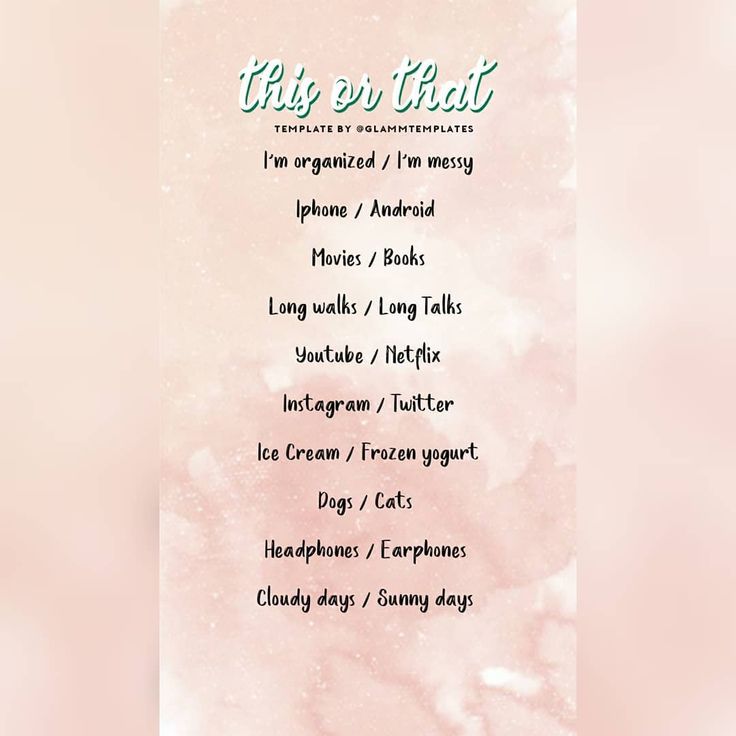 What do you love/hate about our product?
If there’s a group of people who can tell you if something’s wrong with your product, it’s your own customers.
It’s pretty much social media listening on a direct level.
You can also ask your audience about the things they love about your products or services. By identifying what works, you can build on that feature and model future offerings around it.
Questions on Instagram Stories allow you to leverage customer feedback for product development.
A good example is to ask them about the features they want to see in the future.
The mere gesture of asking for your audience’s input is good enough to foster loyalty. Even if you can’t follow through with all requests, let your audience know that they have a voice.
Your Instagram, your rules.
Nothing feels more authentic than an Instagram story question about something fun.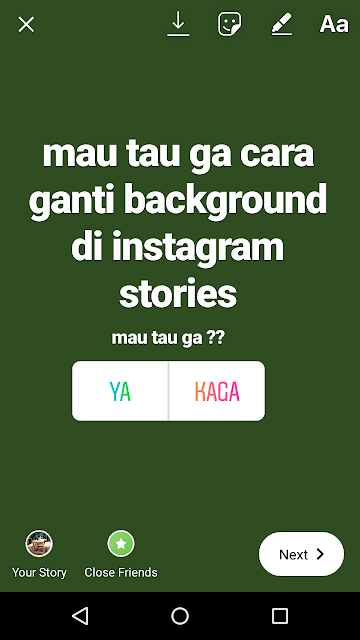
For example, if you know how to add multiple pictures on Instagram story, ask your audience to choose their favorite. You can do this when picking winners for an Instagram photo contest.
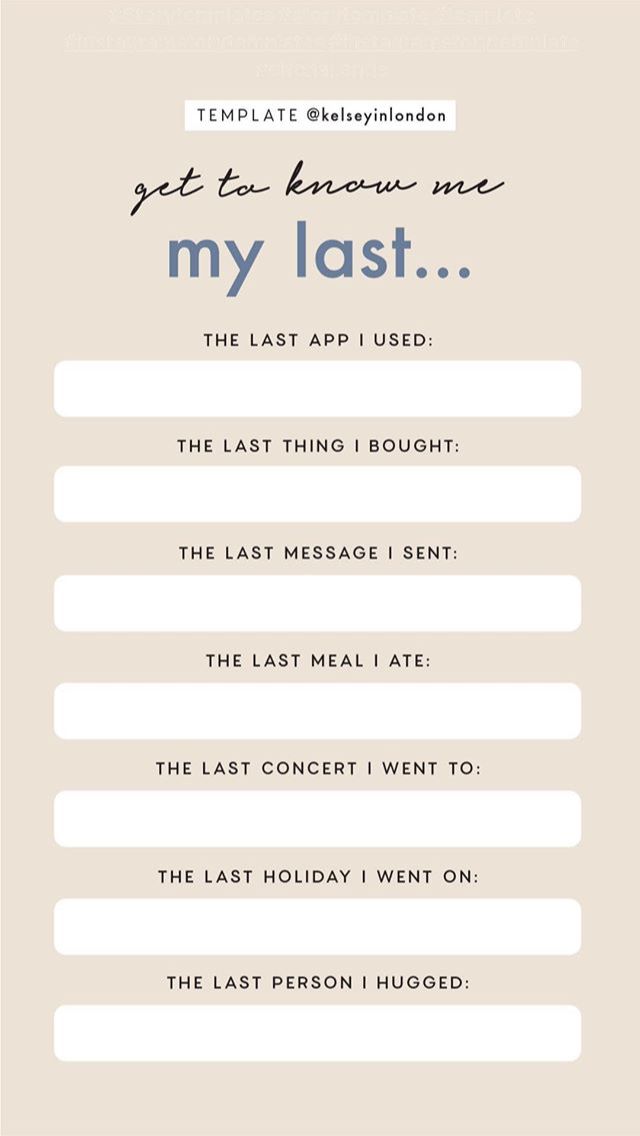
It’s also a good idea to ask questions that will help you get to know your audience better. Some other ideas include:
Pro tip: You can add multiple pictures to a single Instagram Story using grid layouts or photo stickers.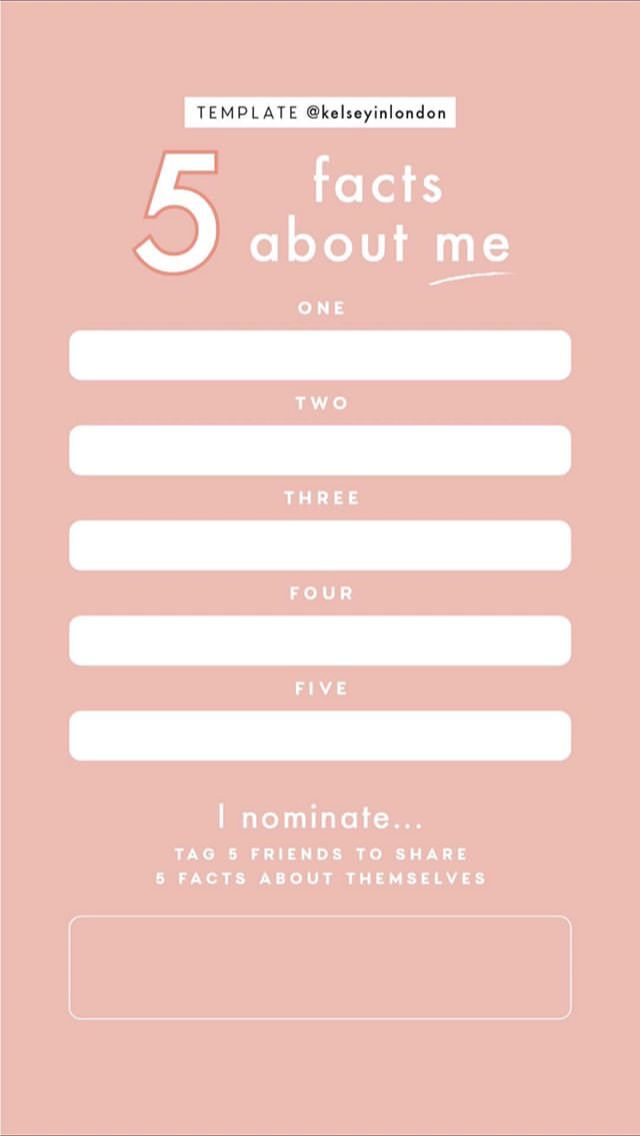
Suggested Article: 431+ Best One-Word Instagram Captions to COPY & PASTE! [2022]
Questions on Instagram Stories can work both ways.
Rather than asking your audience questions on social media, you can answer theirs instead.
Brands can do this using the questions sticker and typing in “ask me anything” or something similar.
In addition to engaging your audience, this also gives you the opportunity to address their most pressing concerns.
Expect to receive inquiries about your products and your brand’s story.
If you’re an SMM agency, you may also receive Instagram-related questions from other marketers, like:
Asking questions on Instagram Stories can drastically improve your social media engagement.
It’s a fun and engaging strategy for gathering feedback, identifying top competitors, finding potential influencers, and more.
The questions above should help you understand the true potential of Instagram Stories. Now, it’s your turn—what would you like to know about your followers?
Instagram is consistently updating the features available on Stories.
In 2018, the company introduced "Questions" — a question and answer element where the user can ask followers questions, or for recommendations, or vice versa.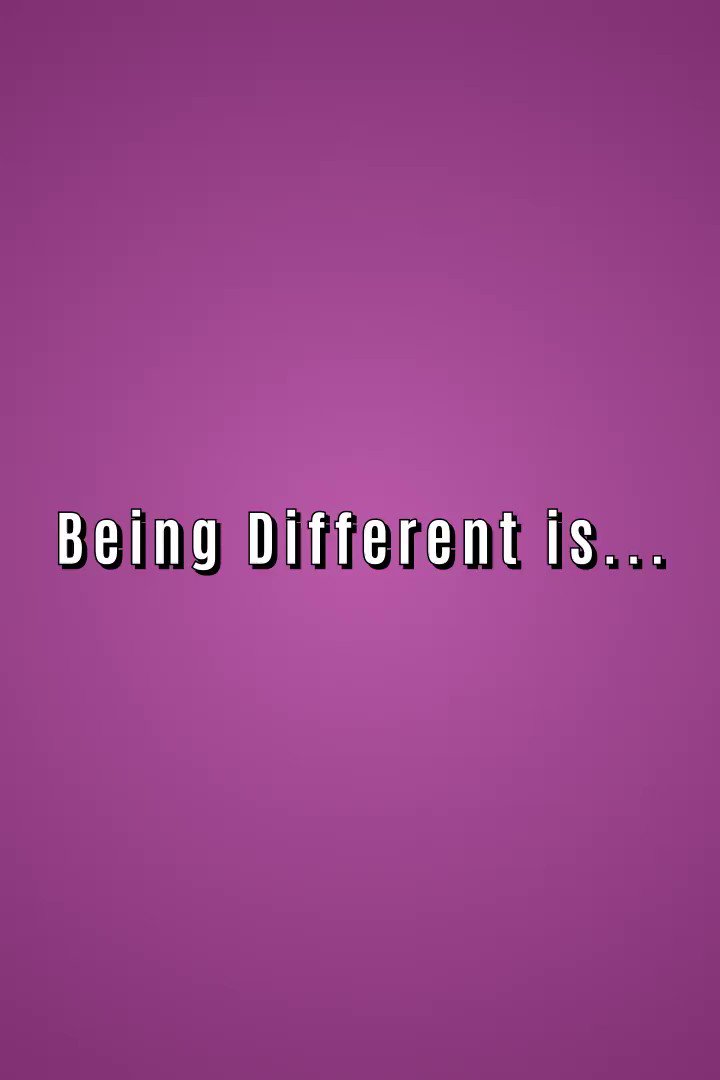 But beware: it's not anonymous.
The feature is easy to use, and can come in handy if you are looking for things to do in a new city or just want to get the opinions of your followers.
How to ask a question on Instagram Stories1. First, launch Instagram from your device.
2. In the upper left-hand corner above "Your Story" is a camera icon. Click on it.
Tap the camera icon on the upper left. Meira Gebel/Instagram3. Take a photo or upload a photo from your camera roll by swiping up and selecting.
4. After you've taken or selected a photo, tap the icon that looks like a square smiley face — this will take you to all the features you can use within Instagram Stories.
5. Next, find "Questions" in the available options.
Locate "Questions" and tap. Meira Gebel/Business Insider6. Type in a question to ask your followers by tapping the text field that says "Ask me a question" — this is the default. You can also ask for music suggestions by tapping on the music icon near the bottom next to "Aa."
7. Once you are satisfied with the question you've posed, add it to your story by tapping "Your Story" at the bottom left.
Once you've posed a question, add it to your story. Meira Gebel/Business InsiderYou can view the responses to your question in two places. First, you can go to your Instagram story and swipe up to see who viewed your question and who answered it. Or you can find responses listed in your notification list, accessible by tapping the heart icon from the bottom menu.
Meira Gebel
Meira Gebel is a freelance reporter based in Portland, Oregon. She writes about business, culture, and technology for Insider. Her work has been featured in Digital Trends, Willamette Week, USA Today, and more. She is a graduate of Columbia Journalism School and San Francisco State University. Feel free to reach out to her on Twitter, where she can be found most of the time, @MeiraGebel.
Read moreRead less
Questions in stories Instagram is a sticker that allows you to collect questions or answers to a question in a story. Can be used to engage and interact with your followers.
We figure out how to ask and answer questions in Instagram stories, how to properly engage the audience, and also share ideas for questions for every day.
Reduce the budget of targeted and contextual advertising with click.ru
Click.ru will return up to 15% of advertising costs.
Cut the budget >> Advertising
Read also: Where to study promotion on Instagram?
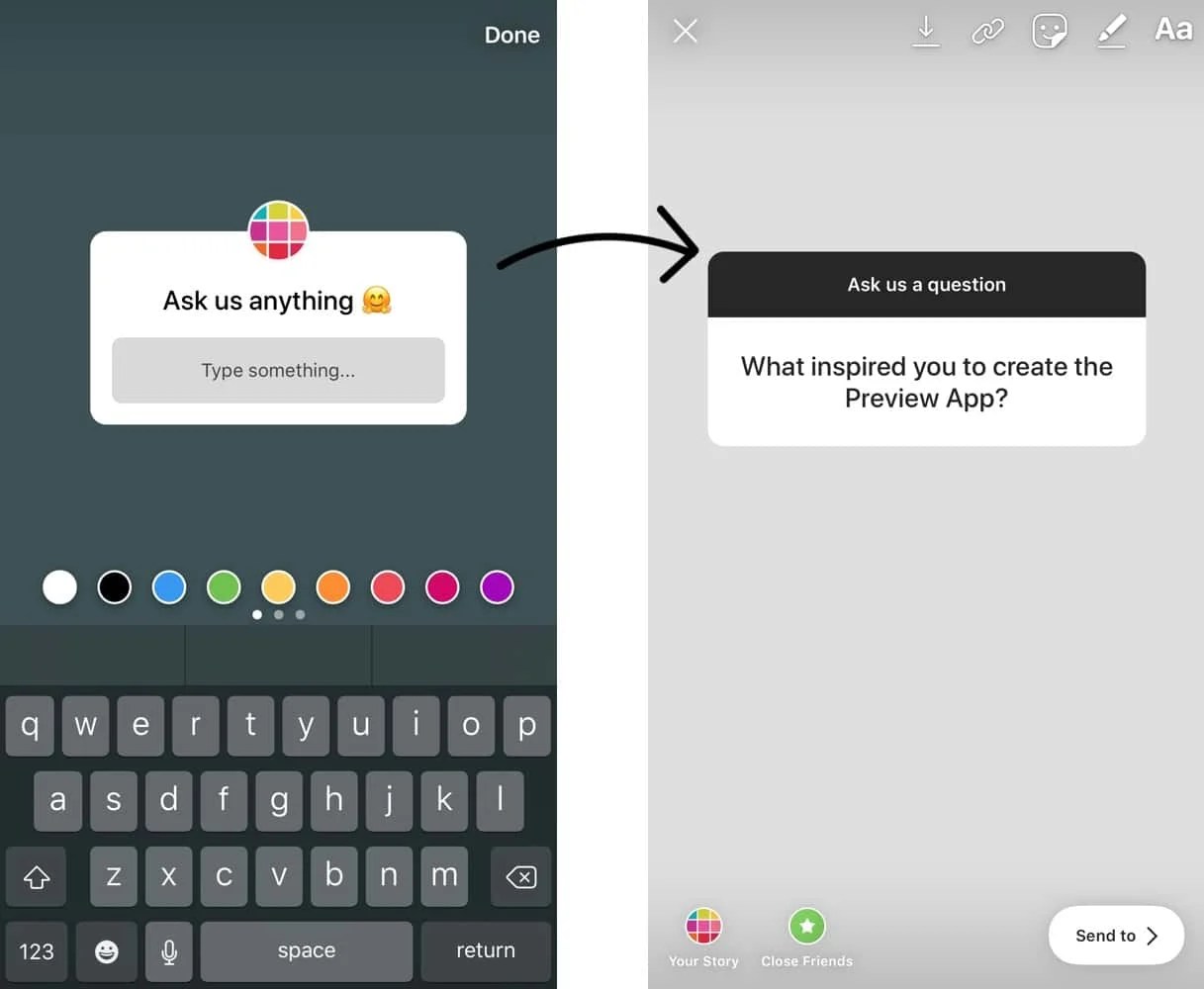
Step 1 . To make a story with a question, first prepare what you want to publish (photo, video or text). Next, click on the sticker at the top of the screen and select the "Questions" sticker.
Step 2 . A form will appear through which users will ask questions. Here you need to write the text of the question.
To change the color of the font and the question mark, use the color selection bar below.
Step 3 . To draw attention to the issue, you can add a gif with a pointer, record a video or place text.
Step 4 . At the end, click "Share" and wait for the publication.
People who see your Story will be able to ask an unlimited number of questions. After waiting for the questions, you can start answering them.
Article in the topic: Polls in Instagram Stories
Open the story with the question and swipe up on the screen to go to the statistics.
You can also see the answers in the "Actions" section, where you receive notifications about likes.
There are several ways to answer questions you receive.
Method 1 : Click on the answer and then "Share answer" below.
Method 2 : Open the story camera and switch to Create mode. Find the "Question Answers" section in the panel below.
Here you can see all the answers to the questions:
After adding the answer box to the story, make the story itself.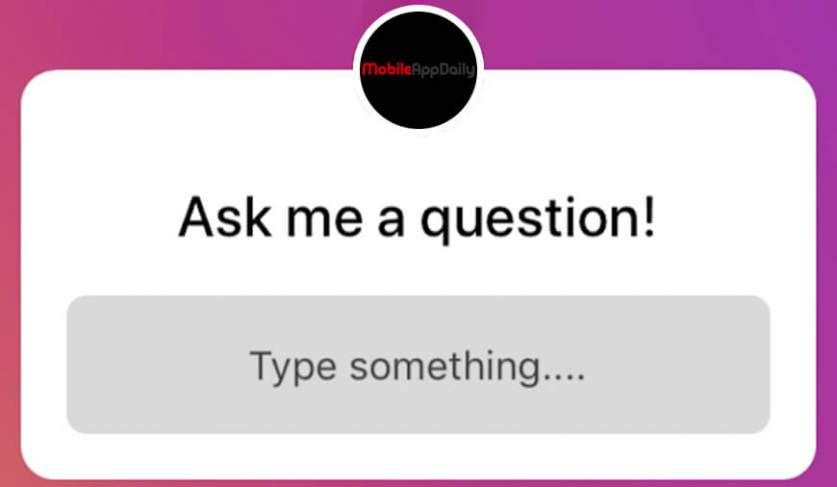 You can add a picture, text, or record a video as the background for a question in a story. Everything is the same as when creating a normal story. To design a story with a question, use our tips: 26 life hacks for decorating stories.
Method 3 : Reply to Direct. If you don't want to post the answer to stories, you can answer the question in a private message. To do this, tap on the plate with the answer and click "Send message".
Also, if you used this feature to collect questions, you can discuss them later during the broadcast. To do this, launch a live broadcast on Instagram, then on the panel below, click on the icon in the form of a question. After that, he will appear live.
A Questions sticker will help you engage your audience or work on getting feedback. Here are some interesting story question ideas.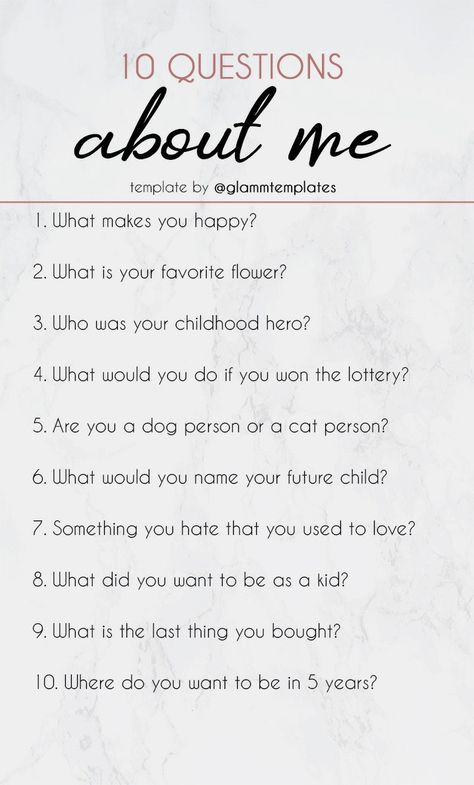
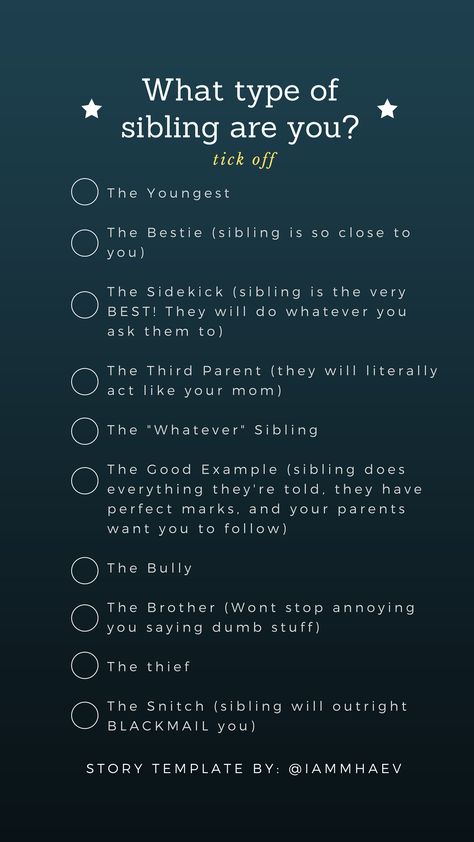
 . right for me?
 Make the Q&A section permanent in your account and communicate more with your subscribers. The main thing is that after asking a question, do not disappear, try to mark each question / answer received, people will see it and respond to stories more often.
We hope this post was useful for you and you have 100% figured out how to ask questions in Instagram stories and how to answer them.
Useful Links :
Comparison of online courses
Before you buy any course, compare conditions from different schools - tuition fees, discounts, duration, whether there is an employment program. Find an online course >>
Advertising
more articles on the topic:
Advertising
Coming up with ideas for questions for stories on Instagram is an additional chore for a blogger or business. But it's worth it. And here are the main benefits of the sticker:
 In response to a question, you can share a link to a post;
 Now I will tell you how to ask questions for Instagram stories. First of all, go to stories. To do this, you need to swipe to the right while in the feed or click on the avatar with a plus (as in the photo).
Storys
Before you start working with a sticker, you need to choose a background on which to place it.
| Text background | Photo | videos |
| Click on "Text" in the bottom line of the screen. Write any text and press the right arrow (text can be deleted) | Upload a photo from your phone or take a photo now, in normal mode or with Instagram masks | Shoot various video options (slow motion, hands free) or upload from your phone |
After I have decided on the background, I will tell you how to use the sticker. So, you need to click on the sticker in the upper right corner and select the "Questions" sticker.
Adding a stickerTo write the text in the questions, click on the sticker. You can change the color of the question frame by choosing a color from the palette (or using the pen).
We write the text and change the color After that, click the "Recipient>" button, then opposite "Your story" click the "Share" button.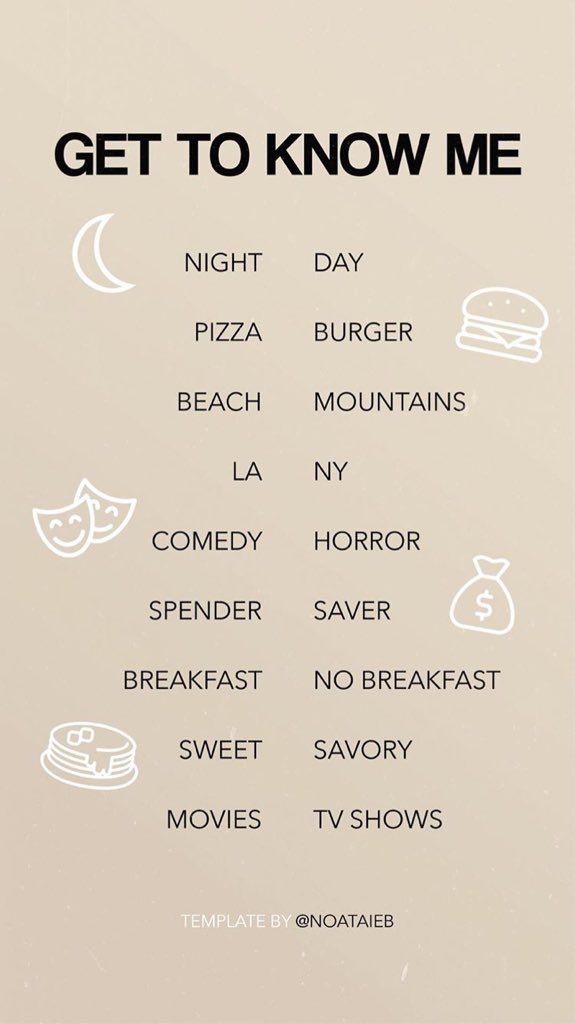 Now your sticker will be seen by subscribers.
Important. Promote your Instagram account and increase your reach in two clicks with Bridgit. The service will independently analyze competitors and set up all actions without your participation. Click and test for free -> Bridgit.
First, I'll tell you how you can see the answers and where to look. All of them refer to users, it is impossible to answer anonymously.
To see users' answers to your question, you need to go to the history with the question and drag it up.
To see everyone who asked you a counter question on Instagram in stories, click “All >”.
We look at the answers Interesting. You can quickly and safely promote your social network by boosting likes, reposts and views on publications. This is an inexpensive and safe way that will not make you wait long for the result. And most importantly, you will be able to increase coverage and get a hot target audience. Click and use for free -> TmSMM
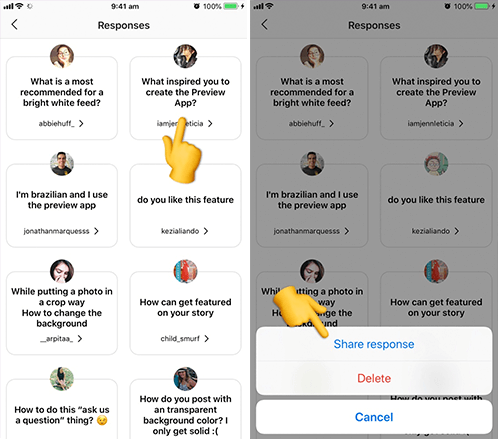
Select a question from the list and click “Answer”. Instagram will offer you 3 options: share the answer, send a message, delete.
All of the above steps are standard. Consider the third option to answer the questions in more detail with examples.
| Text background | Photo | videos | Live |
| Creates a contrasting background and text response | Draws attention and makes the response more "alive" | The most effective option, I advise you to definitely use it | Allows you to answer questions online |
When you answer a question in a story, the user will see a notification “blogger's nickname answered your question”.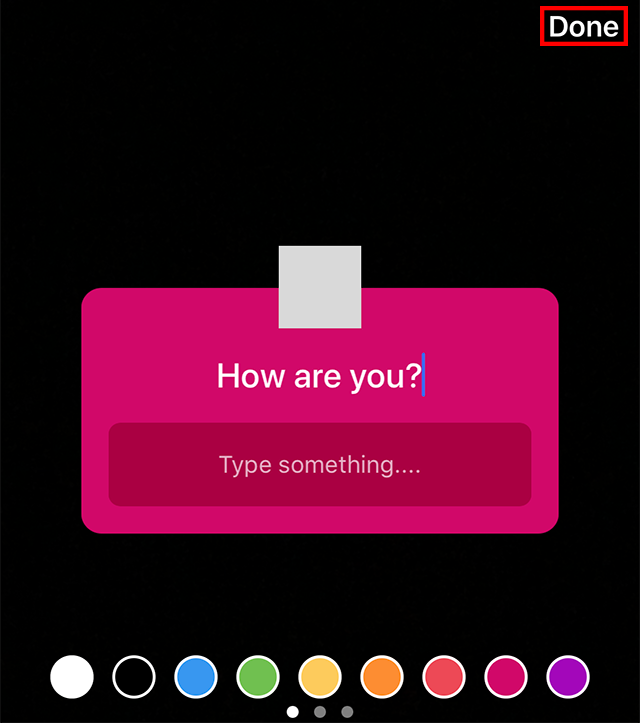
As advertising
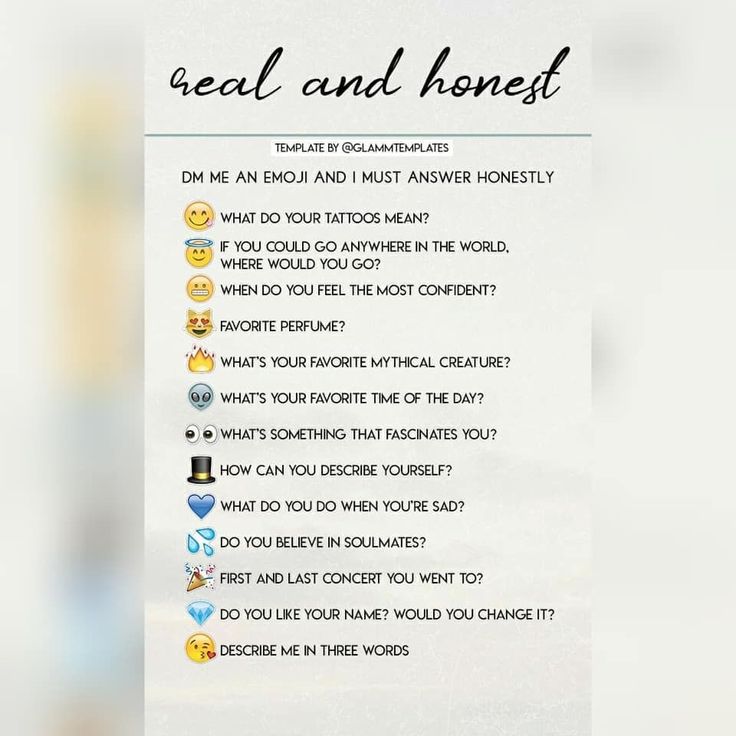
Ask subscribers what you really want to know. Be sincere. But if you don’t have any ideas, then I’ll tell you what you can write in a sticker for stories on Instagram.
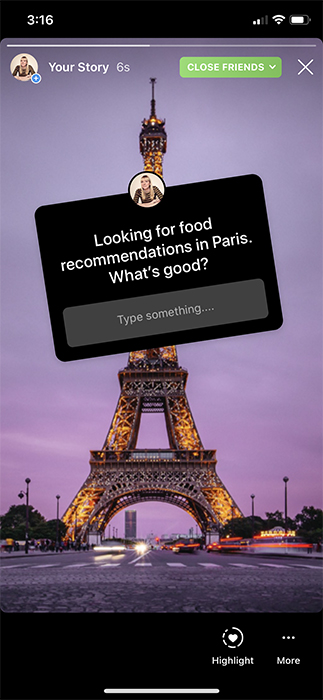 .?
.?  What exactly catches in this quote? Why this particular author?
  .?
.? Fuuuuh... This is where the ideas for stories on Instagram ended, but I think you'll have enough of them.
GET INTO SOCIAL NETWORKS ALREADY 40 000+ WITH US
Catherine
Sergey
Ivan
Elena
Catherine
Subscribe
If there is no question sticker.