WhatsApp developers have been planning to add a message editing function since 2017. However, the update never came out. It’s a pity – perhaps, everyone knows the frustration of sending a wrong message and not being able to fix it. However, we found a way around it – read on to find it out.
We’ll explain how to edit the default invitation message on WhatsApp Business and delete a message for both you and the recipient. Additionally, we’ll explain how to format your messages, restore your chats, and answer more questions about editing messages in the app.
Quick Links
WhatsApp Business offers the option to send a message whenever you share your invitation QR code with someone. To edit the default message, follow the steps below:
Editing sent messages on WhatsApp is not possible. However, you can delete a sent message and type a new one. Here’s how to do that:
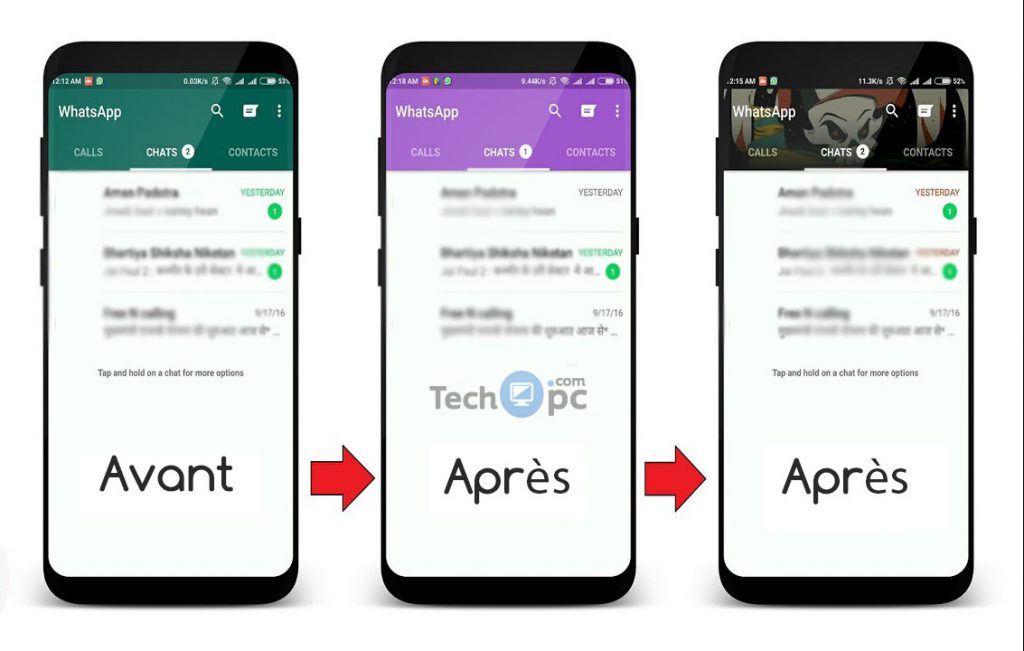
Although you can’t edit a sent message on WhatsApp, you can delete it both for you and the recipient. Follow the steps below to do that on Android:
Note: Even though the recipient won’t see your message’s text, they will know that you have deleted it.
Editing a message on WhatsApp is impossible. However, you can delete it both for yourself and your contact. Here’s how to do that on an iPhone:
Note: Even though the recipient won’t see your message’s text, they will know that you have deleted it.
Just like with your own messages, editing messages of your friends is impossible on WhatsApp. However, if you wish to edit someone’s message before forwarding it, you can copy it and edit it after pasting it. To do that, follow the steps below:
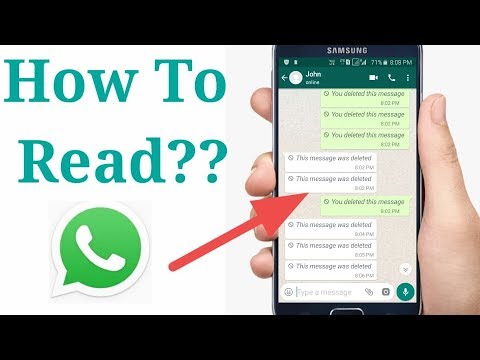
Although you can’t edit a message on WhatsApp before forwarding it, there’s a way around it – you can copy the message and edit it after pasting it. Follow the instructions below to do that:
Read this section to find out more about editing and restoring messages on WhatsApp.
WhatsApp allows several text formatting options – italic, bold, strikethrough, and monospace. Here’s how to format your message:
• To make text bold, simply place an asterisk (*) before and after your text.
• To make the text italic, place an underscore (_) symbol before and after it.
• To cross out your text, type the “~” symbol on both sides of it.
• Optionally, highlight your text, then tap “More” at the upper right corner of your screen and select the formatting style – “Bold,” “Italic,” “Strikethrough,” or “Monospace.”
The easiest way to restore WhatsApp backup is to do it with the help of Google Drive. Follow the steps below:
• Make sure that you use the same number for your Google Drive account and WhatsApp.
• Uninstall WhatsApp and install it again.
• Open the app and verify your phone number.
• Tap “Restore” once the option appears.
• Tap “Next” and wait for your chats to be restored.
Unfortunately, you can’t recover a deleted chat in WhatsApp. However, you can use third-party software to do that. One of such apps is Phone Rescue, available both for iPhone and Android devices. Here’s how to use it:
• Install the software on your computer.
• Connect your mobile device to your computer.
• In the app, select the recovery mode.
• Select “WhatsApp,” then choose specific chats or media you wish to recover.
• Confirm and wait for your chats to be restored.
While other messengers such as Viber and Telegram have implemented the message editing option long ago, WhatsApp doesn’t leave you a chance for mistakes. Of course, the deleting and typing a new message method isn’t perfect, as the recipient will still know the message existed.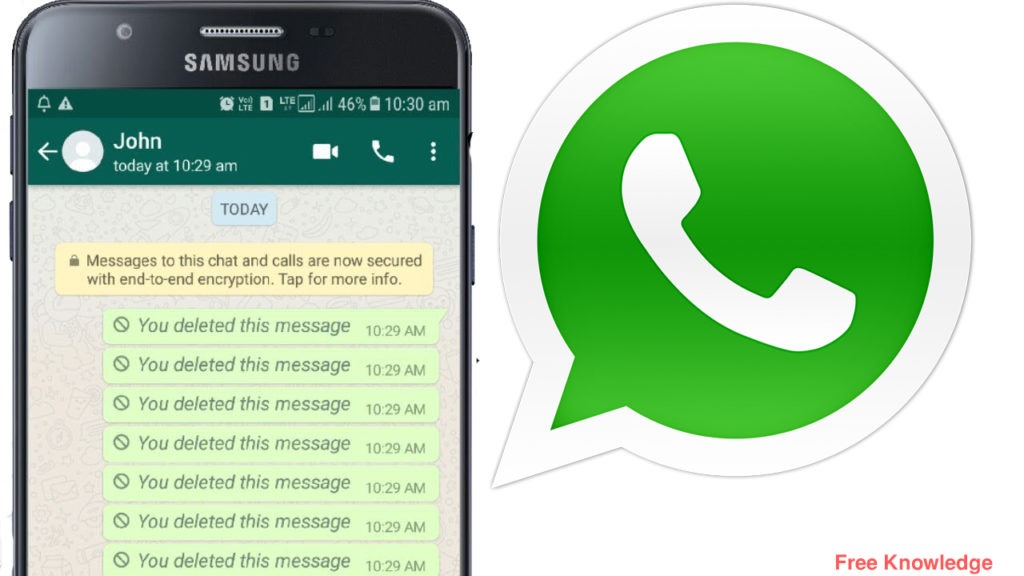 However, it’s better than nothing. Hopefully, WhatsApp will get an update and allow us to edit messages sometime soon.
What are your thoughts on the lack of “Edit” and “Unsend” functions on WhatsApp? Share your opinions in the comments section below.
Read Next
Ankita Chakravarti
New Delhi,UPDATED: Jun 8, 2022 19:48 IST
By Ankita Chakravarti: WhatsApp is working on a host of new features. The messaging app was spotted testing three very important features of late, including the Undo button, the edit text messages option and the double verification feature. The features are currently being tested and none of them have made it to the final release yet. Interestingly, Apple one-upped WhatsApp by rolling out the edit messages feature for iMessage. The feature was announced around the same time WhatsApp was spotted working on the feature.
advertisement
Wabetainfo, which tracks all the WhatsApp-related developments, reported that WhatsApp may soon let users edit messages after sending them. An Undo button is also in the works. Apart from that, WhatsApp was also working on the double verification feature. So here is what we know about the upcoming features of WhatsApp.
Edit messages after sendingWhatsApp is working on an edit button that will let users edit their text messages after sending them. The current setup only allows users to delete the messages that have been sent, you do not get an option to edit them. WhatsApp reportedly started working on the feature five years ago but discarded it soon after it was reported on Twitter. However, finally, after a hiatus of five years, WhatsApp has contemplated working on the edit feature all over again.
Wabetainfo has shared the screenshot of the edit feature that is currently being developed. The screenshot shows a dedicated edit option when you select a message you have sent. Along with options to copy and forward the messages, the users will also get an edit option. Upon selecting the edit button, you can correct any typo or spelling error in your message even after you have sent it. The current setup only allows users to delete the message. You can not unsend it or edit it.
Undo buttonWhatsApp is also developing an Undo button. This feature will come handy if you want to retrieve the chat that you have deleted by pressing the “delete for me” option.Sometimes you accidentally press the “Delete for me” button instead of pressing the “Delete for everyone”. The undo button will help you correct your actions, but you can only do it within a certain time frame.
Double verification featureWhatsApp is also working on a double verification feature to enhance security. Users will have to go through a double verification process whenever they try to log into their WhatsApp account from another smartphone.
WhatsApp will ask you to enter an additional security code, which will be sent to your registered mobile number. The current setup requires users to enter only one 6-digit verification code, which they receive on their registered number. The double verification feature will let users know about the fact that their account is being accessed elsewhere.
Edited By:
Ankita Chakravarti
Published On:
Jun 8, 2022
I don't really like WhatsApp. Moreover, my main complaint against him is that he is not a Telegram. I don’t understand at all why this messenger is designed in such a way that it was beyond the power of an ordinary user to understand it and the features of its functioning. Moreover, many WhatsApp features are incomprehensible even to myself, therefore, in order to explain them to you, I have to first understand them in all the details, and only then write instructions. nine0003
You can delete a chat in WhatsApp, but there are problems with editing
Wrong date and time in WhatsApp. What to do
One of the features of WhatsApp, which is incomprehensible to most users, judging by the queries on Google, is editing already sent messages. Users simply do not understand where to click to change the content of the message or, at worst, delete it. Just for some reason, the developers did not consider it necessary to explain how everything works in WhatsApp, creating serious confusion, especially against the backdrop of what is happening in Telegram. nine0003
So, you cannot edit messages in WhatsApp - that is, change it in the form in which it is possible in Telegram and VKontakte - you cannot. The policy of this messenger is that it is wrong to change their content after sending. Therefore, you will not see the "Change" or "Edit" buttons anywhere. The maximum that is available to you is deleting the message. True, there is a small nuance here, which should not be forgotten.
Your WhatsApp account may be blocked without your knowledge
You can only delete a message sent to WhatsApp for a limited period of time. It is equal to one hour, and, to be completely accurate, then 68 minutes. Why the developers set such a limit is hard to say. Perhaps their goal was to teach users to immediately think of what they write and be more accurate, not making any spelling or stylistic errors. But, if you desperately need to delete a message, and you understand that you fit into the allotted time period, then doing this is as easy as shelling pears:0003
You can delete a message in WhatsApp only within the first hour after sending
Even deleted WhatsApp messages can be read thanks to applications that save notification history
It is important to understand that in some cases you may see only the "Delete from me" button in the drop-down window without the ability to delete the message from everyone (that is, both you and the interlocutor). This means that more than an hour has passed since the message was sent, and it can no longer be deleted. Therefore, by clicking on the “Delete from me” button, you will only delete it from your chat, but the interlocutor will have it, and he will be able to read its contents, as before, even if you would like this not to happen. nine0003
What happens if you block a contact on WhatsApp
Unfortunately, for the foreseeable future, WhatsApp developers do not plan to add the ability to edit or delete any messages that have already been sent. Therefore, before sending the message that you wrote, think about whether you would like to withdraw it.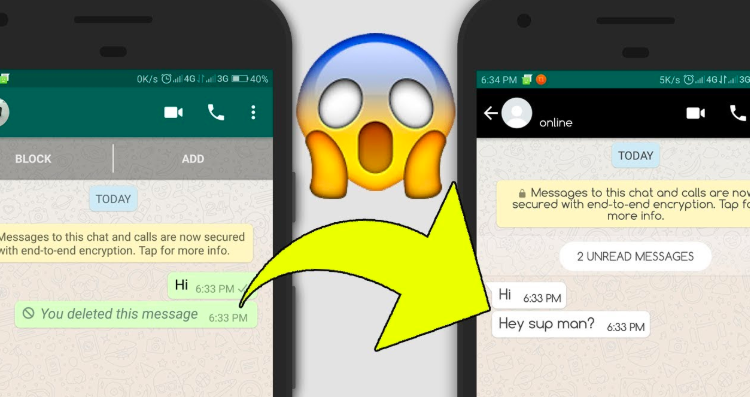 In addition, you need to understand that even if you delete the message, there is a chance that it will be read if the interlocutor uses applications to save notifications. I talked in detail about such software here - be sure to read it, everything is there. nine0003
Home » Whatsapp
The times of communication via SMS somehow imperceptibly disappeared into oblivion. Today we use more advanced and free tools. The Internet takes messaging to a new level. The standard patterns are broken.
If earlier it was appropriate to say: “The word is not a sparrow, if you fly out you won't catch it”, today this concept sounds a bit outdated. For example, the WhatsApp messenger allows you not only to catch this symbolic sparrow, but also to tweak it a little, or even replace it with a dove 😉
But let's not go deep into this. Better let's get down to business!
Please note!
There is no usual way for everyone to edit the text in an already sent message in WhatsApp.
But we will describe a workaround, how you can get around this limitation.