Loading
Try another search, and we'll give it our best shot.
Rebecca Riserbato
Updated:
Published:
I'm a little embarrassed to admit this, but checking Instagram is one of the first things I do in the morning.
But, I know I'm not alone.
Did you know that Instagram went from one million users in December 2010 to over one billion in 2020?
In fact, it's one of the most popular social media platforms in the world. So, you might be wondering, "How can I use this platform?"
Well, a great way to engage with your audience is through an Instagram poll.
According to HubSpot research, quiz or poll stickers are one of the most popular Instagram Story formats.
Polls are a great way to keep in touch with your audience and even conduct market research.
In this post, let's learn how to set up a poll on Instagram and discuss how you can use this feature.
To get started with Instagram polls, the first thing you need to do is open the app. Then, you'll swipe left. This will take you to the screen where you can post on your Stories.
Once you're here, make sure that you're posting to your Story. Underneath the record button, you'll see whether you're posting a Story, a Reel, or going Live.
To post a poll, make sure you're posting to your Story.
Now, just take the video or picture you want to post.
If you have it saved, you can just select the content from this screen by clicking on the picture icon on the bottom left. This will take you to your camera roll where you can select a video or image.
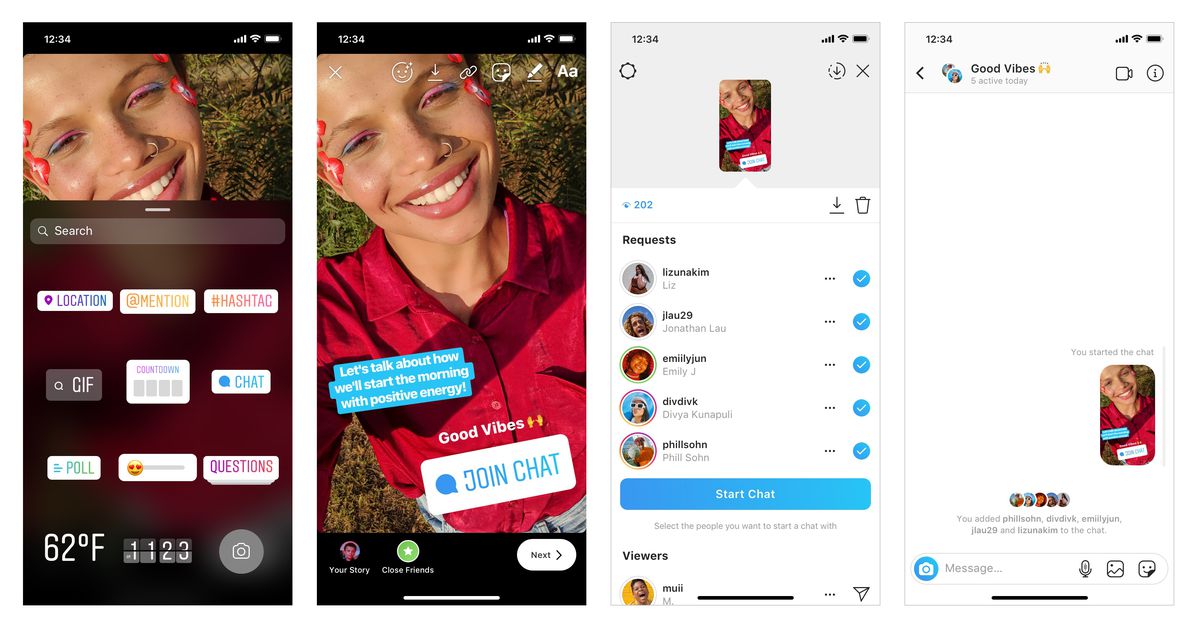
To add the poll, click on the sticker icon on the top right. It's the third icon from the left.
Now you should see different sticker options including location, time, questions, and more. Scroll down and choose the poll icon.
You can either do a question and answer poll, or a sliding poll. To choose a sliding poll, you'll want to scroll until you find the slide bar option.
If you chose the question and answer poll, it's time to type in your question and the possible responses.
If you chose the slide bar, you'll want to type in your question and then add an emoji to the sliding bar.
Now all that's left to do is post. To do this, just click "Send To" and then share the post on your Story.
Once you've posted a poll, it's time to wait for the responses. To view the results, you'll want to watch your Stories.
Then, click the "Seen by" icon in the bottom left corner.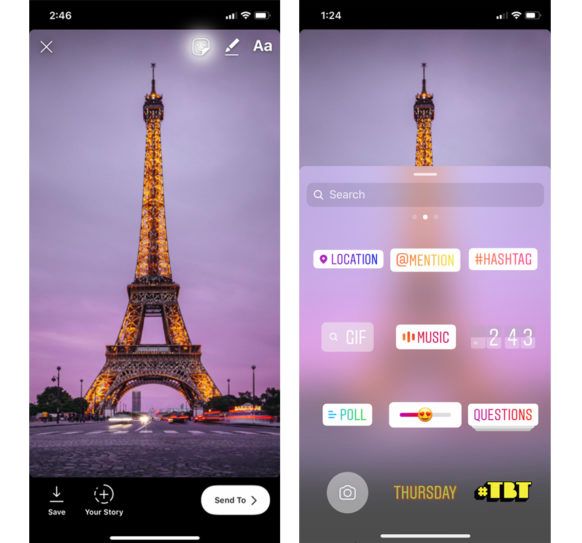 This will show you who voted and the results.
Here, you'll also see a button to "Share Results." You can click that and post the results to your Story to let your viewers know the outcome of the poll.
When you're creating a poll, remember to place it strategically.
You don't want people to have problems voting because of the placement. Make sure your poll is placed near the center, and not too high or low that the other Story icons block it.
As you can see, posting a poll on Instagram is a simple process. But, how do you use this feature?
Here are some of the top ways you can use Instagram polls:
 This makes your audience feel like they're a part of a community and like you value their opinion.
Ultimately, the point of using Instagram polls is to engage with your followers and capture their attention.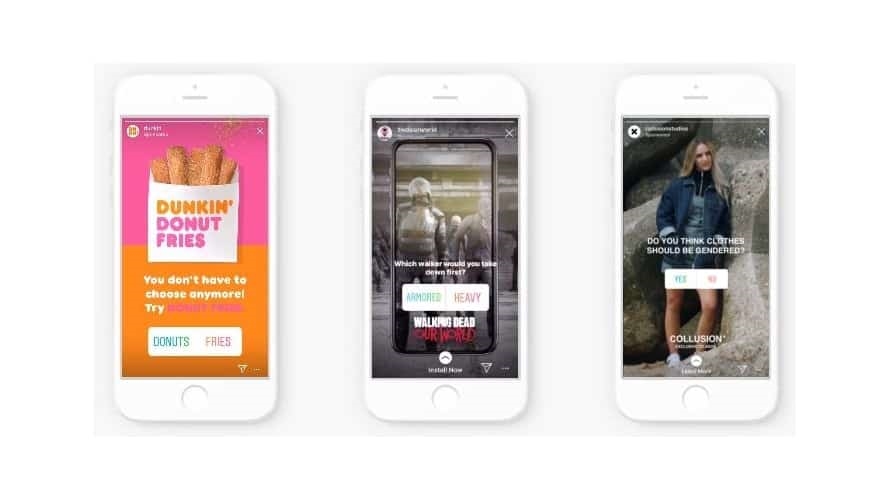 To learn more about Instagram marketing, you can take HubSpot's Instagram Training course.
Topics: Instagram Marketing
Nov 16, 2022
Nov 08, 2022
Nov 08, 2022
Oct 17, 2022
Oct 11, 2022
Sep 27, 2022
Sep 20, 2022
Sep 07, 2022
Aug 15, 2022
Aug 02, 2022
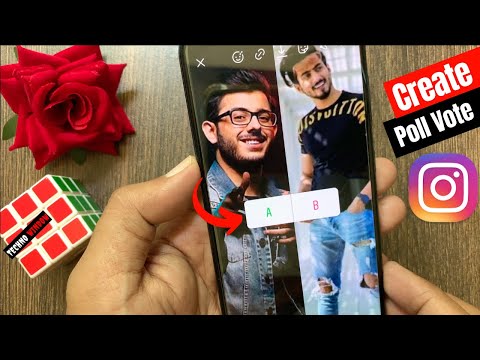
Whether they're just for fun or for informal research purposes, Instagram Polls are a fun way to interact with your Instagram followers. You can customize the question and the two responses (or stick to a straight-forward yes or no) and choose a background from your camera roll.
Once responses start rolling in, you can see how your followers voted, and even get a breakdown on how many people voted for each option and who exactly voted for each. After you collect responses, you can share the results with your followers so they can also see how people voted overall (but not who voted for what).
Here's how it's done.
How to create an Instagram Poll on your Story1.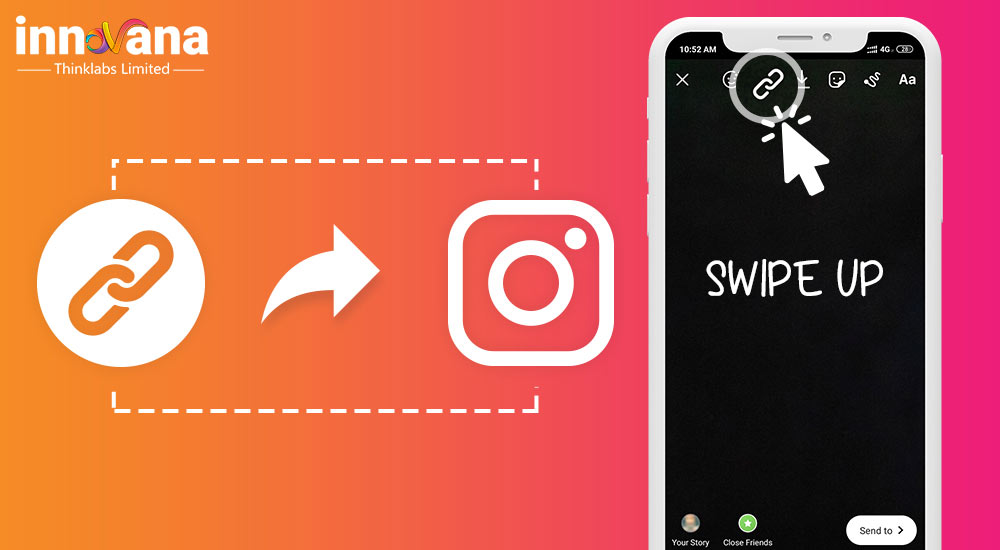 Open the Instagram app. Tap your profile icon at the top-left of the screen or swipe right to add a Story.
2. Take a photo by tapping the circle on the bottom of the screen or choose a photo or video from your camera roll to post by tapping the small picture icon at the bottom-left of the screen. You can also tap the "Aa" Create icon to pull up a blank background.
Choose a blank background or a photo from your camera roll as the backdrop for your poll. Abigail Abesamis Demarest
 3. Tap the Stickers icon, which looks like a square smiley face, at the top of the screen to pull up a menu of post additions.
Tap this icon to add a poll, location tag, GIFs, and more. Abigail Abesamis Demarest4. In the pop-up menu, tap the Poll icon to ask a question with two answer prompts. To ask a sliding scale question, tap the Sliding Scale icon, which should be located next to the Poll sticker option.
5. Tap the Ask a question… field, then type your question or a quick phrase on whatever topic you want people to vote on. For a regular poll, tap the Yes and No boxes to change the responses, or keep the boxes as-is if that works for your question. For a sliding scale poll, select an emoji to add to the sliding scale.
You can edit all three fields in a poll. Abigail Abesamis Demarest
 6. When you're finished editing the question and response fields, tap Done.
7. Tap Your Story to share your poll with all your followers, or Close Friends to share the poll with your Close Friends list. You can also search for a friend or choose one from the Suggested list to send the poll via direct message.
Once your poll is ready to be posted, tap "Your Story" to share it with all your followers. Abigail Abesamis Demarest How to view and share results of your Instagram Story Poll1. To view the results of an Instagram poll you've created, open the Instagram app and tap your profile icon at the top-left of the screen to view your Story.
2. On the Story slide with the poll, you'll see the overall results. For more information on how many people voted and what each person voted for, swipe up on the Story slide or tap Seen by on the bottom-left of the screen.
After people start voting on your poll, you'll see the overall results on the Story slide. Abigail Abesamis Demarest3. To share the results of your poll to your Story, tap Share Results, then select Your Story or Close Friends.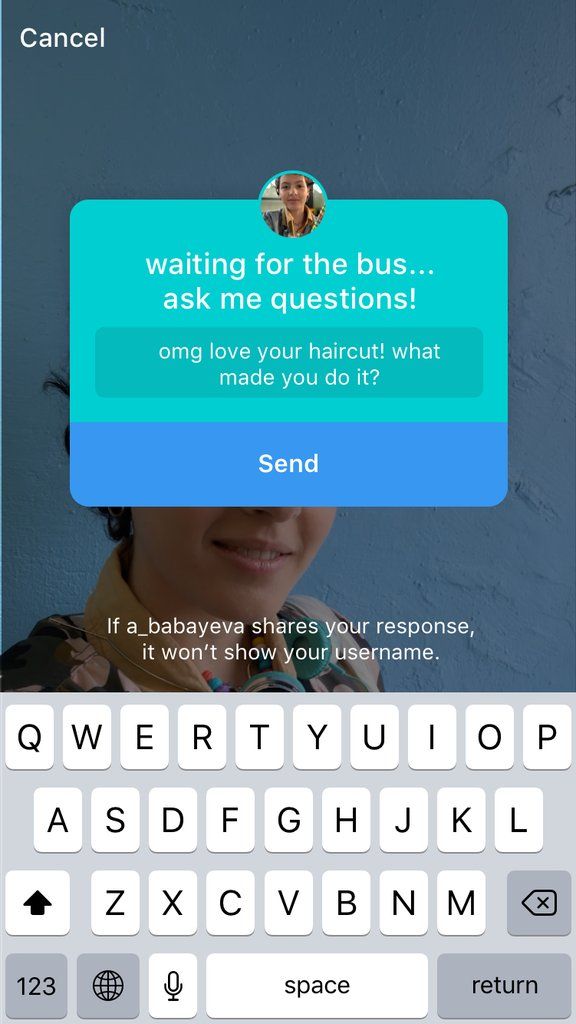
 Poll your followers about fun, random topics or ask them what types of content or formats they prefer on your feed.
1. Open the Instagram app on your device and tap the Messages icon in the top-right corner.
2. Select a recent conversation or tap the New Message icon in the top-right corner.
3. On the message screen, tap the blue camera icon next to the textbox at the bottom of the screen.
4. Take a photo or select one from your camera roll, and tap the Stickers icon, which looks like a square smiley face, in the top-right corner of the screen.
5. Select Poll in the pop-up menu.
6. A poll box will appear over your image — type your poll question into the Ask a question section, and tap inside the Yes and No boxes to change the answer options.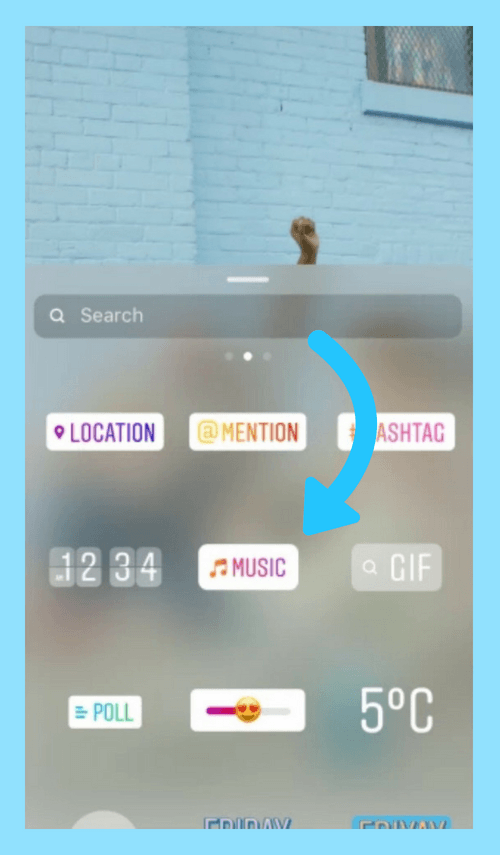
7. When your poll is ready, tap Send at the bottom-middle of the screen.
Note: When you send an Instagram Poll through direct messages, the poll is not interactive, meaning the recipients will not be able to answer the poll by selecting an answer option in the image. They will have to give their answers via a separate message beneath your poll message.
Abigail Abesamis Demarest
Abigail Abesamis Demarest is a contributing writer for Insider based in New York. She loves a good glazed donut and nerdy deep dives into the science of food and how it's made.
Read moreRead less
Polls appeared in Instagram* Stories for a long time, they are actively used by ordinary users, bloggers and large companies. For a business, if it learns to organically use the possibilities of social networks, poll stickers can help a lot with the involvement of subscribers.
In the article “Instagram Stories Basics*: Posting Rules and Useful Features” we talk about different ways of creating stories, secrets and life hacks of the format.
Instagram* has four types of poll stickers to engage followers in Stories:
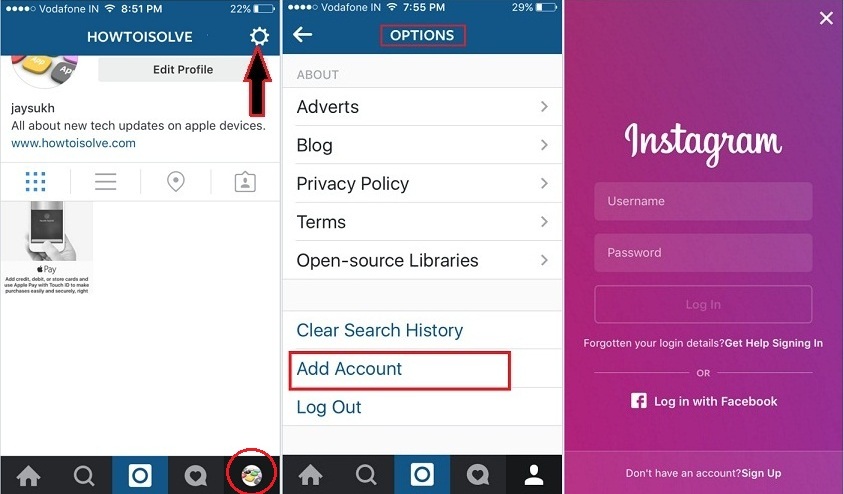 A question with 2-4 possible answers. After choosing, the subscriber will immediately know which option is correct.
 Let's see how to add all these polls to Instagram stories* and how to use them for business.
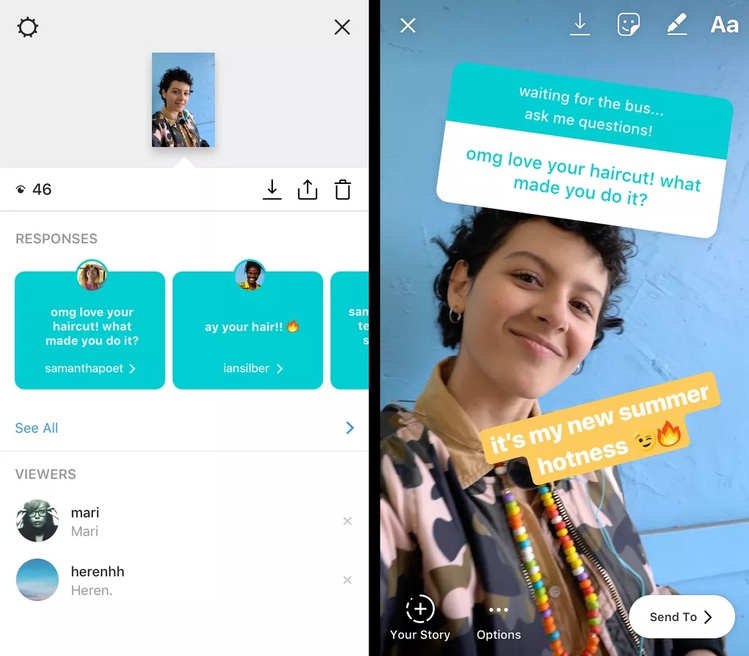
To post a question, go to your story, upload your photo or video, and then select the "Questions" widget in the settings. You can choose the color of the widget, as well as increase or decrease it.
Ask people to ask you questions and post their answers in StoriesTo view the responses to your questions, click in the lower right corner of the post in Stories - the responses will be there. You can scroll through all the responses or share one of them.
If you'd like to share a response or answer one of your subscribers' questions, open the response you want, then click Share Response. A form will appear in which there will be your question and the answer to it. You can choose your background, as well as add your comment and publish it in stories.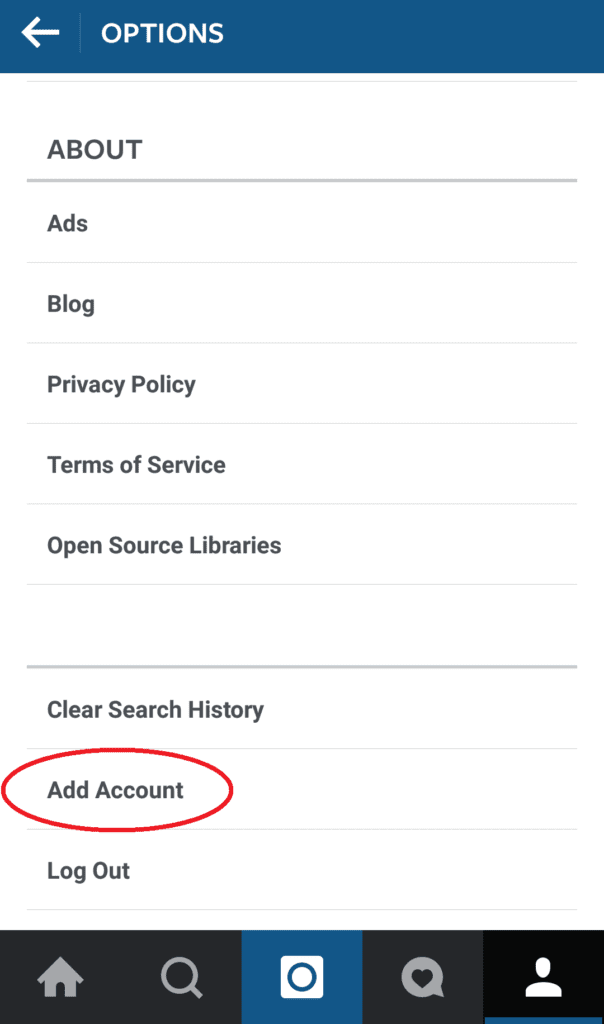
To add a vote, go to stories, add your photo or video. Go to settings and select the "Polls" widget. As with questions, polls can be color-coded and resized.
In the survey, you write the text of your question and two possible answers. It is better if they are short - the fields for answers are very small. Everything, poll can be published!
Subscribers are offered a choice of two optionsAfter the poll is published, you will see what percentage of people voted for a particular answer. In addition, you can open the analytics of your story and check which subscribers chose this or that option. And the statistics also show a clear number of those who voted and saw the stories with the survey.
To add a voting scale, go to the stories section, select a picture or video for the background, and then select the voting scale icon in the settings. She can change the background and size, and also choose the emoji that will be used in the timeline.
By clicking on the statistics icon, you can see exactly how the people who viewed the publication voted, as well as send them a message in direct. In addition, the total number of viewers and voters will be indicated there.
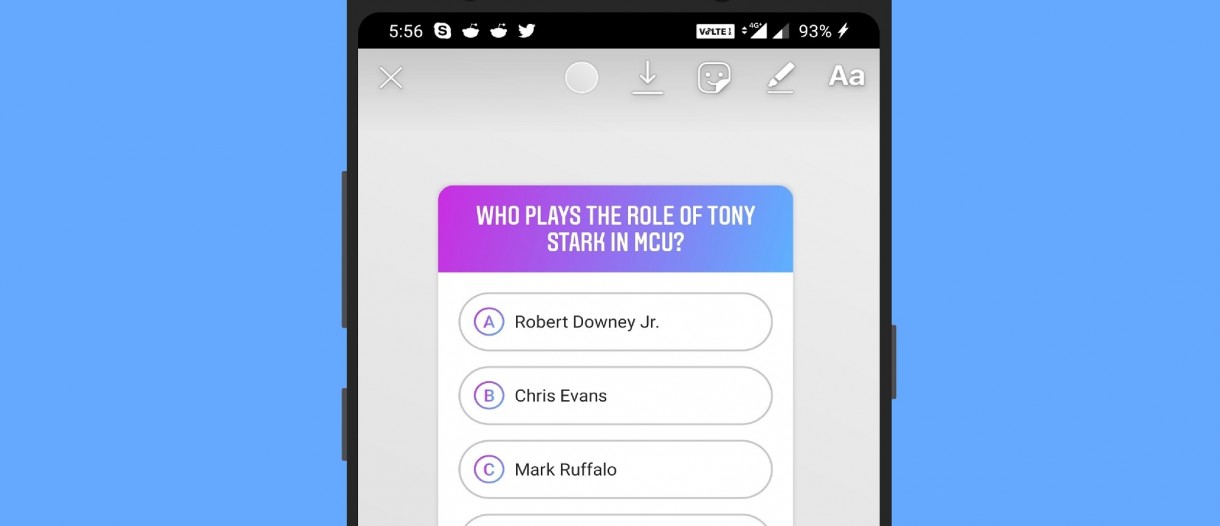
To add a sticker quiz or sticker test, go to your story, select a background video or photo. In the stickers, find the widget that says "Test". Give the form a name or write a question, suggest answers and indicate the correct one. You can change the number of options, color and size of the window.
In the statistics, you can see how the subscribers answered and who gave the correct answer. The subscriber will be able to choose one of the proposed options and immediately find out if he voted correctly.
The account owner has access to statistics where you can see what answer was given most often, what each user chose, which of the subscribers chose the correct option. To see it, swipe up on the story.
Test stickers are suitable for conducting surveys, intellectual and entertaining quizzes, competitions, and data collection.
You can create stories with polls and other stickers in the delayed posting mode using the SMMplanner service. All you need is to register and choose the appropriate tariff. The blog will help with the search for ideas for Instagram* Stories, and the service will help with the technical side of the implementation.
Great help! You ask subscribers a direct question, and they answer it. They answer because people generally love surveys, tests and all that. And also because the question is asked not in a post, but in a story, where most of the content is generated by ordinary people, and there is no feeling that “this store is asking me for show. ”
”
You can use the results of polls and polls on Instagram* for internal research of the audience of your business, as well as simply fulfill the desires of your audience: for example, suggest in stories to choose which drink will be seasonal this winter - salted caramel latte or gingerbread latte . Feedback from people will help you decide.
Companies actively use questions and voting in stories to engage their audienceWhat else do polls on Instagram* do is to draw the attention of your followers to values and ideas that are meaningful to you. You can ask questions to people in such a way that, by the answers, they feel like a single group that shares your values.
In addition, you can invite people to ask you questions, and from these questions to collect ideas for content, and write about what your target audience is most interested in. You will learn a lot about your audience if you just ask them. Questions and polls - it's so easy!
Pottery school uses different types of polls to communicate with followersHere are some story poll ideas that can engage your audience:
 Collect questions from your followers and answer them in stories or posts.
Trust me, you'll get a lot more feedback if you ask questions! Try different options for working with voting, study how your subscribers react to them, and apply this engagement tool to your business.
The article has been updated. First published November 12, 2018
It is impossible to view Instagram Stories * and not stumble upon a request to select an answer. Since the social network introduced new two-choice poll stickers in the fall of 2017, every second Story is full of them! We will find out what is the reason for such love for them, as well as:
Instead of standard answers, you can write something short.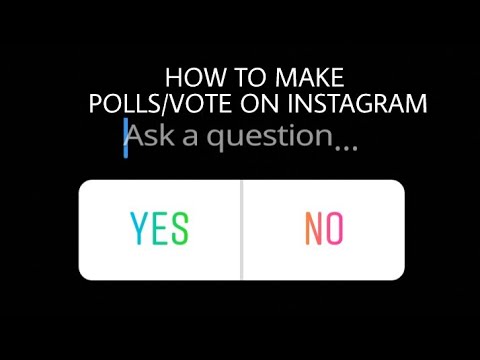 After clicking on one of the buttons, you will see the percentage of answers so far.
Instagram* polls in Stories are used for two purposes:
There are, of course, many more real reasons for using surveys. But we divide them into two directions, based on the feedback we expect from the audience. To get an opinion or to attract attention - it turns out something like this.
Along with the polls, you received response statistics. Statistics show how many votes were given for one or another answer option; from this data, the total number of voters can be calculated. There is also detailed information for each user - see who answered how.
There are two main tabs in statistics:
The views show the number of voters for a particular answer, and the lists of voters show a detailed report of those who clicked which answer.
In addition, by clicking on the up arrow, you can make a post from the History to the feed.
If you didn't have time to see the results of the survey, and the Stories have already expired, go to the archives of your account, all old Stories with the results are stored there.
On the main page of the account, go to settings, then to the archive, and select the Stories archive Poll-evaluation . Make a poll with a one-word question "Do you like it?" or "Do you agree?" For such surveys, the standard “Yes” and “No” will do.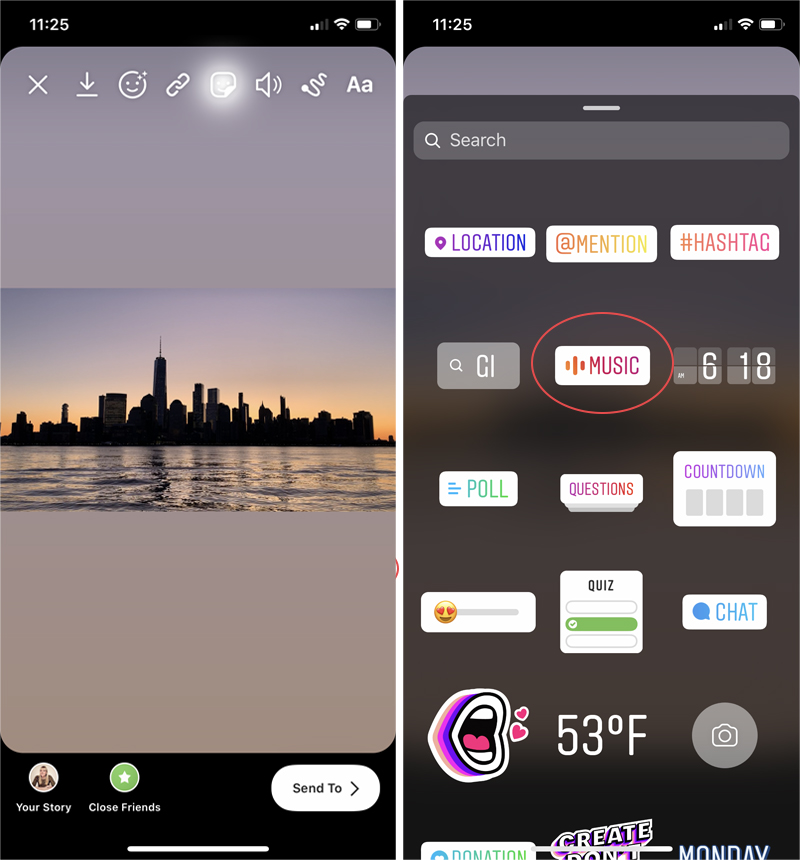 You can ask about everything. I often see questions about content, account or new photos: “What is the best photo processing?” (“Before / After”), “Tell me more about the psychology of personal relationships?” (“Yes / No”), “Evaluate the quality of our manager’s work” (“Good / Bad”).
Research target audience . Run polls to help you understand what your audience likes best. For example, ask what content your subscribers prefer - “Video” or “Photo”, which coffee tastes better - with milk or black. Do not be afraid to add a little provocation, for example, ask who cooks better (drives a car, understands SMM, and so on) - men or women.
Audience Opinion Survey ExamplesFind out intentions
When you are going to broadcast live, run a marathon, or just make a series of posts on a topic, it's good to know the interest of your audience on the beach.
Of course, you will get an approximate result, but it will already be possible to navigate by it.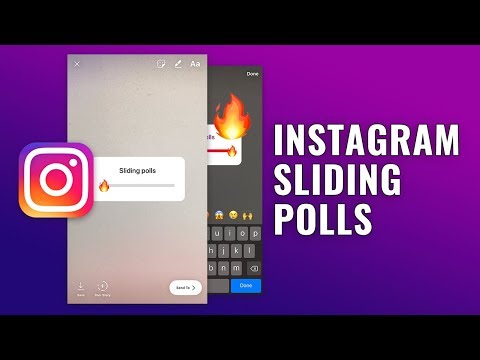 Find some tests from the "your mental age" series and adapt them to Stories. Then alert the audience about the test, and run several slides in a row at once - in the end you will have a real game of engagement.
 More examples of interesting polls in Stories:
Before starting the game, we warn and give a hint An example of competently adapting a regular test to the poll format in StoriesIf you want to test using the appropriate sticker, read about it and not only in the article "How and why to conduct surveys" in our blog.
Quiz . Quizzes, unlike tests, involve a question that has a correct answer. This answer can be given immediately after the question, or some time later. Many linguistic bloggers launch surveys in the style of “What is the right way - are you calling or are you calling?”. Try doing something similar in your account. And don't forget to answer!
With quizzes, users can not only test their knowledge, but also learn something useful "Warming up" for sale . In marketing theory, there is such a thing as "customer temperature", which refers to the readiness of the client to purchase. Let's use this theory and try to warm up the audience with the help of polls. Place two products on the first slide and ask your audience to choose the product they like best. On the next slide, leave one of the same products, plus offer a discount on it. If a person has already admitted that he likes the product, the likelihood of a purchase will be higher.
The same rule applies to a new post in the feed that you want to pay attention to.
Increasing interest in the questions described in the post Encouragement to read for those who answer yesEncouragement to listen to information
It happens when a blogger wants to announce something or just share something, but a long speech not everyone will listen in stories. Polls are added as the story progresses to grab the user's attention.
In this way, the viewer willy-nilly catch their eye and ask what they are discussing It can be different. You can cutely ask about some little things, or you can make your audience worry about you and frantically follow your stories.
There is also the following trick: you need to tell your audience about something, but the poll seems to be of no use, so you put ... two identical answers!
A very popular trick: you get a reaction to the Story just because people see the poll and “get stuck” on itWhat can go wrong if everything is nice, neat and interesting?
First, you need to remember that everyone's smartphones are different, screens are also different sizes, and if text or poll buttons on your phone are not overlapped by the profile name or the "Send a message" window, then this may not be for everyone. Therefore, when placing a survey on the screen, remember that it is not desirable to place it at the very bottom and at the very top.
Secondly, if your text is in any way related to the pandemic, then the corresponding inscription will appear on the History at the bottom, and everything will be blocked.
Be sure to view Stories after postingCreate a basic Story with a photo or video.
Access the sticker menu by clicking on the sticker icon. In the list, find the "Survey" sticker if you have the English version of Instagram installed*.
Once you attach the poll sticker, you can ask a question and change the button names.
Answers that are too long should be written in the title, and emoticons should be added to the buttons themselves - this way the poll looks neaterIf the poll requires two or more photos to be shown to viewers, the options are as follows:
You can add multiple photos using the corresponding sticker. The downside is that you have to scale down and position the images on the screen using your fingers, and it's not always possible to do it beautifully and the way you intended.
The minus of the second option - collage - is significant: you can place the photo only in the designated windows. If you want to place two photos from the bottom, you will not succeed, since the social network starts posting photos from rectangle No. 1 and ends with No. 4. And when you try to delete, for example, No. 2, numbers 3 and 4 move up.
The disadvantage of the third option is a long preparation. Let's take a look at the fourth option below.
Go to SMMplanner and start creating a new Story.
For this, the service has a separate beautiful button. When you click, a window will open with a phone screen In the first tab, select the account where the Story will be published, in the second - set up the background
 applications.
In the third tab, select the "Survey" stickerWrite the question itself and customize the answers, then click OK. Now it remains to set the time for the release of the Story and publish it by adding a poll to the Stories!
Let's add some images to the History. There are two options in SMMplanner:
If you want the text color of the question to be different or located in a different place, use the Text sticker to write the question. And in the “Poll” sticker, leave the field for the question empty.
Select the Canva service in the background section and create a cool Story with a question Click "Insert in Story Maker" and the created image will be displayed in the SMMplanner window.